James Futhey
164 posts by James Futhey.
-
Meeting Room 365 not affected by the PHP2Shell vulnerability
Meeting Room 365 doesn't use PHP in its core services. The isolated proxies that do were patched on October 21.
-
How to Trace Emails with Get-MessageTraceV2 in Powershell
Use Get-MessageTraceV2 in Exchange Online PowerShell to trace email delivery, filter message data, check status, and troubleshoot mail flow issues.
-
How to use Set-MailboxImportRequest in Powershell
Learn how to use Set-MailboxImportRequest in PowerShell to modify existing Exchange mailbox import requests, limits, priority, and other settings.
-
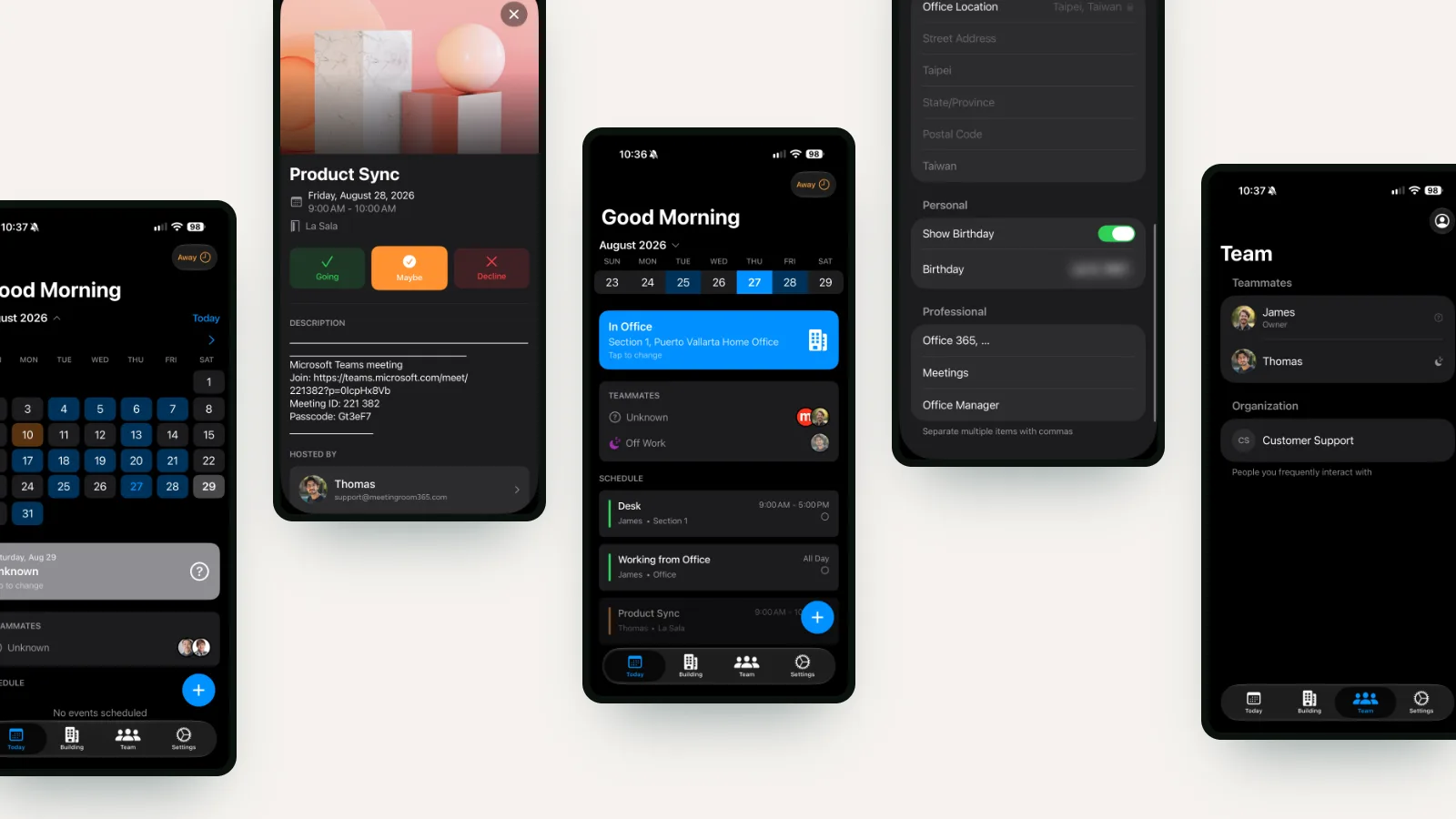
How to design desk booking around Microsoft 365 and Places in 2026
Microsoft made Places Finder free and licensed booking a specific desk. Why Outlook desk pools plus an app cost less to buy and far less to maintain.
-
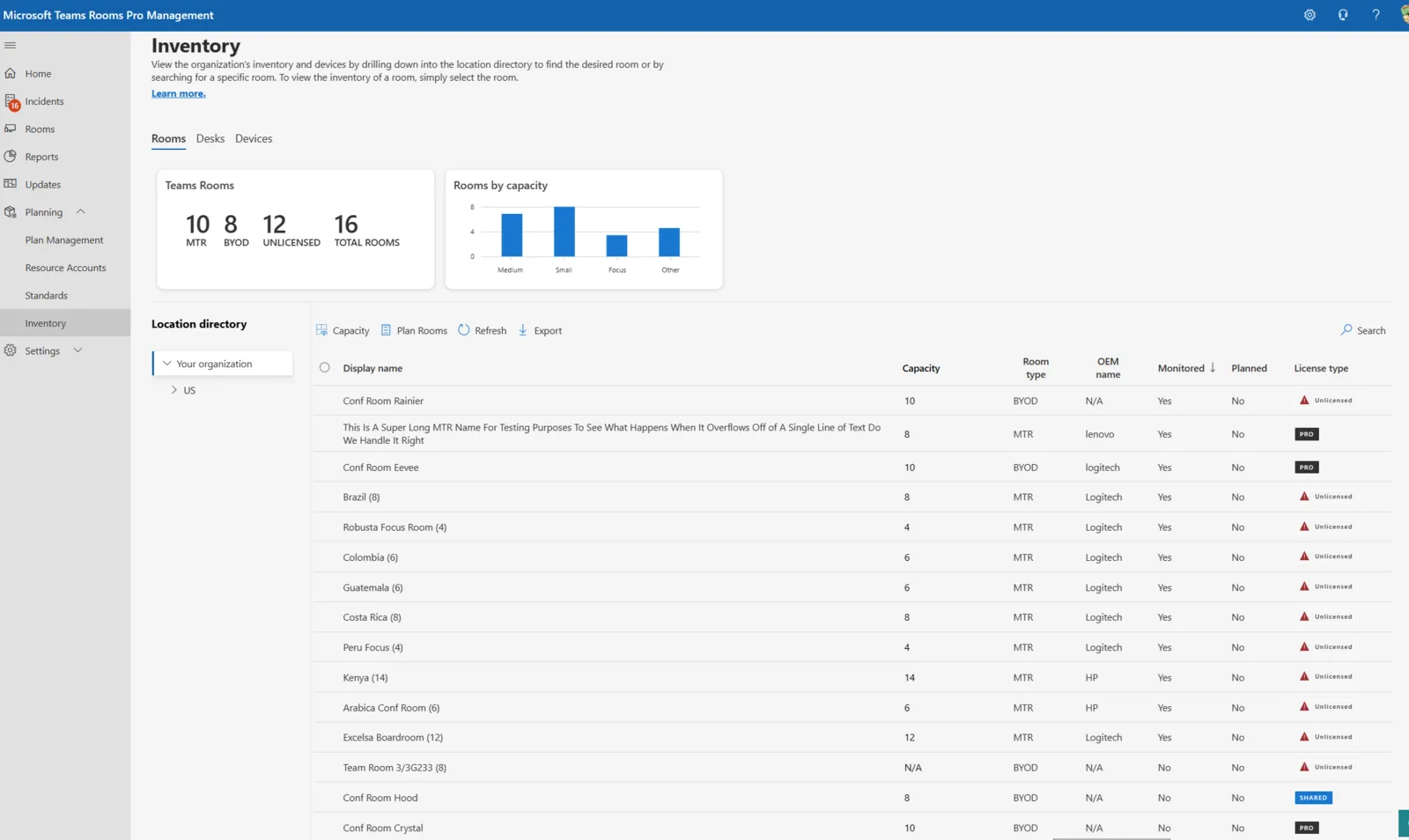
Teams Rooms Management costs $40 a room. The free license covers a list and little else.
Teams Rooms Pro is $40 per room per month. What the free Basic license still covers after September 30, what needs Pro, and what a Teams panel costs.
-

How to Control Outlook Work-Location in Free/Busy with PowerShell
Learn how to control Outlook work-location details in free/busy with PowerShell using LocationDetailsInFreeBusy, including None, Building, and Desk.
-
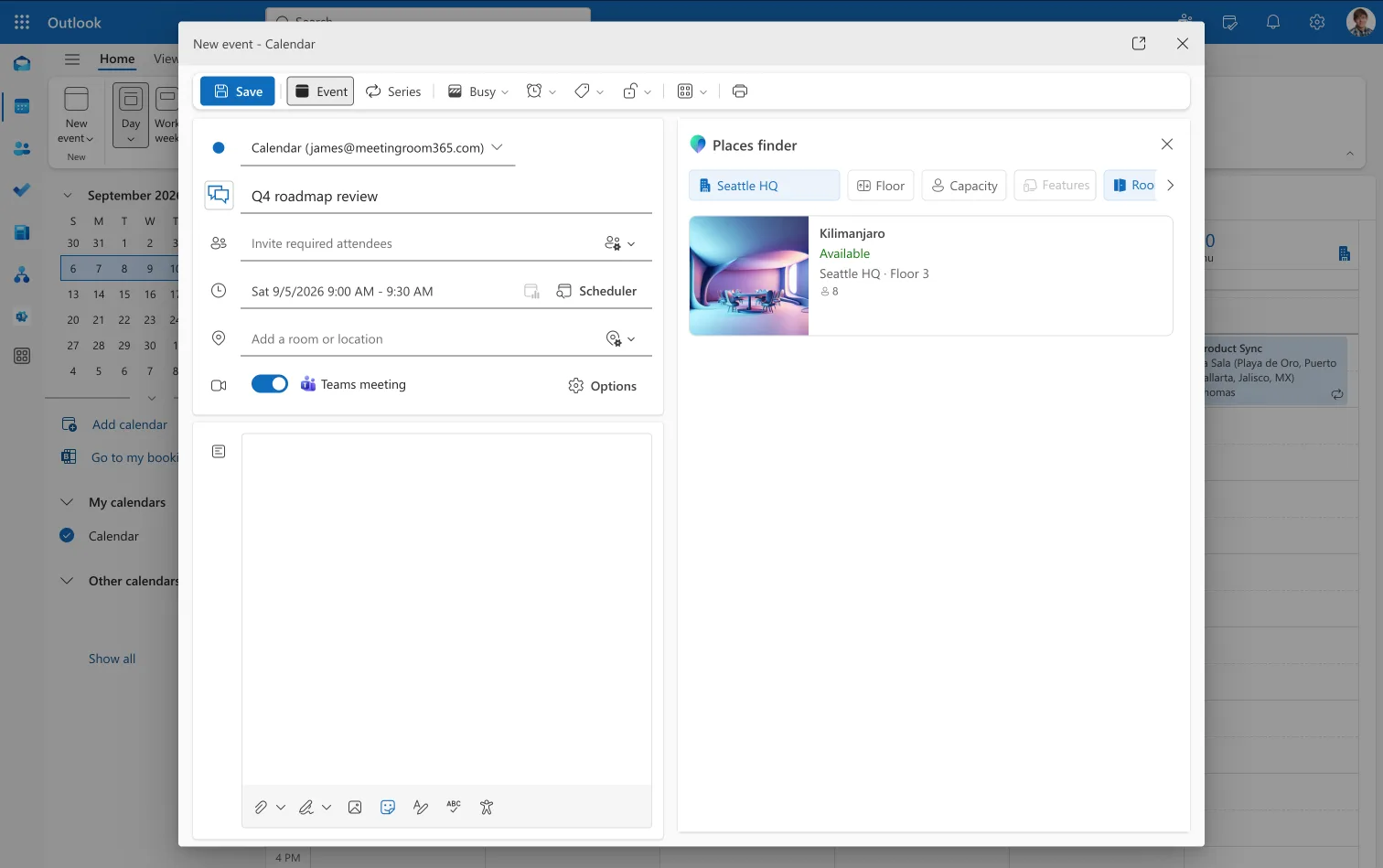
Places Premium is now free. And it's what your Microsoft 365 workspace has been waiting for.
On 1 April 2026 Places Finder and Explorer joined every Microsoft 365 plan. What's included, what still needs a space license, and why setup decides it.
-
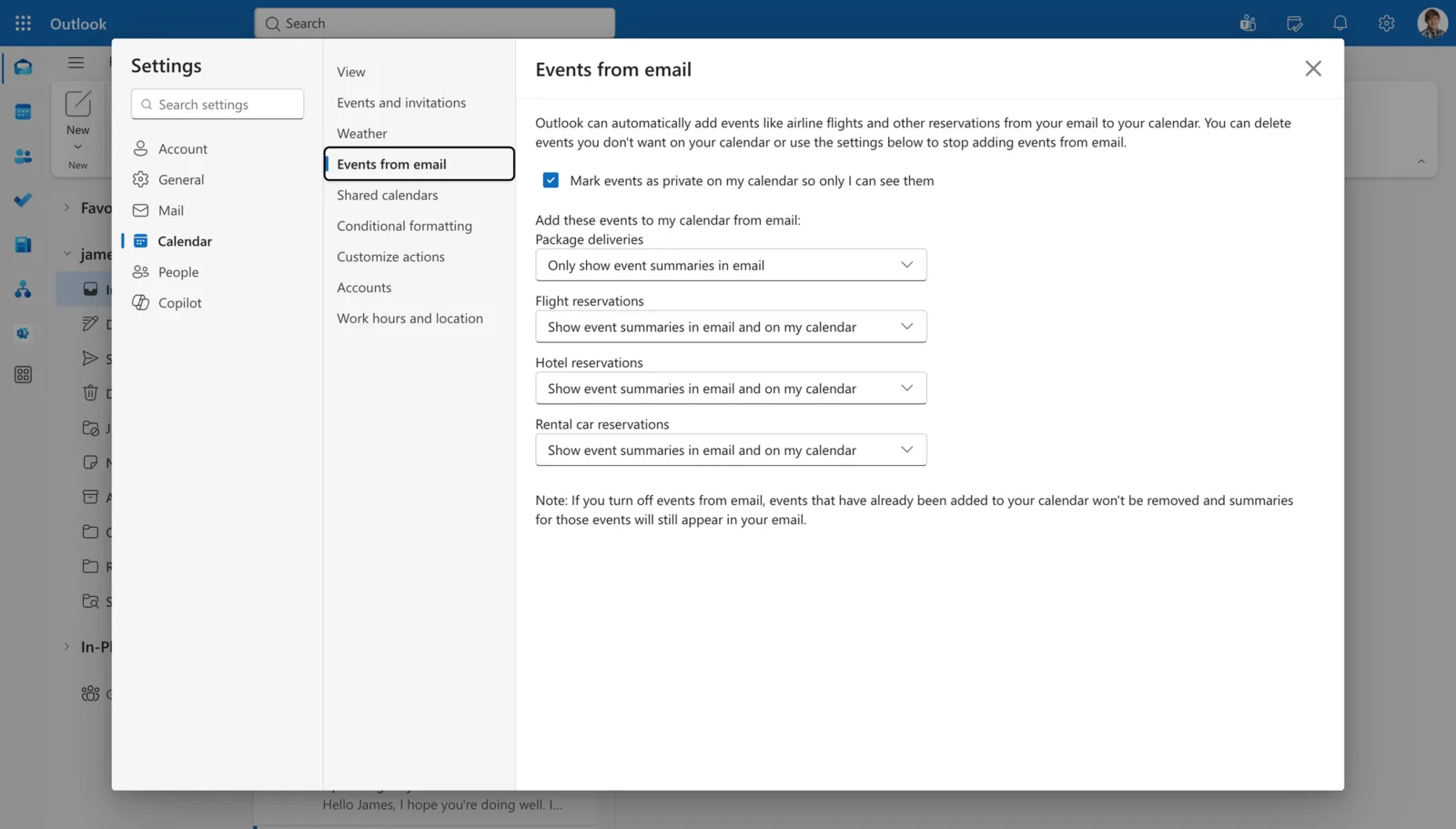
How to Manage Events from Email in Exchange Online PowerShell
Manage Outlook events from email with Exchange Online PowerShell: EventsFromEmailEnabled, categories, privacy settings and multi-mailbox setup.
-
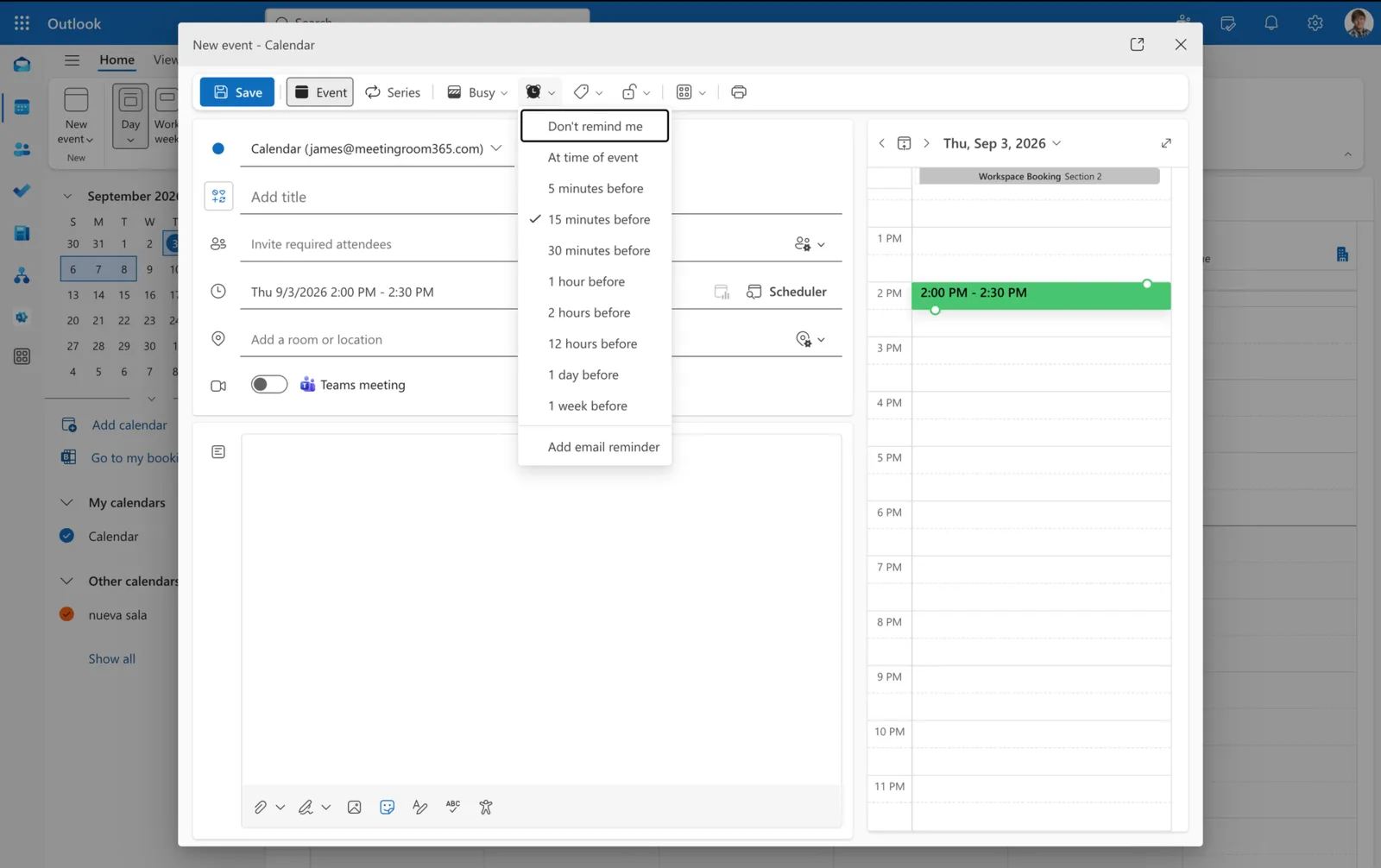
How to Configure Outlook Calendar Reminders with PowerShell
Configure Outlook calendar reminders with PowerShell: DefaultReminderTime, RemindersEnabled, reminder sounds and other Exchange Online settings.
-
How to Configure Outlook Meeting Defaults with Powershell
Learn how to configure Outlook online meeting defaults with PowerShell, select a meeting provider, apply organization defaults, and verify mailbox settings.
-
How to Configure Outlook Working Hours with Powershell
Learn how to set Outlook working hours with PowerShell, including workdays, time zones, week numbering, calendar scale, and bulk mailbox updates.
-
How to Use Set-MailboxCalendarConfiguration in PowerShell
Use Set-MailboxCalendarConfiguration to inspect, change, preview and verify mailbox calendar settings in Exchange Online and Exchange Server.
-
Using Remove-MailboxUserConfiguration in Powershell
Learn how to use remove-mailboxuserconfiguration in PowerShell to remove user configuration items from mailboxes in Exchange Online and Exchange Server.
-
How to Use Remove-InboxRule in Powershell
Learn how to use remove-inboxrule in PowerShell to delete Inbox rules from Exchange Online and on-premises Exchange mailboxes.
-
How to Use Remove-RecipientPermission in Powershell
Learn how to use the Remove-RecipientPermission cmdlet in PowerShell to manage and revoke SendAs permissions for users in Exchange Online.
-
Using New-DistributionGroup in Powershell: All You Need to Know
How to use the New-DistributionGroup cmdlet in PowerShell to create distribution groups and mail-enabled security groups in Exchange environments
-
How to Use Get-CalendarProcessing in Powershell
How to use the Get-CalendarProcessing in PowerShell to manage calendar processing options for resource mailboxes in Exchange
-
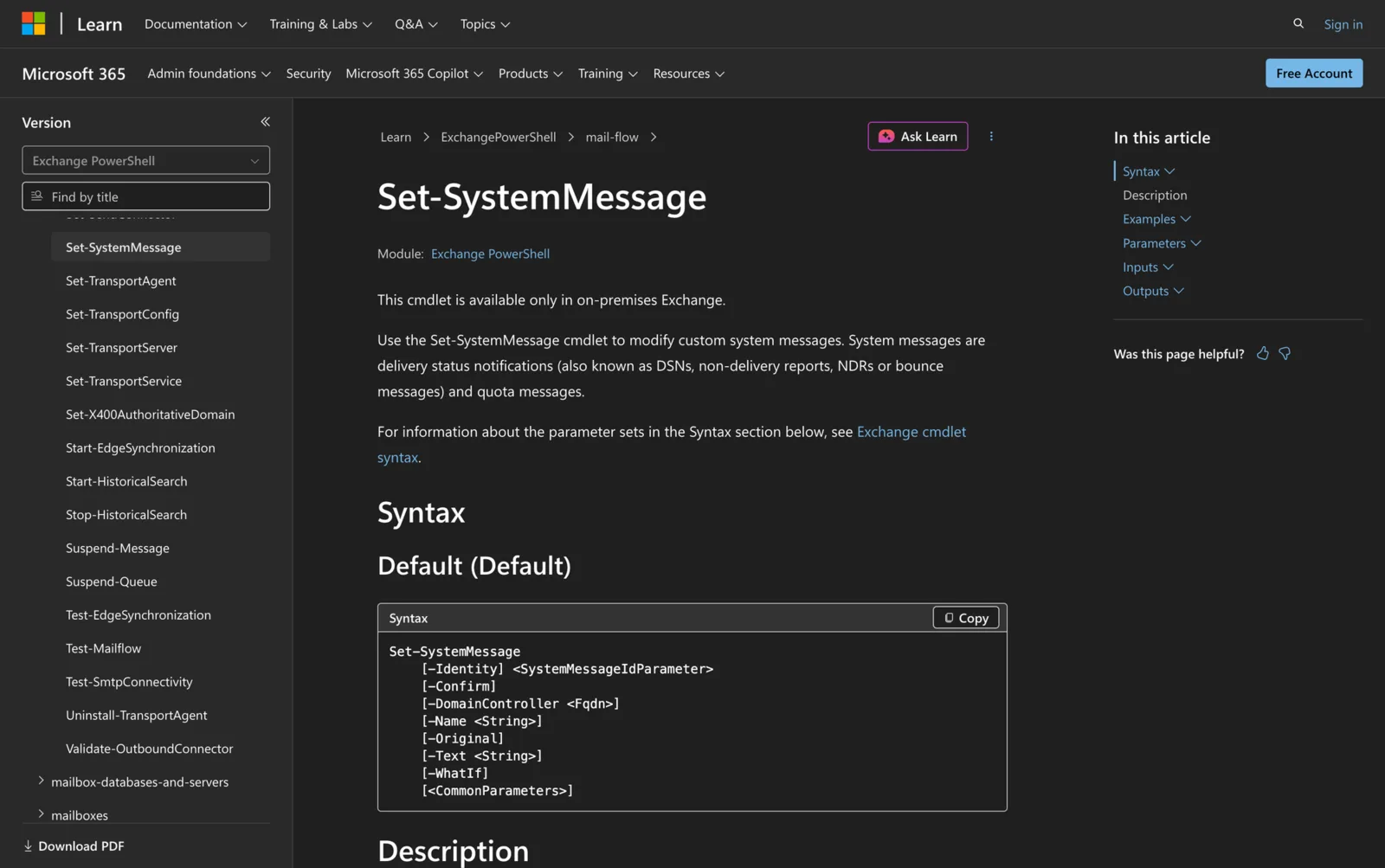
Using Set-SystemMessage in Powershell: All You Need To Know
Discover how to use the Set-SystemMessage cmdlet in PowerShell to effectively modify custom system messages in Exchange Server environments.
-
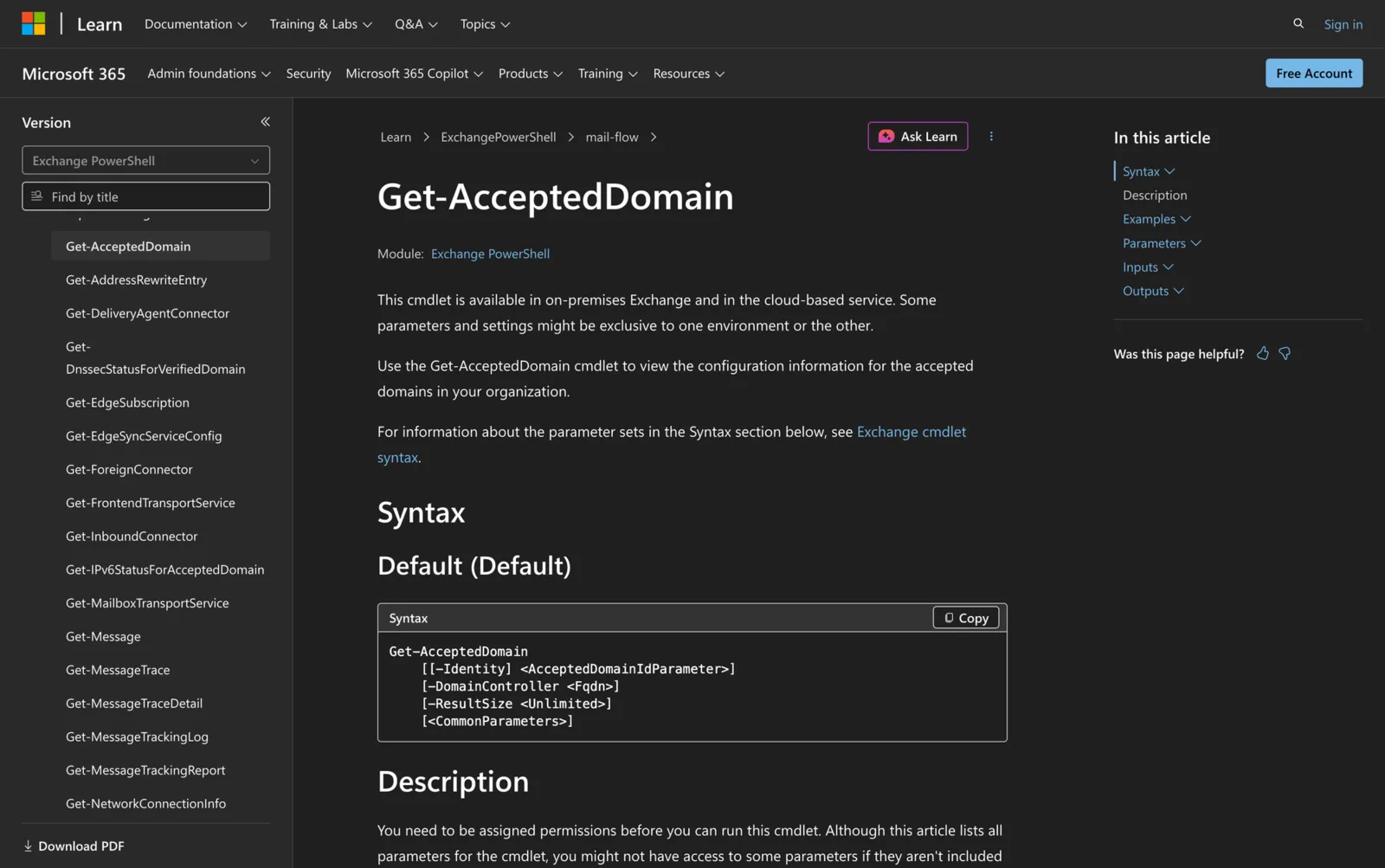
How to Use Get-AcceptedDomain in PowerShell
Learn how to use the Get-AcceptedDomain cmdlet in PowerShell to view configuration information for accepted domains in your Exchange organization
-
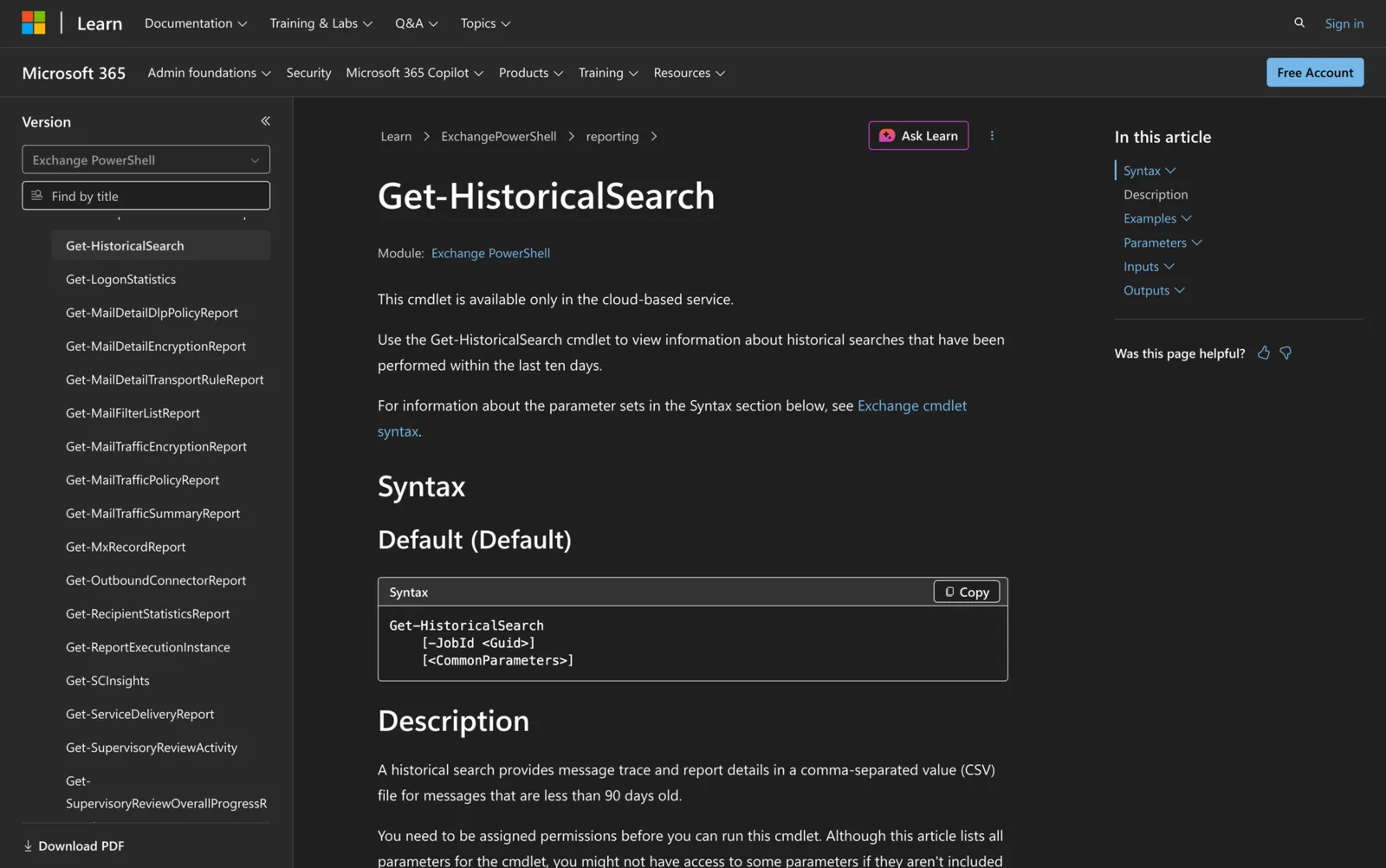
Using Get-HistoricalSearch in PowerShell
How to use Get-HistoricalSearch to retrieve information on historical message searches in Exchange Online and review historical search jobs.
-
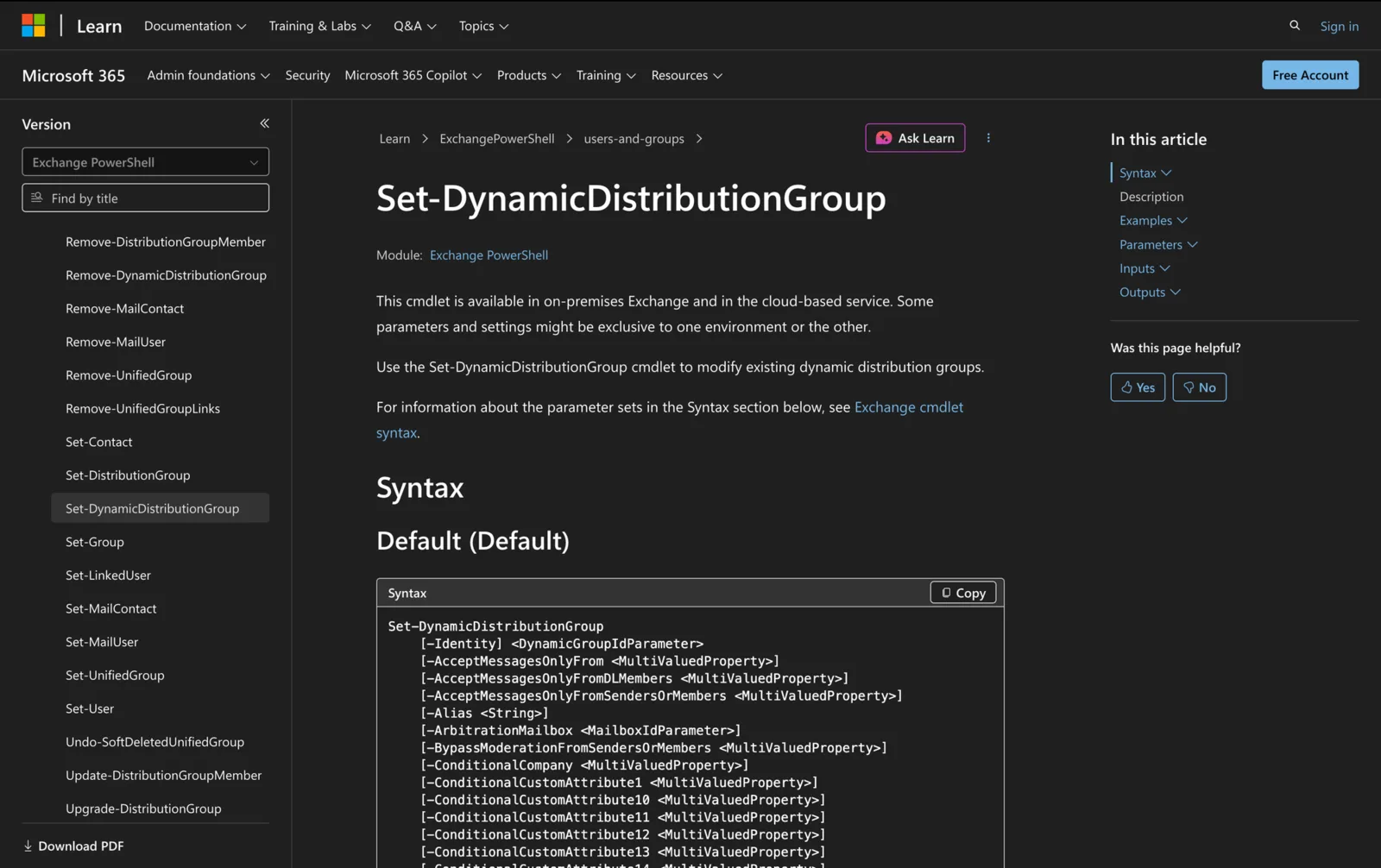
How to Use Set-DynamicDistributionGroup in PowerShell
How to use Set-DynamicDistributionGroup cmdlet in PowerShell to modify existing dynamic distribution groups in Exchange Server / Online
-
Using Set-RecipientFilterConfig in PowerShell
Discover how to use Set-RecipientFilterConfig in PowerShell to configure the Recipient Filter agent, enhancing your email filtering capabilities.
-
Using Get-EXORecipientPermission in Powershell
Learn how to use the Get-EXORecipientPermission cmdlet in PowerShell to view SendAs permissions for users in Exchange Online.
-
How to Use New-MailboxFolder in Powershell
Learn how to use the New-MailboxFolder cmdlet in PowerShell to efficiently create new folders within your Exchange mailbox.
-
Using Get-CalendarDiagnosticObjects in Powershell
Learn how to use Get-CalendarDiagnosticObjects cmdlet in PowerShell to analyze calendar logs for troubleshooting Exchange Online mailboxes.
-
How to Use Remove-Mailbox in Powershell
How to use Remove-Mailbox cmdlet in PowerShell to effectively manage mailbox deletions in both Exchange Server and Exchange Online environments
-
Using Get-QuarantineMessage in Powershell
Learn how to use the Get-QuarantineMessage cmdlet in PowerShell to view quarantined messages and files in Exchange Online.
-
How to Use Get-TransportRule in Powershell
Discover how to use Get-TransportRule cmdlet in PowerShell to view and manage mail flow rules in Exchange Server and Exchange Online environments
-
Using Set-FocusedInbox in Powershell: All You Need to Know
Learn how to use the Set-FocusedInbox cmdlet in PowerShell to manage and configure the Focused Inbox feature for mailboxes in Exchange Online.
-
How to Use Set-EventsFromEmailConfiguration in Powershell
Learn how to use the Set-EventsFromEmailConfiguration cmdlet in PowerShell to configure automatic event discovery from emails in Exchange Online.
-
Using Get-MailboxPlan in Powershell: All You Need Know
Learn how to use the Get-MailboxPlan cmdlet in PowerShell to manage and view mailbox plans in Exchange Online for your organization.
-
How to Use Undo-SoftDeletedMailbox in Powershell
Learn how to use the Undo-SoftDeletedMailbox cmdlet in PowerShell to recover soft-deleted mailboxes in Exchange Online.
-
How to Use Get-MailboxUserConfiguration in Powershell
Discover how to use the Get-MailboxUserConfiguration cmdlet in PowerShell to view user configuration items in Exchange mailboxes.
-
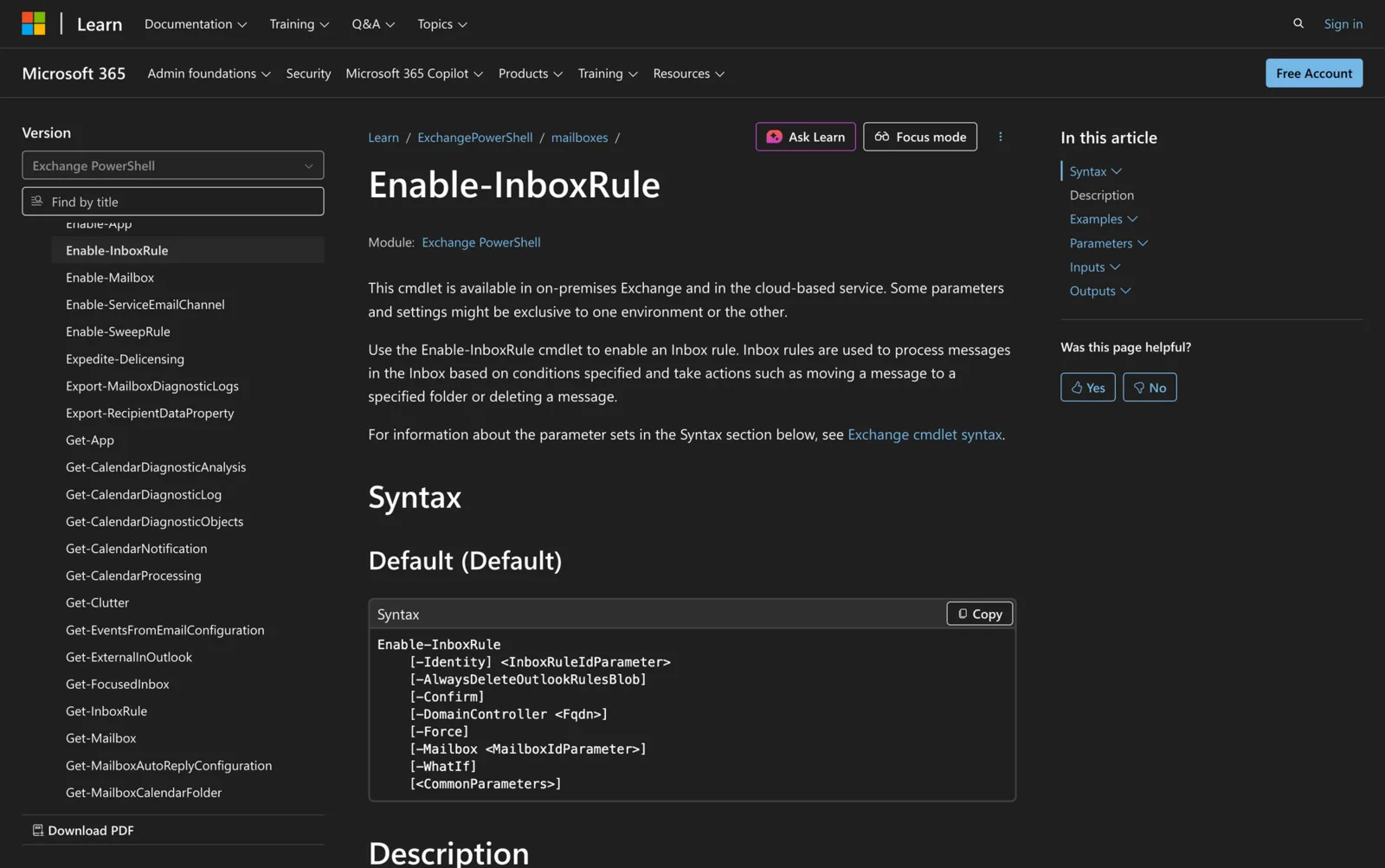
Using Enable-InboxRule in Powershell: All You Need To Know
Use the Enable-InboxRule cmdlet in PowerShell to enable specific inbox rules for managing email messages efficiently in Exchange
-
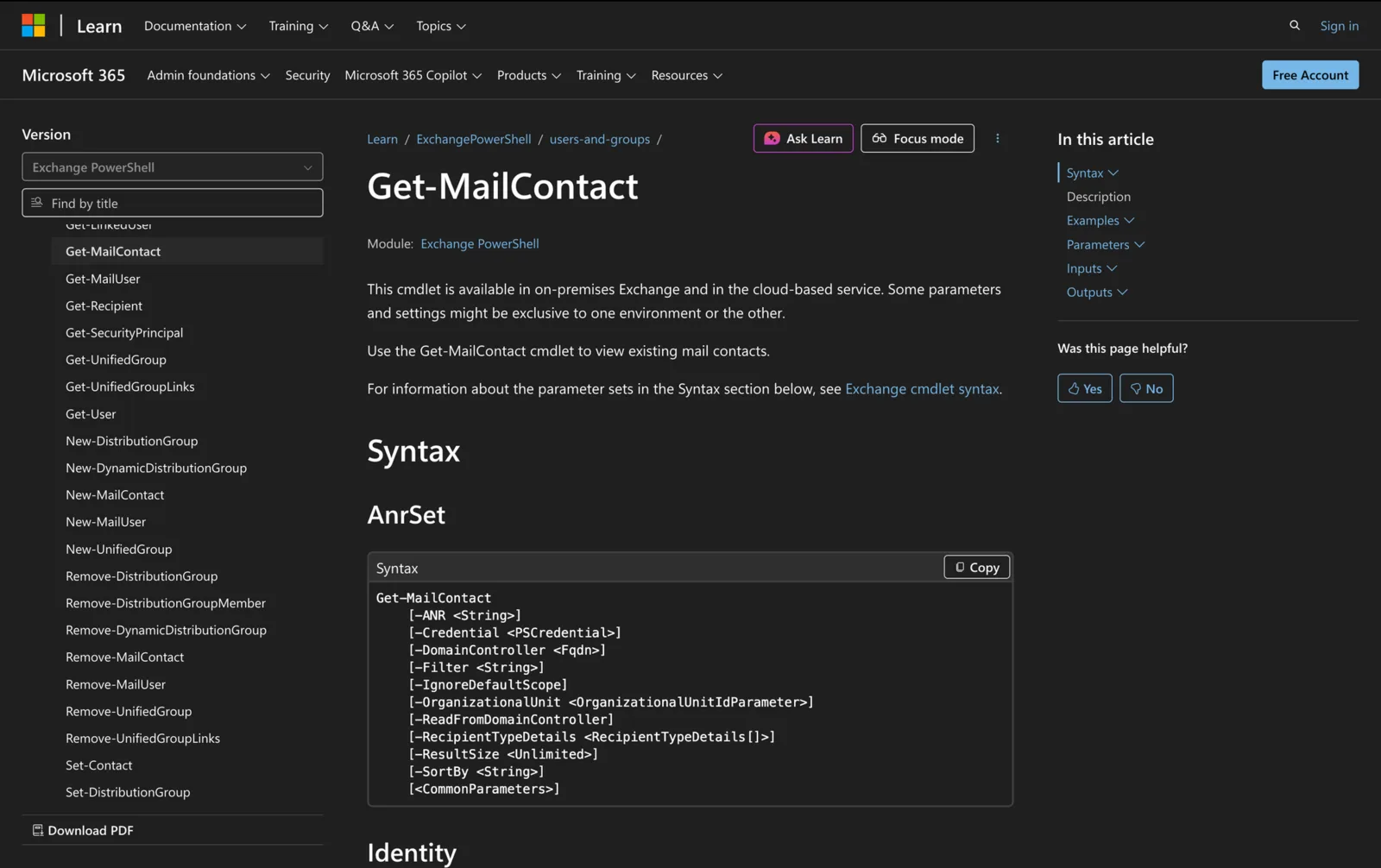
How to Use Get-MailContact in Powershell
Learn how to use the Get-MailContact cmdlet in PowerShell to view mail contacts in Exchange Server and Exchange Online.
-
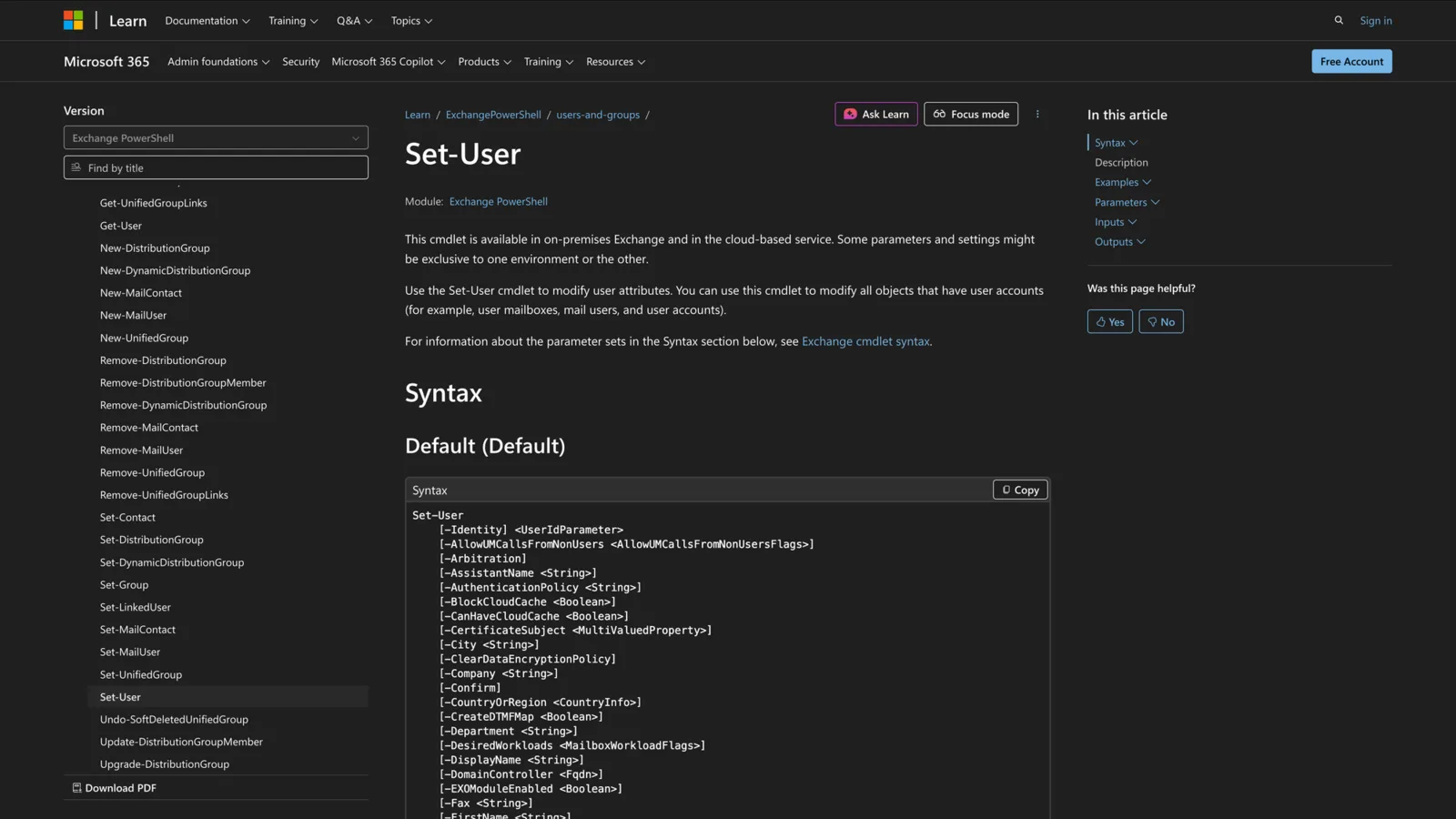
Using Set-User in Powershell: All You Need To Know
Learn how to use the Set-User cmdlet in PowerShell to modify user attributes in Exchange, Active Directory, and streamline user management tasks
-
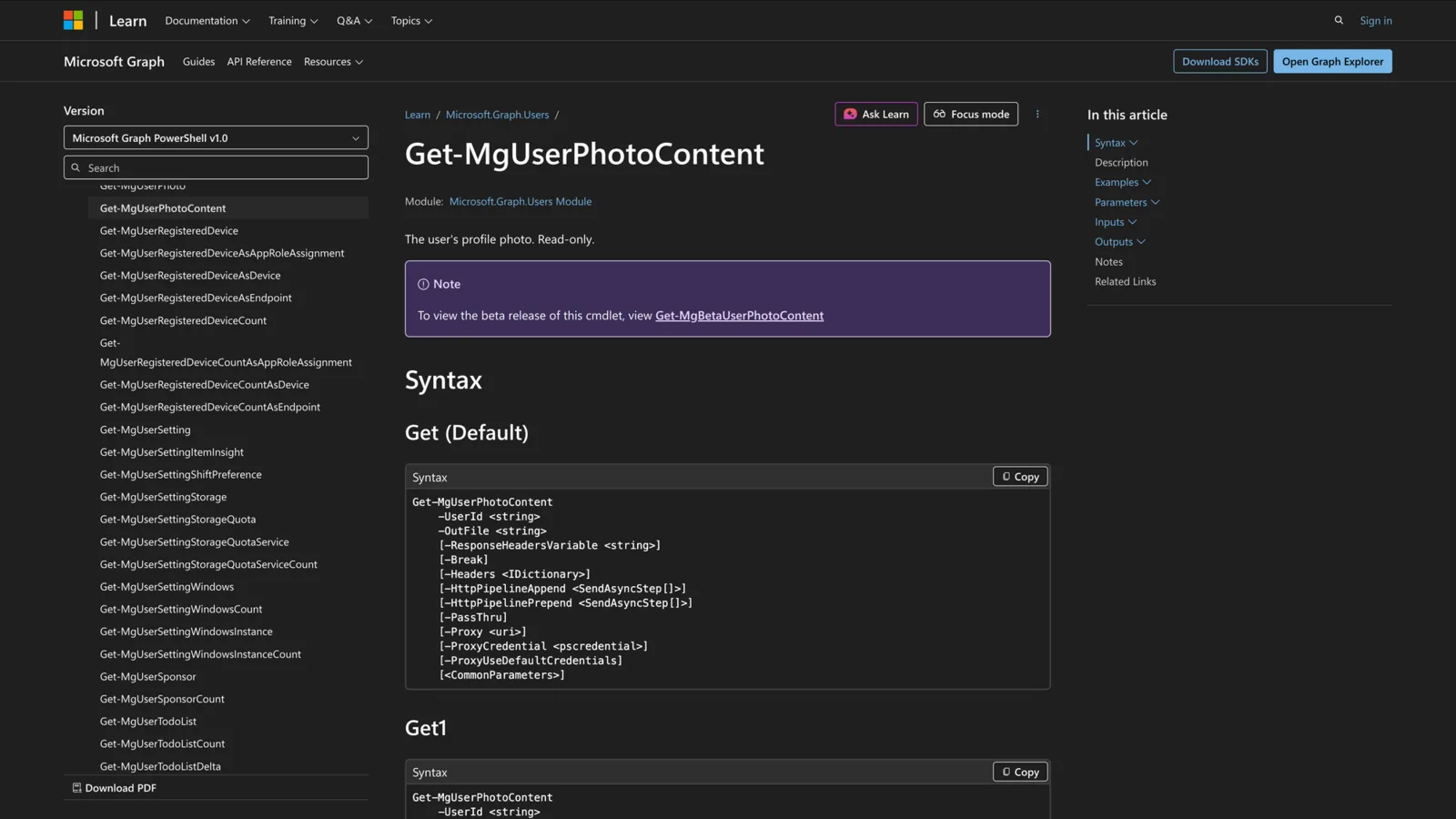
How to Use Get-MgUserPhotoContent in PowerShell
Discover how to utilize the Get-MgUserPhotoContent cmdlet in PowerShell to retrieve user profile photos in Microsoft Graph environments.
-
How to Use Get-ManagementRoleEntry in Powershell
Use the Get-ManagementRoleEntry PowerShell cmdlet to manage Exchange RBAC permissions, including syntax, parameters, & real-world usage scenarios
-
How to Use Set-RoleGroup in Powershell
Learn how the Set-RoleGroup PowerShell cmdlet can modify management role group settings, delegates & descriptions in your Exchange organization
-
How to Use Get-MailTrafficSummaryReport in PowerShell
Learn how to use the Get-MailTrafficSummaryReport cmdlet in PowerShell to summarize information about message traffic in Exchange Online
-
How to Use Set-MgUserPhotoContent in Powershell
Learn how to use Set-MgUserPhotoContent in PowerShell to upload or replace Microsoft 365 user profile photos through Microsoft Graph PowerShell.
-
Using Set-ResourceConfig in Powershell: All You Need to Know
Learn how to use the Set-ResourceConfig PowerShell cmdlet to manage resource properties across rooms in Exchange Server & Exchange Online
-
How to Use Set-MailboxExportRequest in Powershell: 4 Practical Examples
Learn how to use the Set-MailboxExportRequest cmdlet in PowerShell to manage mailbox export requests in Microsoft Exchange Server environments.
-

How to use Get-EmailAddressPolicy in Powershell
Learn how to use Get-EmailAddressPolicy in PowerShell to view and verify email address policies in Exchange Server and Exchange Online.
-
Using Get-MailboxAutoReplyConfiguration in Powershell
Learn how to use Get-MailboxAutoReplyConfiguration in PowerShell to view & audit mailbox auto-reply settings across Exchange Online & Office 365
-
How to use Get-ResourceConfig in Powershell
Learn how to use the Get-ResourceConfig PowerShell cmdlet to manage and view Exchange resource property schemas for mailboxes and rooms.
-
Using Get-CalendarDiagnosticLog in Powershell: Guide+Examples
Troubleshoot calendar issues in Exchange with the Get-CalendarDiagnosticLog cmdlet. Analyze mailbox logs, meeting changes, and calendar items
-
Using Export-MailboxDiagnosticLogs in Powershell
Learn how to use the Export-MailboxDiagnosticLogs cmdlet in PowerShell to analyze mailbox activity and extract diagnostic properties in Exchange.
-
How to Use New-Mailbox in Powershell
How to use New-Mailbox PowerShell cmdlet to create user mailboxes, shared mailboxes, & resource mailboxes in Exchange Online and Exchange Server
-
How to Use Set-MailboxRegionalConfiguration in Powershell
Learn how to use Set-MailboxRegionalConfiguration in PowerShell to configure mailbox language, date, & time in Exchange Online & Microsoft 365
-
Using New-TransportRule in Powershell: All You Need To Know
Use New-TransportRule in PowerShell to create mail flow rules in Exchange and Exchange Online for automated handling, security and compliance.
-

How to Use Get-Mailbox in Powershell
How to use Get-Mailbox in PowerShell to retrieve mailbox details in Exchange environments. Includes practical examples, parameters, & use cases
-
How to Use Set-Content in Powershell
Learn how to use the Set-Content cmdlet in PowerShell to write or replace content in files, with full syntax, parameters and real-world use cases
-
How to Use Set-ExecutionPolicy in Powershell
Learn how to use the Set-ExecutionPolicy cmdlet in PowerShell to manage script execution policies across scopes with step-by-step examples and best practices.
-
Using Test-Connection in Powershell: All You Need To Know
Learn how to use the PowerShell Test-Connection cmdlet to test network connectivity and measure response times between computers using ICMP echo requests.
-
How to Use Get-Content in Powershell
Learn how to use the Get-Content cmdlet in PowerShell to read file contents, manage encoding, and work with large or dynamic files effectively.
-

22 Useful Powershell Commands for System Admins
22 Useful PowerShell Commands for System Admins to streamline daily tasks, manage remote machines, and reduce errors with powerful cmdlets.
-
How to Use Get-ChildItem in Powershell
Master the PowerShell Get-ChildItem cmdlet with step-by-step examples to list files, filter by extension, use wildcards, show hidden items, and more.
-
How to Use Get-Service in Powershell
Use Get-Service in PowerShell to list, filter and manage Windows services, with key parameters and practical troubleshooting examples.
-
How to Use Test-ComputerSecureChannel in Powershell
Learn how to use the Test-ComputerSecureChannel cmdlet to check and repair the secure channel between your computer and its domain in PowerShell.
-
Using Connect-MicrosoftTeams in Powershell
Learn how to use the Connect-MicrosoftTeams cmdlet to manage Microsoft Teams through PowerShell effectively.
-
How to use Get-MgAuditLogSignIn in Powershell
Learn how to use Get-MgAuditLogSignIn in PowerShell to track and analyze Microsoft Entra sign-in events, troubleshoot issues, and optimize sign-in monitoring.
-
How to use Set-ExternalInOutlook in Powershell
Learn how to use Set-ExternalInOutlook in PowerShell to enable external email tagging in Outlook, exclude trusted senders, and verify your settings.
-
Using Get-MessageTraceDetail in Powershell
Learn how to use the Get-MessageTraceDetail cmdlet in PowerShell to troubleshoot email delivery and track detailed message events in Exchange Online.
-
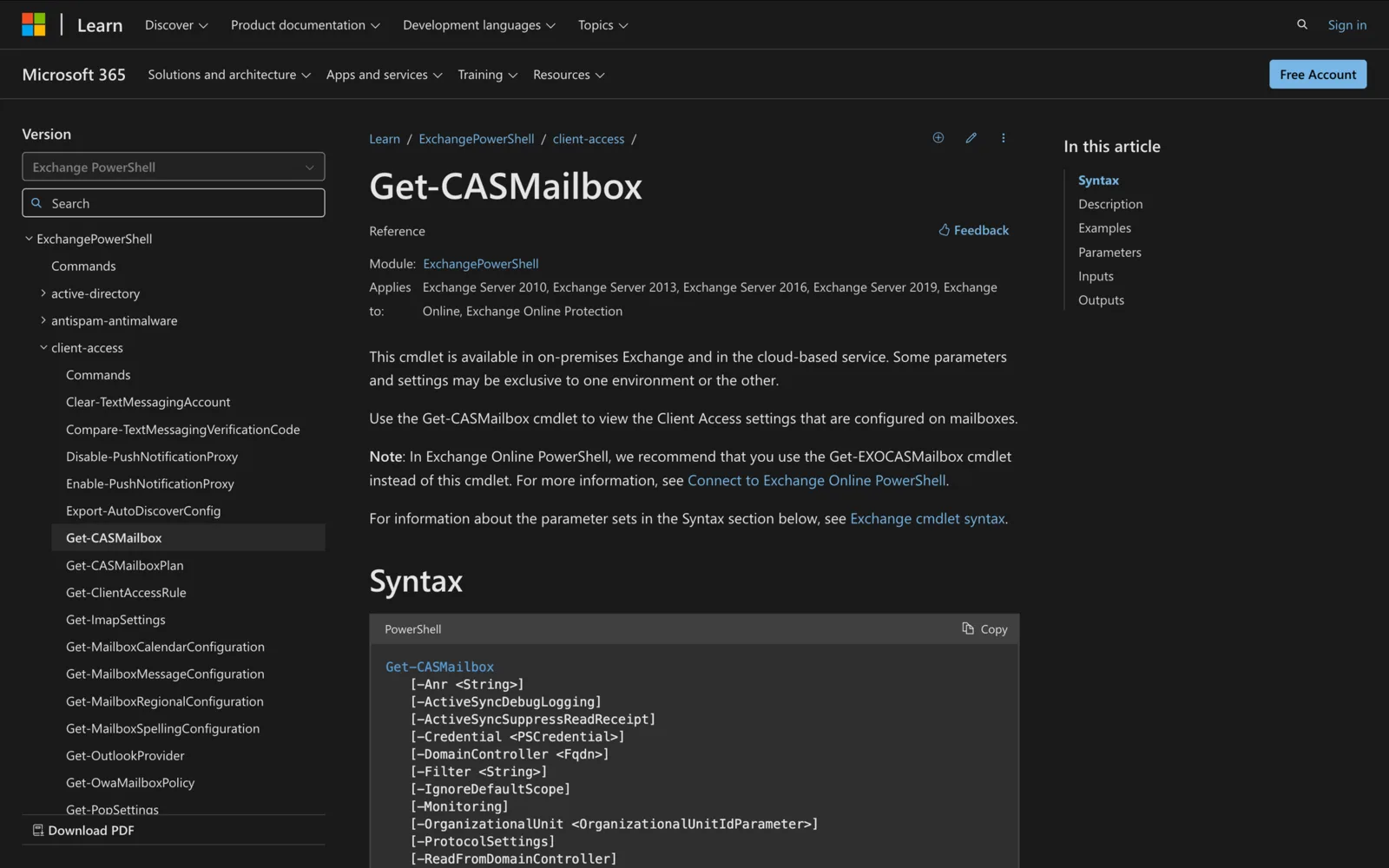
How to Use Get-CASMailbox in Powershell
Learn how to use the Get-CASMailbox cmdlet to check Client Access settings in Exchange, troubleshoot connectivity issues, and manage mailbox access.
-
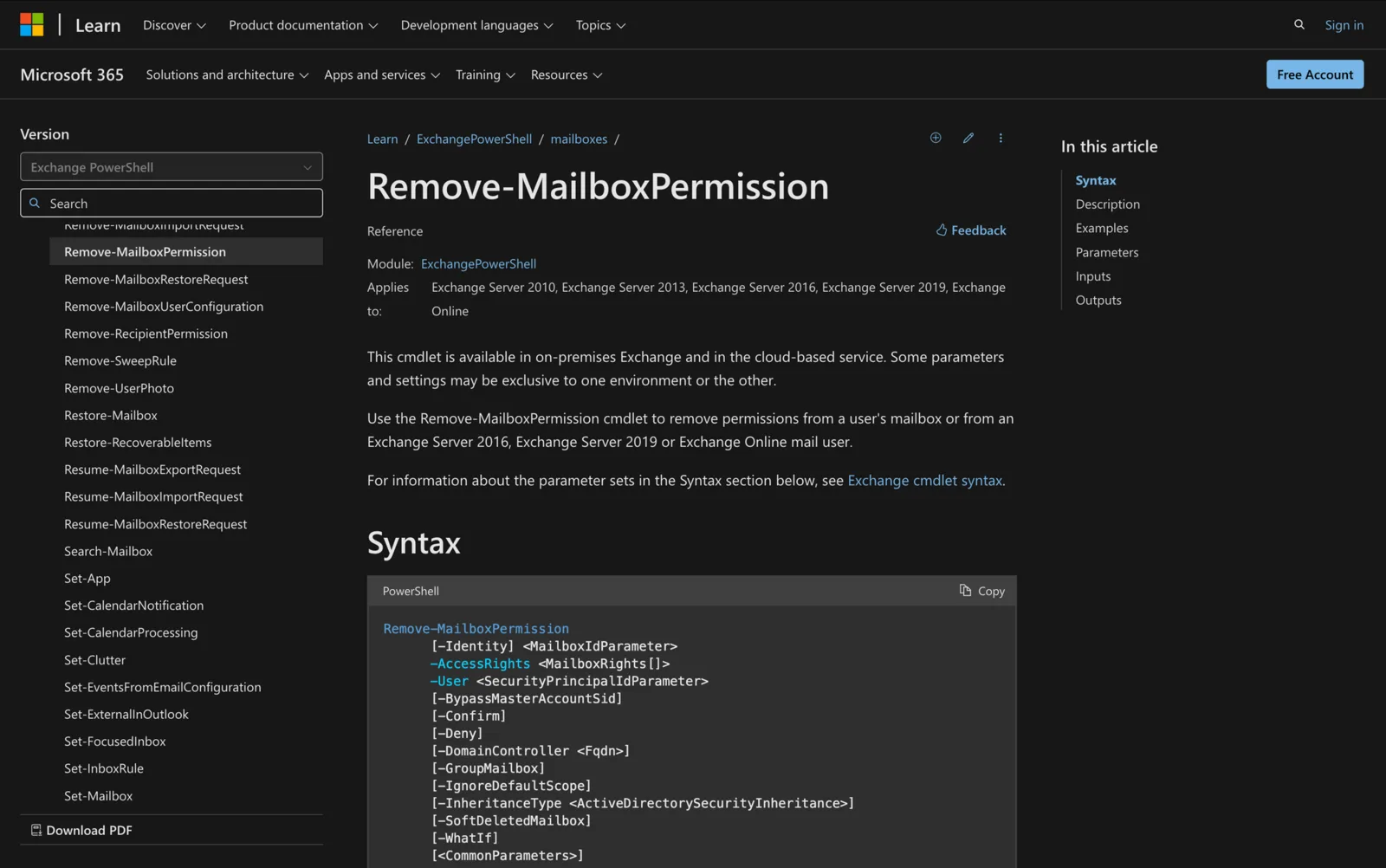
How to Use Remove-MailboxPermission in Powershell
Learn how to use Remove-MailboxPermission in PowerShell to revoke mailbox access in Exchange, ensuring security and proper permission management.
-
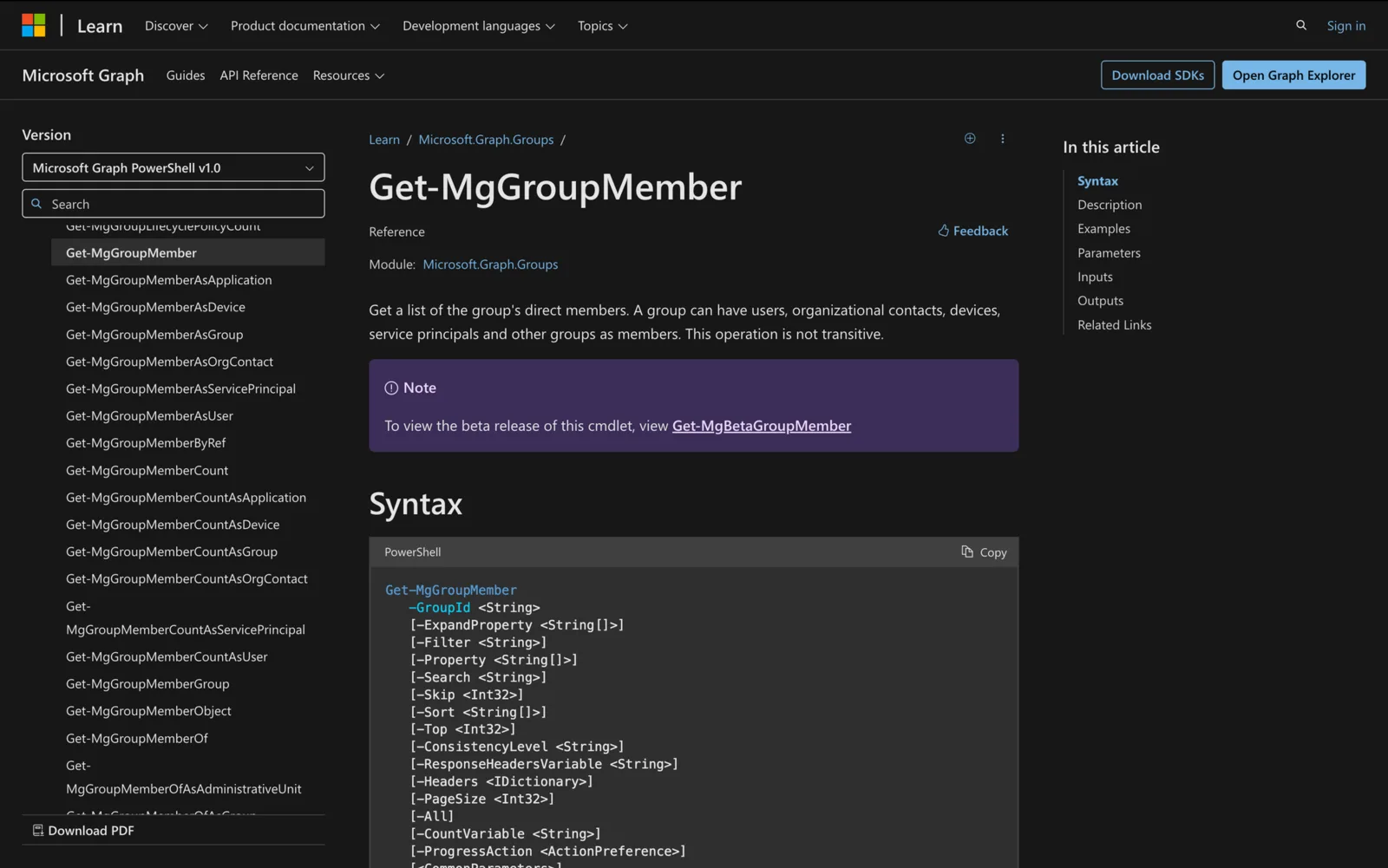
How to use Get-MgGroupMember in Powershell
Learn how to use the Get-MgGroupMember cmdlet in PowerShell to retrieve, manage and export Microsoft 365 group memberships.
-
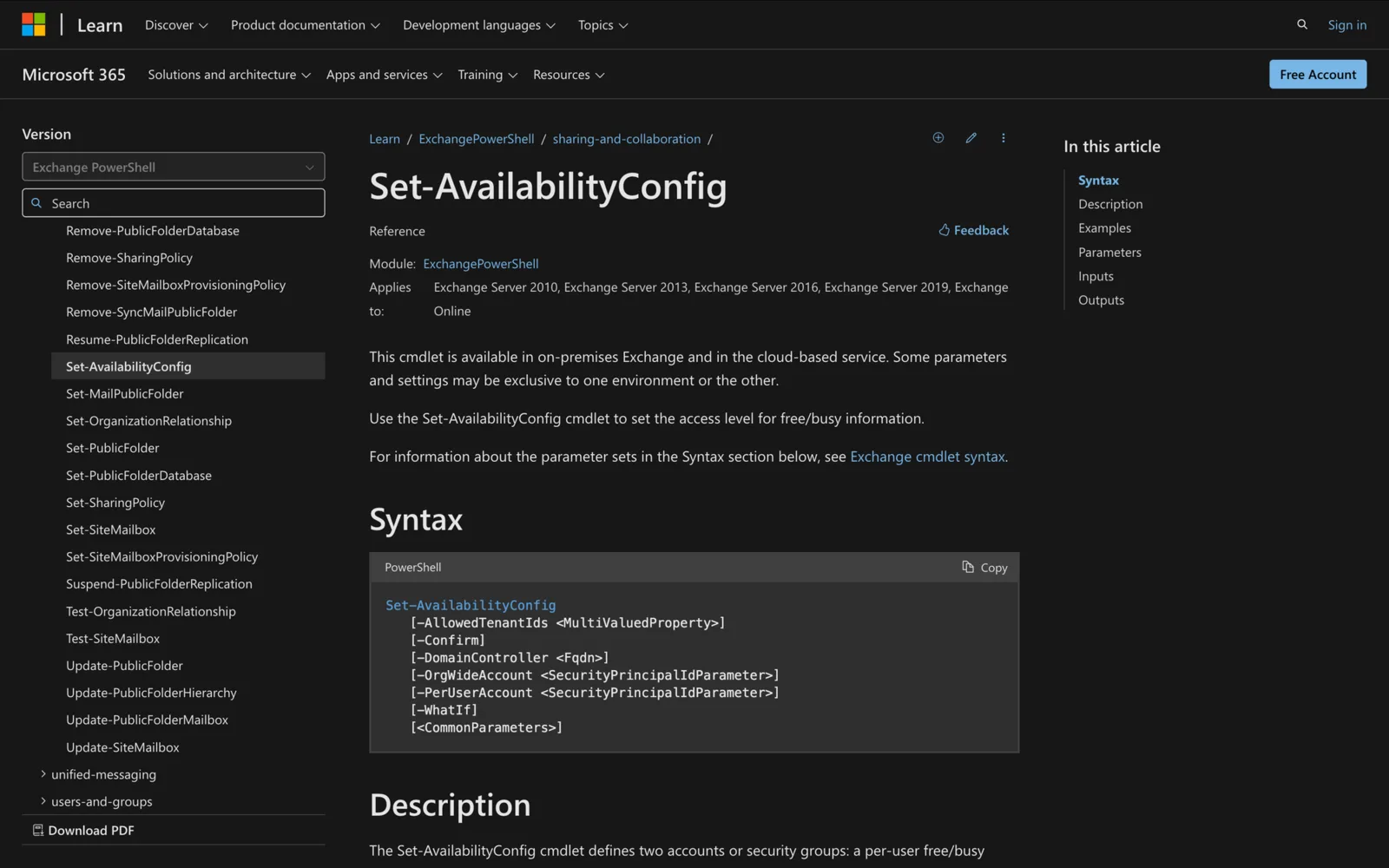
Set-AvailabilityConfig in Powershell: All You Need To Know
Learn how to use the Set-AvailabilityConfig cmdlet in PowerShell to manage free/busy data sharing in Exchange environments.
-
How to Use Enable-MailPublicFolder in Powershell
Learn how to use the Enable-MailPublicFolder cmdlet in Exchange PowerShell to mail-enable public folders and streamline communication for your team.
-
How to use Get-StoreUsageStatistics in Powershell
Learn how to use the Get-StoreUsageStatistics cmdlet in ExchangePowerShell to monitor mailbox and server performance for improved efficiency.
-
Using Get-MailboxLocation in Powershell: All You Need to Know
Learn how to use the Get-MailboxLocation cmdlet to retrieve mailbox location details in Exchange Server and Exchange Online.
-

How to use Set-MailboxPlan in Powershell
Learn how to use Set-MailboxPlan in PowerShell to manage mailbox settings efficiently in Exchange Online.
-
Using New-MailboxDatabase in Powershell: All You Need To Know
Learn how to create and configure mailbox databases using New-MailboxDatabase in PowerShell for efficient Exchange management.
-
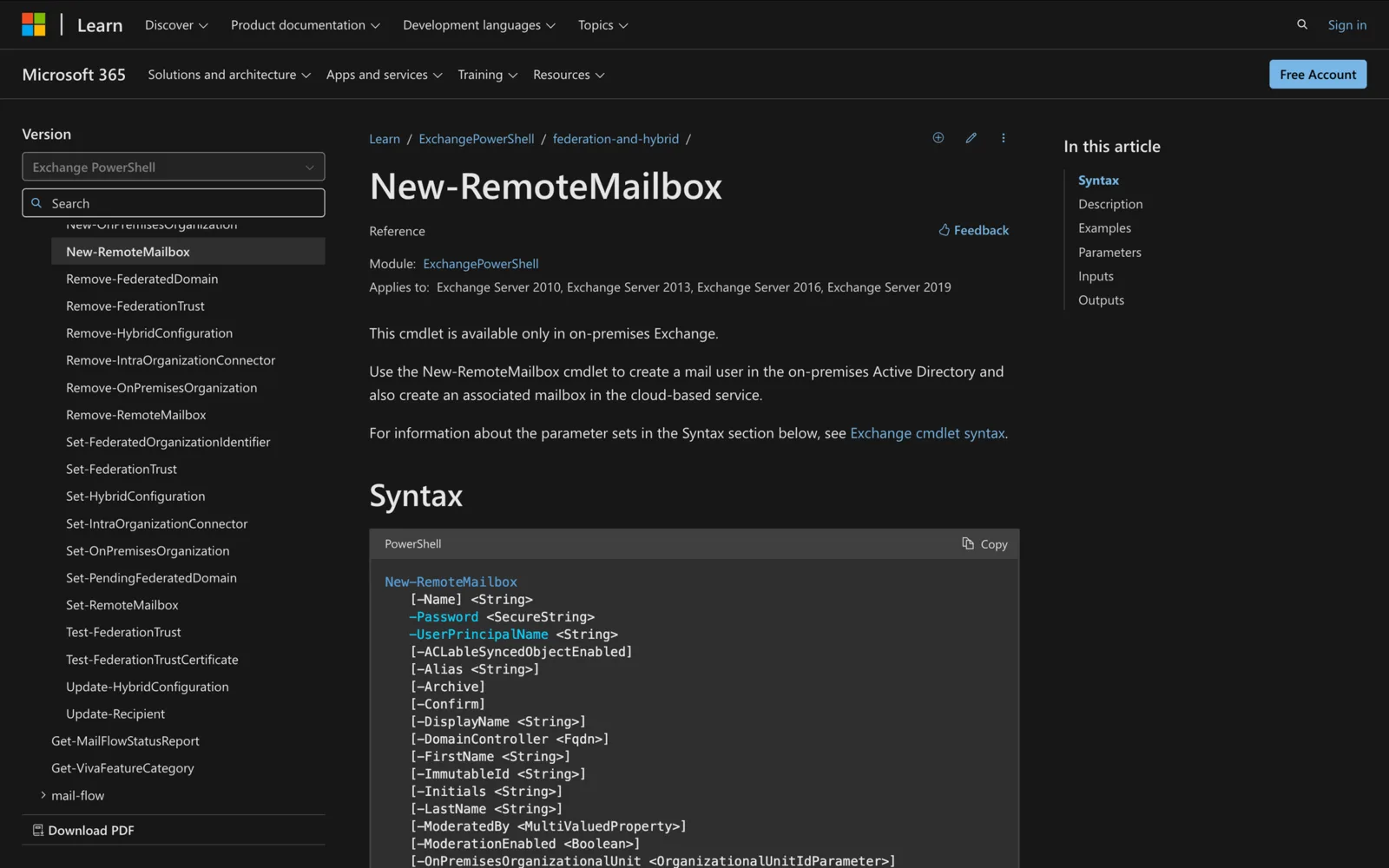
How to Use New-RemoteMailbox in Powershell
Learn how to use the New-RemoteMailbox cmdlet in PowerShell to create and manage remote mailboxes in a hybrid Exchange environment.
-
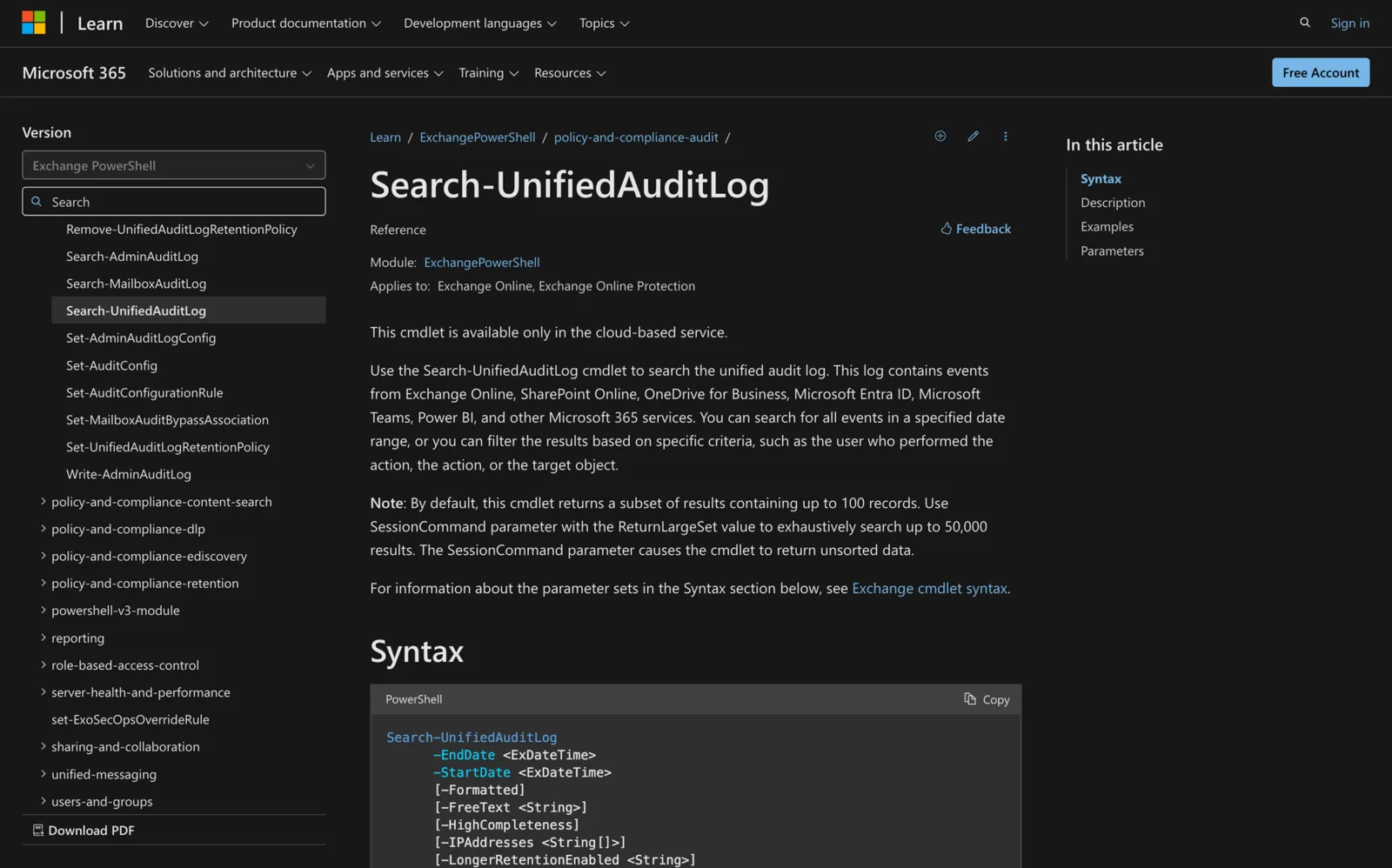
Using Search-UnifiedAuditLog in Powershell: All You Need To Know
Learn how to use the Search-UnifiedAuditLog cmdlet in PowerShell to track user activity across Microsoft 365 services with detailed, step-by-step instructions.
-
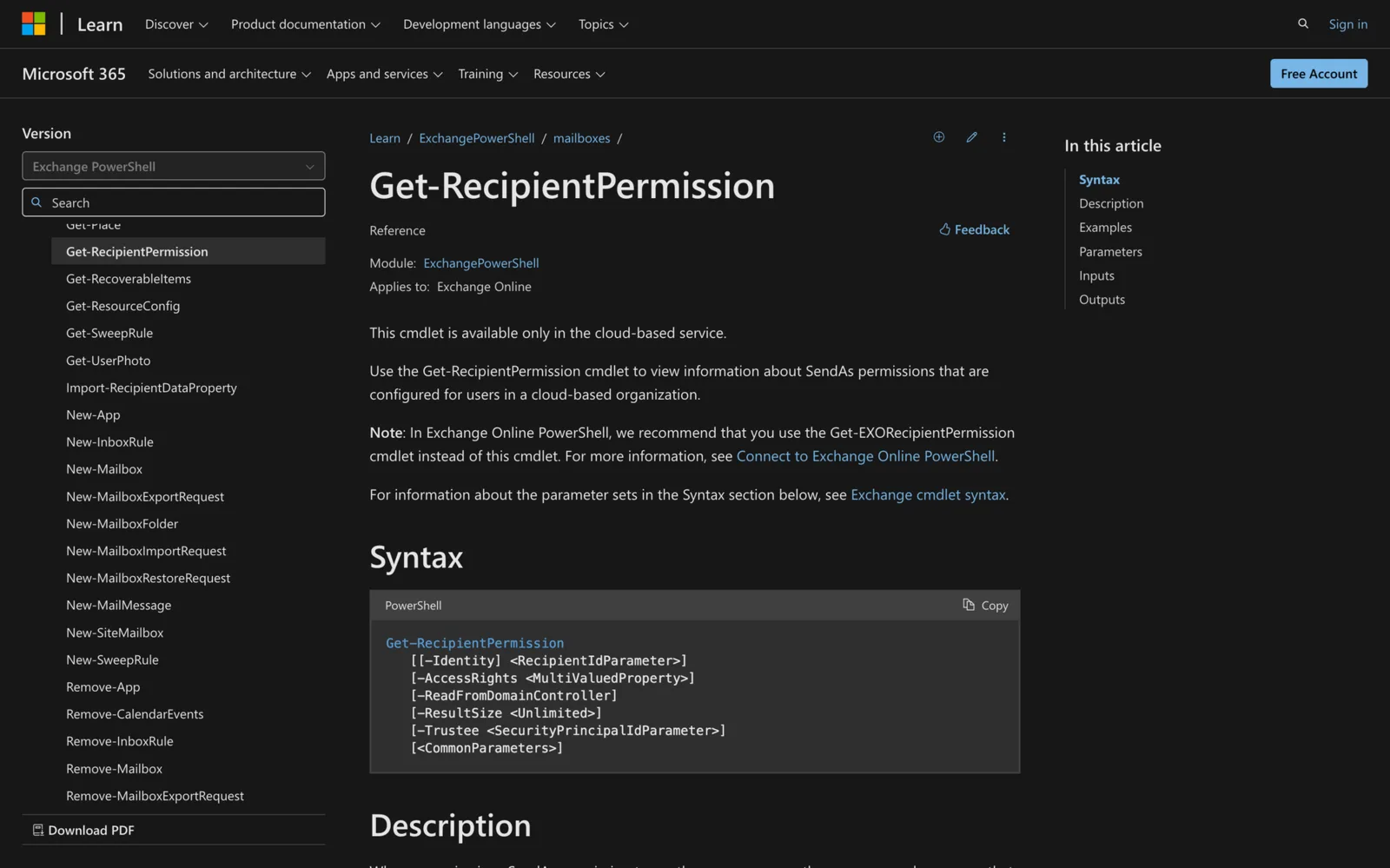
How to Use Get-RecipientPermission in Powershell
Learn how to use the Get-RecipientPermission cmdlet in PowerShell to manage and audit "Send As" permissions in Exchange Online.
-
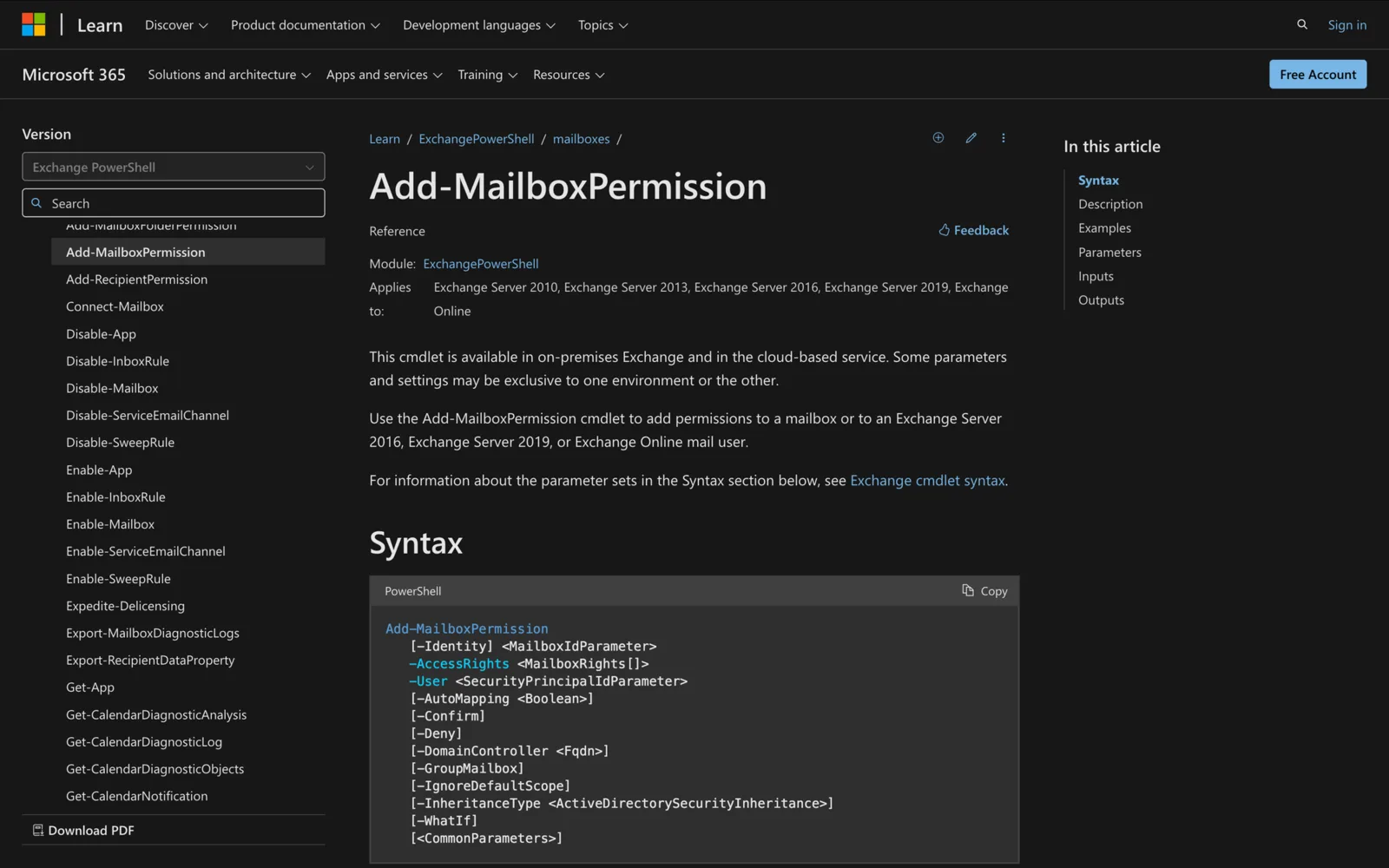
How to add-MailboxPermission in Powershell
Learn how to streamline mailbox access management by using Add-MailboxPermission in PowerShell, with clear examples and best practices.
-
How to Use Search-Mailbox in Powershell
Discover how to use the Search-Mailbox cmdlet in PowerShell for efficient email management, including searching and deleting messages in Exchange mailboxes.
-

Using Enable-PSRemoting in Powershell
Learn how to effectively use Enable-PSRemoting in PowerShell to streamline remote management and enhance your system administration tasks.
-
Using Export-Clixml in Powershell
Use Export-Clixml in PowerShell to save objects as XML, reload them with Import-Clixml, and store credentials securely in your scripts.
-
Using Enter-PSSession in Powershell: All You Need To Know
Learn how to use the Enter-PSSession cmdlet in PowerShell to establish remote connections, manage systems interactively, and troubleshoot efficiently.
-
How to Use the Test-NetConnection in Powershell
Learn how to use the Test-NetConnection cmdlet in PowerShell for network diagnostics, including port testing, traceroute, DNS resolution, and more.
-
How to Use PowerShell's Get-Credential for Secure Authentication
Learn secure user authentication with PowerShell's Get-Credential cmdlet, covering syntax, practical applications, and credential management.
-
Using Get-OrganizationConfig in Powershell
Unlock the power of the Get-OrganizationConfig cmdlet in PowerShell to manage and troubleshoot your Exchange environment more effectively.
-
How to Use Remove-CalendarEvents in Powershell
Streamline calendar management with the Remove-CalendarEvents cmdlet in PowerShell, ideal for cleaning up outdated meetings and ensuring organized schedules.
-
Using New-MailboxExportRequest in Powershell
Learn how to efficiently export mailbox data using the New-MailboxExportRequest cmdlet in PowerShell for secure backups and migrations.
-
Using New-MailboxRepairRequest in Powershell
Use New-MailboxRepairRequest in Exchange PowerShell to detect and fix mailbox corruption, check repair progress and read the results.
-

Using Set-MailboxCalendarFolder in Powershell
Learn how to use the Set-MailboxCalendarFolder cmdlet in PowerShell to manage calendar permissions and sharing settings in Microsoft Exchange environments.
-
How to use Set-DistributionGroup in Powershell
Learn how to master the Set-DistributionGroup cmdlet in PowerShell to manage and customize Exchange distribution groups efficiently.
-
Using Set-UnifiedGroup in Powershell
Use Set-UnifiedGroup in PowerShell to update Microsoft 365 Group settings: email addresses, membership, access type and visibility.
-
Using Get-EXORecipient in Powershell
Learn how to use the Get-EXORecipient cmdlet in PowerShell to efficiently manage and retrieve recipient objects in Exchange Online.
-
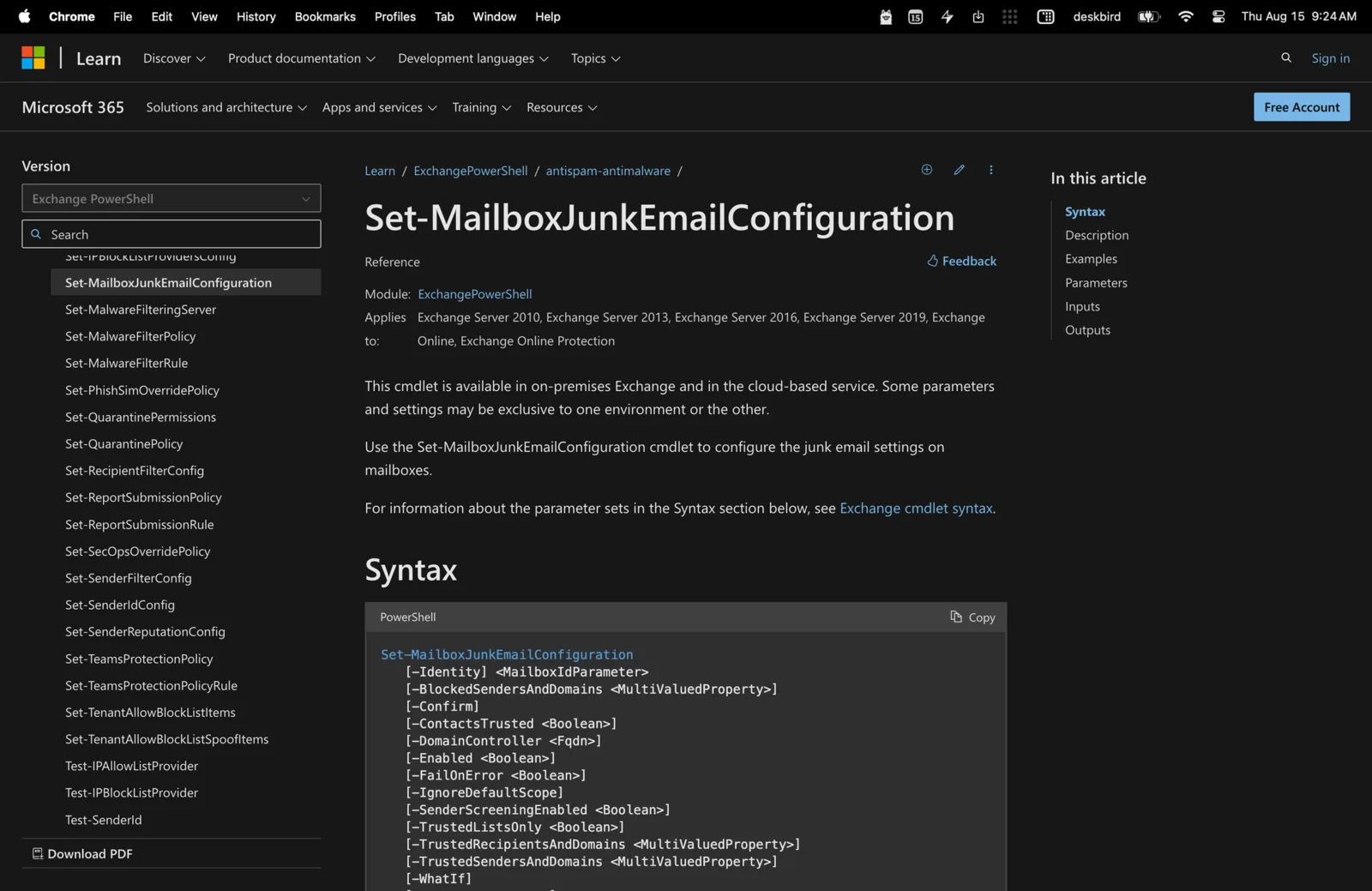
Using Set-MailboxJunkEmailConfiguration in Powershell
Let’s learn how to use PowerShell's Set-MailboxJunkEmailConfiguration cmdlet to manage junk email settings in Microsoft Exchange.
-
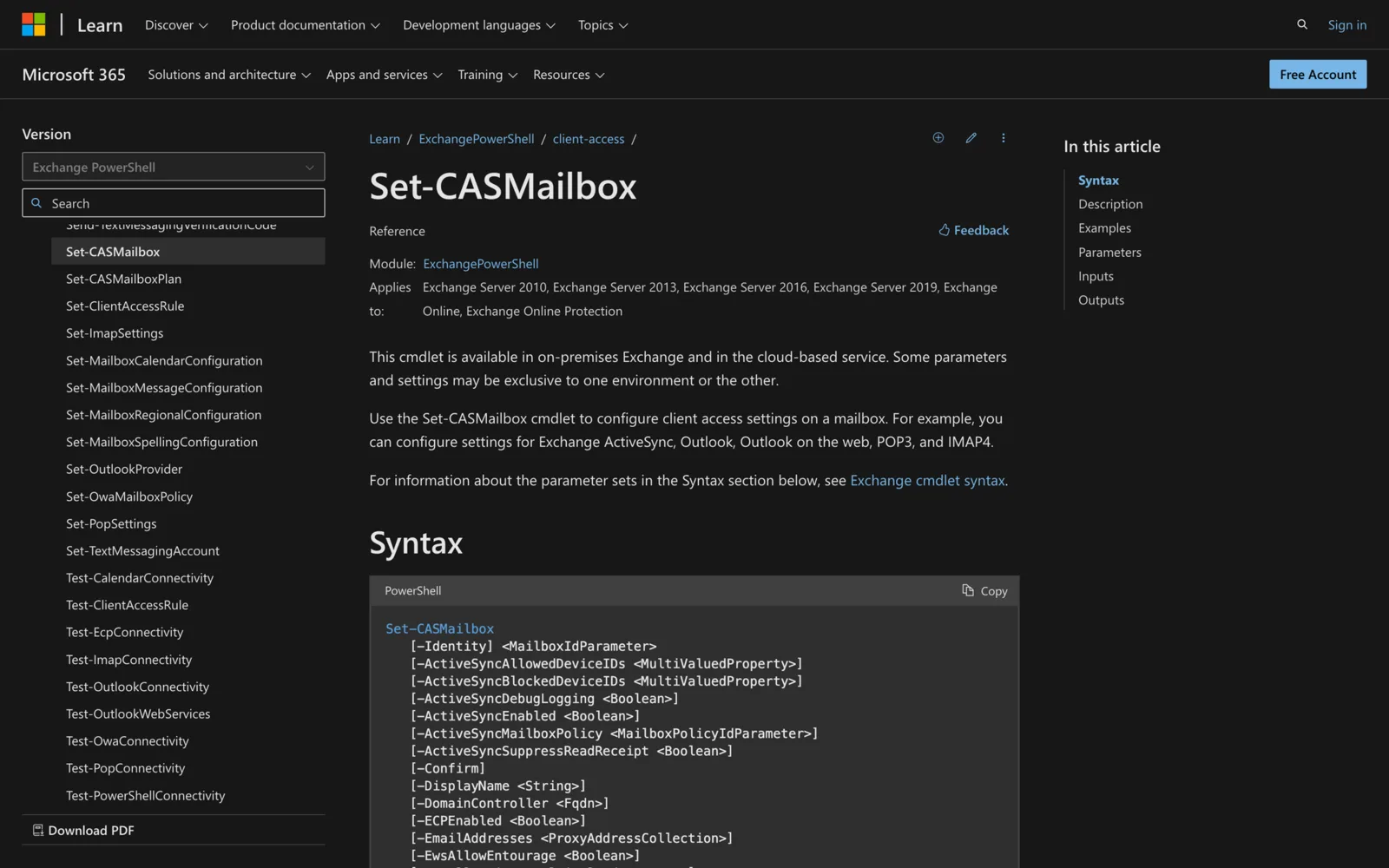
Using Set-CASMailbox in Powershell: Everything You Need to Know
Let’s learn how to master Set-CASMailbox in PowerShell for precise client access management in Exchange environments, optimizing security and user experience.
-
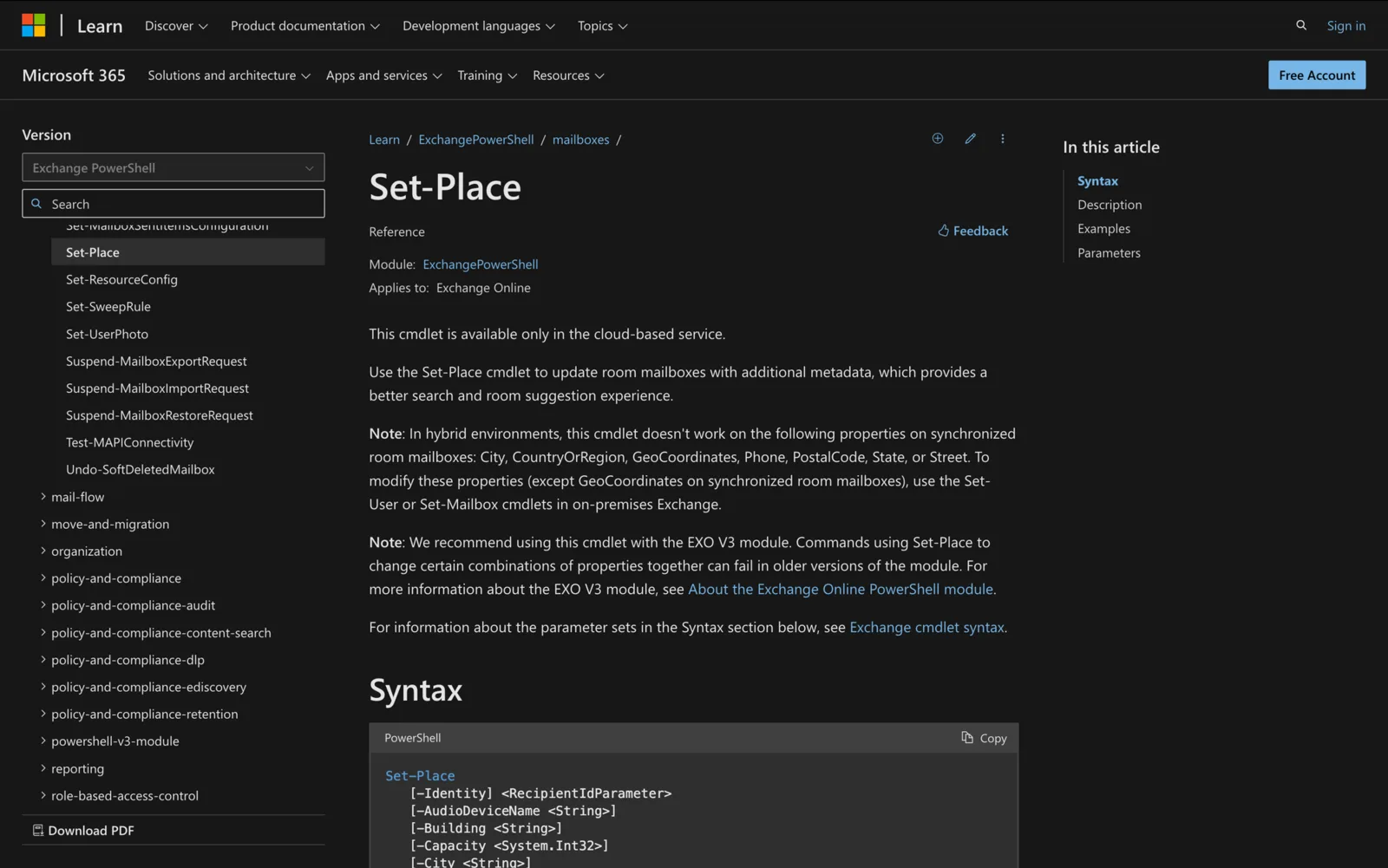
How to use Set-Place in Powershell
Explore the possibilities of Set-Place and discover how PowerShell can empower you to manage your organization's physical spaces effectively.
-

Conference Room Setup Checklist: 10 Items for Effective Meetings
Are you ready to have the conference room of your dreams? This 10-item conference room setup checklist is exactly what you need.
-
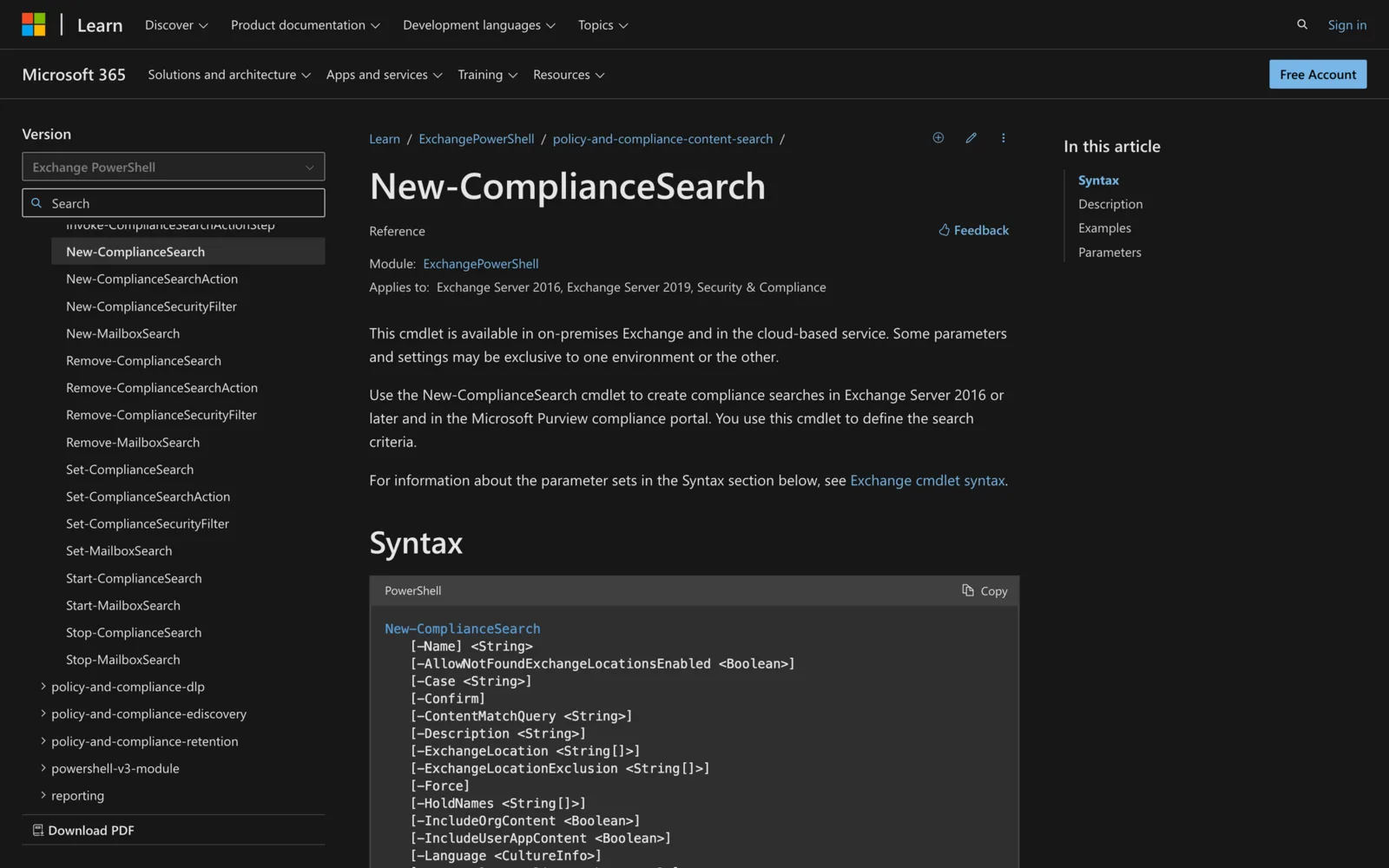
How to use New-ComplianceSearch in PowerShell
Master the Start-ComplianceSearch cmdlet for effective compliance and data governance in PowerShell (Microsoft Exchange and SharePoint).
-
How to use Start-HistoricalSearch in Powershell
Learn how to use Start-HistoricalSearch in PowerShell for effective email history management in Exchange Online, enhancing compliance and security.
-
Using Send-MgUserMail to send emails in Powershell
Send email from Microsoft 365 with Send-MgUserMail in Microsoft Graph PowerShell: permissions, message bodies, attachments and examples.
-
Using Get-MgBetaUser in PowerShell: All You Need To Know
Let’s explore how to use Get-MgBeatUser in PowerShell for retrieving, filtering, and manipulating user data within Microsoft Graph environments.
-
Using Set-MgUserLicense in Powershell
Need to modify user licenses? Learn how to use Set-MgUserLicense in PowerShell for efficient Microsoft 365 license management.
-
Using Connect-Sposervice in Powershell
In this guide, you’ll learn how to use PowerShell's Connect-SPOService cmdlet to efficiently manage SharePoint Online, including setup and administrative tasks.
-
How to use Get-MailboxStatistics in Powershell
Need to monitor and analyze mailbox data? Learn how to use the Get-MailboxStatistics cmdlet in PowerShell to manage and optimize Exchange mailboxes.
-

Setting up a Managed Android Meeting Room Display with Hexnode MDM
Deploy and manage Android meeting room displays at scale with Hexnode MDM. Step-by-step setup, enrollment and kiosk configuration, with a video walkthrough.
-
Using Get-MgGroup in Powershell: All You Need To Know
Learn to efficiently manage Microsoft 365 groups using the PowerShell cmdlet Get-MgGroup, with practical setup and usage tips.
-
How to Use Get-RecoverableItems in Powershell
Do you need to retrieve soft-deleted items in a mailbox? Learn how to use Get-RecoverableItems in PowerShell by reading this guide.
-
How to Use Get-InboxRule in Powershell
Learn how to automate tasks, prioritize messages, and streamline your inbox workflow with Get-InboxRule in PowerShell here.
-
How to Use Get-MailboxDatabase in PowerShell
We have the secret sauce for streamlined management of Exchange Server mailbox databases - learn how to use Get-MailboxDatabase here.
-
How to Use Set-MailboxAutoReplyConfiguration in Powershell
Leaving the office for a while? Learn how to use Set-MailboxAutoReplyConfiguration in PowerShell to easily inform others.
-
How to Use New-MailboxImportRequest in Powershell
Do you need to start new import processes of mailbox data? Learn how to use New-MailboxImportRequest in PowerShell here.
-
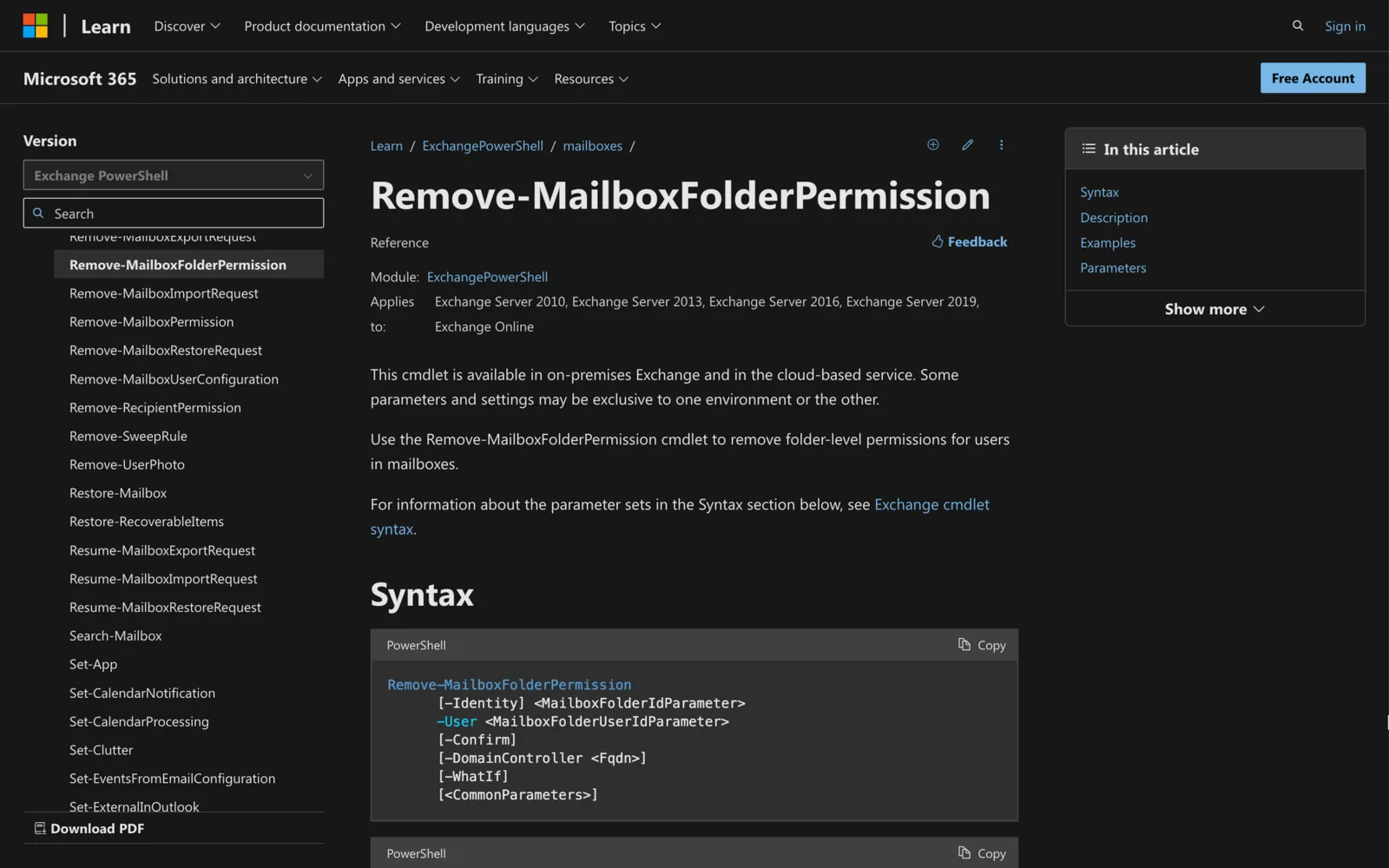
Using Remove-MailboxFolderPermission in Powershell
Do you need to remove certain mailbox permissions within your organization? Learn how to use Remove-MailboxFolderPermission in PowerShell here.
-
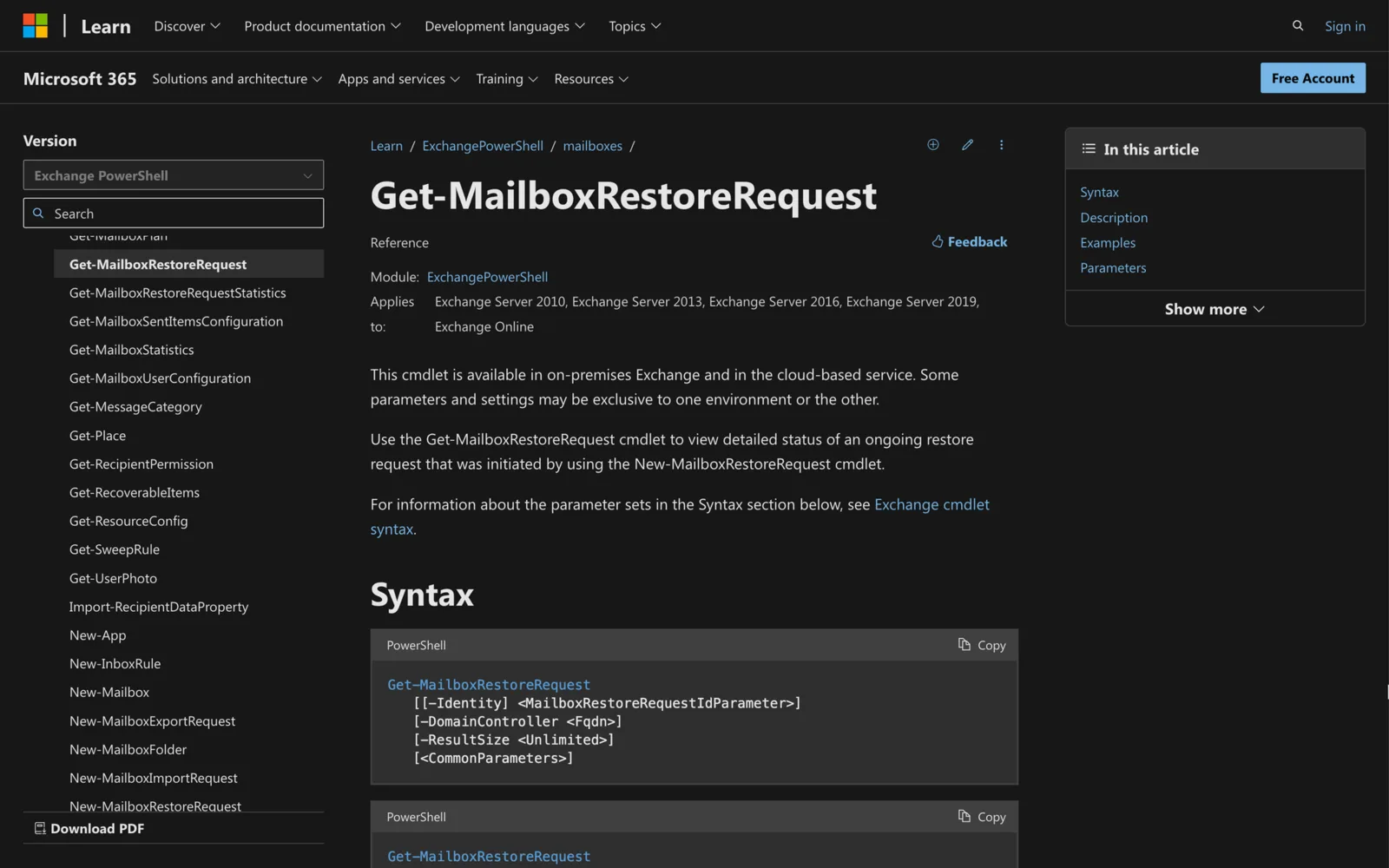
How to Use Get-MailboxRestoreRequest in Powershell
Do you need to see the status of mailbox restoration requests? Learn how to use Get-MailboxRestoreRequest in PowerShell by following 3 steps.
-

How to Use Set-MsolUserLicense in Powershell
Do you need to assign new user licenses within your organization? Learn how to use Set-MsolUserLicense right here.
-
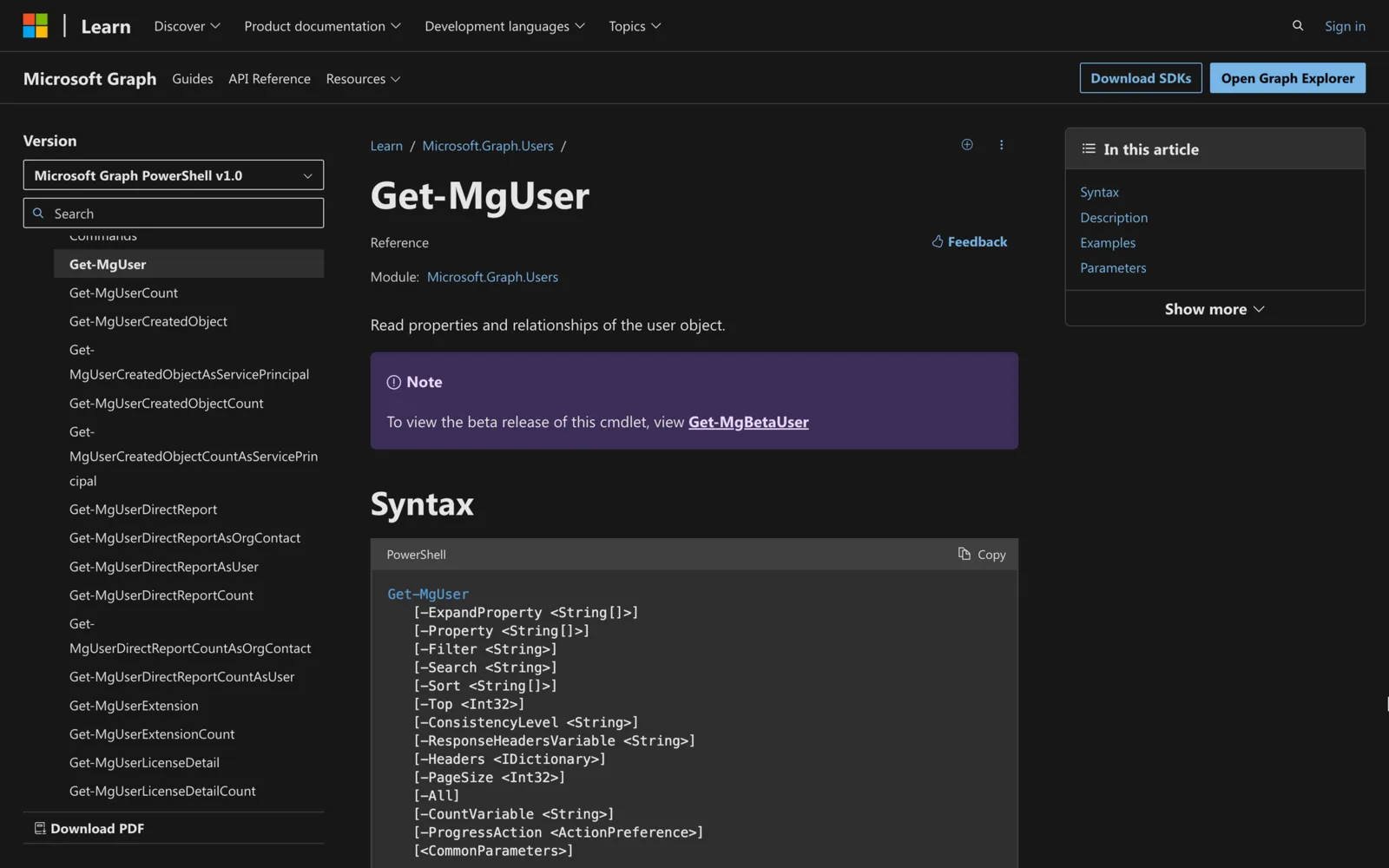
How to use Get-mguser in Powershell
Do you need to retrieve a list of users in Office 365 environments? Learn how to use Get-MgUser in PowerShell by following these steps.
-
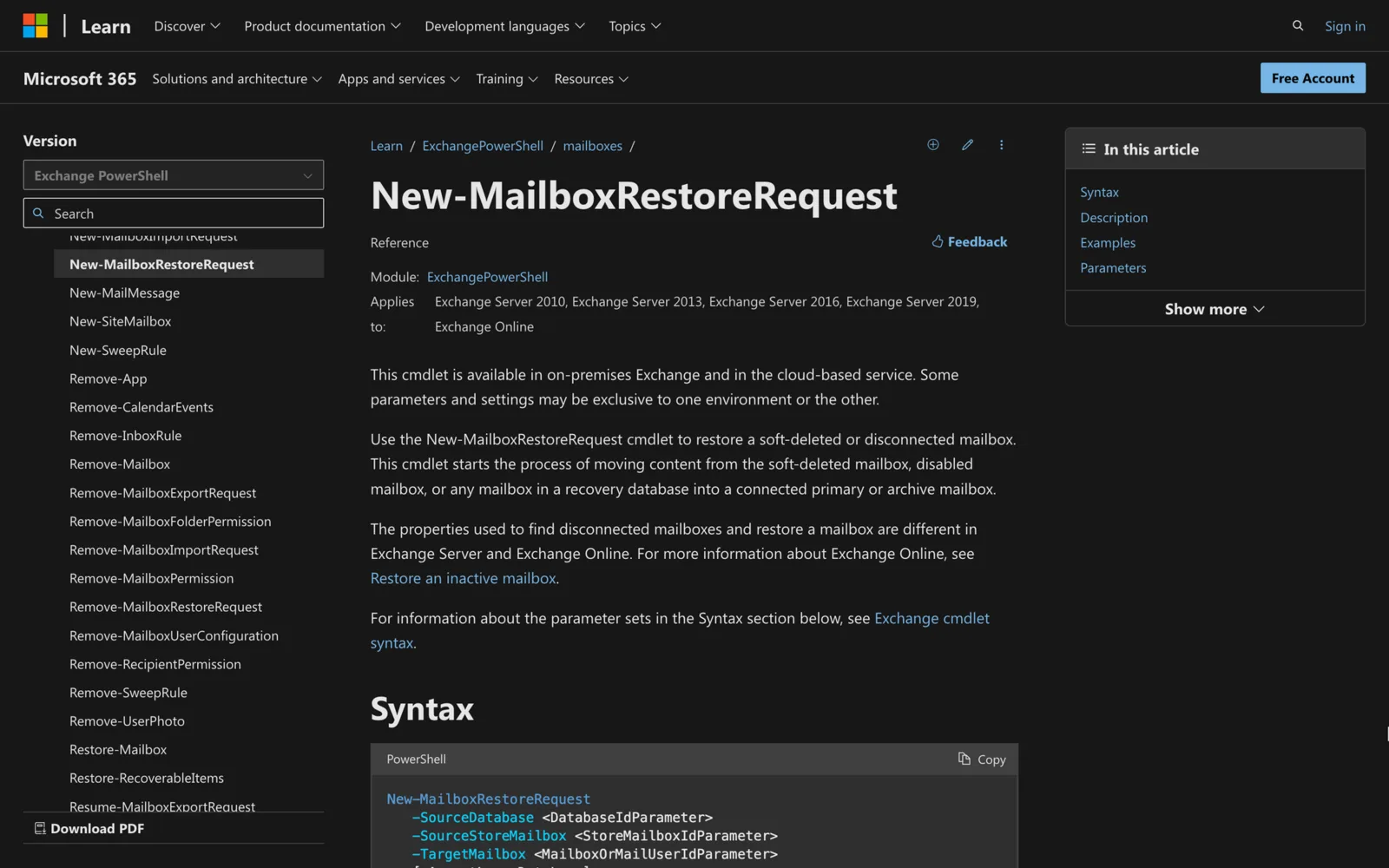
How to Use New-Mailboxrestorerequest in Powershell
Do you need to retrieve information from soft-deleted mailboxes? Learn how to use New-MailboxRestoreRequest in PowerShell here.
-
How to Use Get-EXOmailbox in Powershell
Do you need to retrieve mailbox information efficiently? If so, let's learn how to use Get-EXOmailbox in PowerShell in just three steps.
-
How to Use Enable-RemoteMailbox in Powershell
Do you need to enable management for different mailboxes? Learn how to use Enable-RemoteMailbox in PowerShell by following this quick guide.
-
How to Use Get-MessageTrace in Powershell
Do you need to retrieve recent email tracing data quickly? If yes, learn how to use Get-MessageTrace in PowerShell by reading this guide.
-
How to Use Get-Messagetrackinglog in Powershell
Need to retrieve important message tracking log information? Learn how to use Get-MessageTrackingLog by following this in-detail guide.
-
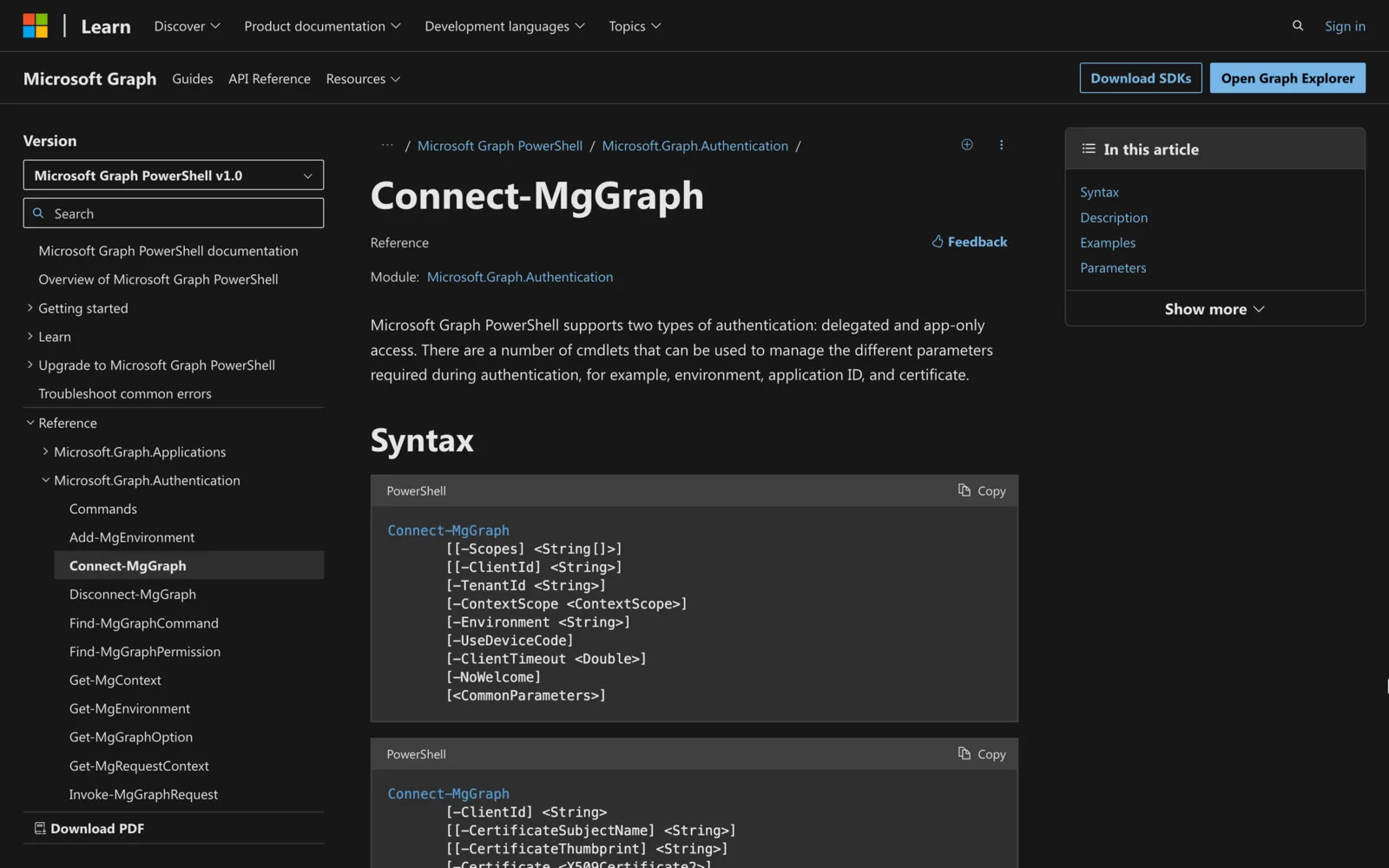
How to use Connect-MgGraph in PowerShell
Use Connect-MgGraph with scopes, a certificate, a client secret or a managed identity, find the permissions you need, and fix common errors.
-
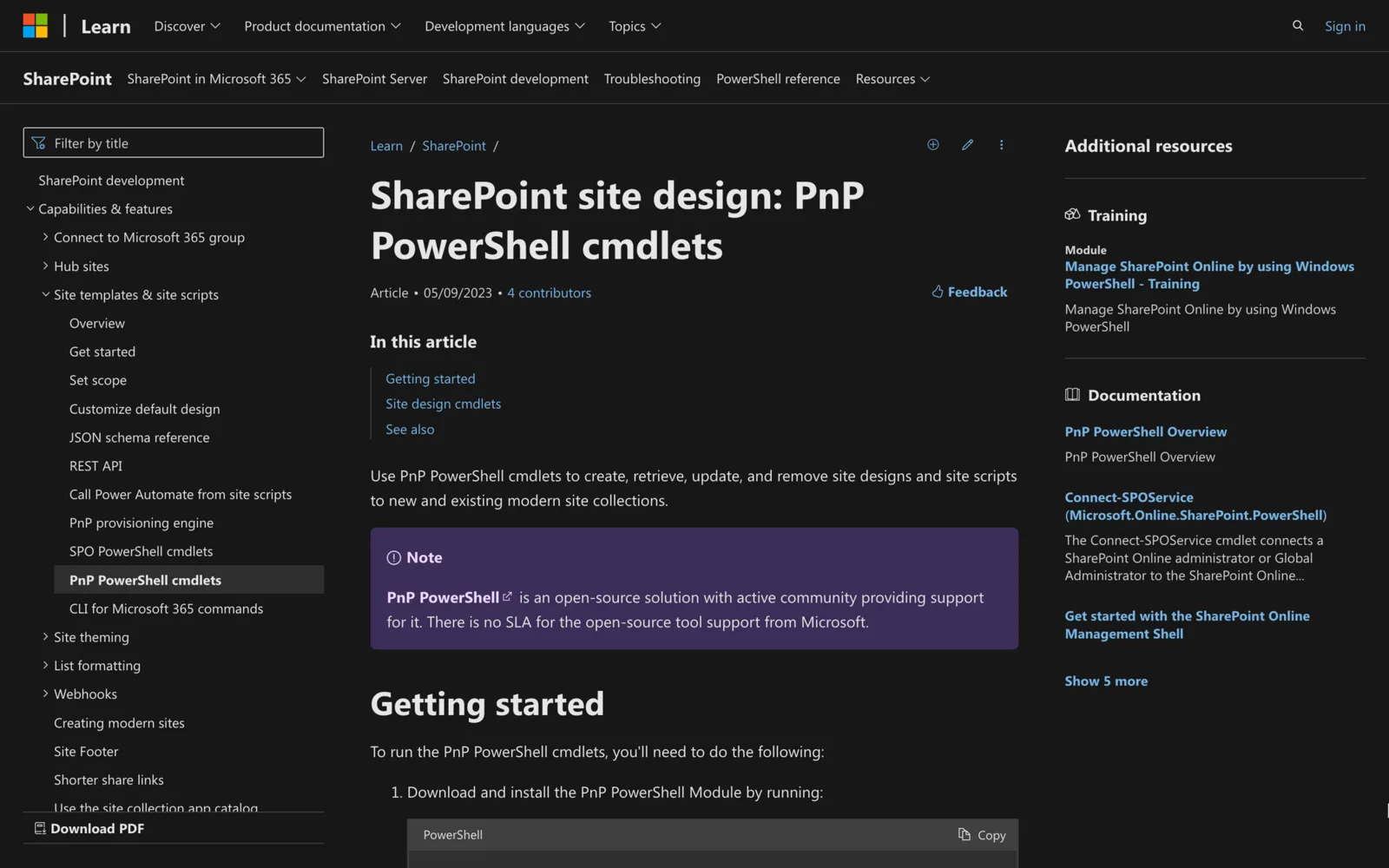
How to Use Connect-PnPOnline in Powershell
If you want to use PnP PowerShell cmdlets in SharePoint Cloud Services, then follow this guide on how to use Connect-PnPOnline in PowerShell.
-
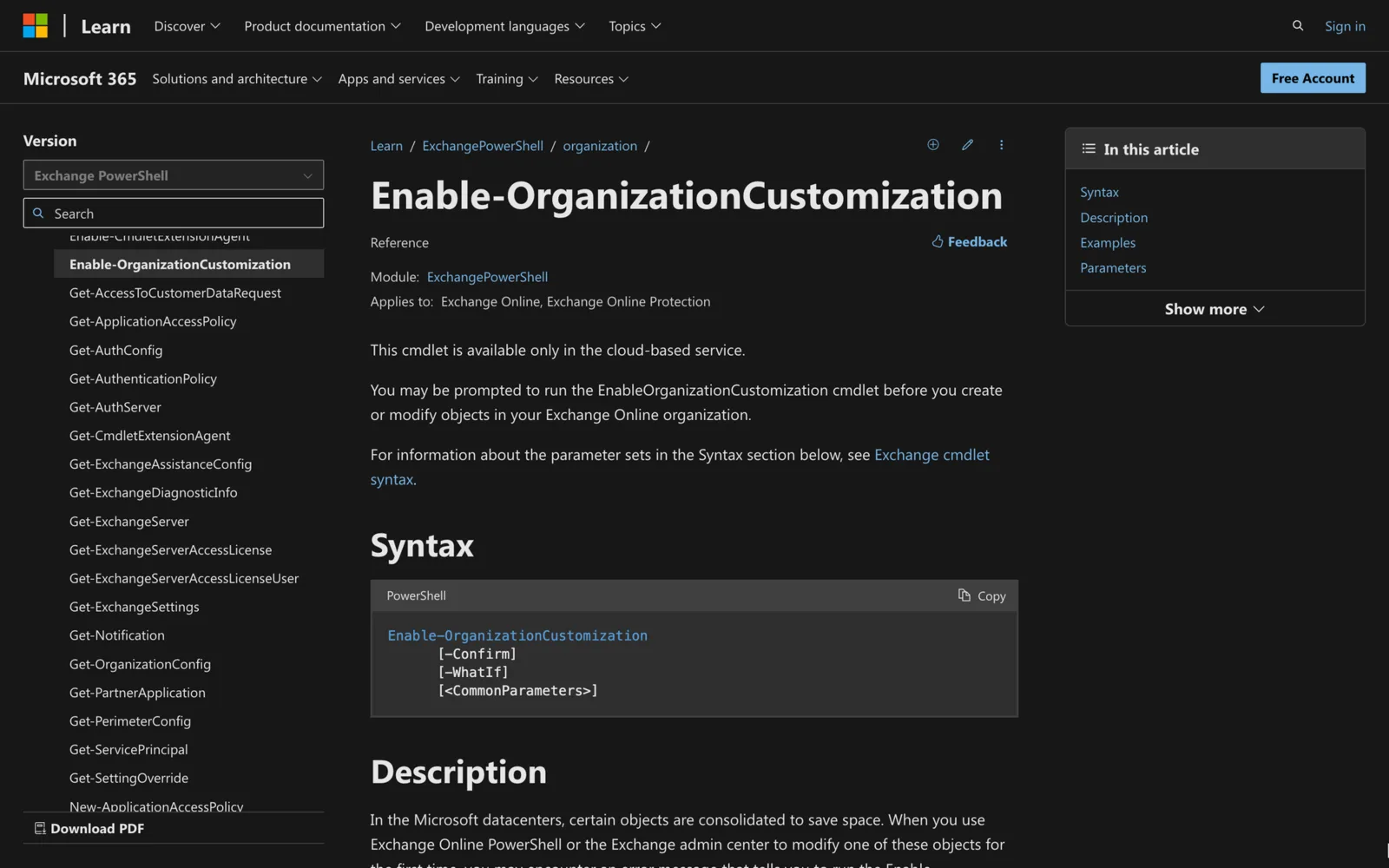
How to Enable-organizationcustomization in Powershell
Do you need to make changes to an Exchange Organization? Let’s learn how to Enable-OrganizationCustomization in PowerShell right away.
-
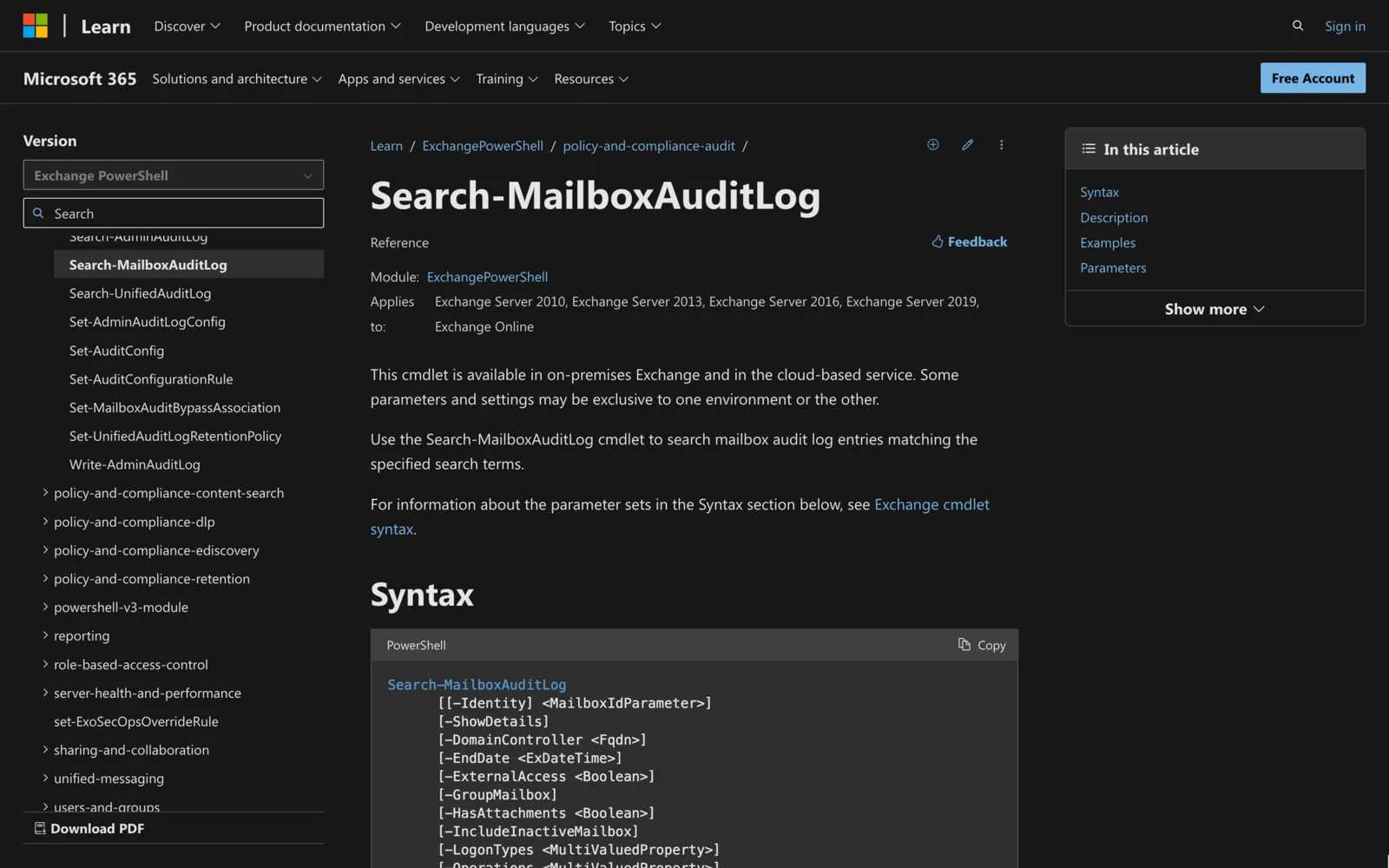
Search-mailboxauditlog in Powershell: All You Need to Know
Looking to visualize audit log information from mailboxes? This post contains all you need to know about Search-MailboxAuditLog in PowerShell.
-
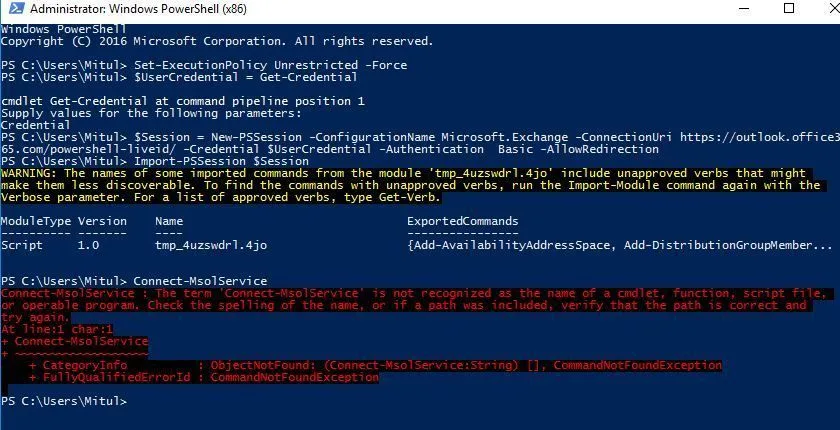
Connect Msolservice is Not Recognized? Here’s the Fix
Some errors might prevent you from running PowerShell cmdlets - what should you do if Connect-MSolService is not recognized? Check out the answer here.
-
How to Add-DistributionGroupMember with Powershell
Do you need to add new members to distribution groups? Learn how to Add-DistributionGroupMember with PowerShell by following this guide.
-
How to Use Connect MsolService: Everything You Need To Know
Do you need to access Microsoft Online Services from PowerShell? Learn how to use Connect-MsolService to achieve this by reading this quick guide
-
How to Get-MailboxPermission in Powershell
Do you need to view all existing permissions on Exchange resource mailboxes? Learn how to Get-MailboxPermission in PowerShell here.
-
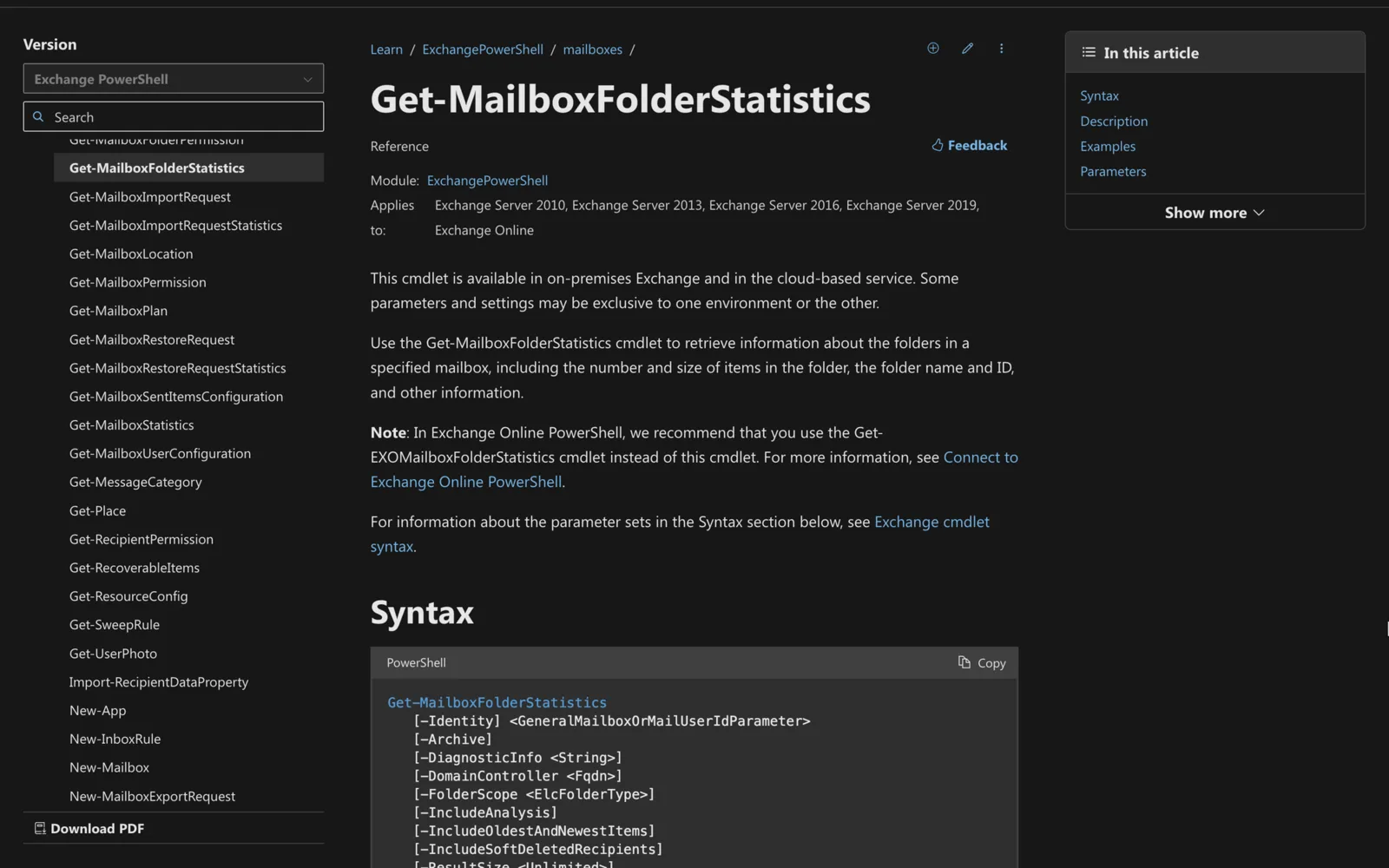
How to Use Get-MailboxFolderStatistics in Powershell
Need to retrieve all the information from a mailbox? Learn how to use Get-MailboxFolderStatistics right here.
-

How to Add-RecipientPermission in Powershell
Need to quickly manage recipient permissions in Exchange? In this article, we’ll show you how to use Add-RecipientPermission in PowerShell.
-
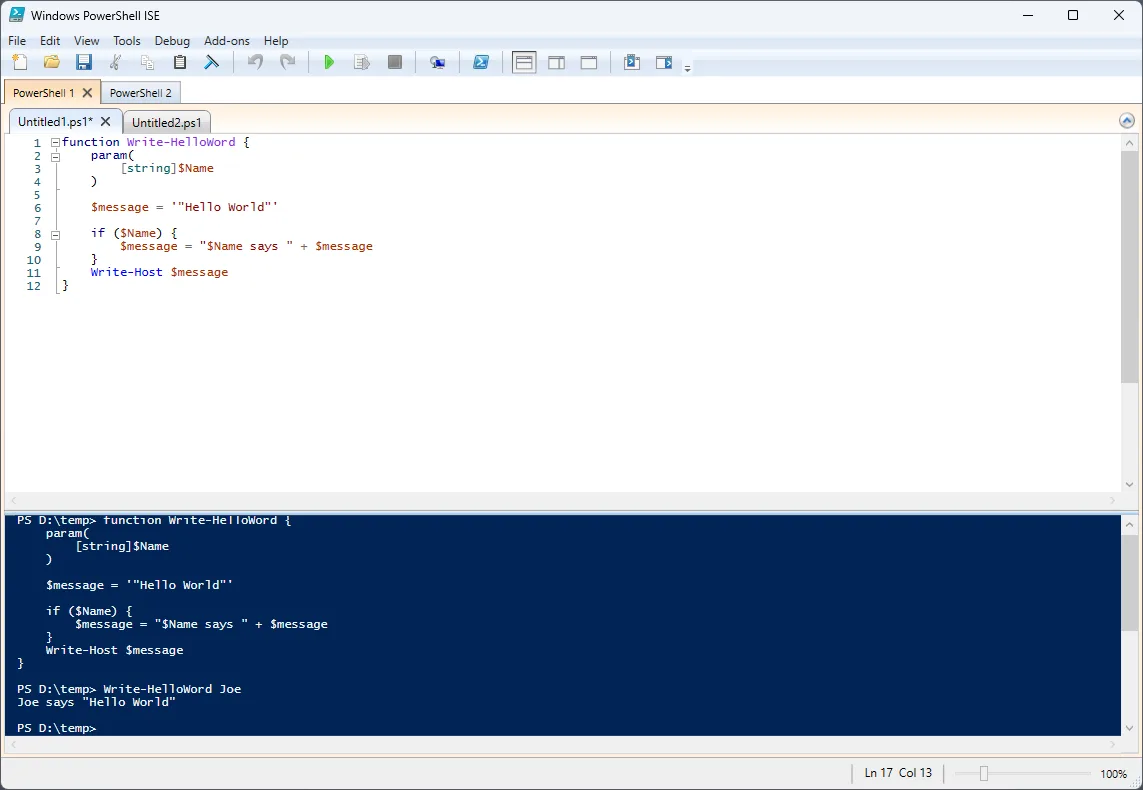
How Add or Set MailboxFolderPermission in Powershell
Need to manage mailbox permissions more efficiently? Read here to learn how to add or set MailboxFolderPermission in PowerShell.
-
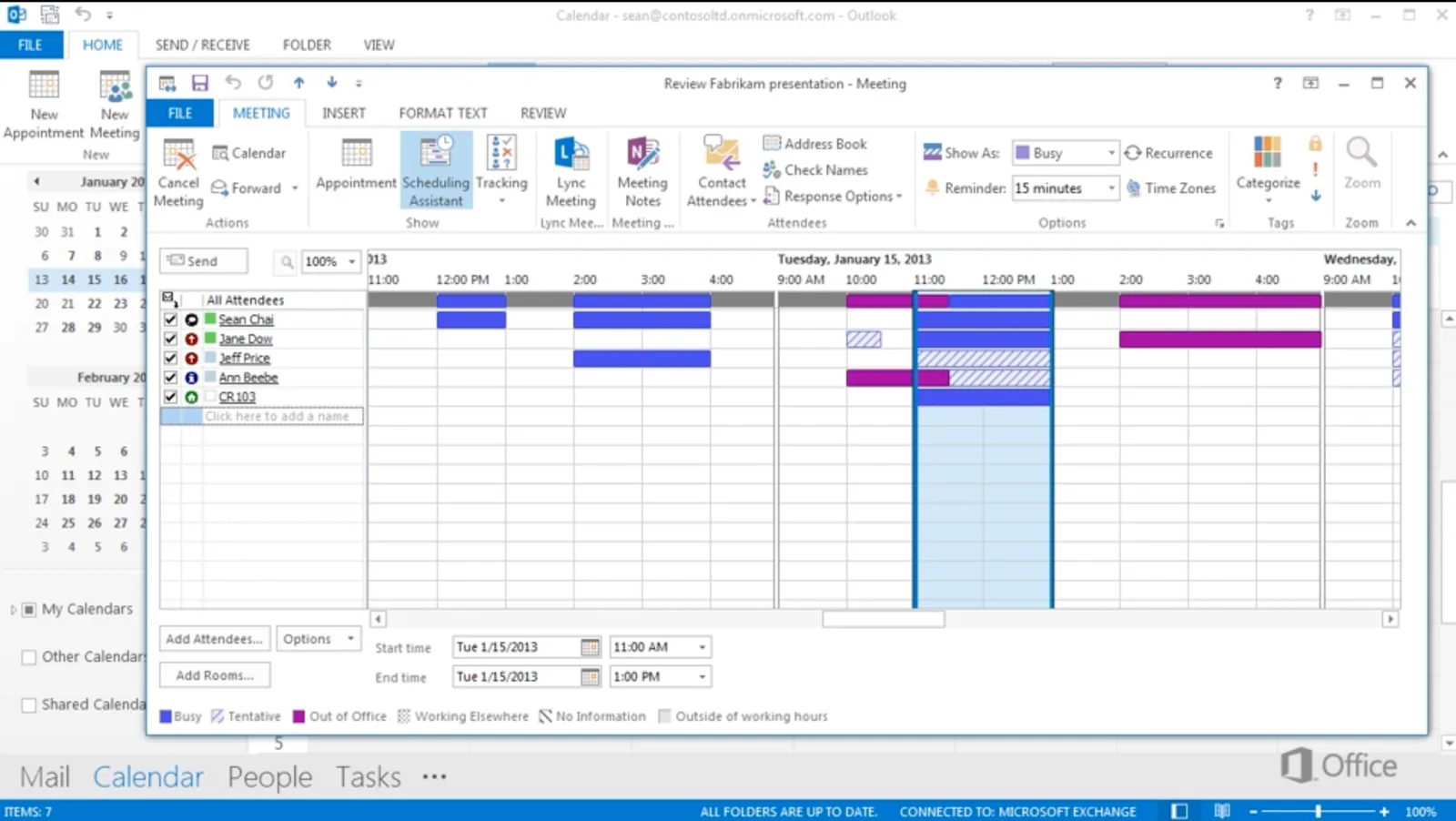
Outlook Scheduling Assistant Missing? Here’s the Fix
Is the Scheduling Assistant option not showing on Outlook? Learn how to fix Outlook Scheduling Assistant missing here.
-
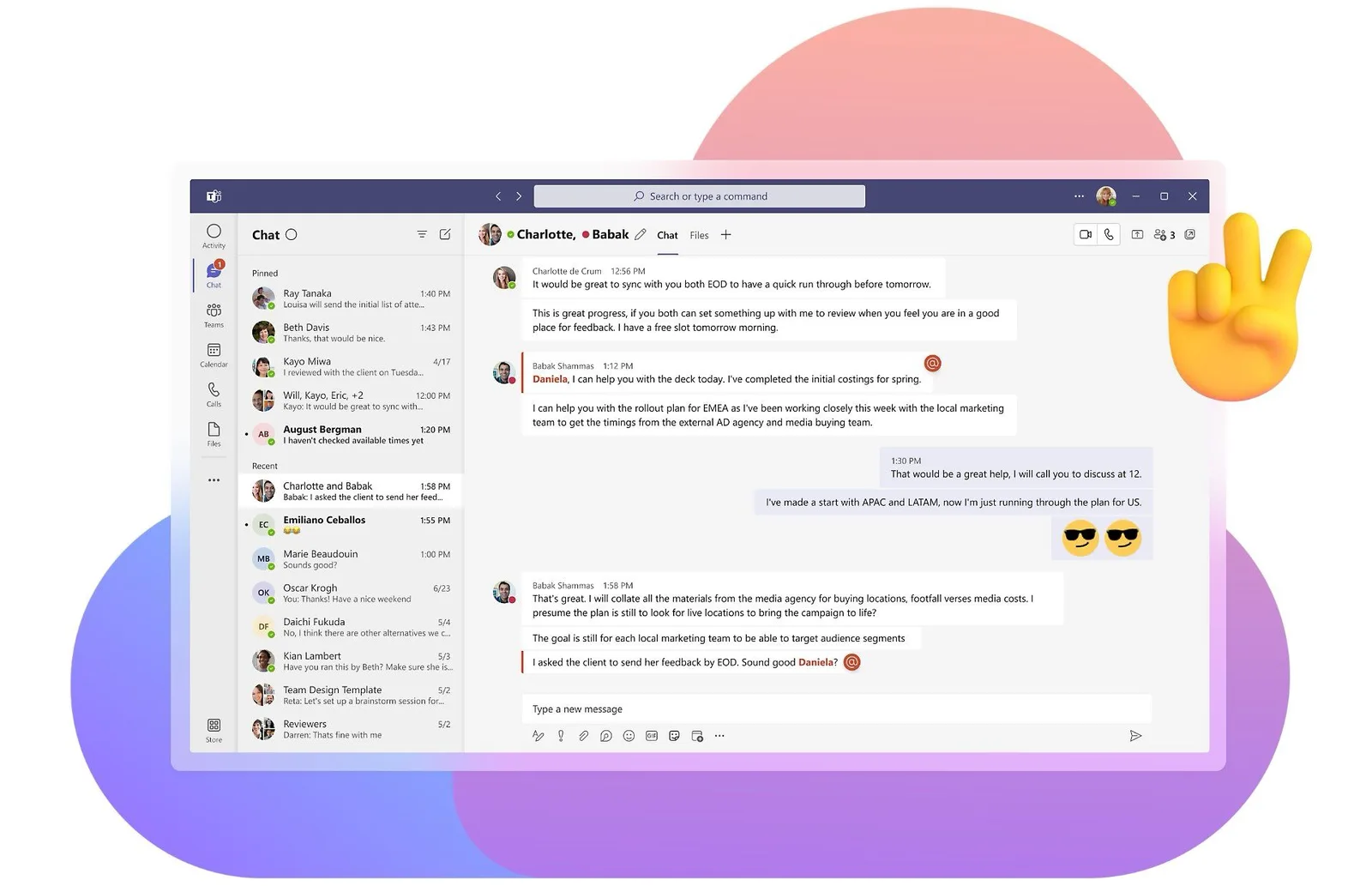
How to Keep Teams Status Green
Is MS Teams changing from green to yellow? Learn how to keep Teams status green with these 7 tips.
-
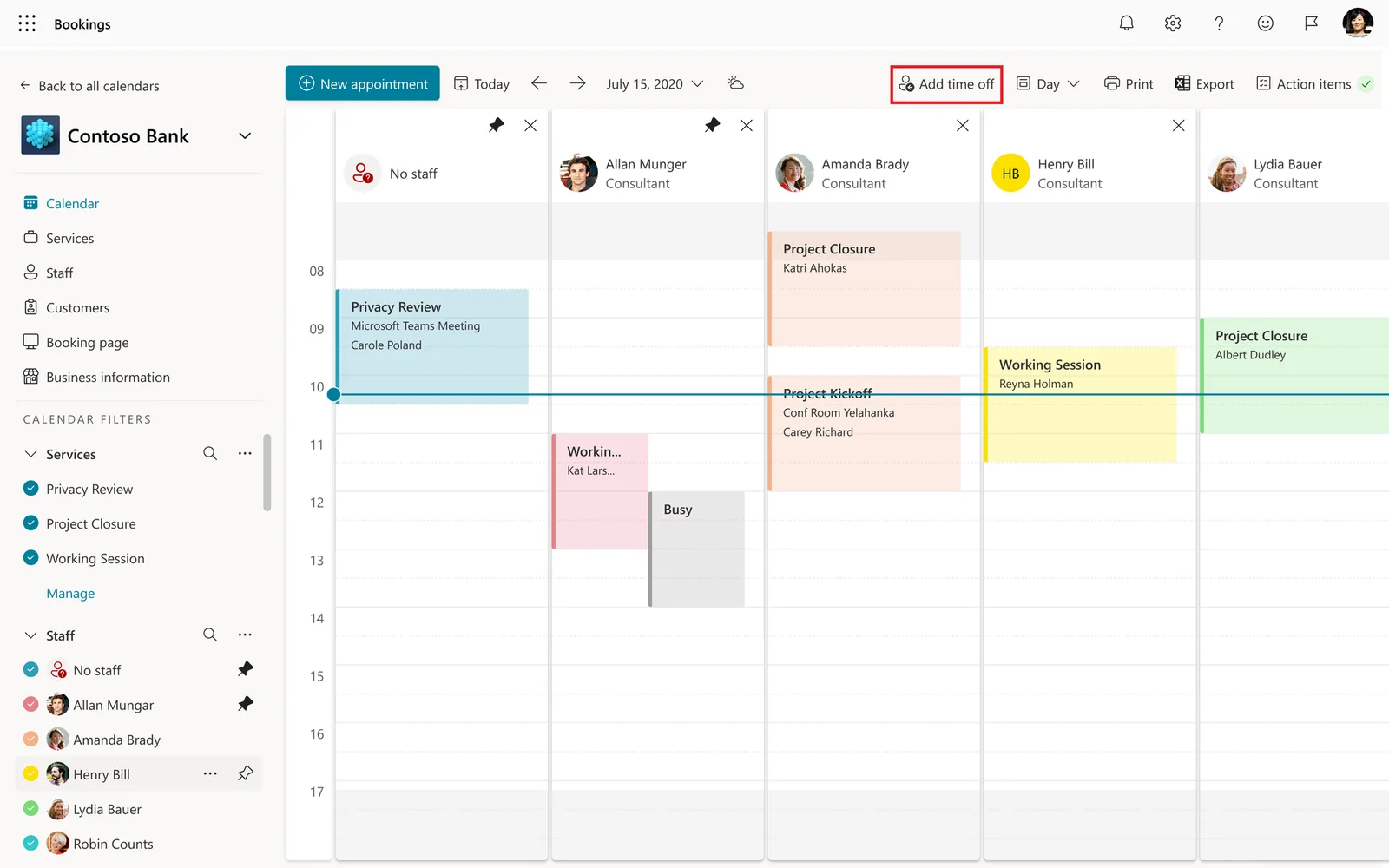
How to See Someone's Calendar in Teams
Checking someone else’s calendar in Teams is a great way to keep things organized. Learn how to see someone’s calendar in Teams here.
-
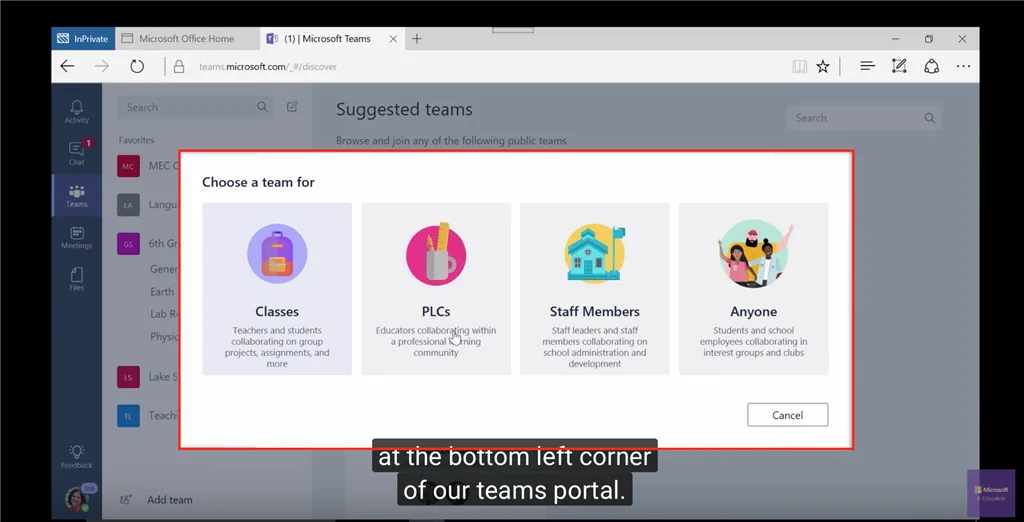
How to Create a Team in Microsoft Teams
Keeping teams organized is a key component of success. Learn how to create a Team in Microsoft Teams by following these steps.
-

How to Share Screen on Teams
Need to share something important via Microsoft Teams? Learn how to share screen on Teams by following these steps.
-

How to Set-CalendarProcessing in Powershell
Modifying and changing calendar processing options is easier with PowerShell. Learn how to use Set-CalendarProcessing in PowerShell here.
-
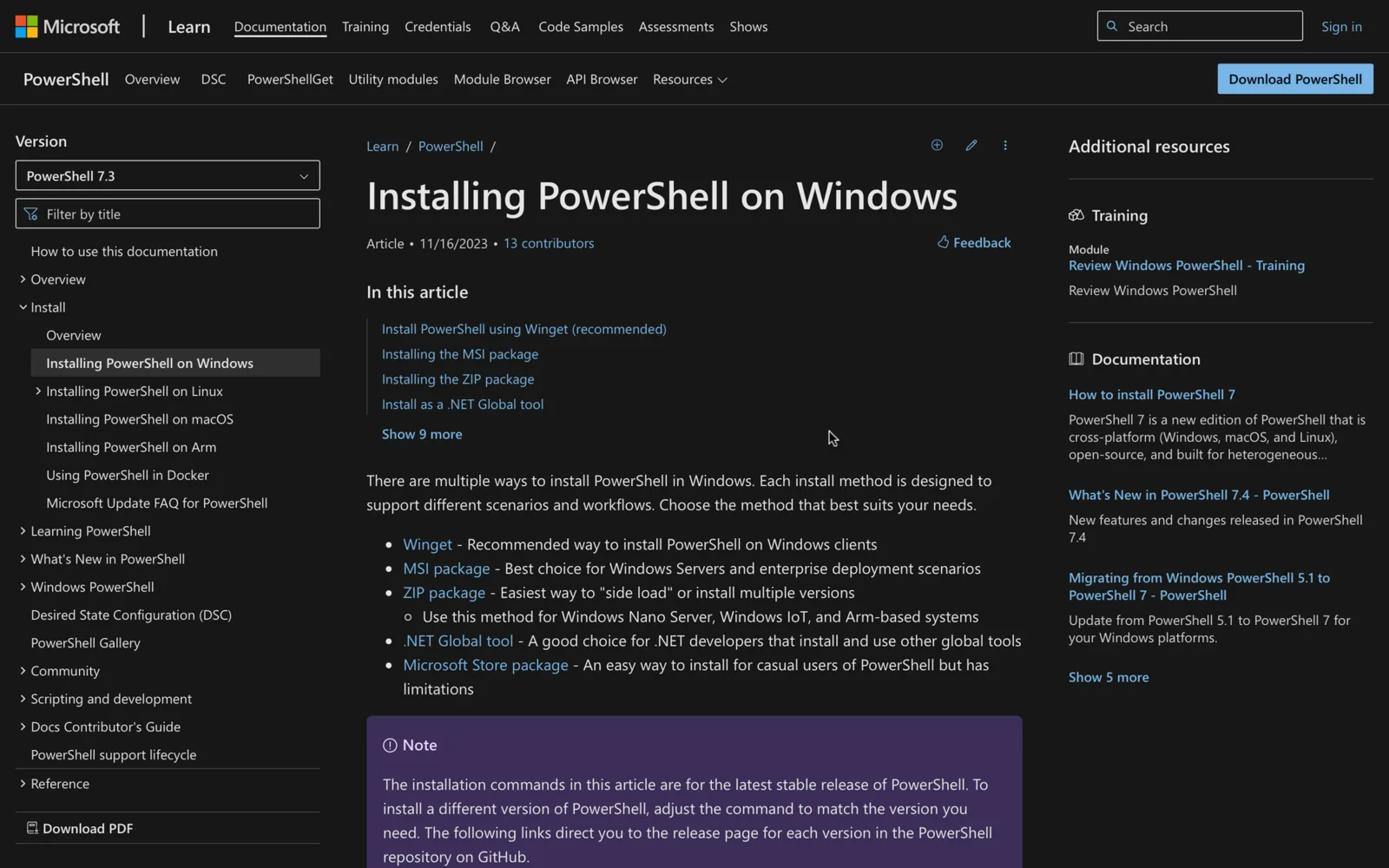
How to Install Exchange Online PowerShell Module
Install the Exchange Online PowerShell module with one command, choose PowerShell 5.1 or 7, update before March 2027, and fix the common errors.
-
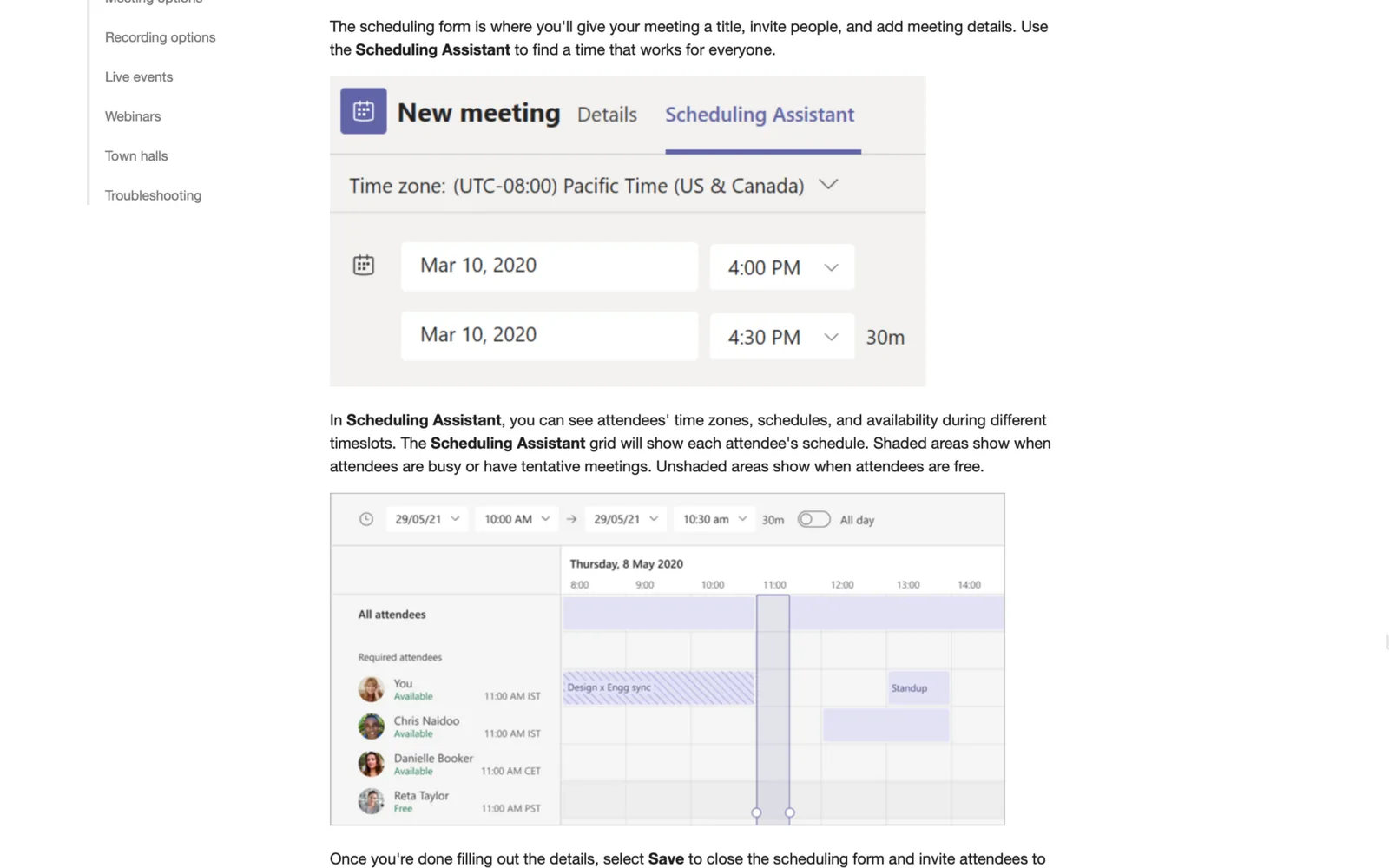
How to Send a Teams Meeting Invite
Do you need to send a Microsoft Teams invite ASAP? This quick guide shows you how to send a Teams meeting invite easily in different ways.
-
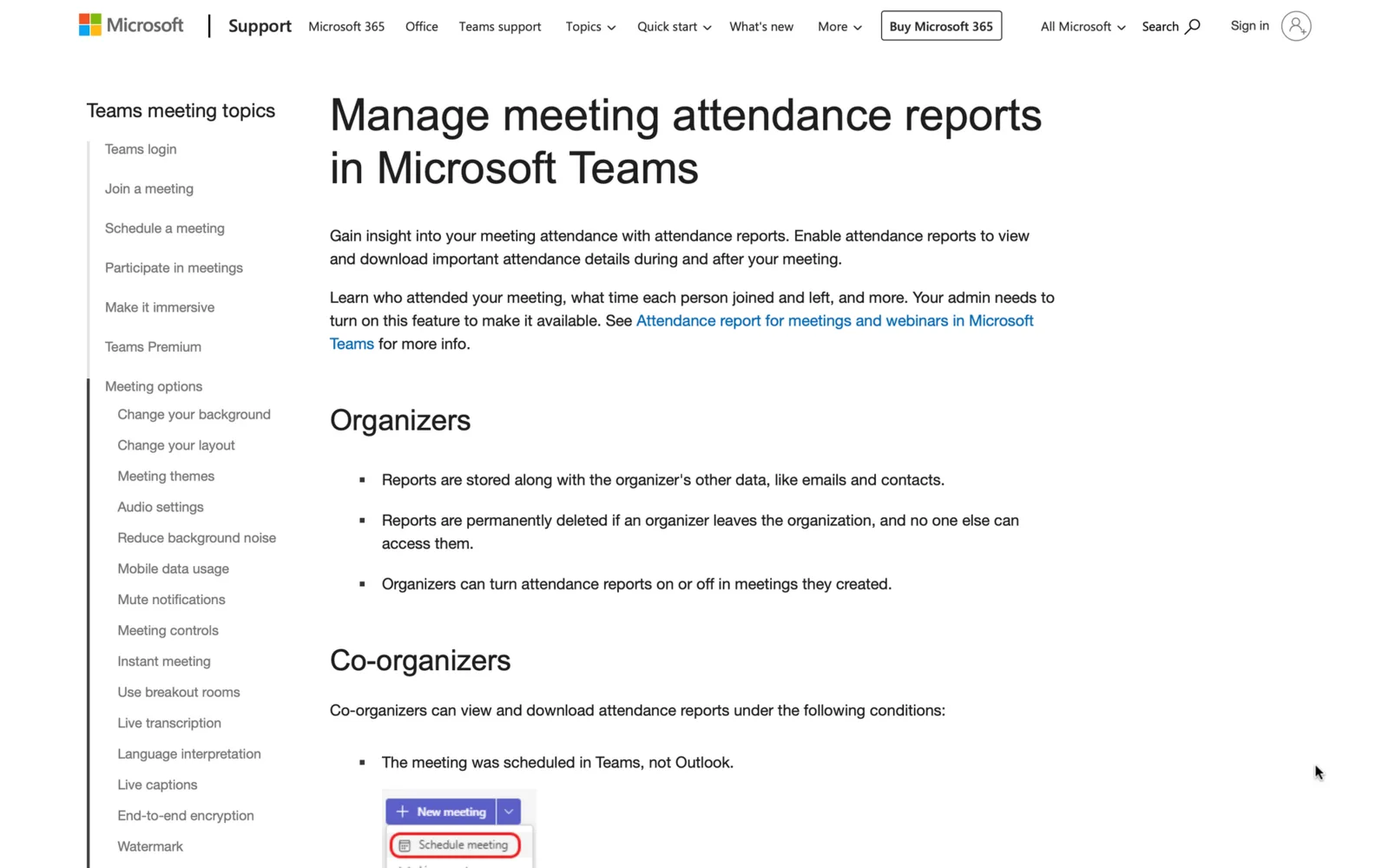
Using Teams Attendance Report: All You Need to Know
Let’s check how participants interact with a Teams meeting. This guide contains all you need to know about using the Teams attendance report.
-

How to Add Call in Number to Teams Meeting
Audio conferencing in Microsoft Teams is easy - learn how to add call-in number to Teams meeting here.
-
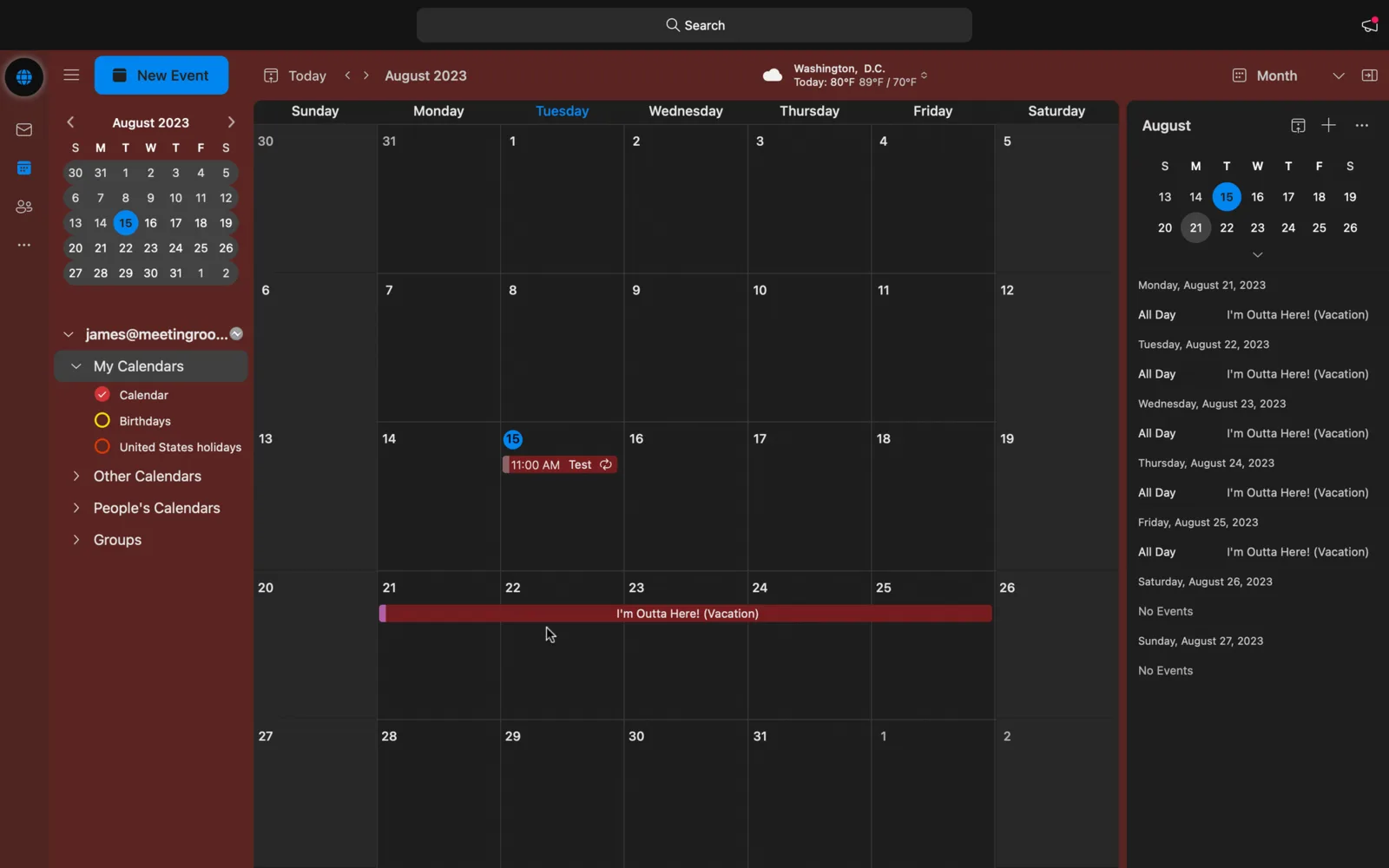
How To Set Out of Office in Outlook Calendar
Need to take some days off? This step-by-step guide shows you how to set “Out of Office” in Outlook Calendar easily.
-

Teams Meeting Not Showing in Outlook? Here’s the Fix
Is the Teams Meeting Add-In not appearing in Outlook? Learn how to fix Teams Meeting not showing in Outlook here.
-
10 Conference Room Setup Ideas
Meetings are unavoidable for most companies, but they don’t have to be boring or dull. Check out these innovative 10 conference room setup ideas here.
-
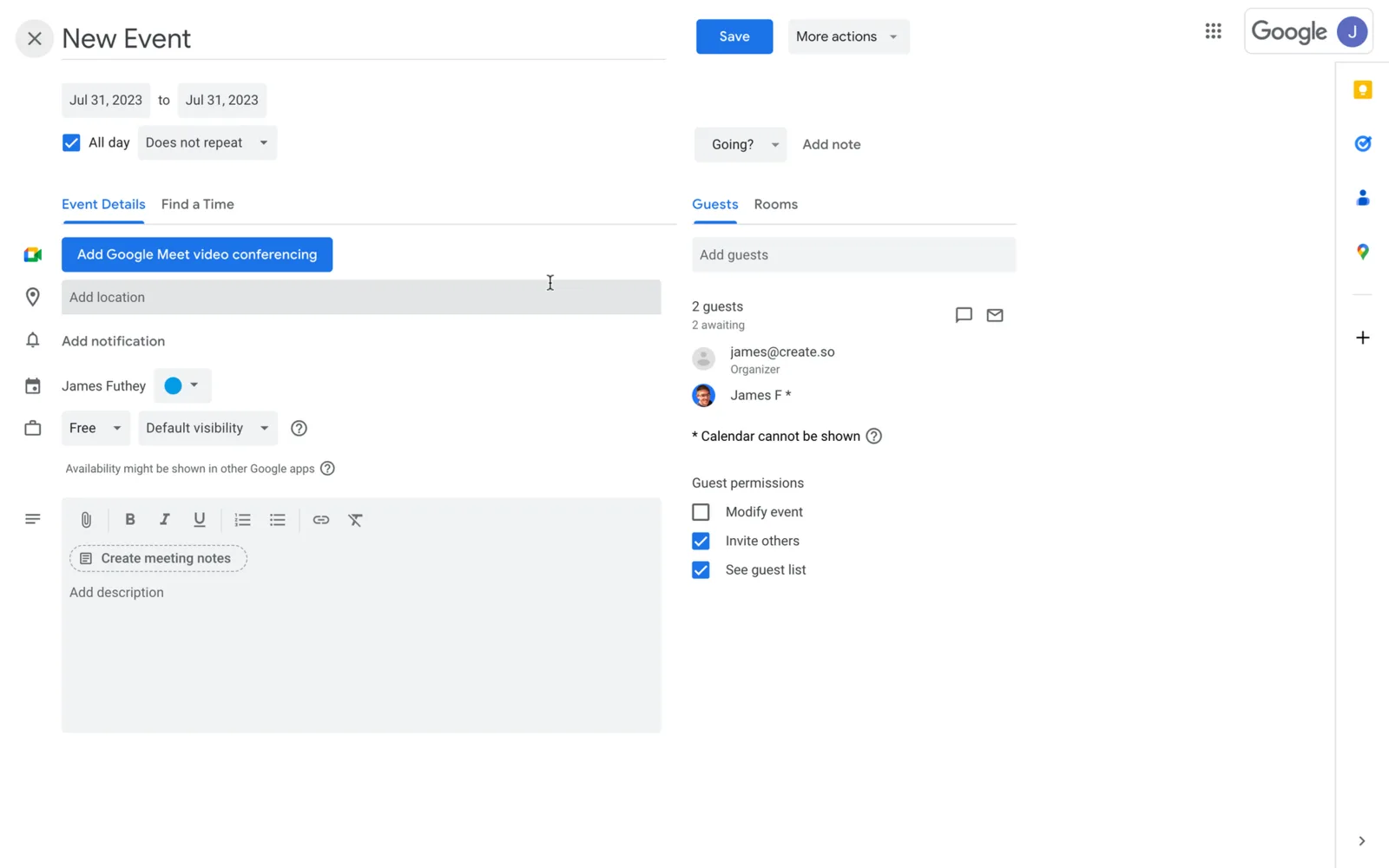
How to Forward Google Calendar Invite
Forward a Google Calendar invite from the event or in Gmail. You'll need “invite others” permission, and anyone you email it to can change your RSVP.
-

How to Propose a New Time in Google Calendar
Did they send a meeting time that doesn’t work for you? learn how to propose a new time in Google Calendar on the web and mobile versions of this platform here.
-
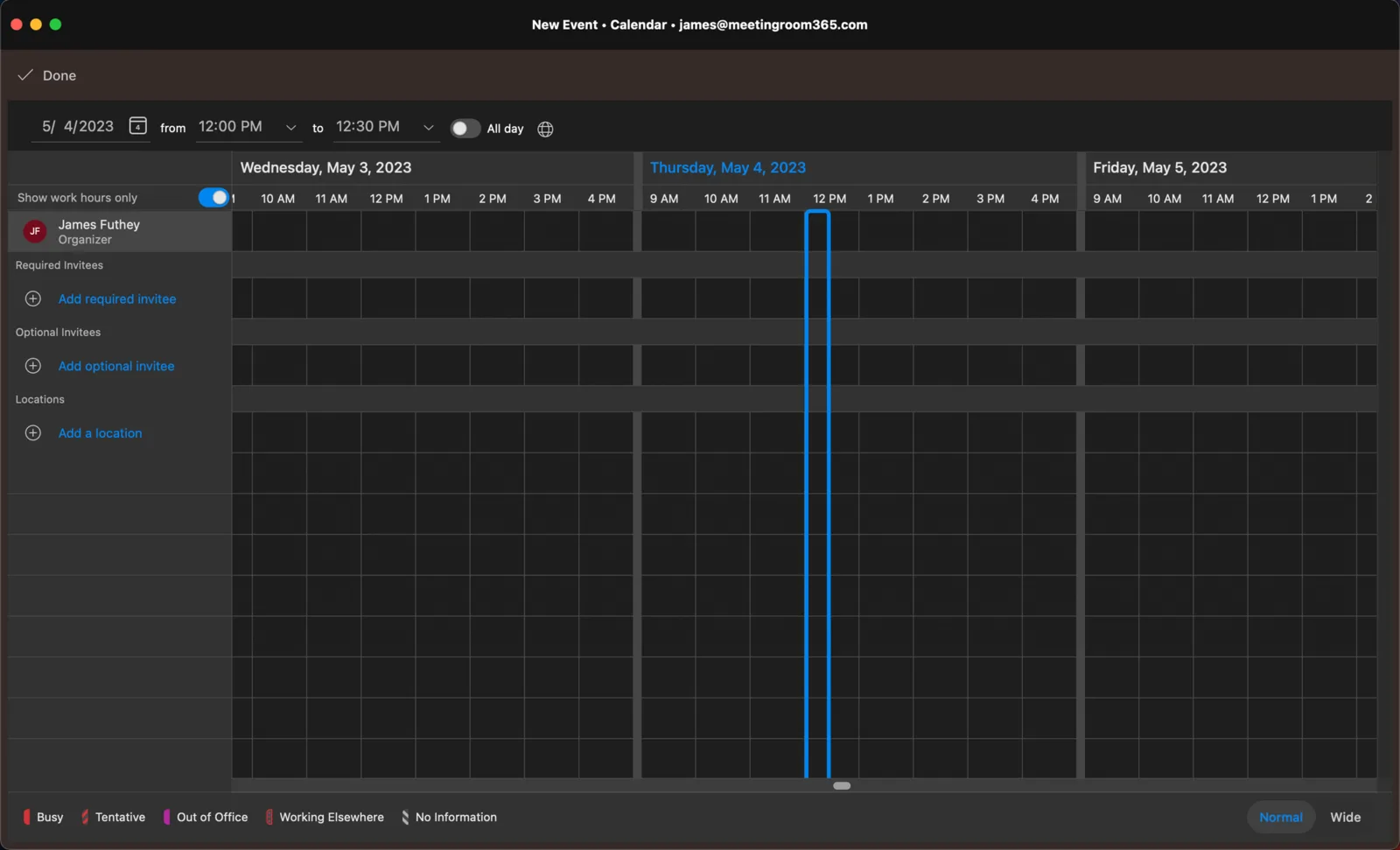
How to Use Scheduling Assistant in Outlook
Do you need to pick the right time for everyone in a meeting? Learn how to use Scheduling Assistant in Outlook by checking this guide.
-

How to Change Organizer in Google Calendar
Do you need to transfer ownership of a Google Calendar event or calendar? Learn how to change organizer in Google Calendar here.
-
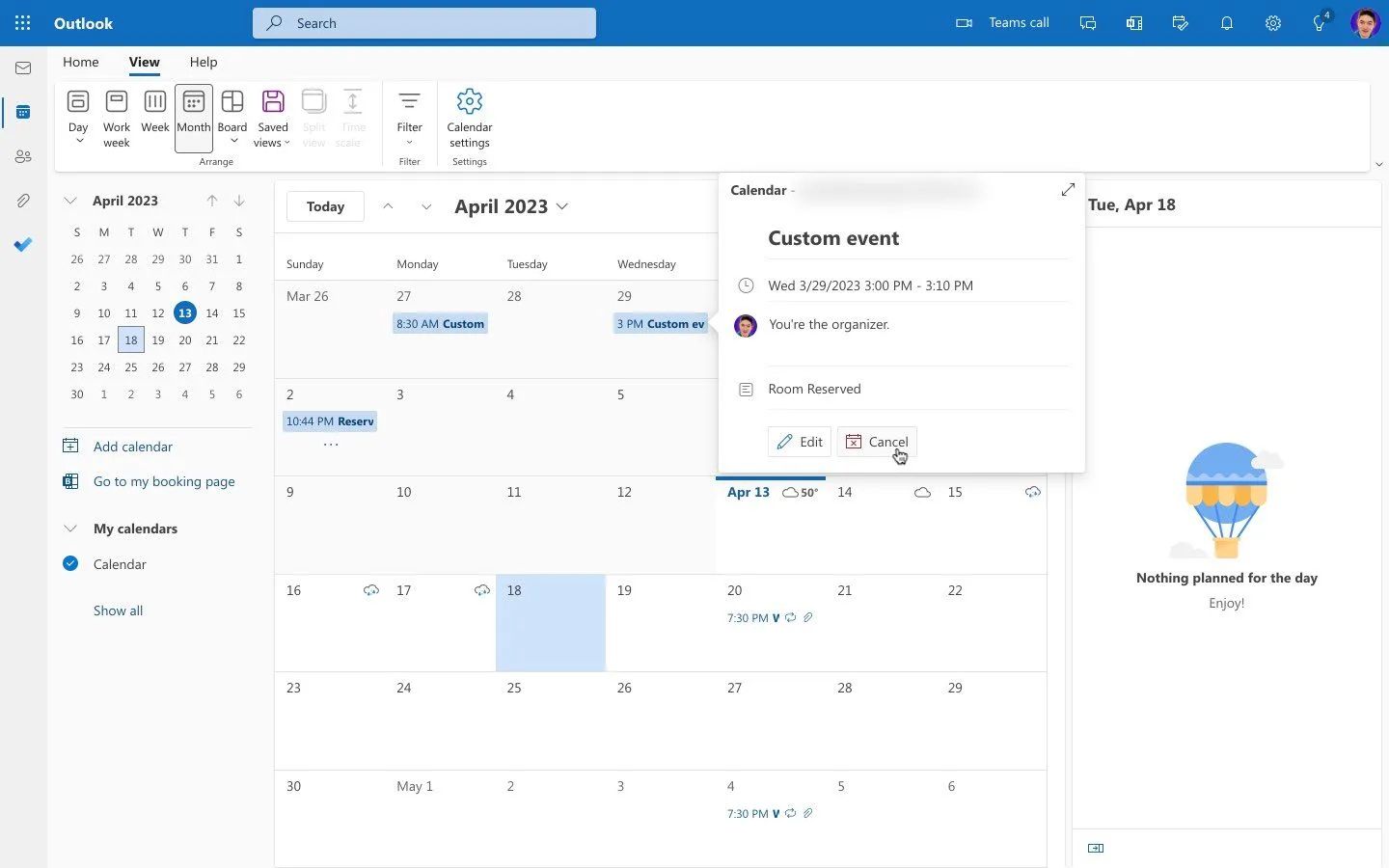
How to Change Meeting Organizer in Outlook
Outlook now lets you change a meeting's organizer in new Outlook and on the web. Here's how, what it can't move yet, and the fix for classic Outlook.
-
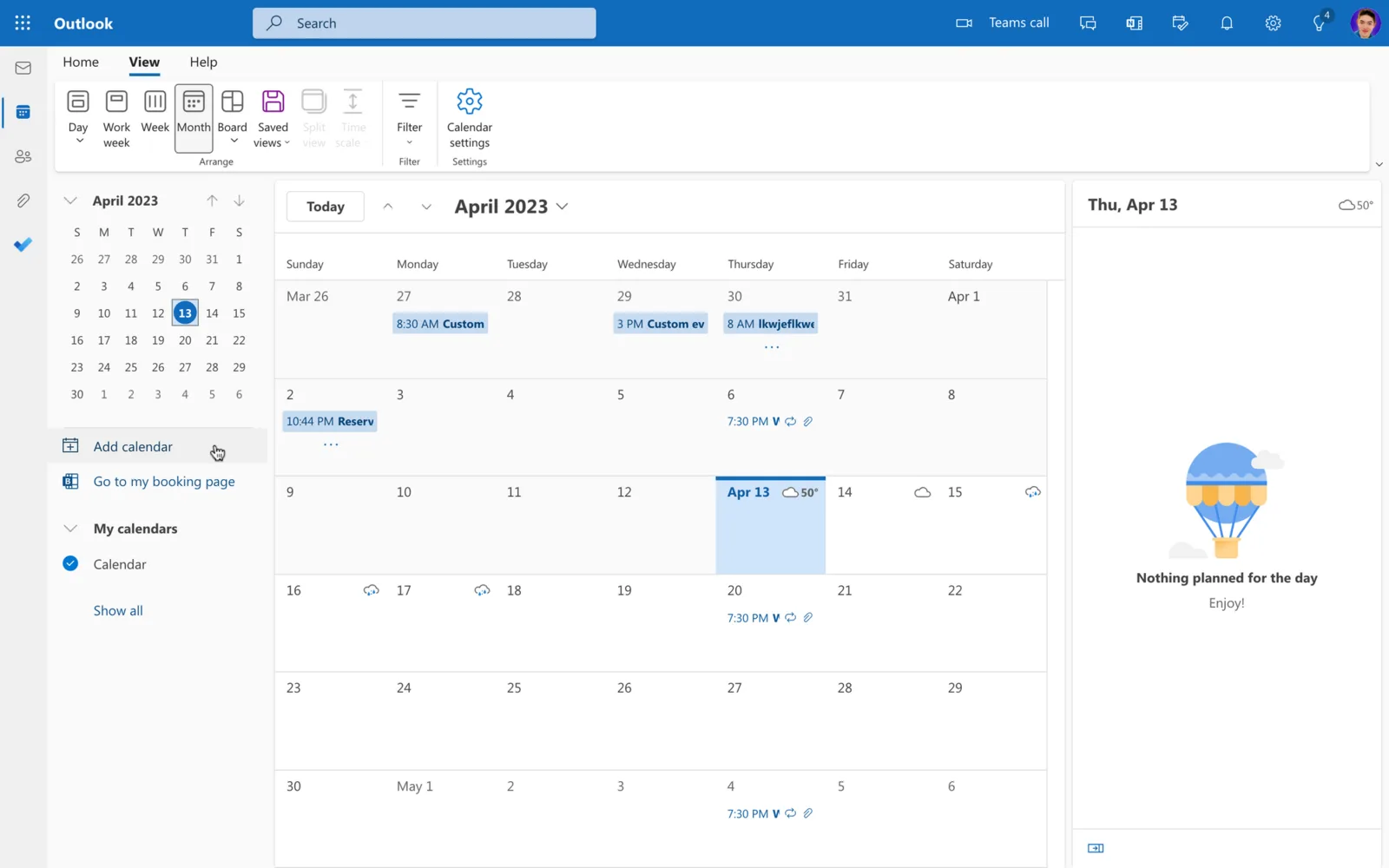
How to View Someone’s Calendar in Outlook
Do you need to check another person’s calendar in Outlook? Learn how to view someone’s calendar in Outlook in 4 easy steps.
-

How to Create a Shared Calendar in Outlook
Create a new calendar in Outlook and share it with people who can view or edit it. Steps for new Outlook, Outlook on the web and classic Outlook.
-
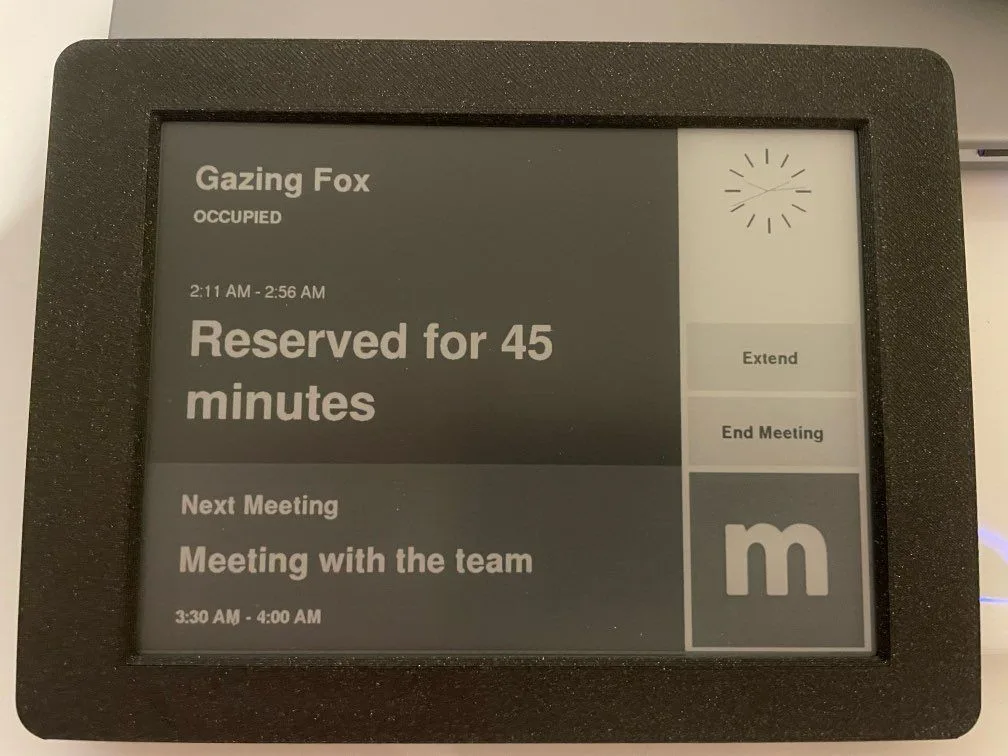
Introducing the E-Ink Meeting Room 365 Display
An open-source E-ink meeting room display built on the Inkplate 6Plus, with instant reservations and months of battery life. Works with Microsoft 365.
-

How to Reschedule a Meeting in Outlook
Do you need to change the date and time of an appointment? Learn how to reschedule a meeting in Outlook easily here.
-
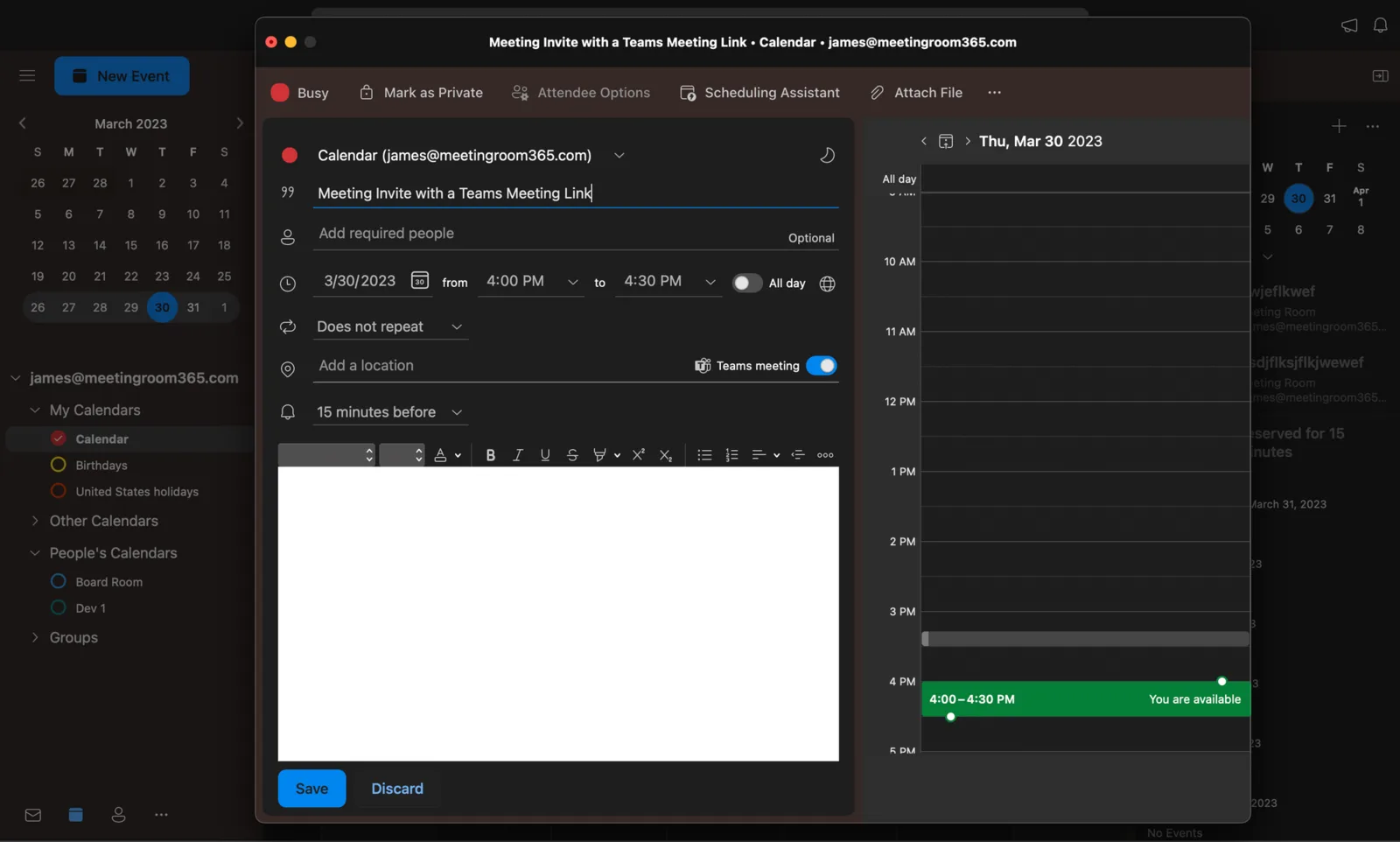
How to Set Up a Teams Meeting in Outlook
Scheduling Teams meetings via Outlook is quite easy. Learn how to set up a Teams Meeting in Outlook by following these quick steps.
-

How to Add Teams to Outlook
Do you want to manage both Teams and Outlook meetings simultaneously? Learn how to add Teams to Outlook here.
-
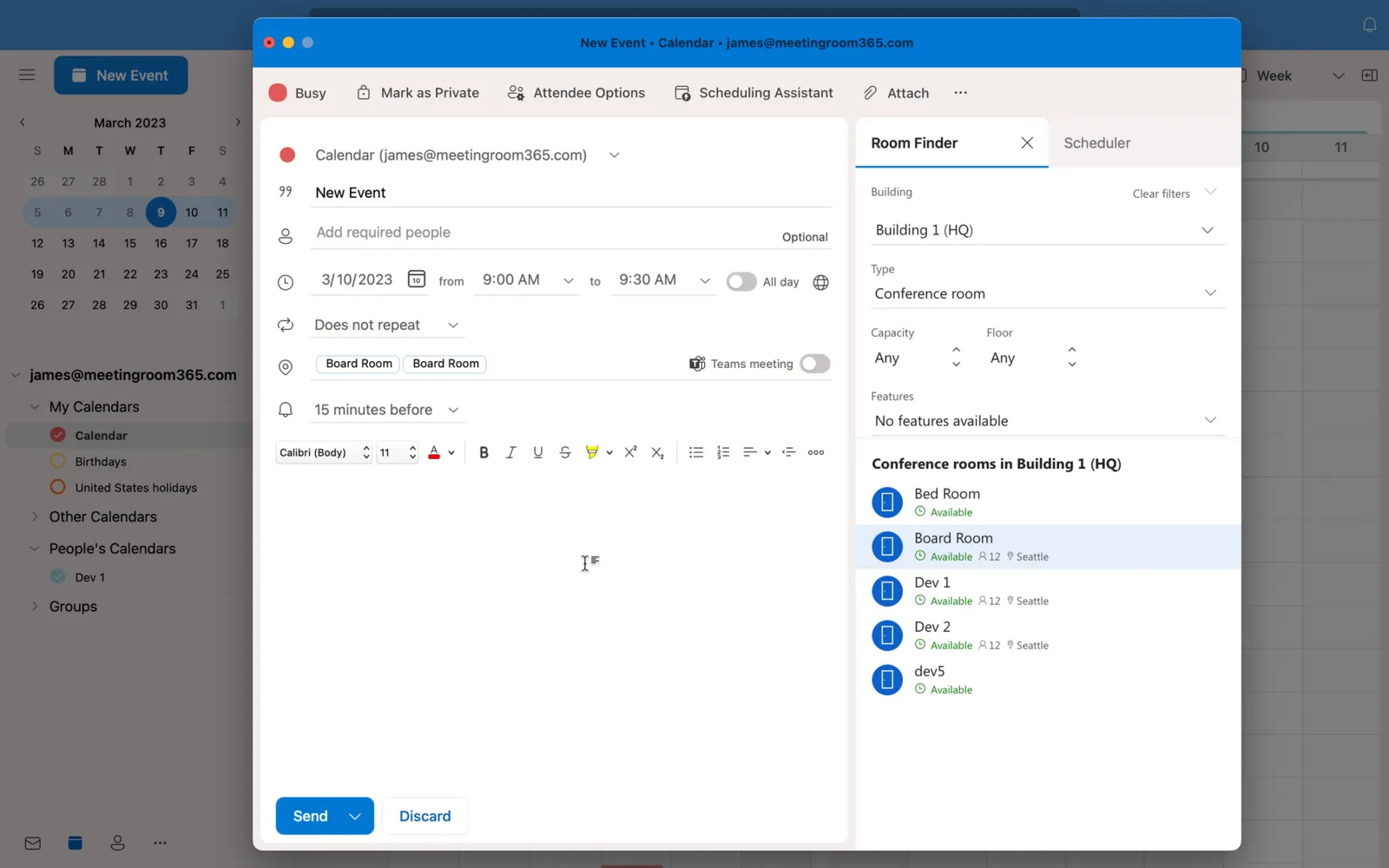
Outlook Room Finder Not Showing Rooms? Here’s the Fix
Outlook Room Finder empty or not working? Rooms need a room list plus City, Floor and Capacity set with Set-Place. Works for classic and new Outlook.
-

How to Remove Teams Meeting from Outlook Invite
Is Outlook automatically sending Teams invites without your permission? Learn how to remove Teams Meeting from Outlook Invite here.
-
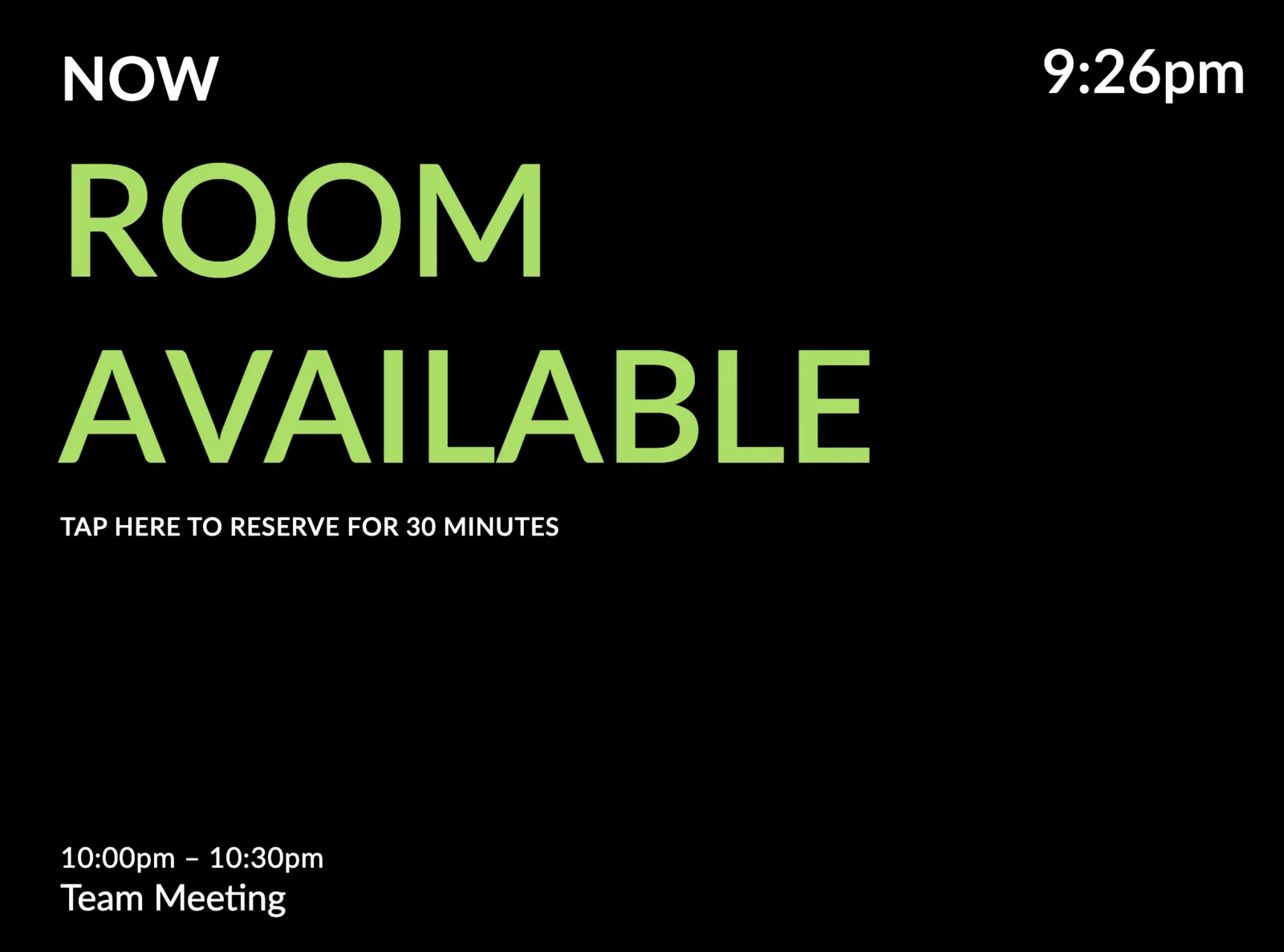
New: A Very Minimal Meeting Room Display Theme
A minimal meeting room display theme built on clean typography and negative space. Pair it with a black or solid color background, in portrait or landscape.
-

How to Check Meeting Room Availability in Outlook
Do you need to book a room in Microsoft Office 365, but want to check its availability first? Learn how to check meeting room availability in Outlook here.
-

Setting up a Meeting Room Display with SimpleMDM
Set up meeting room displays with SimpleMDM: create an Apple Push certificate, enroll devices, and keep iPads in kiosk mode across multiple locations.
-

How to Block Meeting Rooms in Outlook
Block meeting rooms in Outlook: hide resource mailboxes from Room Finder, require booking approval, and limit which users can reserve each room.
-

How to Reserve a Room in Outlook
Book a conference room in Outlook: start a meeting, open Room finder from the Location field, filter by building and capacity, and pick a room that's free.
-
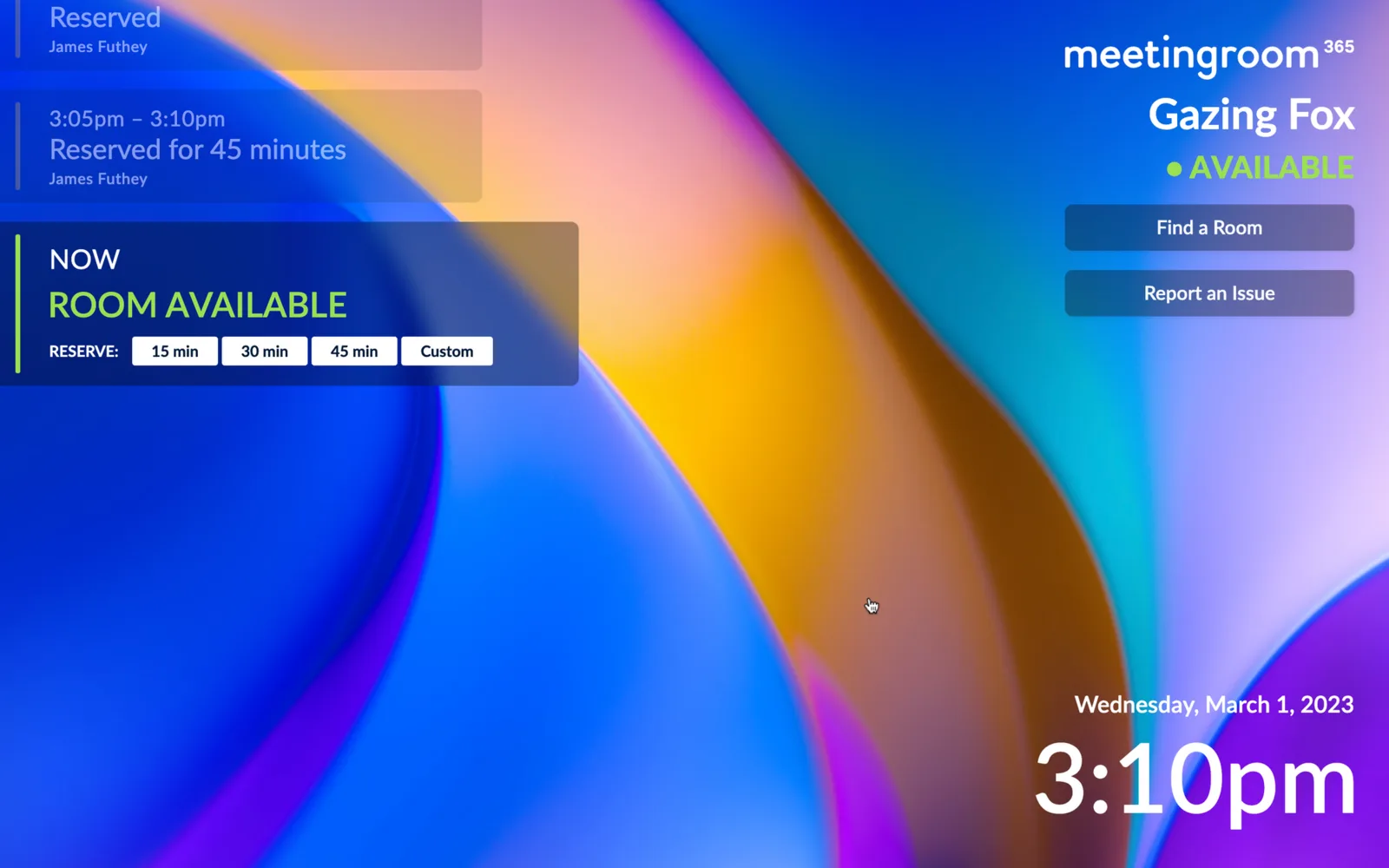
New: Glassmorphism Meeting Room Display Theme!
A frosted-glass meeting room display theme inspired by Windows 11, in left- and right-aligned variants. Available on all Meeting Room 365 displays.
-

The Complete Guide To Planning and Setting Up your Conference Room Display Solution
Plan a conference room display rollout end to end: display types, choosing tablets, mounting, and setup with Office 365 or Google Workspace.
-

Say Goodbye to Unproductive Meetings: A Guide to Better Planning, Preparation, and Follow-Up
The average worker spends 31 hours a month in meetings. Practical ways to plan, prepare and follow up so yours are shorter and worth attending.
-
Connecting to PowerShell to Manage Exchange (After Basic Authentication is deprecated)
Basic Authentication is deprecated for Exchange PowerShell. Connect with the ExchangeOnlineManagement module and modern auth, and update your old scripts.