We built Meeting Room 365 Desk Booking from the ground up for Microsoft 365 as it works in 2026: Places for buildings, Outlook for bookings, optimized for Microsoft's current licensing.
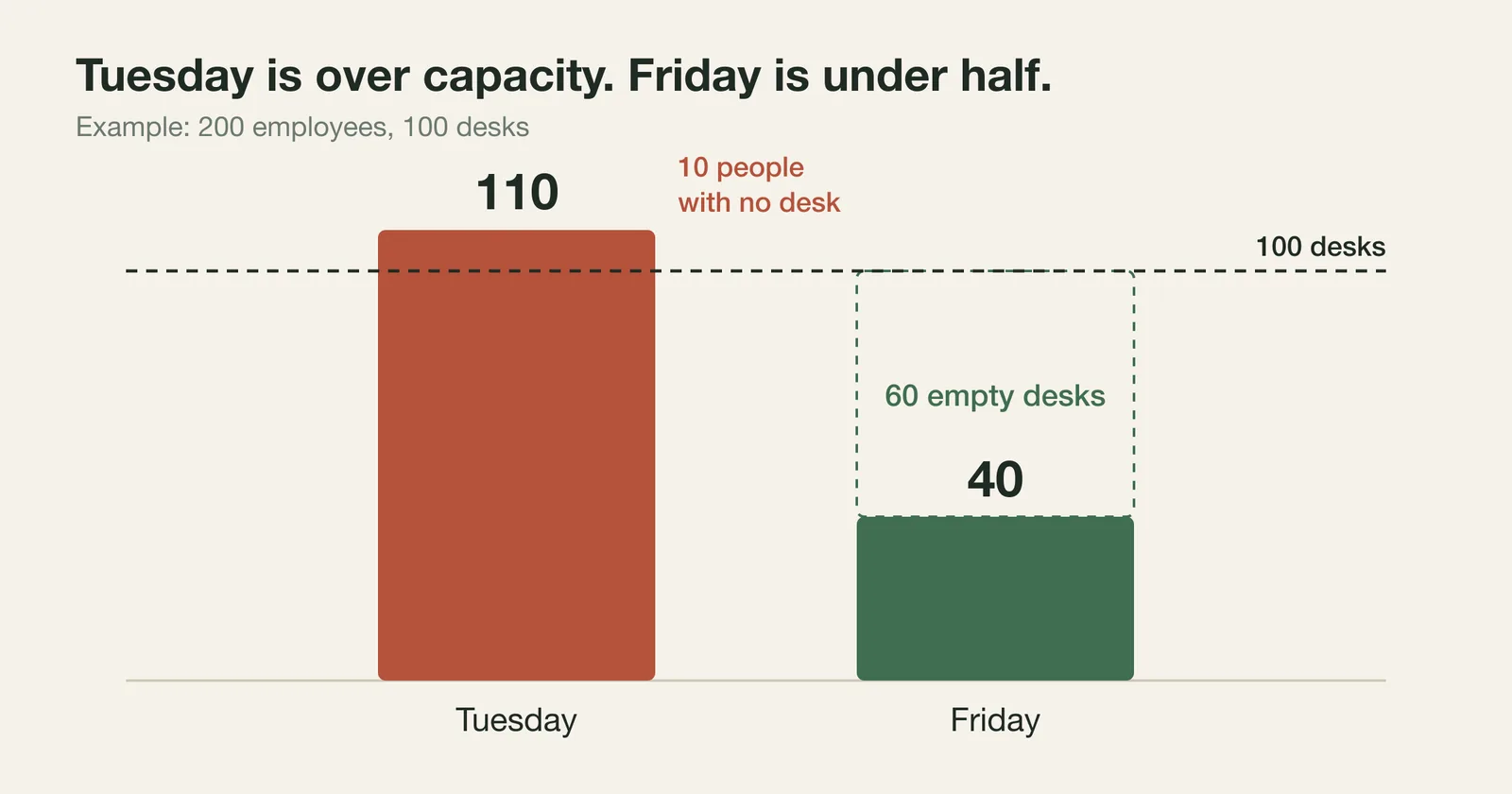
Start with the ratio of people to desks, because no software fixes it. Tuesday is usually your busiest day and Friday your emptiest, so the desk count has to cover Tuesday, not the weekly average. Take 200 employees and 100 desks, a 2:1 ratio. If 110 people want a desk on Tuesday and 40 on Friday, 10 people have nowhere to sit on Tuesday and 60 desks sit empty on Friday, and the 10 will be unhappy with any booking tool you put in front of them. Work out your peak attendance first, buy desks for that number with some slack, and pick software after.
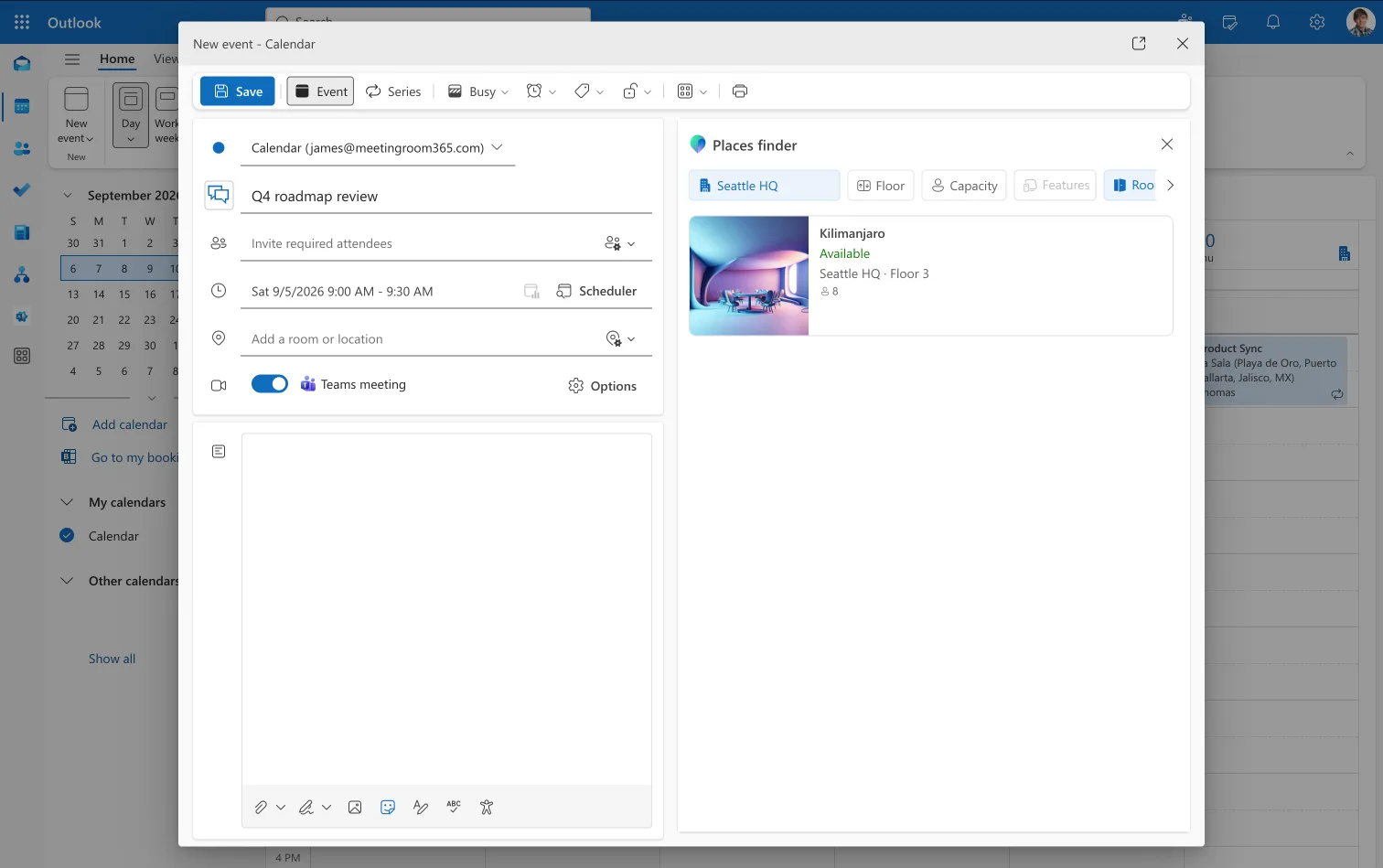
Places is the part of Microsoft 365 that holds your buildings, floors, rooms and desks. Places Finder is the search on top of it, listing spaces with photos, floor plans, capacity and accessibility details so people can pick one without walking the building first. It sat behind Teams Premium at about $10 per user per month, and most offices never turned it on.
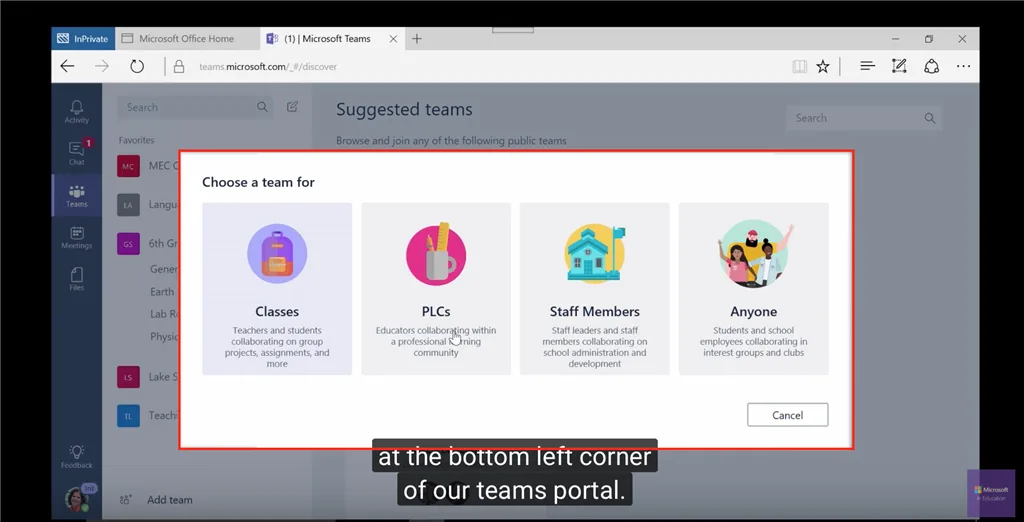
Then in April Microsoft changed the pricing. Places Finder moved into the core Microsoft 365 plans. Booking a desk pool was core already and stayed there. Booking one specific desk went the other way, from a per-user Premium license to a per-space one called Teams Shared Space. Each paid license comes with 3 free Single Space licenses, which works out to roughly $2 a desk a month, and every desk becomes an account in your admin center with a license assigned to it. So "Places is free" is true for finding things and for booking a pool. Booking a specific desk by name still costs money.
Yearly cost, with one license per block of 4 desks at $8.55 a month and pools of about 30 desks at $199 a year each:
| Desks | Microsoft Places | Meeting Room 365, pools |
|---|---|---|
| 60 | $1,539 | $398 |
| 100 | $2,565 | $796 |
| 240 | $6,156 | $1,592 |
| 500 | $12,825 | $3,383 |
Per-space is the right unit for a meeting room and the wrong one for a desk.
A room is something people ask for by name. A desk isn't. Nobody walking into the office wants desk 14B. They want a desk near their team, and they want to know one will be there. The constraint you're managing is capacity, and naming the desk does nothing for that.
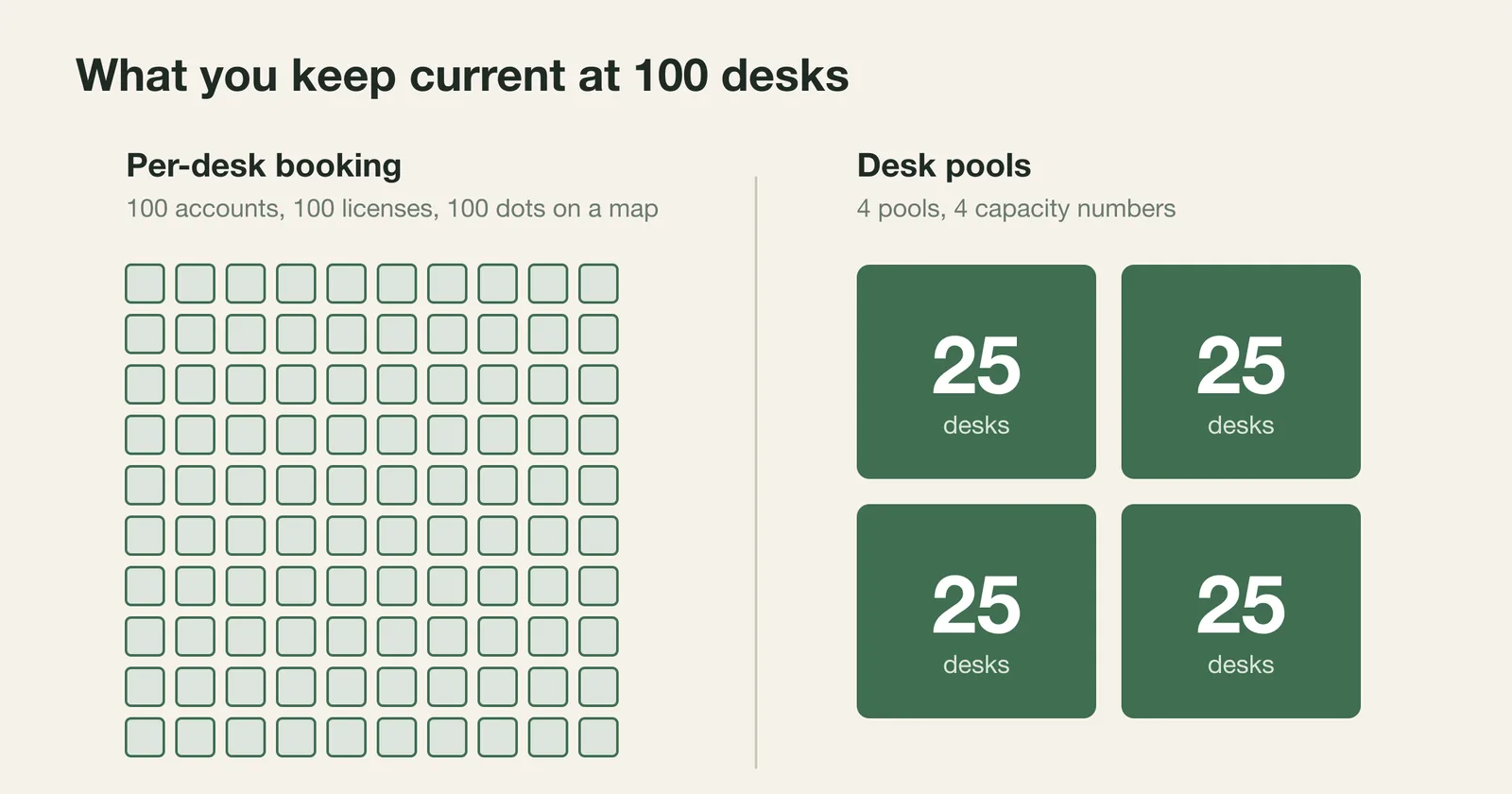
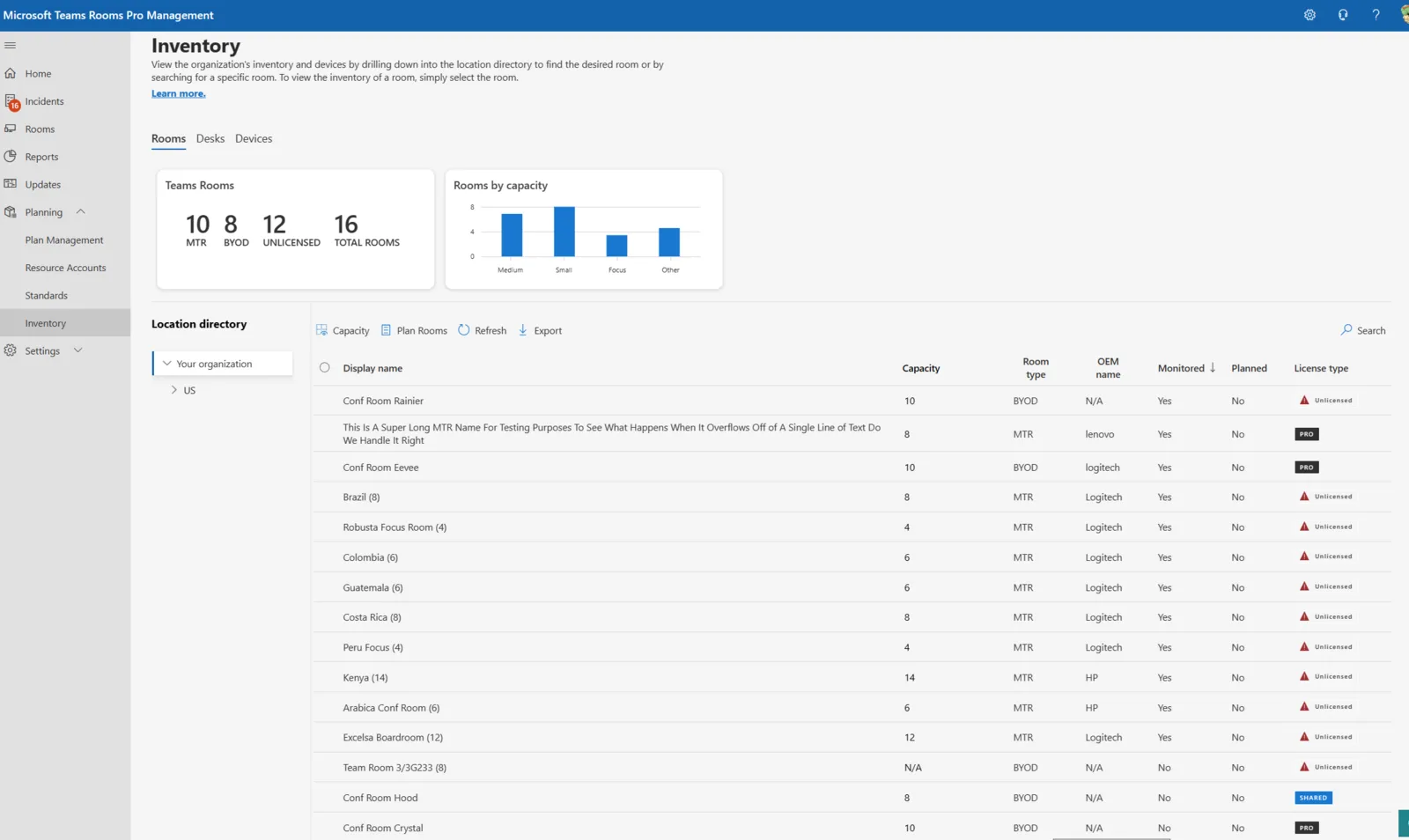
Per-desk booking costs more, and it's a nightmare to maintain. Every desk is an account, a license and a dot on a map. When a team moves to the other side of the floor, someone updates the accounts and redraws the map. When you open another floor, someone creates dozens more. A pool is a workspace with a capacity number. A hundred desks might be 4 pools, which is 4 numbers to keep right, and Microsoft charges nothing for pool booking. When the Tuesday-to-Friday mix changes next quarter, you change a number.
What you maintain at 100 desks:
| Per-desk in Places | Pools in our app | |
|---|---|---|
| Objects to keep current | 100 desks | 4 pools |
| Licenses to buy and assign | 25 paid, 75 free single-space, one assigned per desk | None |
| Floor reorg | Redraw, re-map, reassign licenses | Change a capacity number |
| Rotating seat assignments | Reassign by hand | None, people take any open desk |
A pool does have limits. It can't give anyone a specific desk, and some people need one: the standing desk, the one with the adaptive keyboard, the one by the door. Permanent desk assignment is part of the core plan, so give those few people their desks and pool everything else. A pool also records that people are coming, not where each one sat. And Places doesn't reach mailboxes still on Exchange on-premises at all.
Licensing was never the hard part. The ratio is, and nothing here produces another desk. If Tuesday has more people than desks, no pool, license or app changes that. What a booking system can do is tell the extra people on Monday night. If they know Tuesday is full they come Wednesday, when the floor is half empty, and Tuesday stops being a fight for a chair.
How Does Meeting Room 365 Fit In
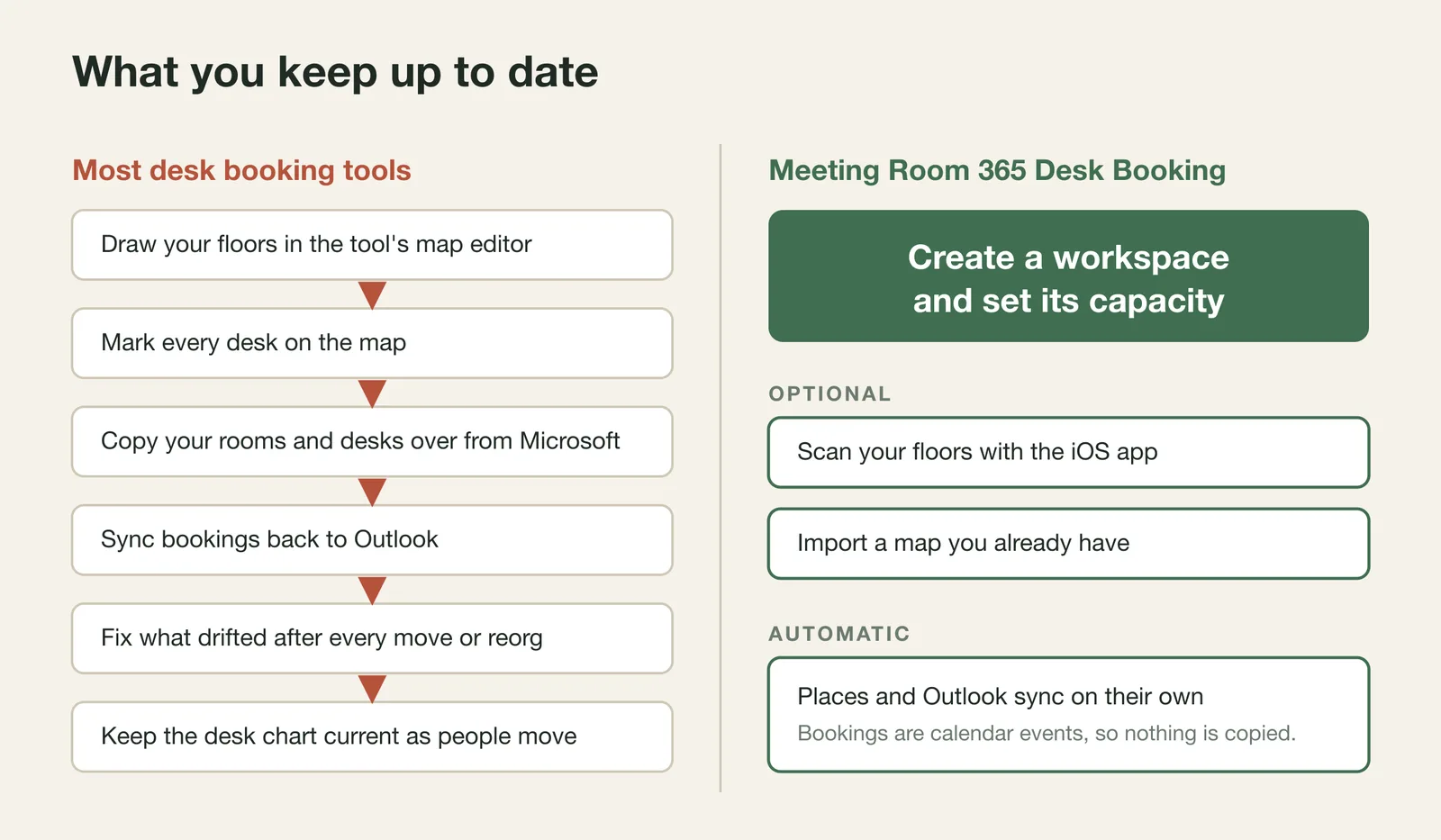
Most desk booking software was built before Places existed, so vendors had to bring their own copy of your building: a list of desks, a floor map, a table of bookings, and a sync job to tell Outlook what happened. The software owned the map, so every desk had to be on it.
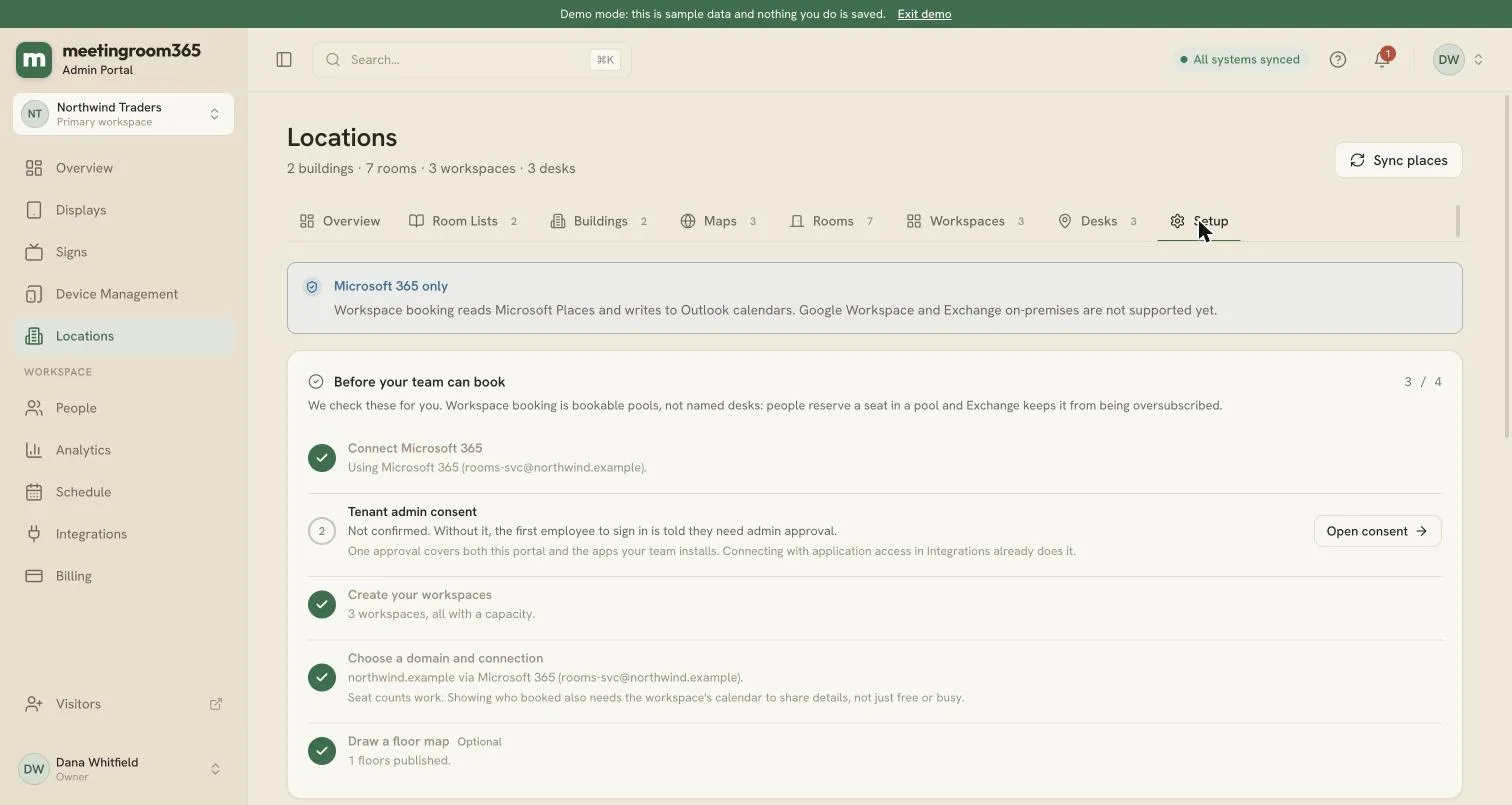
We built Meeting Room 365 Desk Booking from scratch in 2026, on top of Places and Outlook, with none of that to carry. It has no building of its own. IT creates a workspace in the Microsoft 365 admin center for each pool, with a name and a capacity, and the buildings, floors and photos come from the Places setup you already have. There are no sensors to buy and no QR codes to print.
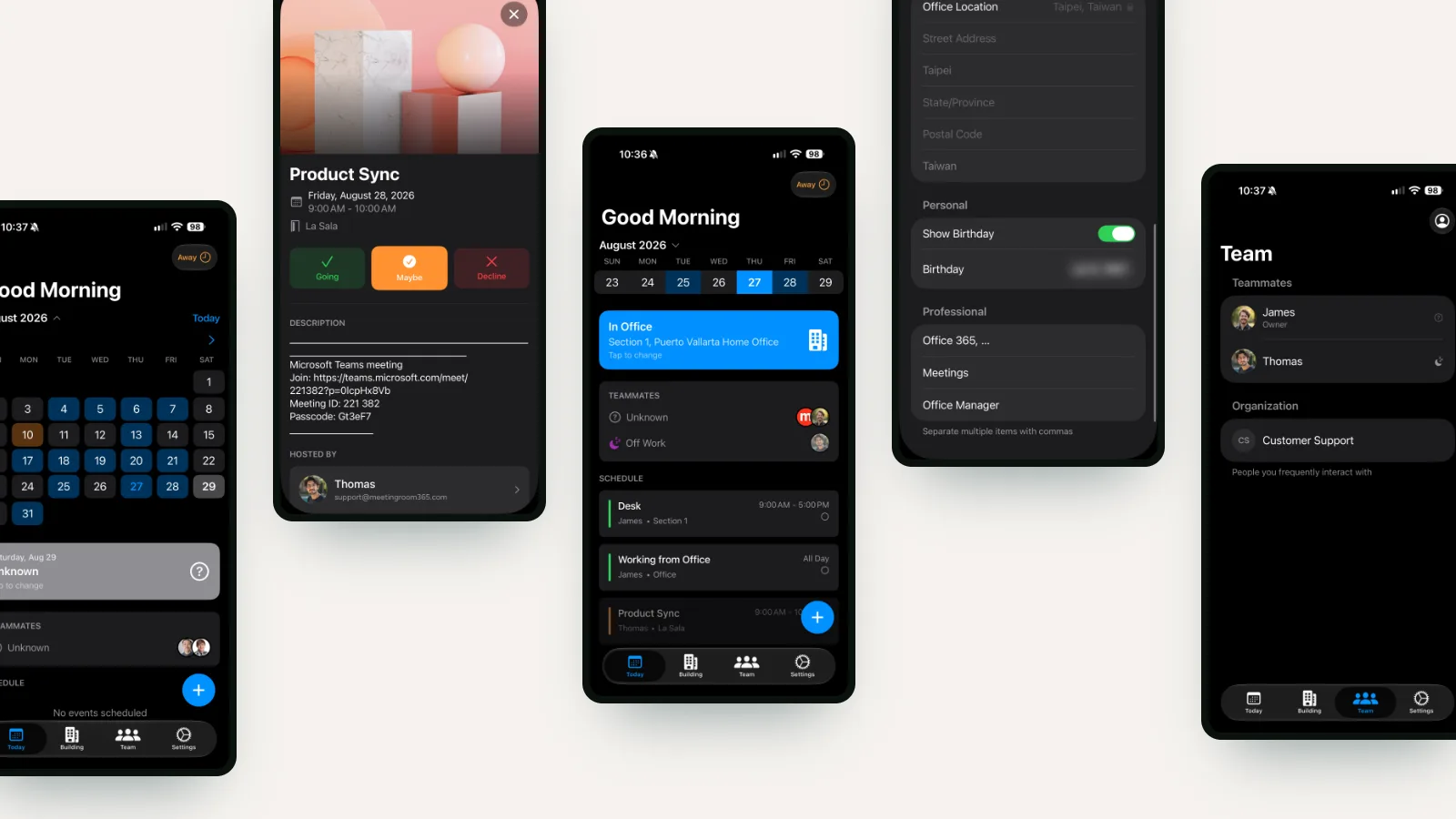
Employees install the iOS or Android app and sign in with their Microsoft account. They set their usual week once and book a pool when they need one. The booking is an ordinary event on their Outlook calendar, so it lives in your tenant and there is nothing to sync. The app is free to install and use for planning your week and booking rooms. Desk booking is $19 a month per workspace, or $199 a year, with as many desks inside it as you like.
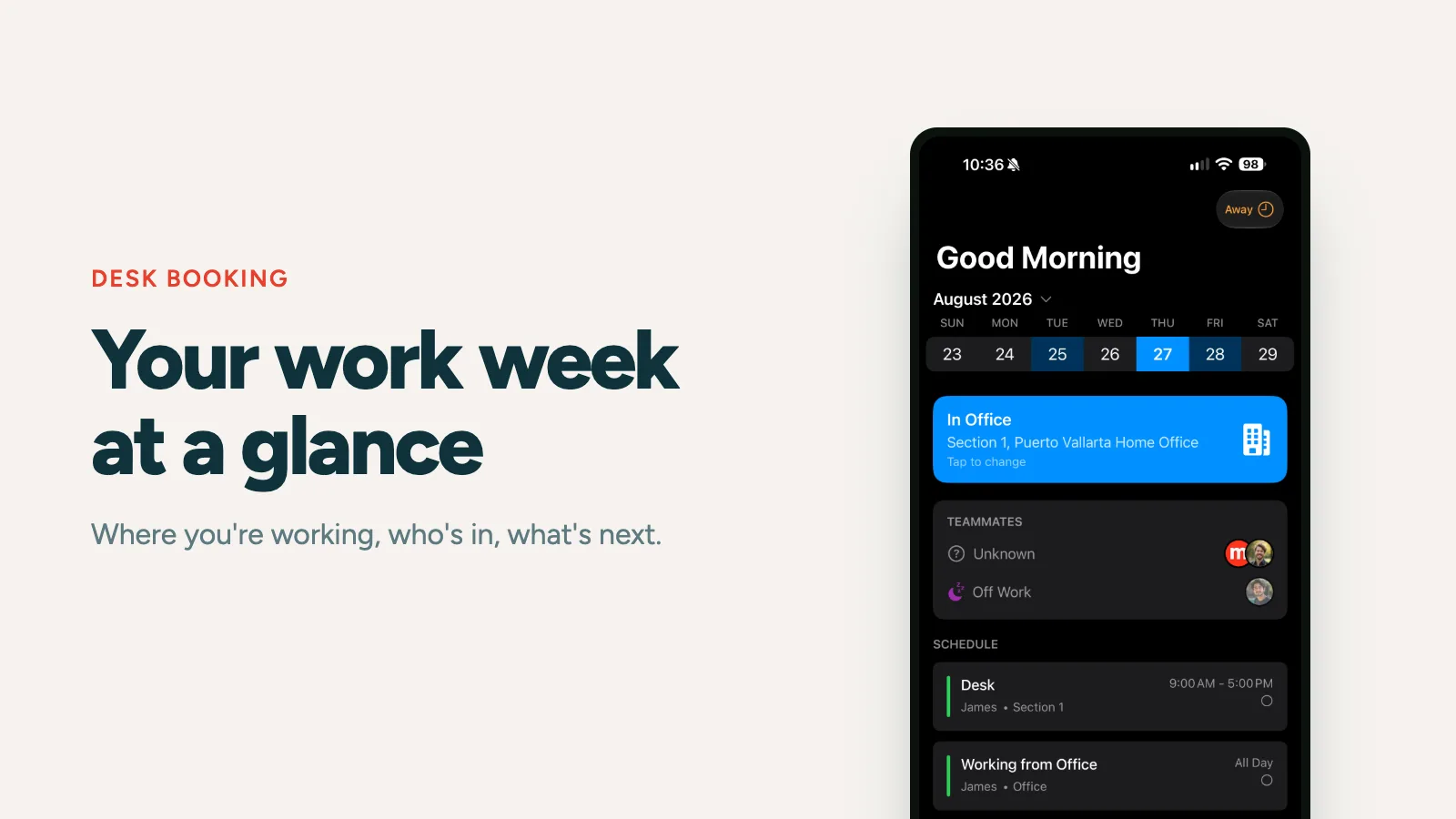
A widget on the home screen or lock screen shows where you're sitting today and what's next, without opening anything. You set your usual week once, say which days you're in the office, and it fills itself in. When you sit down you check in, and teammates can see which desk you took if you choose to share it. You can also see where your team is working and their Teams presence, and message them from the app.
It doesn't reserve a specific desk, which is the point of a pool, and it only works with Microsoft 365. It runs on iOS and Android.
Setup is four steps:
- Create a workspace in the Microsoft 365 admin center for each pool of desks.
- Label them in the office however you like, with dynamic desk labels or printed signs.
- Optionally mount a tablet or TV at a workspace for a glanceable display.
- Everyone installs the app, signs in with their Microsoft account, and books.
You can start a free trial or book a walkthrough.