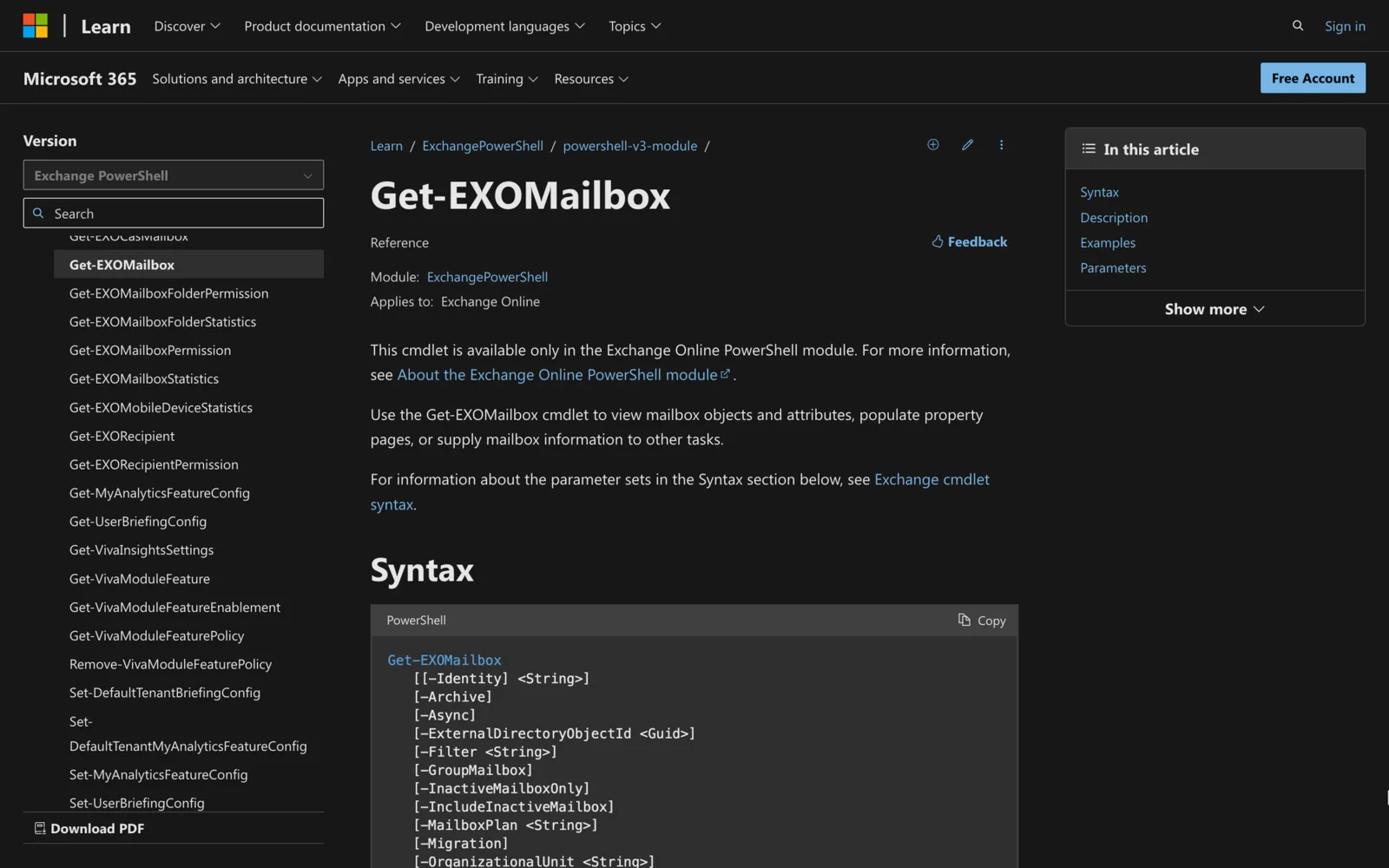
Quick answer: Get-Mailbox returns mailbox objects and their properties in Exchange Online and Exchange Server. Run Get-Mailbox -Identity admin@contoso.com for one mailbox, or Get-Mailbox -ResultSize Unlimited for all of them (the default stops at 1,000). Narrow results with -RecipientTypeDetails or an OPATH -Filter. In Exchange Online, Microsoft recommends the faster Get-EXOMailbox instead.
What does Get-Mailbox do?
It shows mailbox objects and attributes: alias, display name, email addresses, mailbox type, quotas, archive status and more. You can view one mailbox, list every mailbox, or filter down to a type or a pattern and pipe the results to other cmdlets.
It works in Exchange Server 2010 through Exchange Server SE and in Exchange Online. You need to be assigned permissions before you can run it, and some parameters only appear if your role includes them.
How do I run Get-Mailbox?
Exchange Online:
Install-Module -Name ExchangeOnlineManagement
Connect-ExchangeOnline -UserPrincipalName admin@contoso.com
Get-Mailbox -Identity admin@contoso.com
See how to install the Exchange Online PowerShell module.
On-premises Exchange: open the Exchange Management Shell and run the same Get-Mailbox commands.
Get-Mailbox examples
| Task | Command |
|---|---|
| One mailbox | Get-Mailbox -Identity admin@contoso.com |
| All mailboxes | Get-Mailbox -ResultSize Unlimited |
| Shared mailboxes | Get-Mailbox -RecipientTypeDetails SharedMailbox -ResultSize Unlimited |
| Room mailboxes | Get-Mailbox -RecipientTypeDetails RoomMailbox -ResultSize Unlimited |
| Partial name search | Get-Mailbox -Anr Chr |
| Mailboxes with an archive | Get-Mailbox -Archive -ResultSize Unlimited |
| Mailboxes in an OU | Get-Mailbox -OrganizationalUnit Users |
| Archives on one database (on-premises) | Get-Mailbox -Archive -Database MBXDB01 |
| Remote archive (on-premises) | Get-Mailbox -Identity ed@contoso.com -RemoteArchive |
| Sort by display name | Get-Mailbox -SortBy DisplayName |
-Anr Chr matches names such as Chris, Christian and Christa. It searches CommonName, DisplayName, FirstName, LastName and Alias.
Show specific properties
Get-Mailbox -Identity admin@contoso.com | Format-List DisplayName,PrimarySmtpAddress,RecipientTypeDetails,ArchiveStatus
Export mailboxes to CSV
Get-Mailbox -ResultSize Unlimited |
  Select-Object DisplayName,PrimarySmtpAddress,RecipientTypeDetails |
  Export-Csv -Path C:\Temp\mailboxes.csv -NoTypeInformation
How do I filter Get-Mailbox results?
-Filter uses OPATH syntax, "Property -Operator 'Value'", and runs on the server, so it's faster than piping everything to Where-Object.
# Display name starts with "Conf"
Get-Mailbox -Filter "DisplayName -like 'Conf*'" -ResultSize Unlimited

# Hidden from the address book ($true needs single quotes around the filter)
Get-Mailbox -Filter 'HiddenFromAddressListsEnabled -eq $true' -ResultSize Unlimited

# Combine conditions
Get-Mailbox -Filter "RecipientTypeDetails -eq 'UserMailbox' -and CustomAttribute1 -eq 'Sales'" -ResultSize Unlimited
Quoting rules from Microsoft:
- Wrap the filter in double quotes. If it contains
$true,$falseor$null, use single quotes. - Wrap text values in single quotes. Don't quote integers or system values.
- Chain conditions with
-andand-or.
RecipientTypeDetails values
DiscoveryMailbox, EquipmentMailbox, GroupMailbox, LegacyMailbox, LinkedMailbox, LinkedRoomMailbox, RoomMailbox, SchedulingMailbox, SharedMailbox, TeamMailbox, UserMailbox. Separate several with commas.
What do the switches return?
| Switch | Returns only | Where |
|---|---|---|
-Archive |
Mailboxes with an archive enabled | Both |
-Migration |
Migration mailboxes | Exchange 2016 and later, Exchange Online |
-PublicFolder |
Public folder mailboxes | Exchange 2013 and later, Exchange Online |
-GroupMailbox |
Microsoft 365 Groups | Exchange 2016 and later, Exchange Online |
-SoftDeletedMailbox |
Deleted mailboxes that are still recoverable | Exchange Online |
-InactiveMailboxOnly |
Inactive mailboxes (on hold before deletion) | Exchange Online |
-IncludeInactiveMailbox |
Active and inactive mailboxes | Exchange Online |
-Arbitration |
Arbitration (system) mailboxes | On-premises |
-AuditLog |
Audit log mailboxes | On-premises |
-RemoteArchive |
Cloud archives of on-premises users | On-premises |
Get-Mailbox vs Get-EXOMailbox
| Get-Mailbox | Get-EXOMailbox | |
|---|---|---|
| Where it works | Exchange Online and on-premises | Exchange Online only |
| Default output | All properties | Minimum property set |
| Speed on large tenants | Slower | Built for bulk retrieval |
| Default result limit | 1,000 | 1,000 |
-SortBy, -Migration, -PublicFolder, -GroupMailbox |
Available | Not available |
In Exchange Online, Microsoft recommends Get-EXOMailbox. Use Get-Mailbox on-premises, or when you need a switch Get-EXOMailbox lacks.
Troubleshooting
| Problem | Fix |
|---|---|
| PowerShell says Get-Mailbox isn't recognized | Connect first: Connect-ExchangeOnline, or open the Exchange Management Shell. |
| Only 1,000 mailboxes returned | Add -ResultSize Unlimited. |
| Every mailbox returned when you asked for one | A $null or non-existent -Identity value returns all objects. Check your input list. |
| A parameter isn't available | It may be on-premises only, Exchange Online only, or outside your assigned role. |
| Quota values look wrong (on-premises) | If UseDatabaseQuotaDefaults is True, the mailbox uses database quotas. Check them with Get-MailboxDatabase. |
| Filter returns nothing | Check quoting: single quotes around the filter when it contains $true, $false or $null. |
| Slow on a big tenant | Use a server-side -Filter instead of Where-Object, or switch to Get-EXOMailbox. |
Summary
Get-Mailboxlists mailboxes and their properties in Exchange Online and on-premises.- Add
-ResultSize Unlimitedto get more than 1,000. - Filter with
-RecipientTypeDetails,-Anror an OPATH-Filter. - Switches like
-Archive,-Migrationand-SoftDeletedMailboxreturn one kind of mailbox. - In Exchange Online, prefer Get-EXOMailbox for speed.
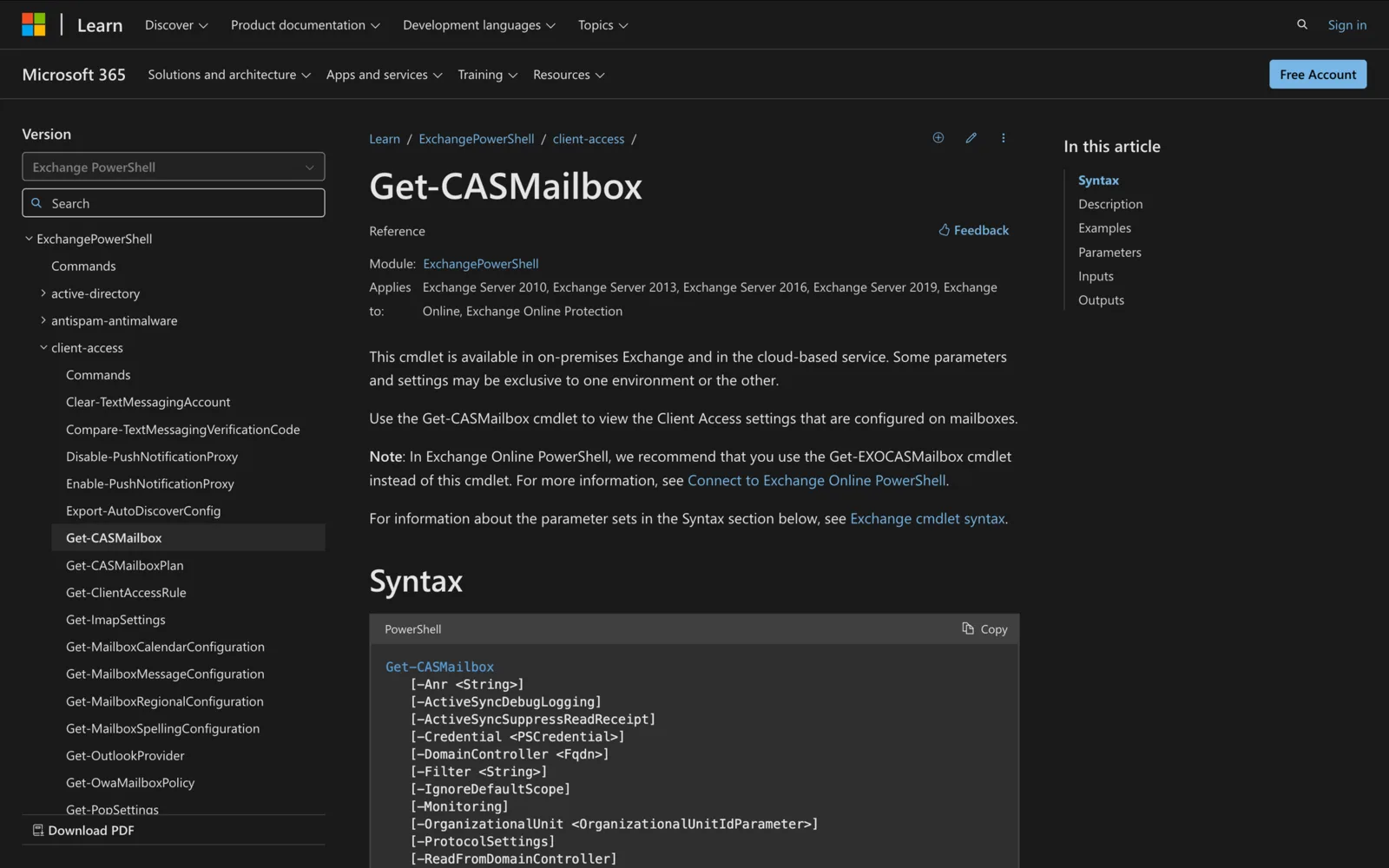
Related: Get-EXOMailbox, Get-MailboxStatistics, Get-MailboxPermission, Get-CASMailbox.
Meeting Room 365 turns any iPad or Android tablet into a room display for Exchange and Microsoft 365 calendars. See the features or pricing: $9 a display a month.