Quick answer: Run New-RemoteMailbox in the Exchange Management Shell on your on-premises Exchange server, not in Exchange Online. It creates an on-premises mail user; directory synchronization then creates the matching mailbox in Exchange Online.
$Credentials = Get-Credential
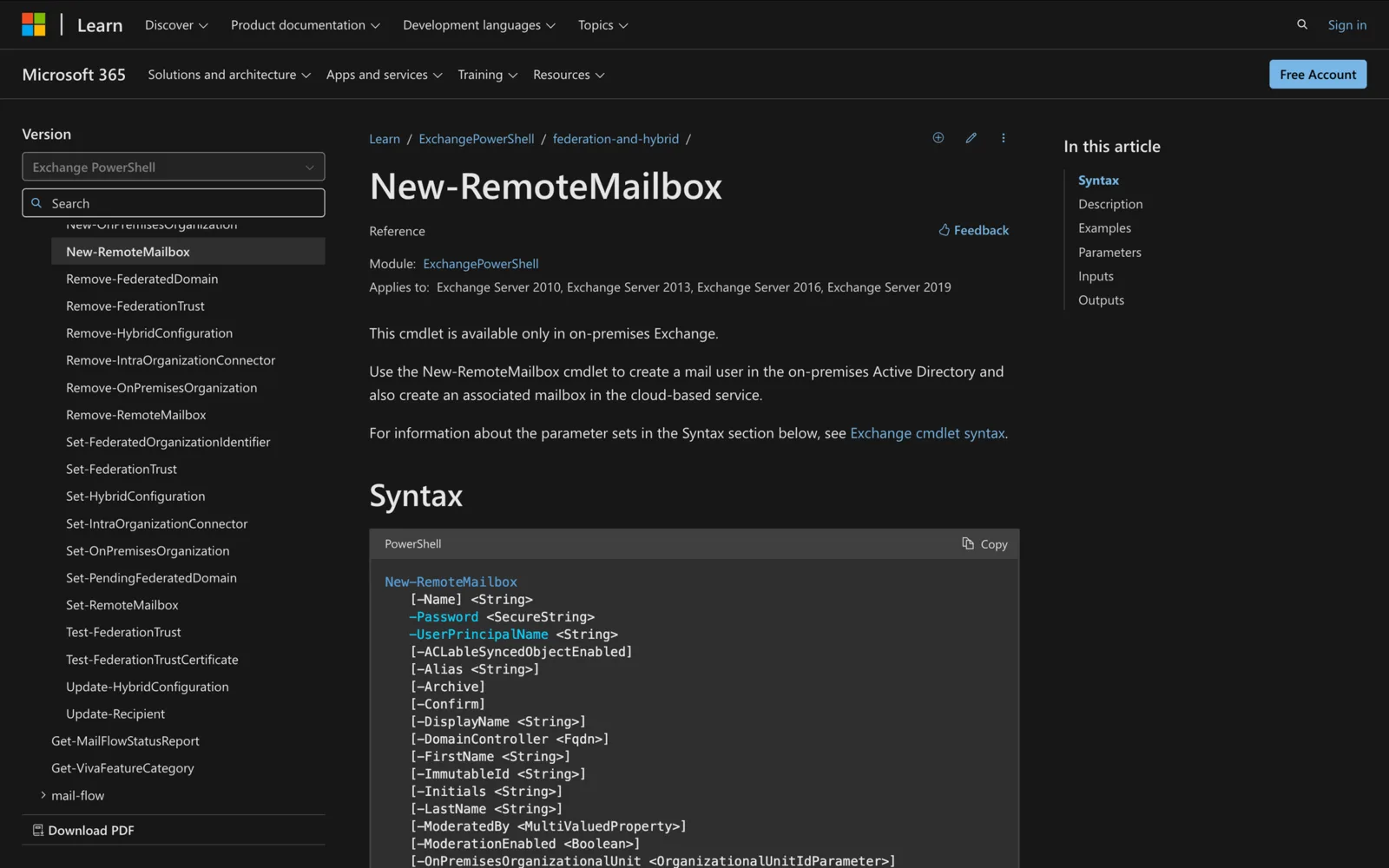
New-RemoteMailbox -Name "Kim Akers" -Password $Credentials.Password -UserPrincipalName kim@corp.contoso.com
What does New-RemoteMailbox do?
It's for hybrid Exchange. The cmdlet creates a mail user in on-premises Active Directory with an attribute that tells the service to create a mailbox for it. When directory synchronization runs, the user syncs to Microsoft 365 and the cloud mailbox is created (Microsoft Learn).
Three things to know:
- It's available only in on-premises Exchange (Exchange Server 2010 through Exchange Server SE). Connect-ExchangeOnline won't give you this cmdlet.
- The cloud mailbox isn't immediate. It appears after the next directory synchronization.
- On-premises policies, such as compliance policies, don't apply to the cloud mailbox. Configure those in the service.
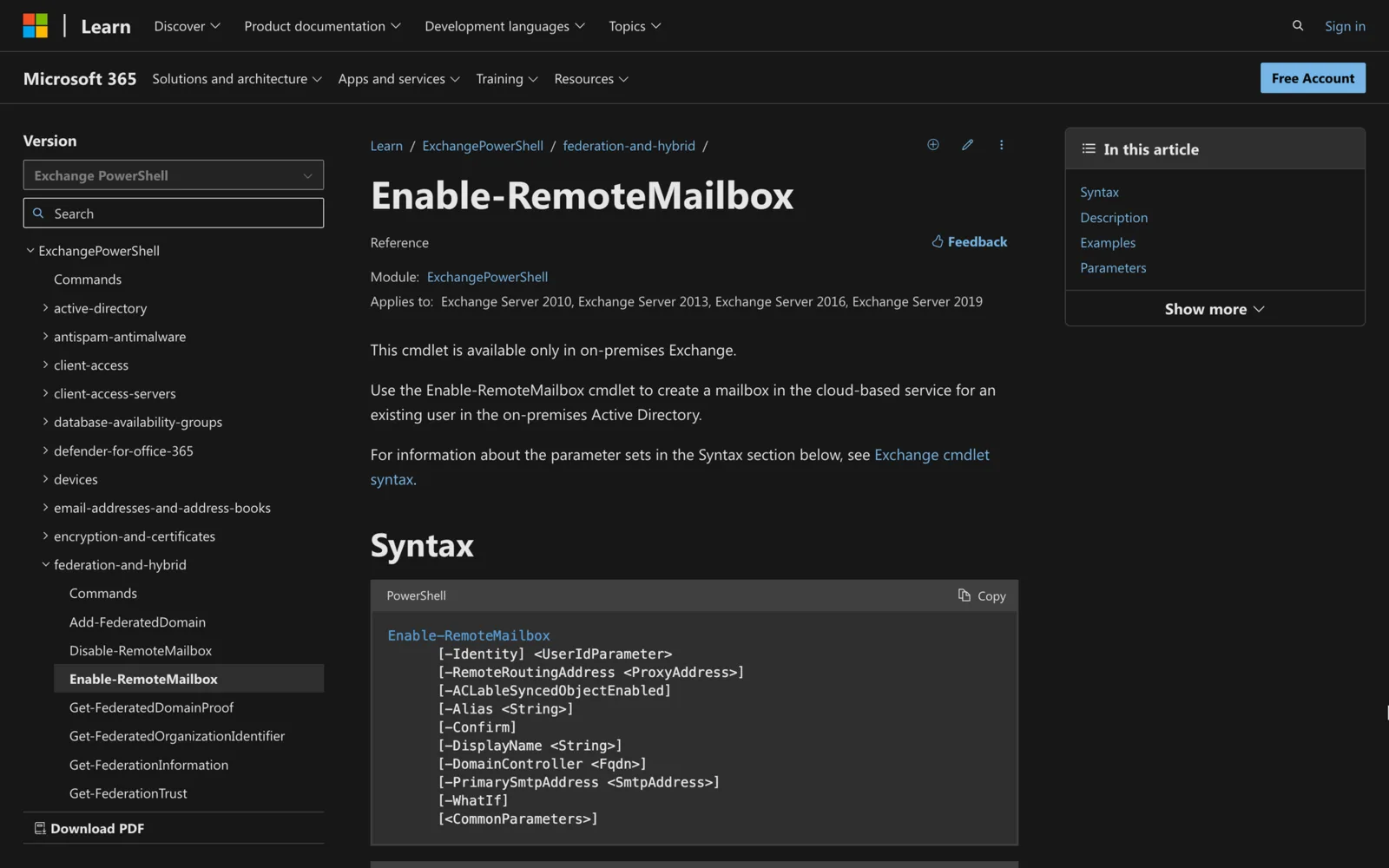
For a user who already exists on-premises, use Enable-RemoteMailbox instead.
What are the key parameters?
| Parameter | What it does |
|---|---|
-Name |
Unique name of the mail user and cloud mailbox (required, 64 characters max) |
-UserPrincipalName |
Logon name, in username@domain format |
-Password |
Secure string; for example (Get-Credential).Password |
-Alias |
Mail nickname; defaults to the left side of the UPN |
-RemoteRoutingAddress |
The cloud mailbox address, <domain>.mail.onmicrosoft.com; not needed when hybrid mail flow is configured |
-OnPremisesOrganizationalUnit |
OU for the on-premises mail user; no effect on the cloud mailbox |
-Archive |
Also creates a cloud archive mailbox |
-PrimarySmtpAddress |
Primary return email address |
-ResetPasswordOnNextLogon |
$true forces a password change at next sign-in |
How do I create a user with an archive in a specific OU?
$Credentials = Get-Credential
New-RemoteMailbox -Name "Kim Akers" -Password $Credentials.Password -UserPrincipalName kim@corp.contoso.com -OnPremisesOrganizationalUnit "corp.contoso.com/Archive Users" -Archive
This creates the on-premises mail user in the Archive Users OU, the cloud mailbox, and a cloud archive. Both examples assume mail flow and directory synchronization are already set up, so -RemoteRoutingAddress is calculated for you.
How do I create a room, equipment or shared mailbox?
Add one switch. Each is its own parameter set, so use only one:
| Switch | Creates in the cloud |
|---|---|
-Room |
Room resource mailbox |
-Equipment |
Equipment resource mailbox (vehicles, computers) |
-Shared |
Shared mailbox |
-AccountDisabled |
Mail user created in a disabled state |
New-RemoteMailbox -Name "Boardroom 4" -Room -UserPrincipalName boardroom4@contoso.com
-Shared needs Exchange 2013 CU21 or later, or Exchange 2016 CU10 or later, and you must run setup.exe /PrepareAD first.
How do I check it worked?
Still on-premises:
Get-RemoteMailbox -Identity "Kim Akers" | Format-List Name,UserPrincipalName,RemoteRoutingAddress
After directory synchronization, the mailbox appears in Exchange Online. Until then, nothing shows in the cloud.
What permissions do I need?
You need permissions assigned in on-premises Exchange, and your role may not include every parameter. Microsoft's Find the permissions required to run any Exchange cmdlet shows how to check.
Troubleshooting
| Problem | Cause | Fix |
|---|---|---|
| "The term 'New-RemoteMailbox' is not recognized" | Running in Exchange Online PowerShell | Use the Exchange Management Shell on-premises |
| No mailbox in Exchange Online | Directory sync hasn't run, or isn't configured | Wait for the next sync; check sync is set up |
| Wrong or missing routing address | Hybrid mail flow not configured | Set -RemoteRoutingAddress user@contoso.mail.onmicrosoft.com |
-Shared not found |
Exchange 2013 before CU21 or 2016 before CU10 | Update Exchange and run setup.exe /PrepareAD |
| Parameter set error | Combined -Room, -Equipment or -Shared |
Use one switch |
| Compliance policy missing in the cloud | On-premises policies don't apply to cloud mailboxes | Configure the policy in Microsoft 365 |
Alias with & breaks sync |
& isn't supported by Microsoft Entra Connect |
Remove & from the alias |
Summary
- On-premises Exchange only; it doesn't exist in Exchange Online PowerShell.
- Creates a mail user; directory sync creates the cloud mailbox.
- Add
-Archivefor a cloud archive;-Room,-Equipmentor-Sharedfor other types. - Skip
-RemoteRoutingAddresswhen hybrid mail flow is configured. - Existing users: use Enable-RemoteMailbox.
Related: Enable-RemoteMailbox, New-Mailbox, Get-MailboxLocation.
Meeting Room 365 turns any iPad or Android tablet into a room display for Exchange and Microsoft 365 calendars. See the features or pricing: $9 a display a month.