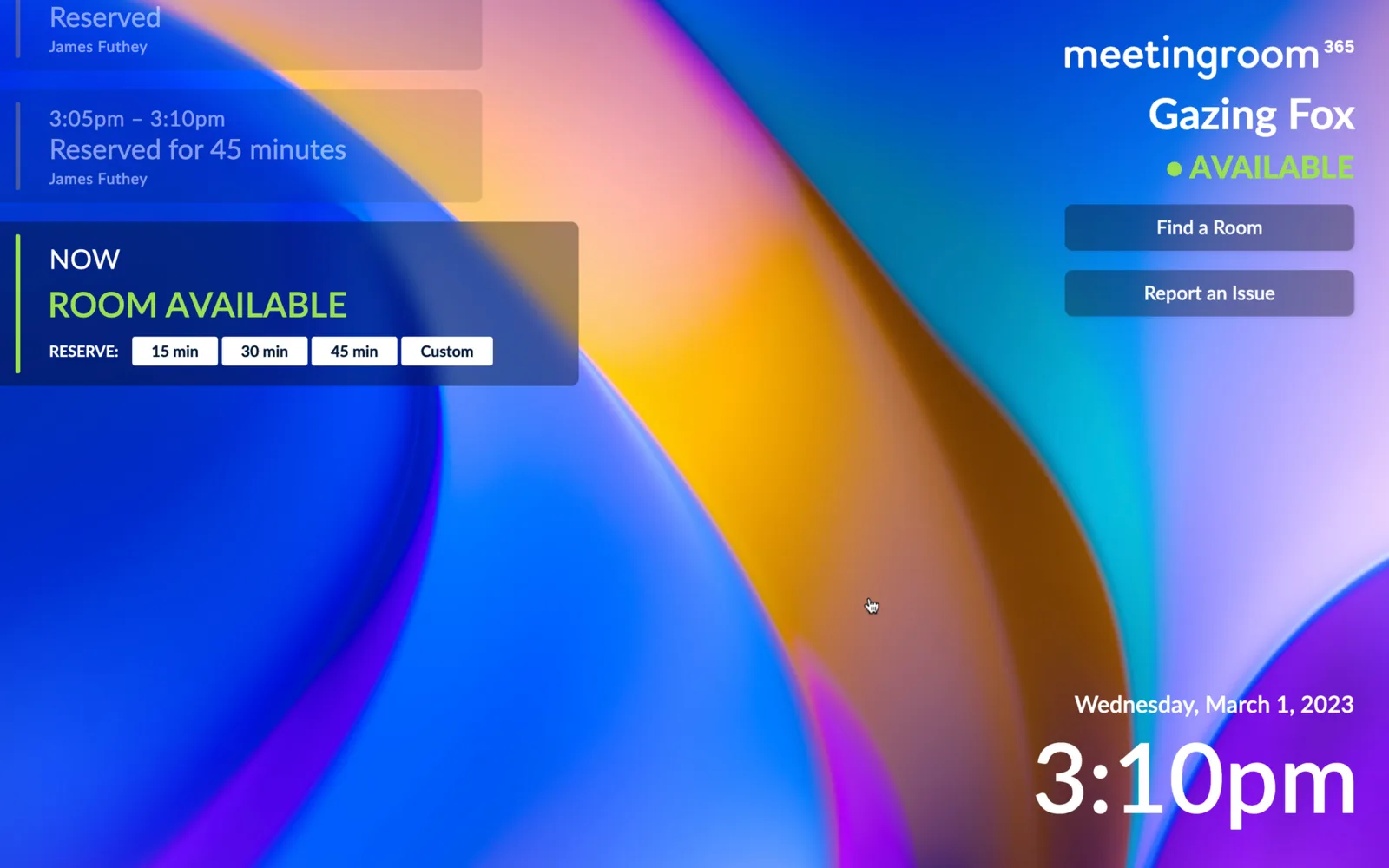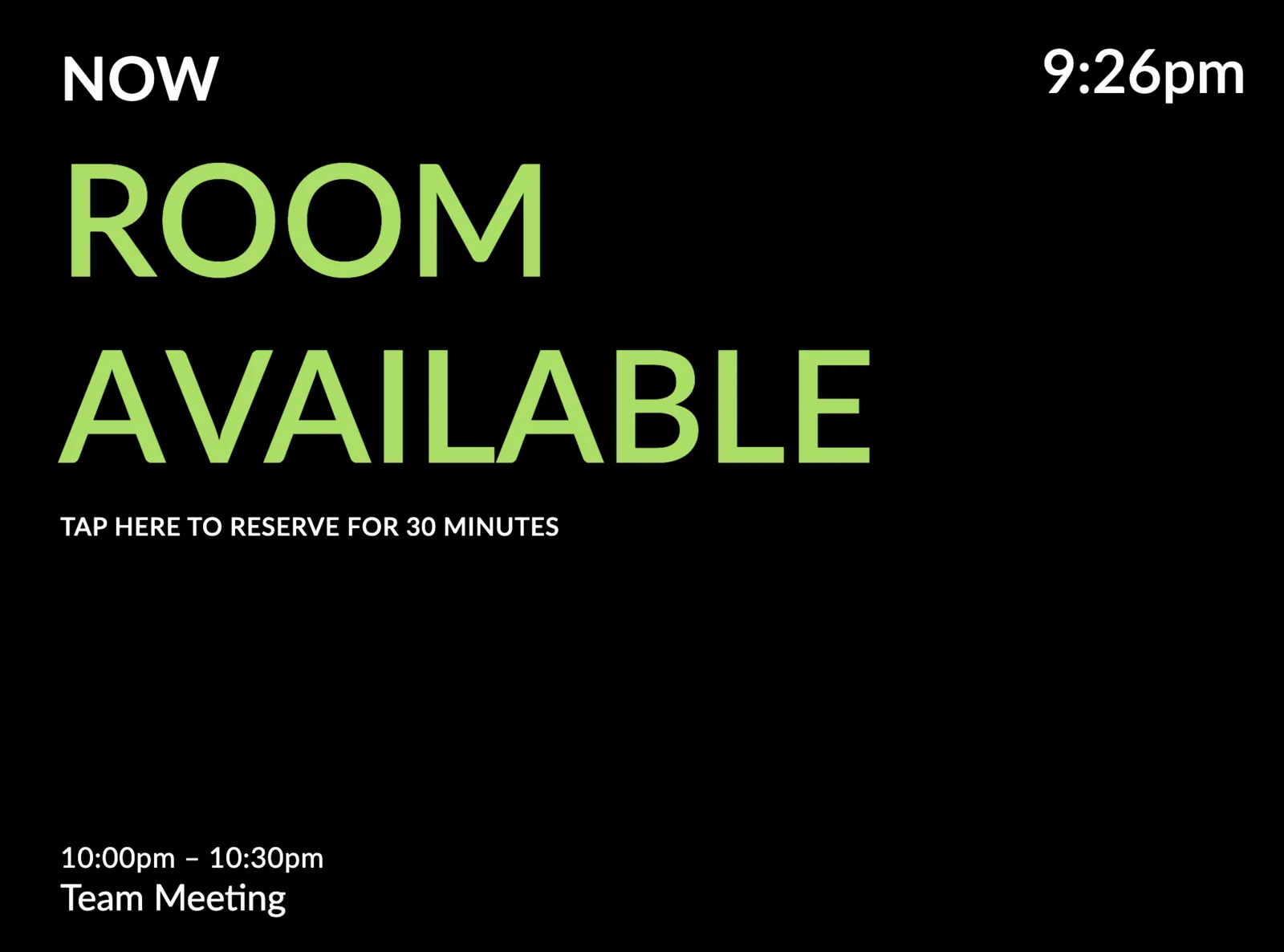
Today we're introducing a new, very minimal meeting room display theme. Pair it with a jet black background, or a solid color of your choice, in portrait or landscape mode, to cut through the clutter and show the status of your meeting rooms, in the simplest way possible.
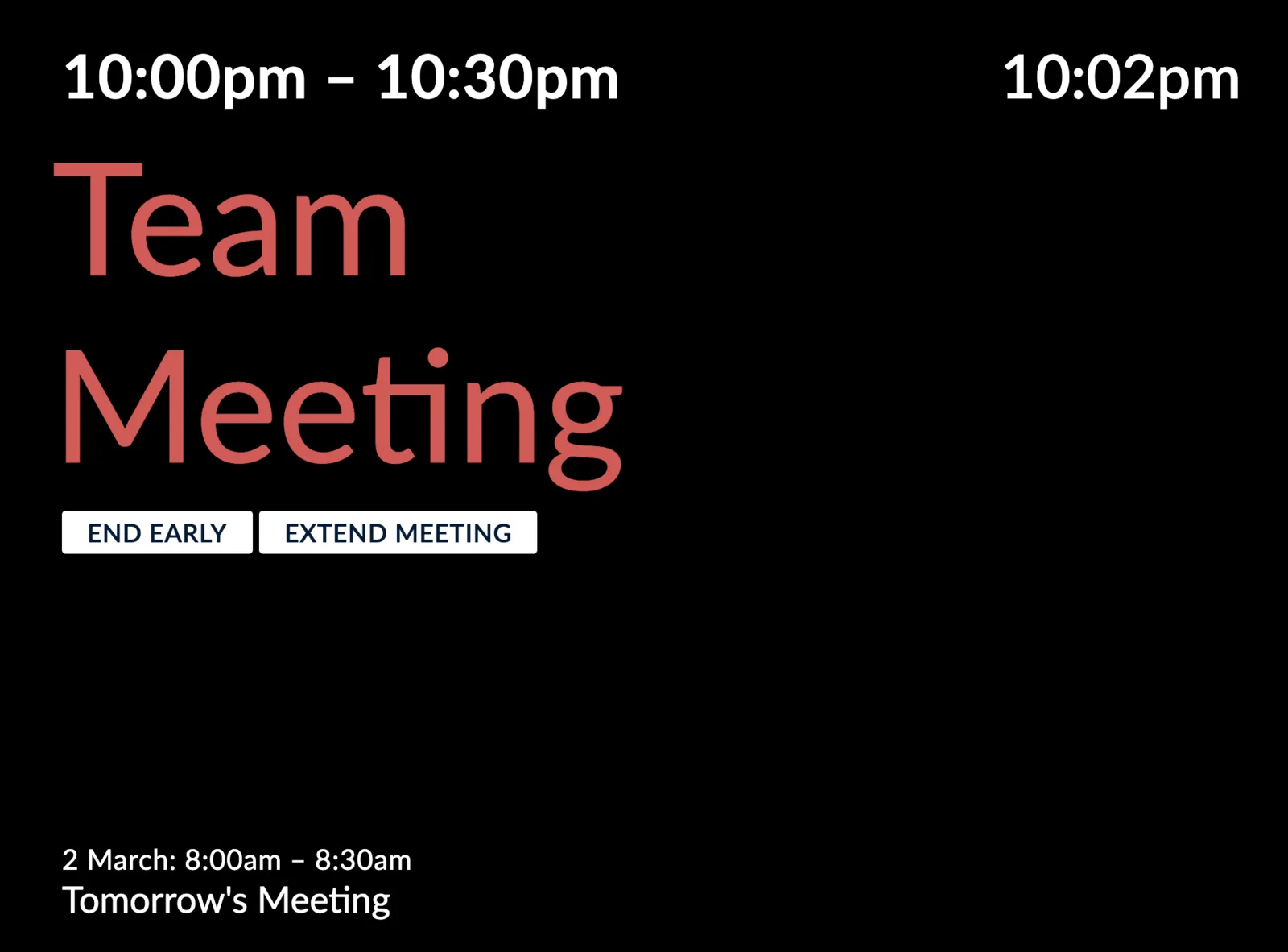 Meeting Room Occupied State
Typography plays a crucial role in minimalist design. Clean, sans-serif fonts are preferred since they're easy to read and do not distract from other elements of the design.
Negative space can be used to create a sense of openness and tranquility.
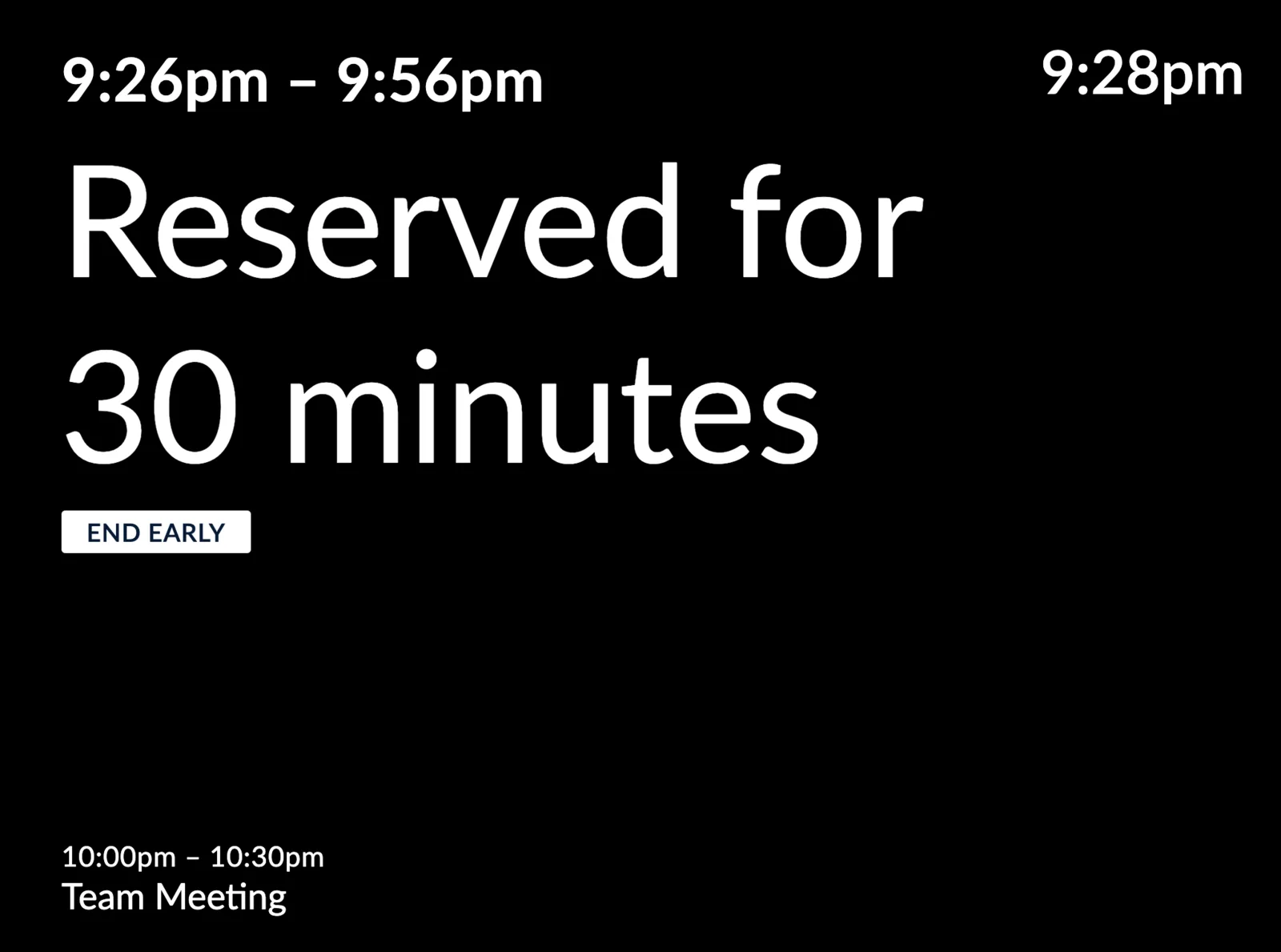 Instant Reservation, with an upcoming meeting
Color is an essential element of minimalist design. Neutral colors, such as black, white, or gray, are used to create balance.
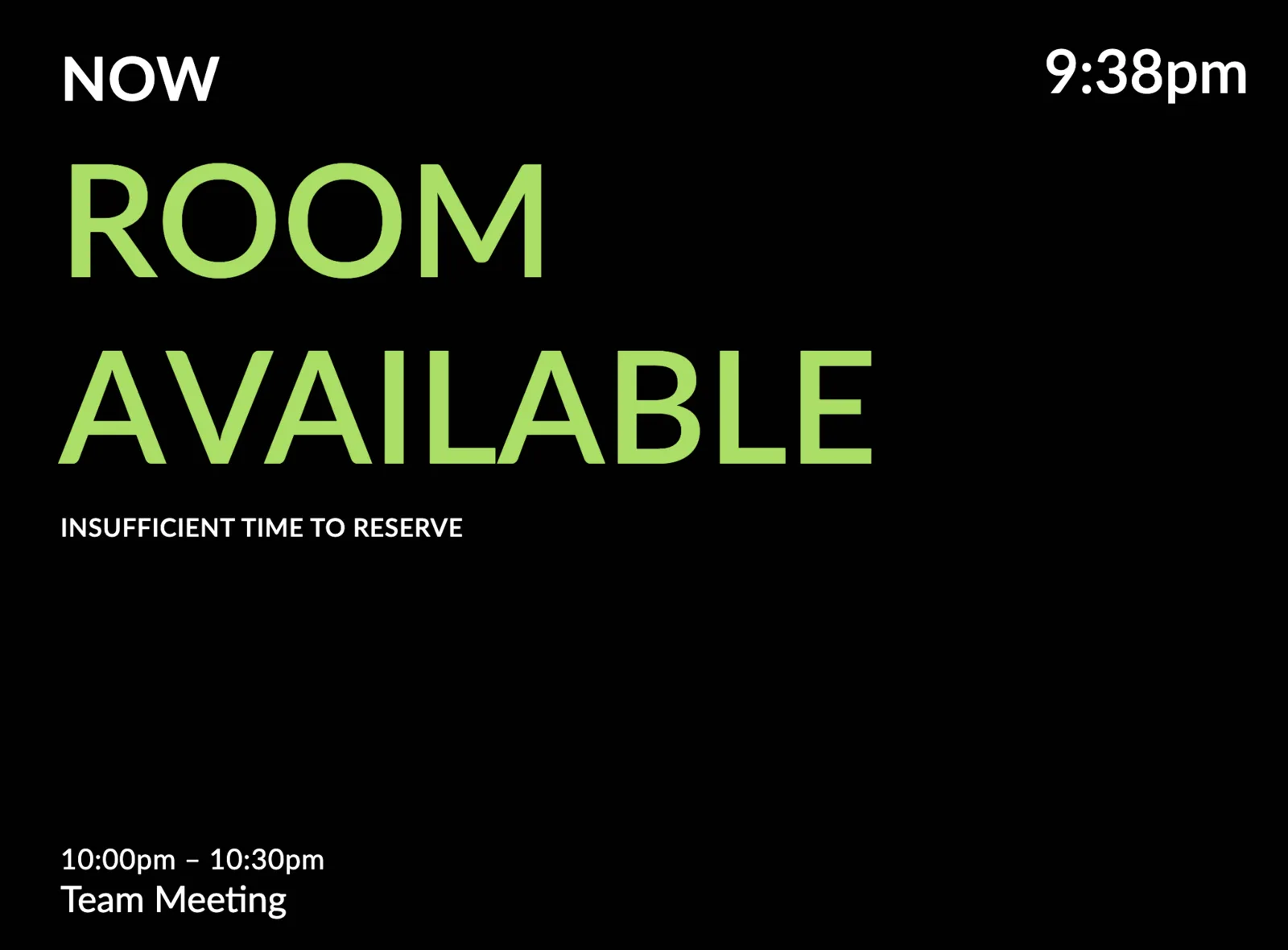 Unfortunately, there is insufficient time to reserve!
When attention is a scarce commodity, minimalist design is a powerful tool to create works that are visually striking and easy to understand.
How to Get Started
You can try it out today by adding the following custom CSS to your V2 display theme:
@import url("https://appstatic.mr365.co/very-minimal.theme.css");