Guides for people who run the rooms.
Mailbox permissions, calendar settings and room resources for Microsoft 365, Exchange and Google Workspace admins.
-
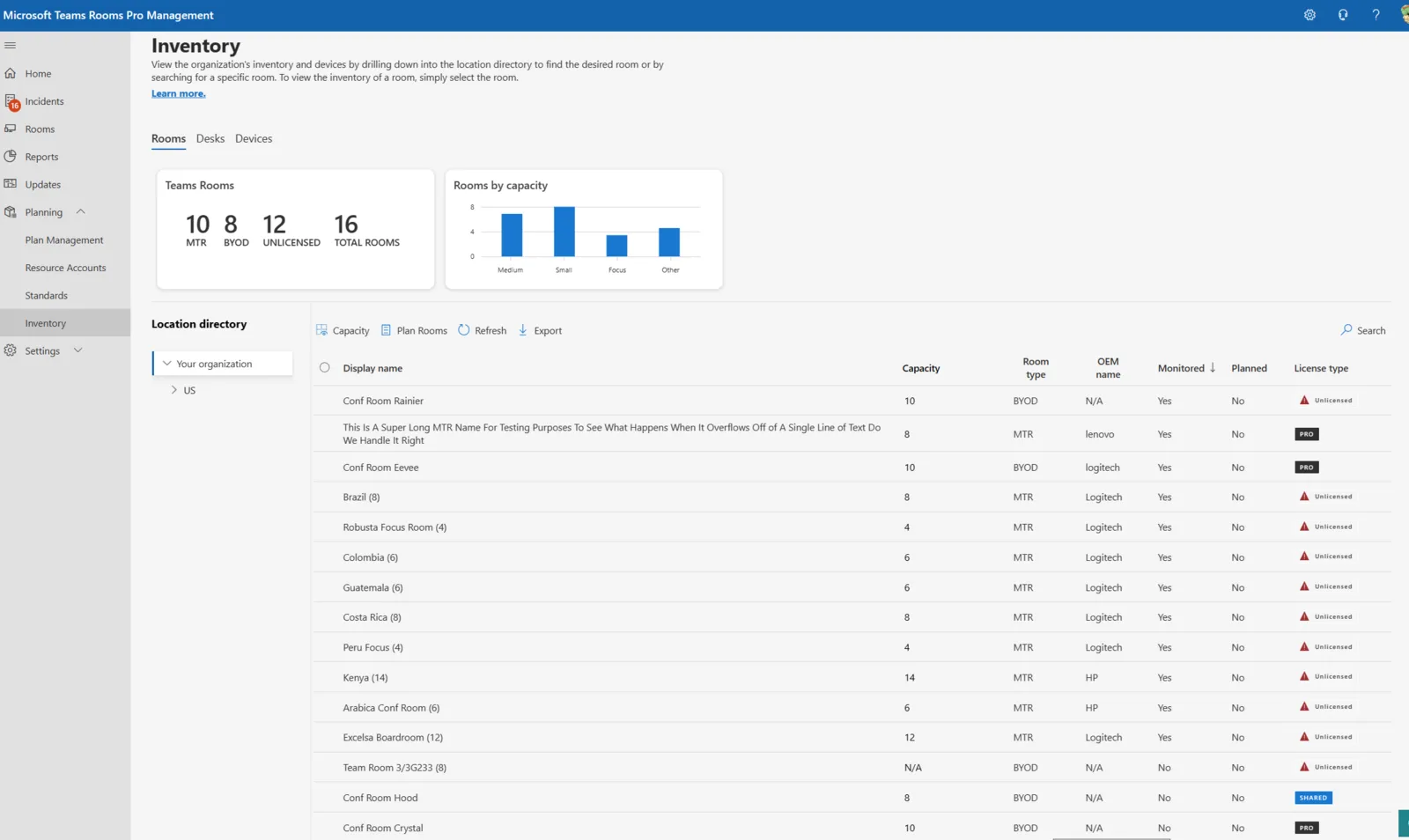
Teams Rooms Management costs $40 a room. The free license covers a list and little else.
Microsoft Teams Rooms Pro is $40 per room per month. What the free Basic license still covers after Teams admin center device management retires on September 30, what now needs Pro, and what a Teams panel actually costs.
-

How to Control Outlook Work-Location in Free/Busy with PowerShell
Learn how to control Outlook work-location details in free/busy with PowerShell using LocationDetailsInFreeBusy, including None, Building, and Desk.
-
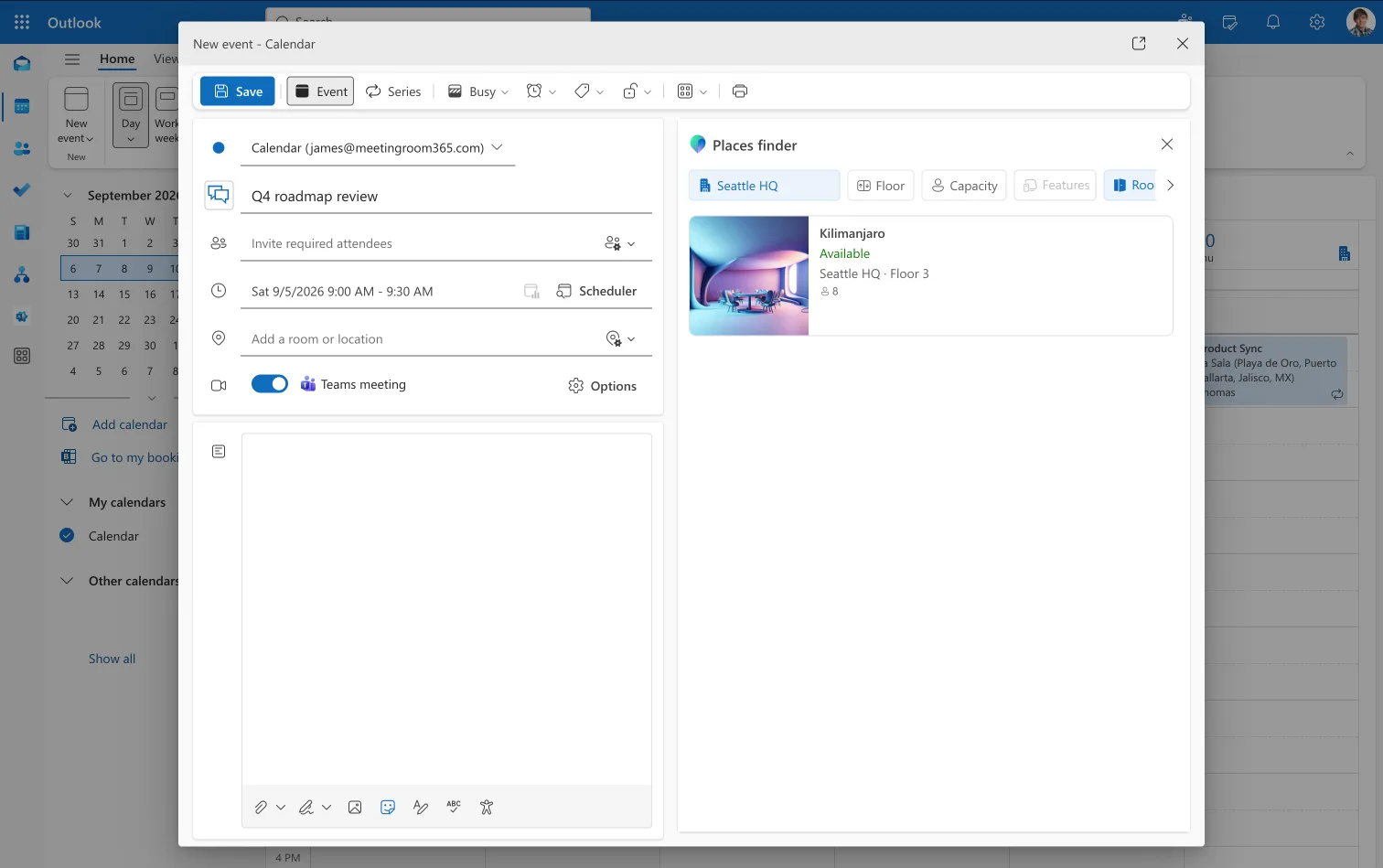
Places Premium is now free. And it's what your Microsoft 365 workspace has been waiting for.
On 1 April 2026 Microsoft moved Places Finder and Places Explorer out of Teams Premium and into every standard Microsoft 365 plan. What is included now, what still needs a space license, and why configuration is the part that decides whether any of it works.
-
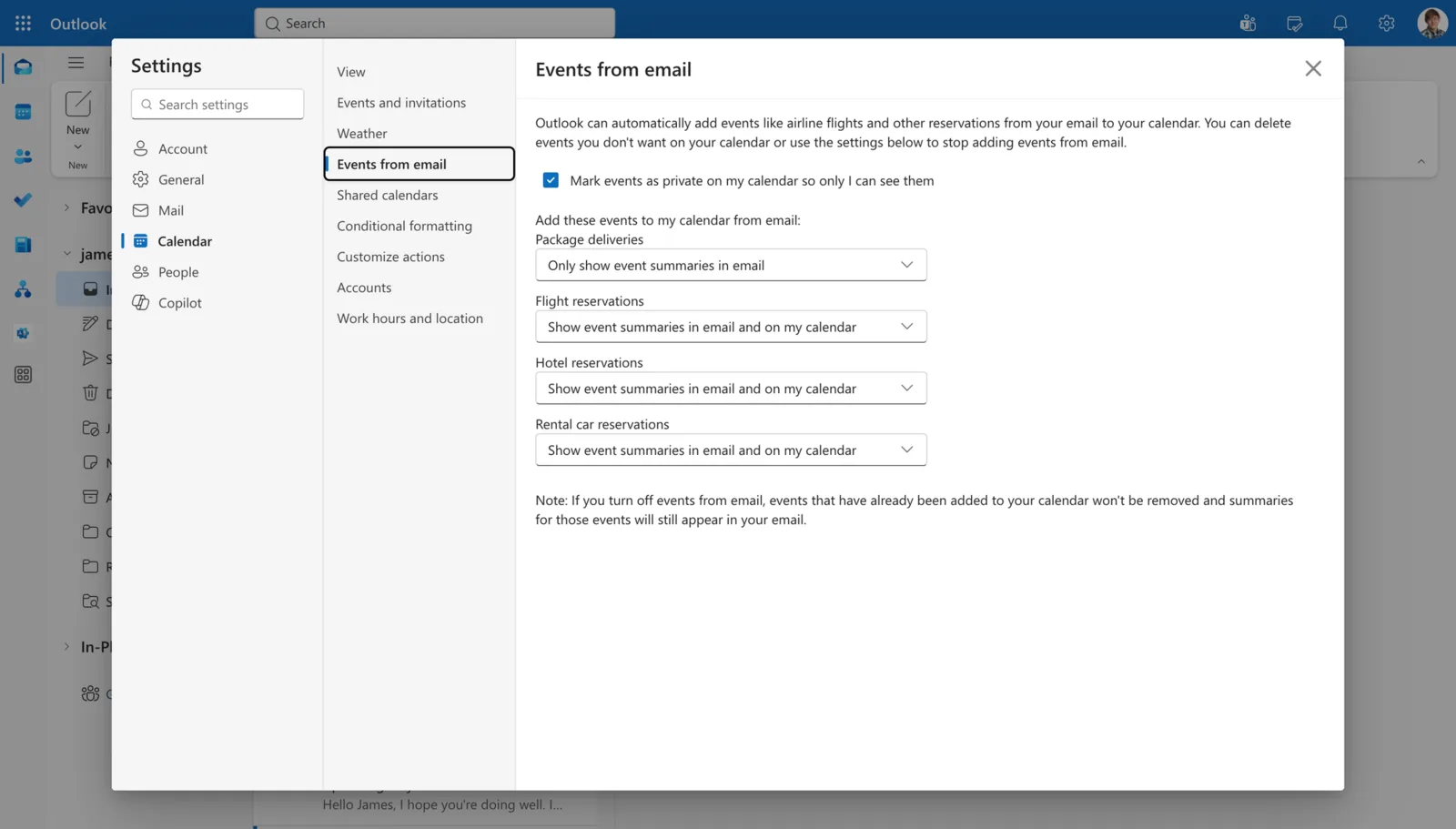
How to Manage Events from Email in Exchange Online PowerShell
Learn how to manage Outlook events from email with Exchange Online PowerShell, including EventsFromEmailEnabled, category controls, privacy settings, invoice events, package delivery events, and multi-mailbox configuration.
-
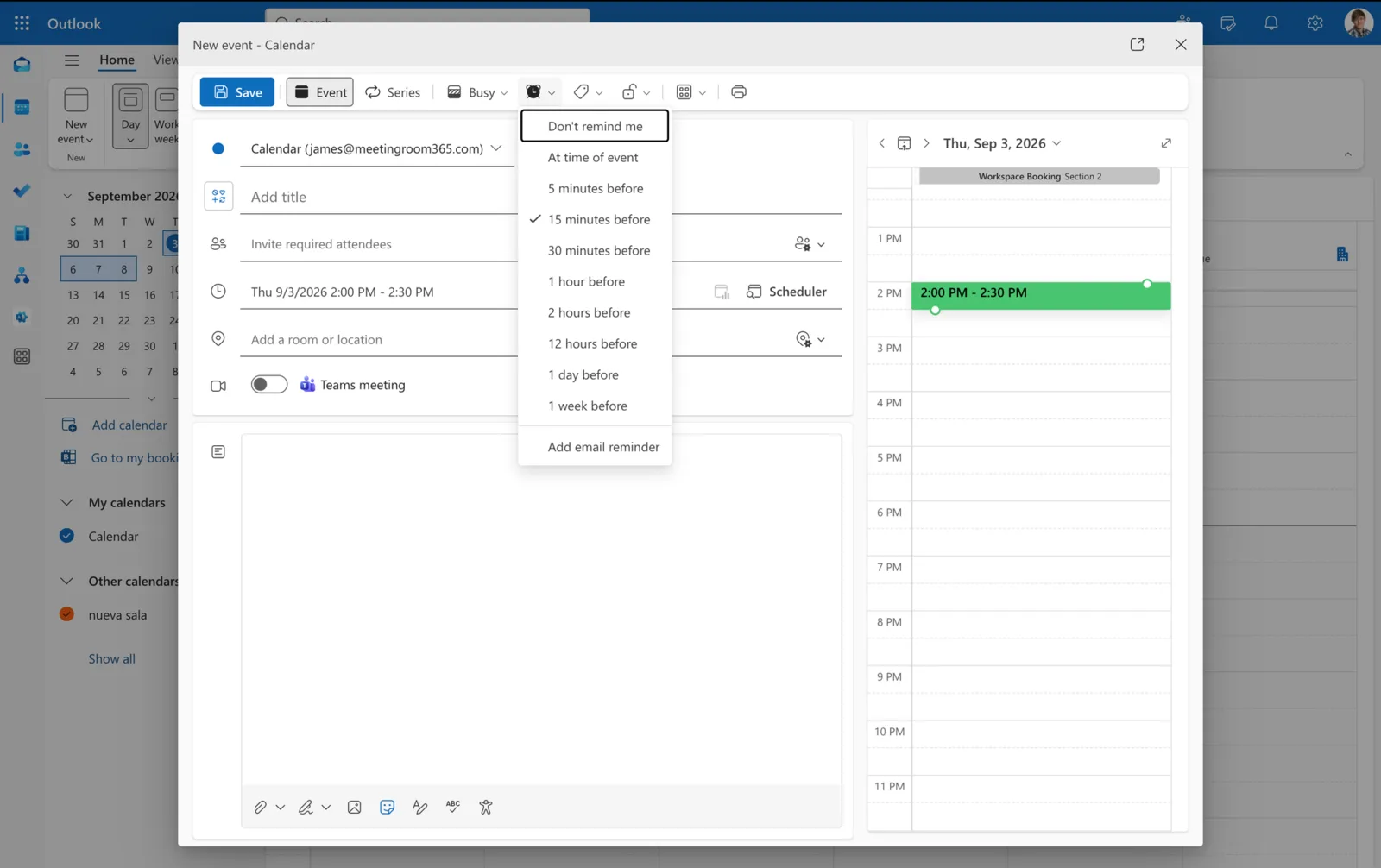
How to Configure Outlook Calendar Reminders with PowerShell
Learn how to configure Outlook calendar reminders with PowerShell, including DefaultReminderTime, RemindersEnabled, reminder sounds, OWA calendar colors, and Exchange Online weather settings.
-
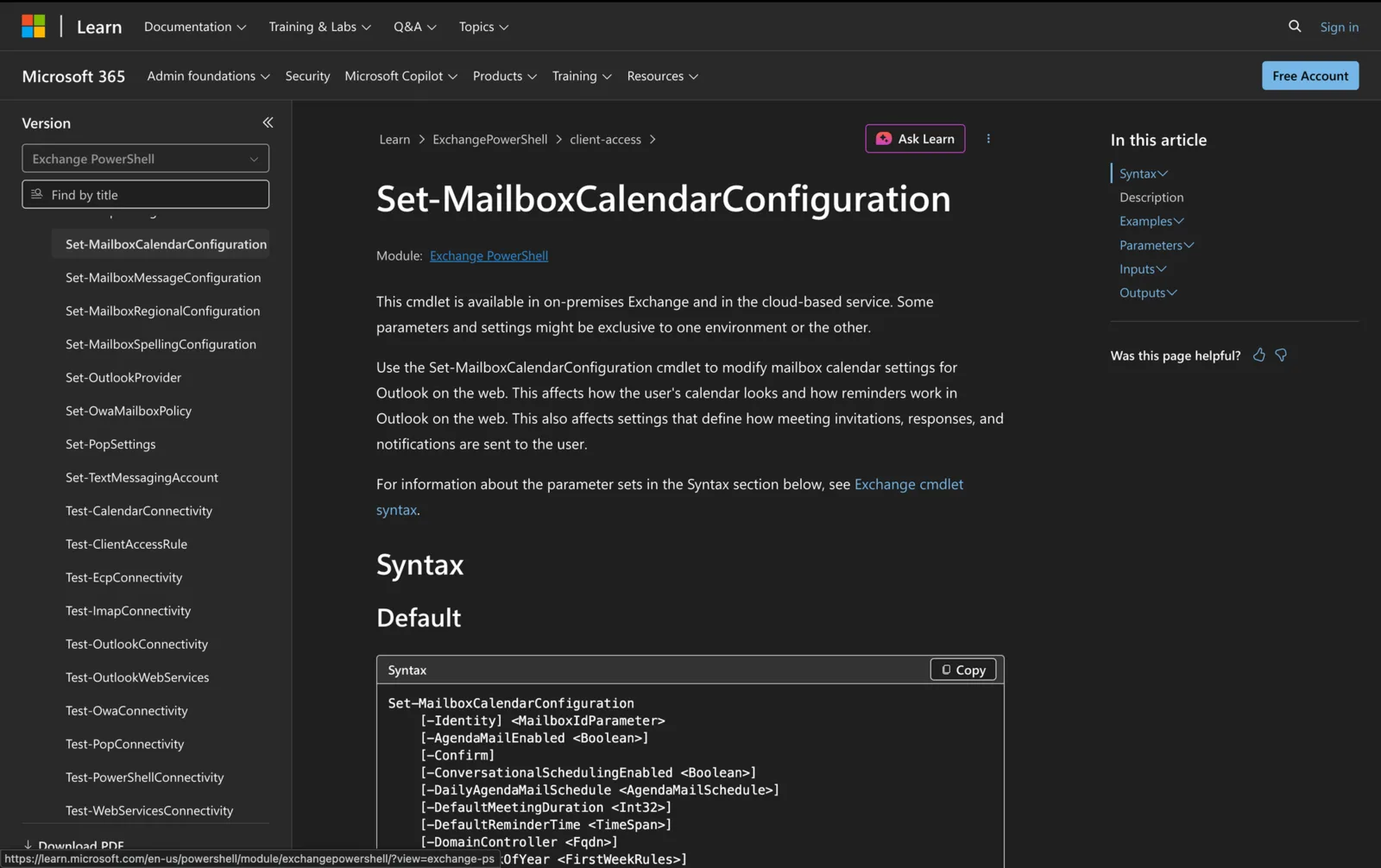
How to Configure Outlook Meeting Defaults with Powershell
Learn how to configure Outlook online meeting defaults with PowerShell, select a meeting provider, apply organization defaults, and verify mailbox settings.
-
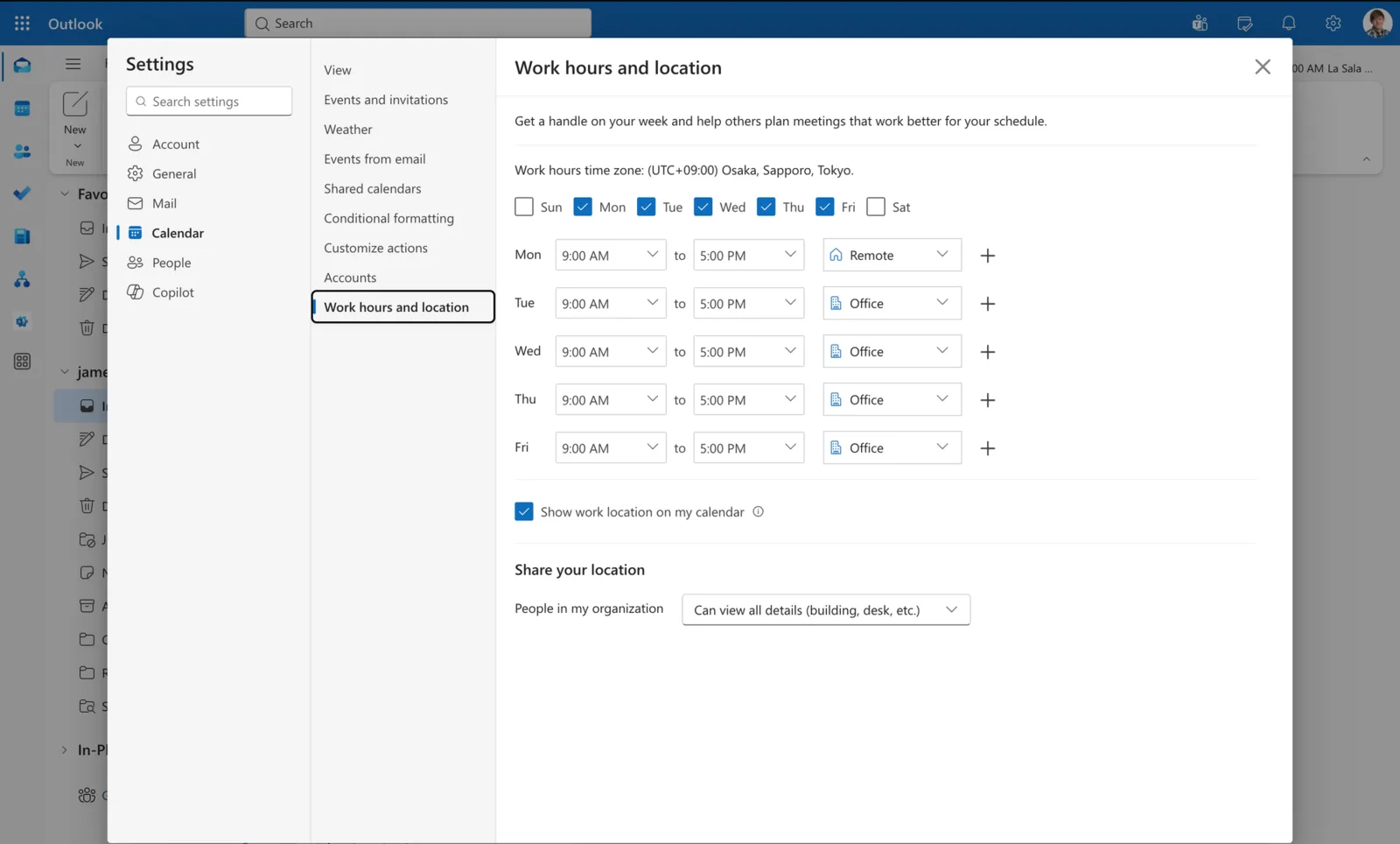
How to Configure Outlook Working Hours with Powershell
Learn how to set Outlook working hours with PowerShell, including workdays, time zones, week numbering, calendar scale, and bulk mailbox updates.
-
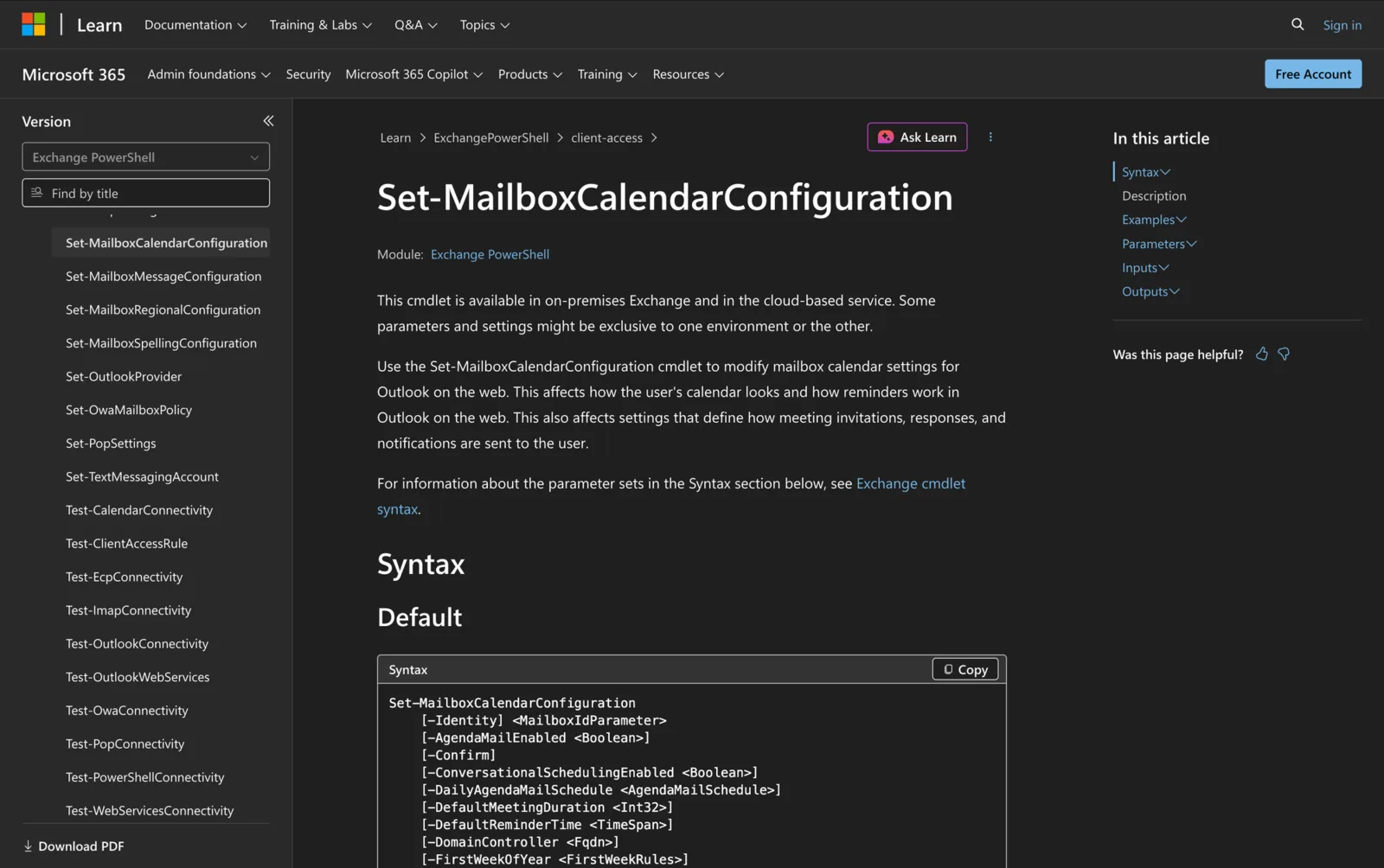
How to Use Set-MailboxCalendarConfiguration in PowerShell
Learn how to use set-mailboxcalendarconfiguration PowerShell commands to inspect, change, preview, and verify mailbox calendar settings in Exchange Online and Exchange Server.
-
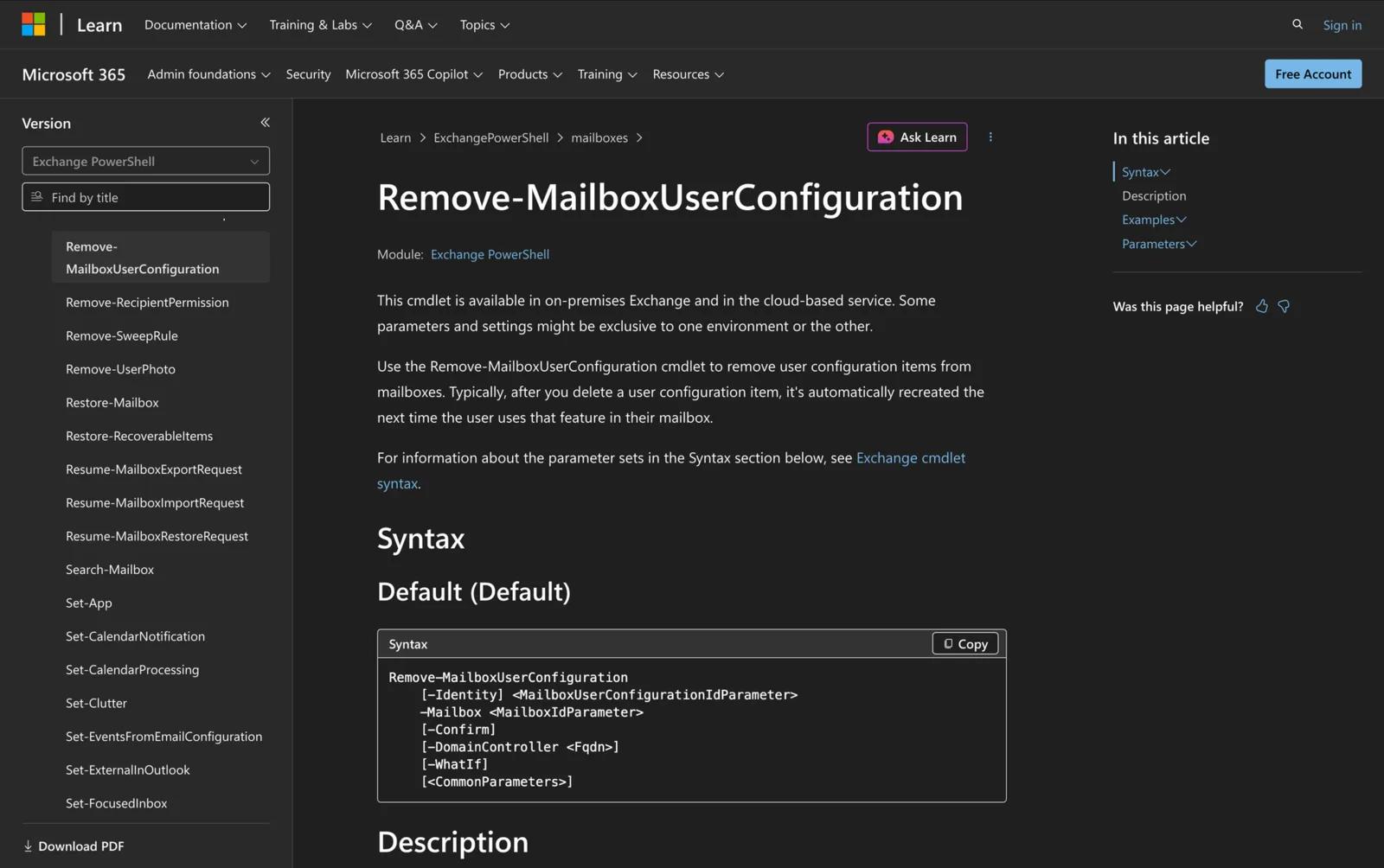
Using Remove-MailboxUserConfiguration in Powershell
Learn how to use remove-mailboxuserconfiguration in PowerShell to remove user configuration items from mailboxes in Exchange Online and Exchange Server.
-
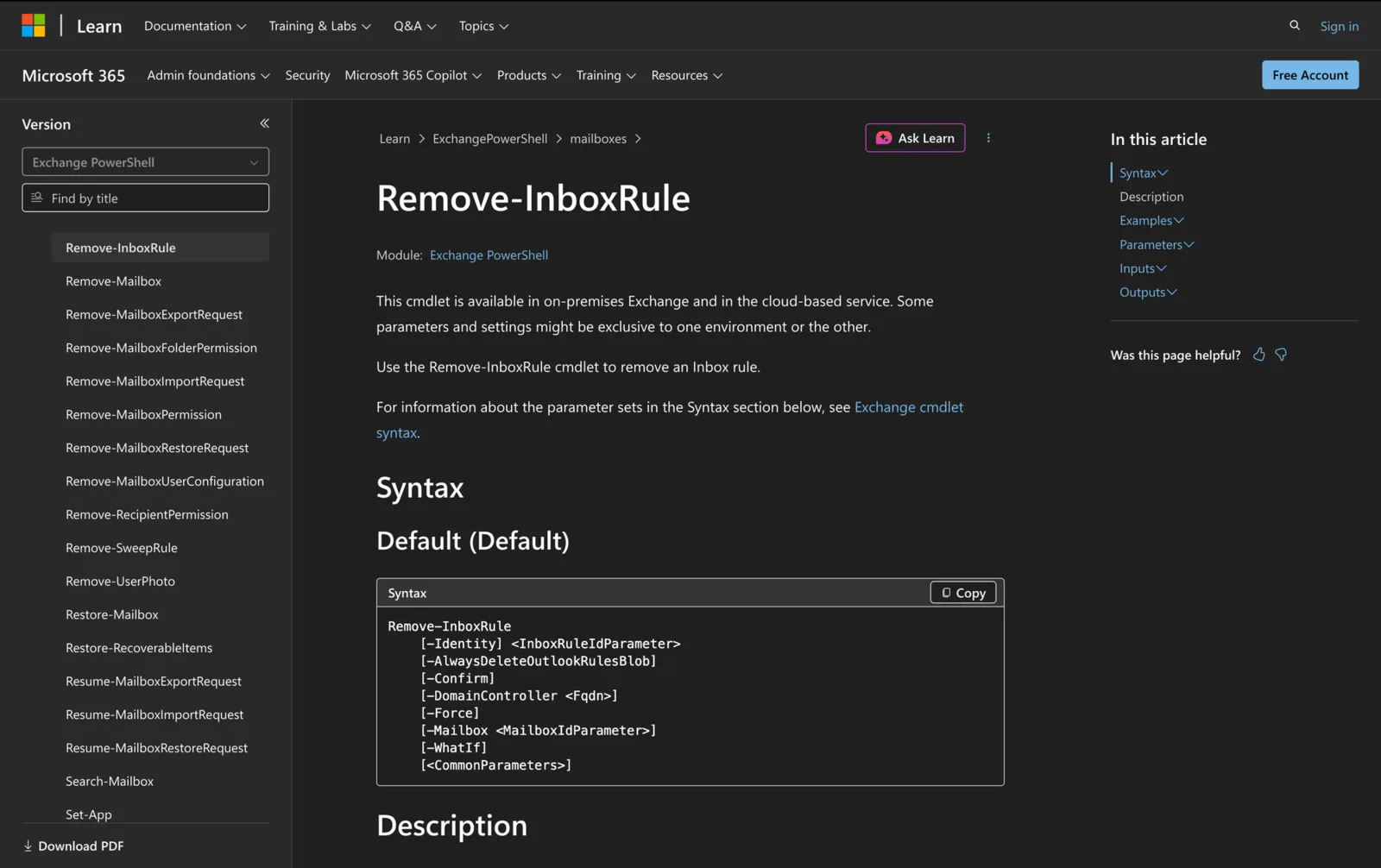
How to Use Remove-InboxRule in Powershell
Learn how to use remove-inboxrule in PowerShell to delete Inbox rules from Exchange Online and on-premises Exchange mailboxes.
-
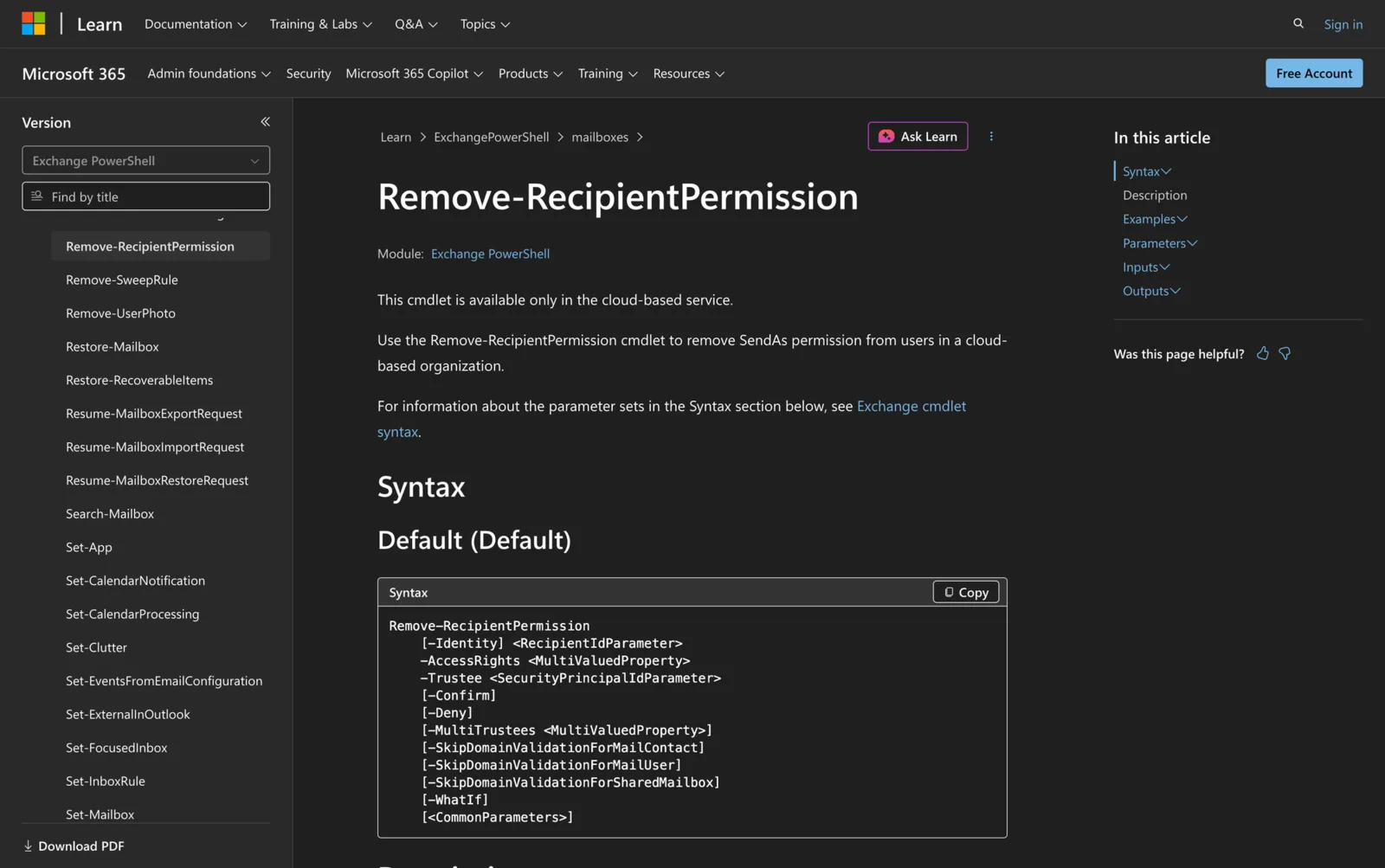
How to Use Remove-RecipientPermission in Powershell
Learn how to use the Remove-RecipientPermission cmdlet in PowerShell to manage and revoke SendAs permissions for users in Exchange Online.
-
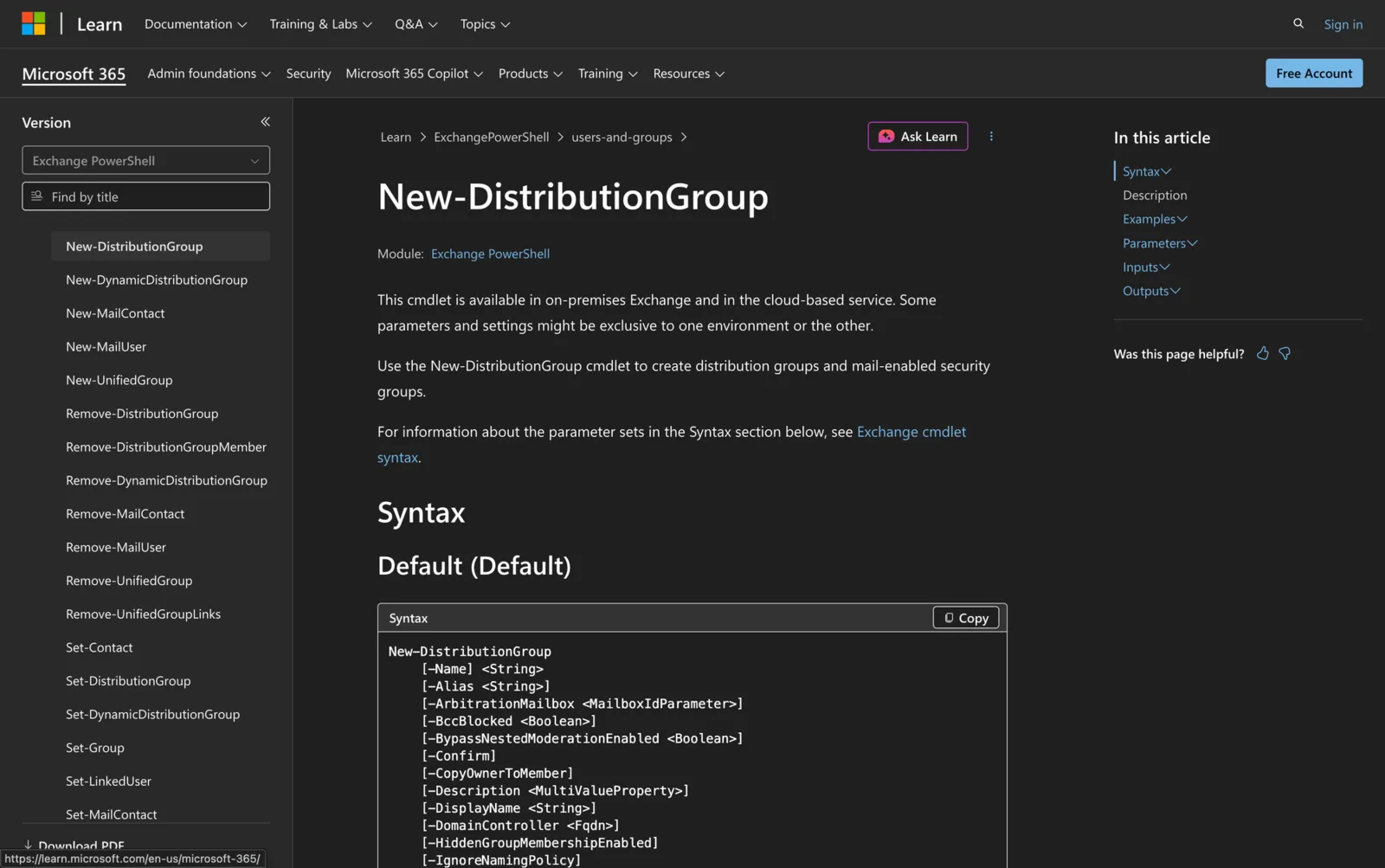
Using New-DistributionGroup in Powershell: All You Need to Know
How to use the New-DistributionGroup cmdlet in PowerShell to create distribution groups and mail-enabled security groups in Exchange environments
-
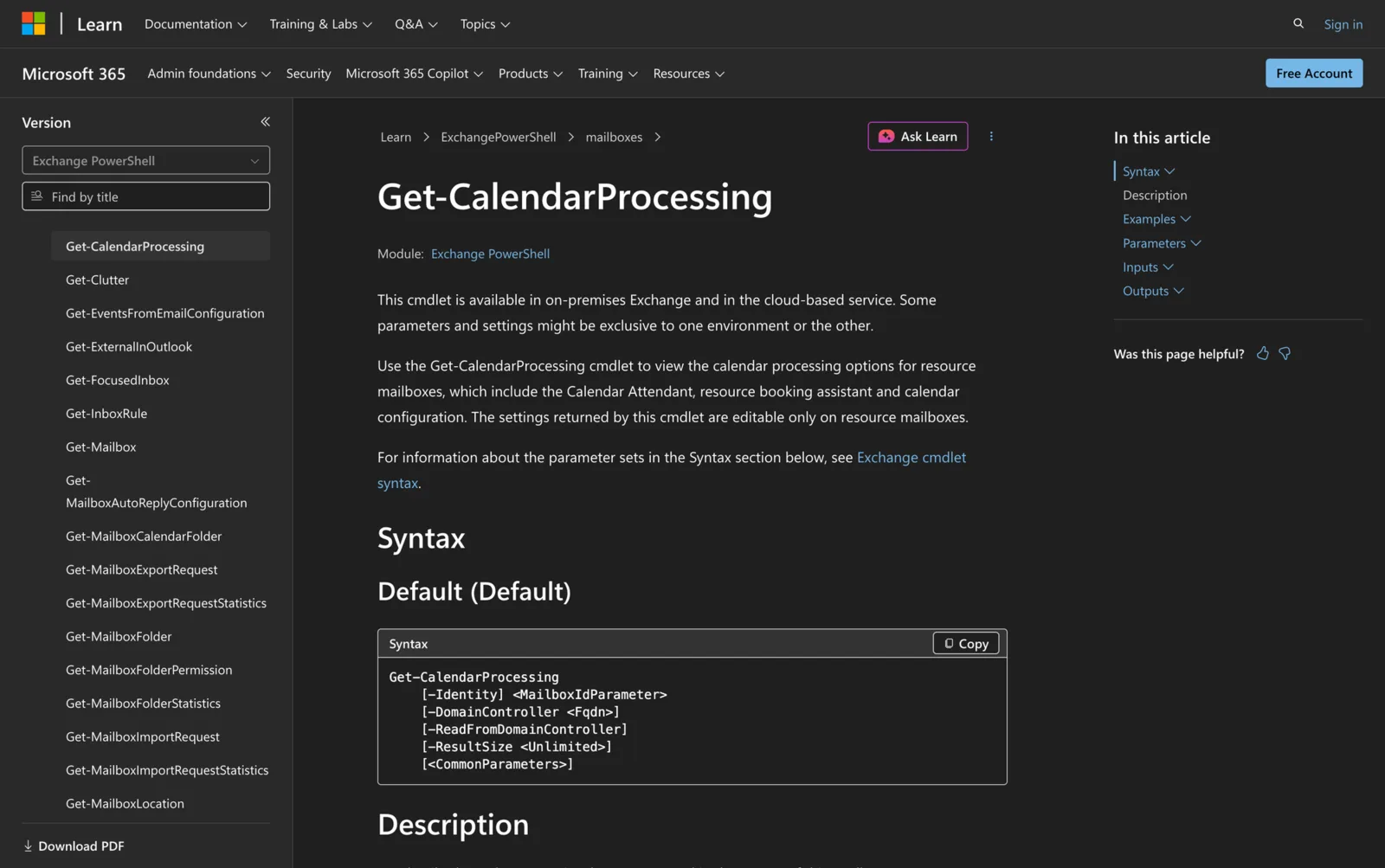
How to Use Get-CalendarProcessing in Powershell
How to use the Get-CalendarProcessing in PowerShell to manage calendar processing options for resource mailboxes in Exchange
-
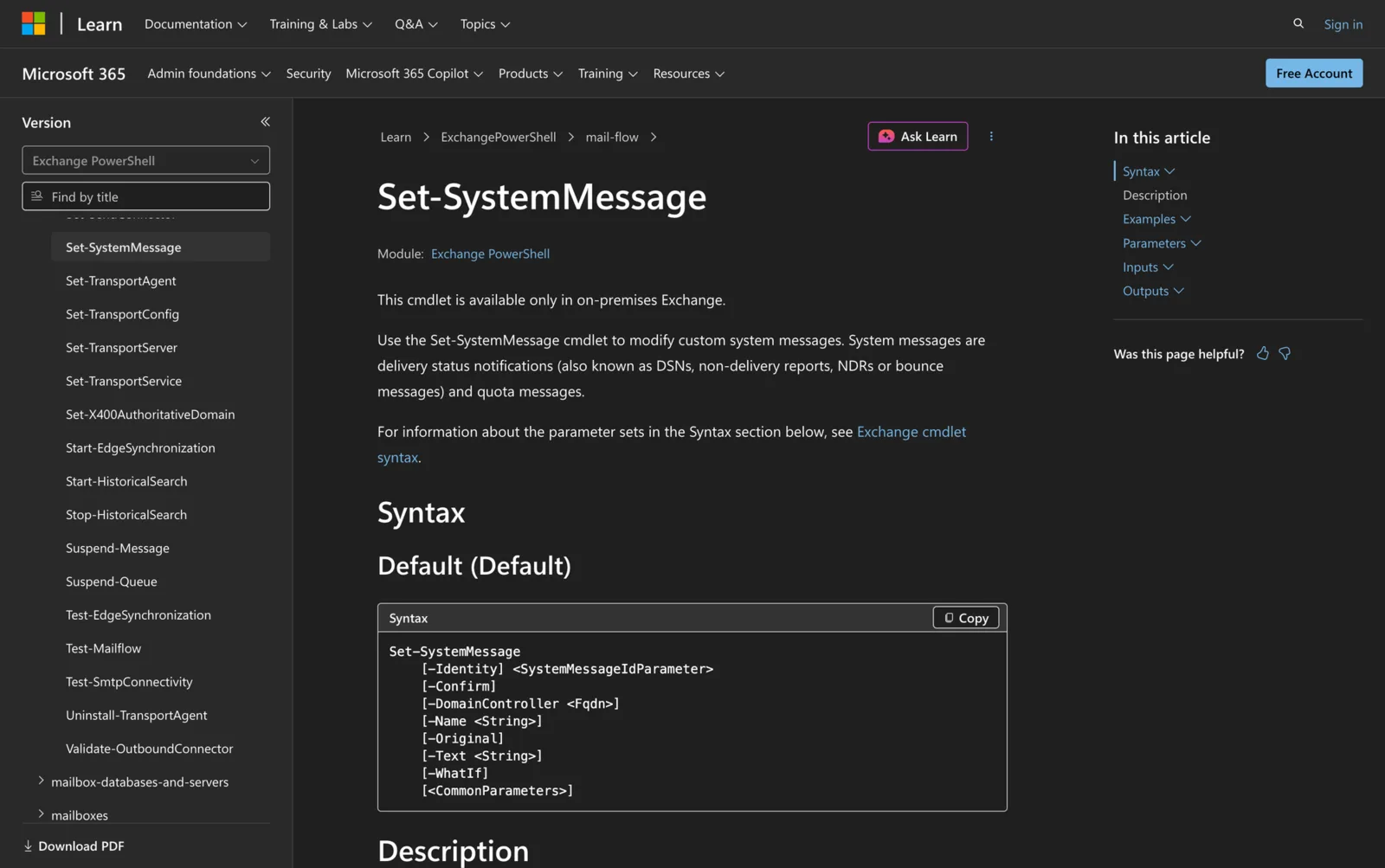
Using Set-SystemMessage in Powershell: All You Need To Know
Discover how to use the Set-SystemMessage cmdlet in PowerShell to effectively modify custom system messages in Exchange Server environments.
-
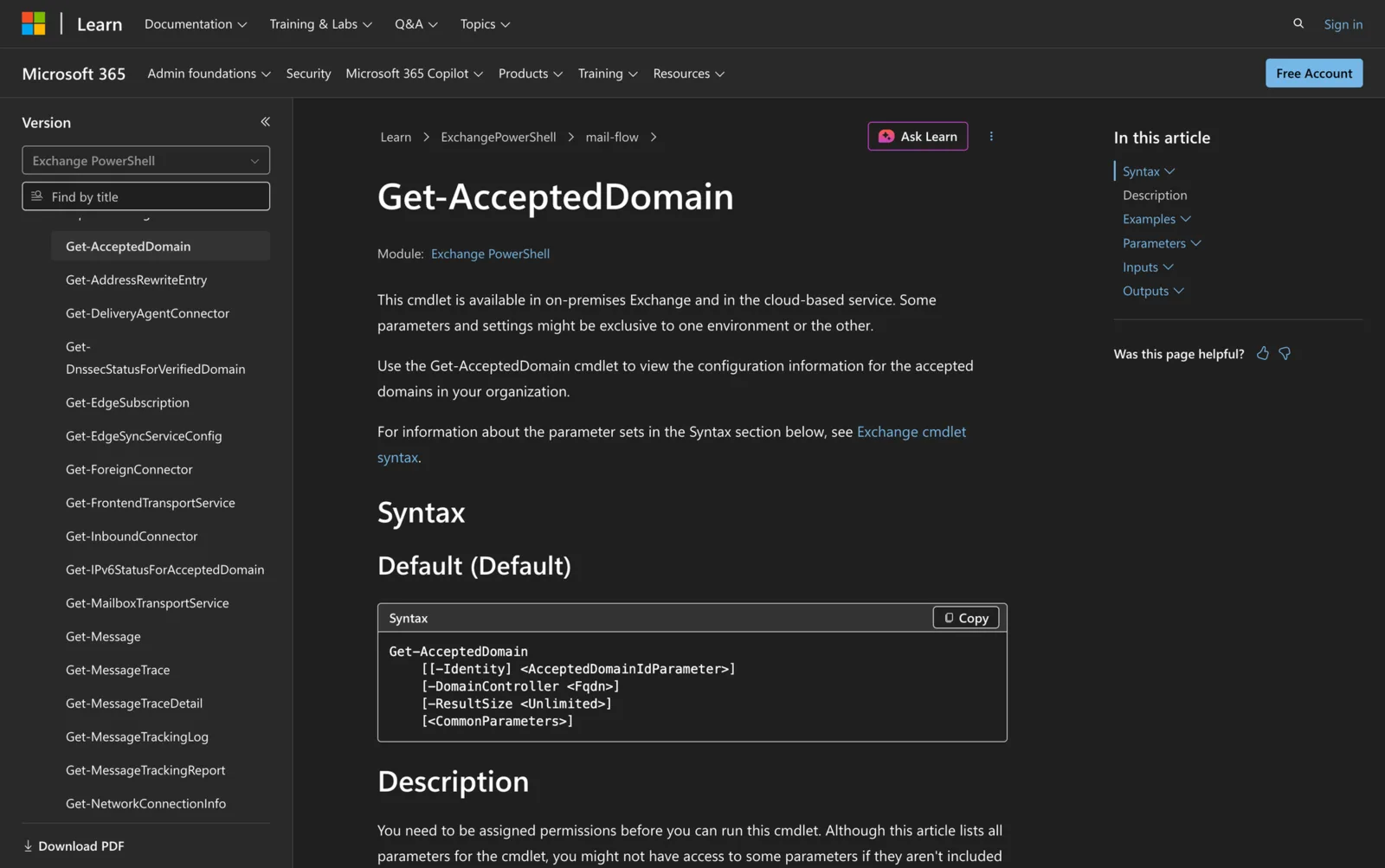
How to Use Get-AcceptedDomain in PowerShell
Learn how to use the Get-AcceptedDomain cmdlet in PowerShell to view configuration information for accepted domains in your Exchange organization
-
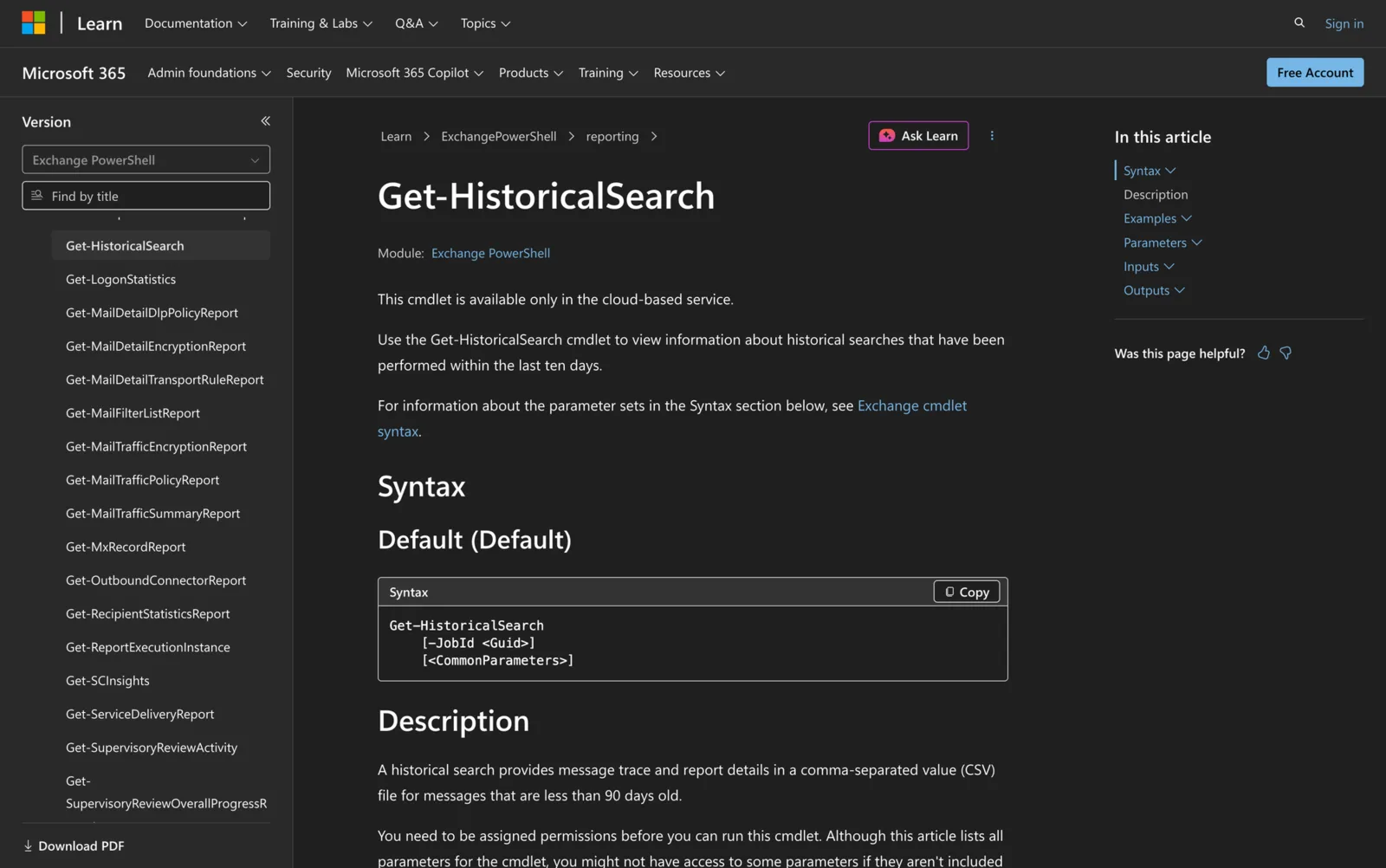
Using Get-HistoricalSearch in PowerShell
How to use Get-HistoricalSearch to retrieve information on historical message searches in Exchange Online and review historical search jobs.
-
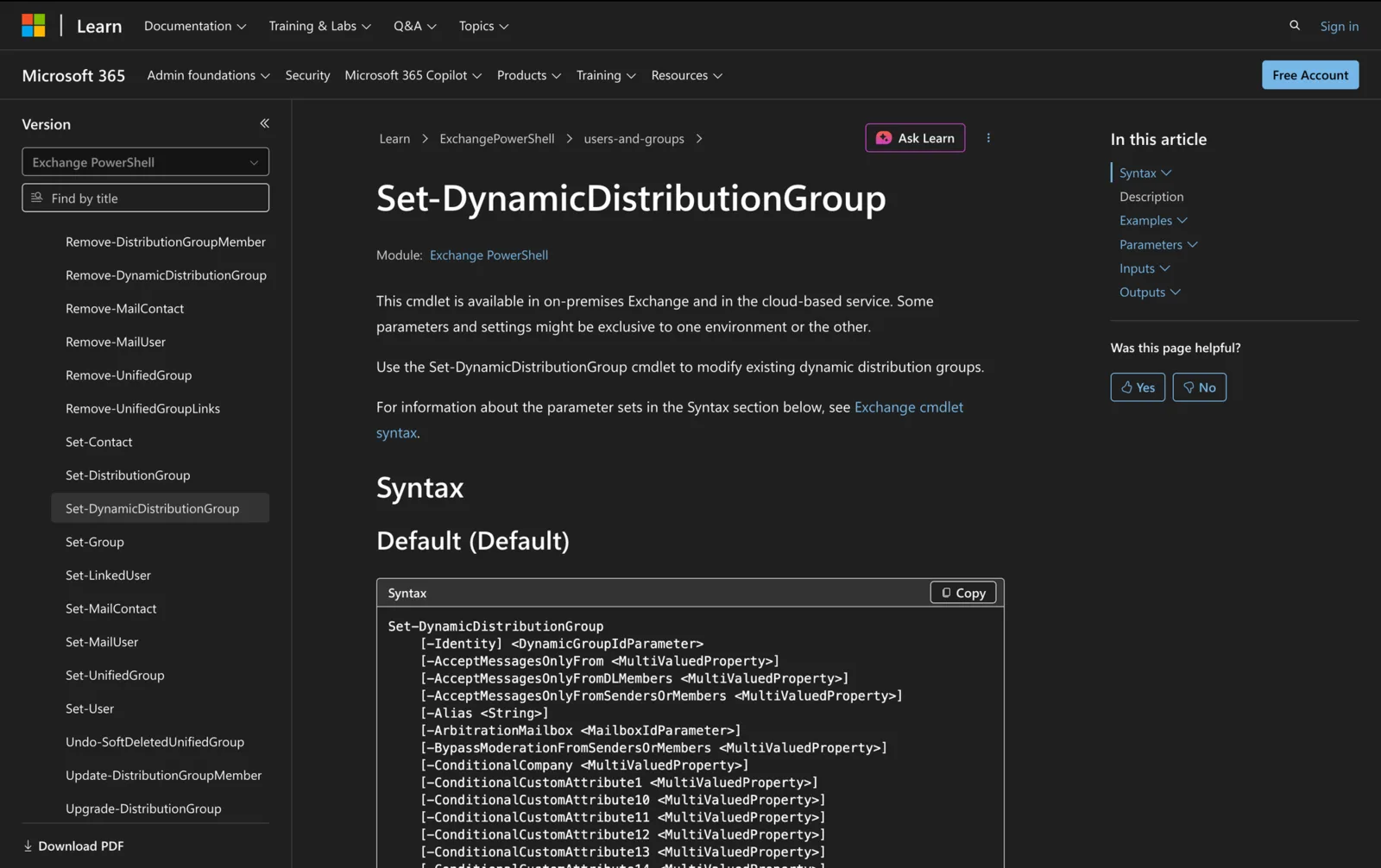
How to Use Set-DynamicDistributionGroup in PowerShell
How to use Set-DynamicDistributionGroup cmdlet in PowerShell to modify existing dynamic distribution groups in Exchange Server / Online
-
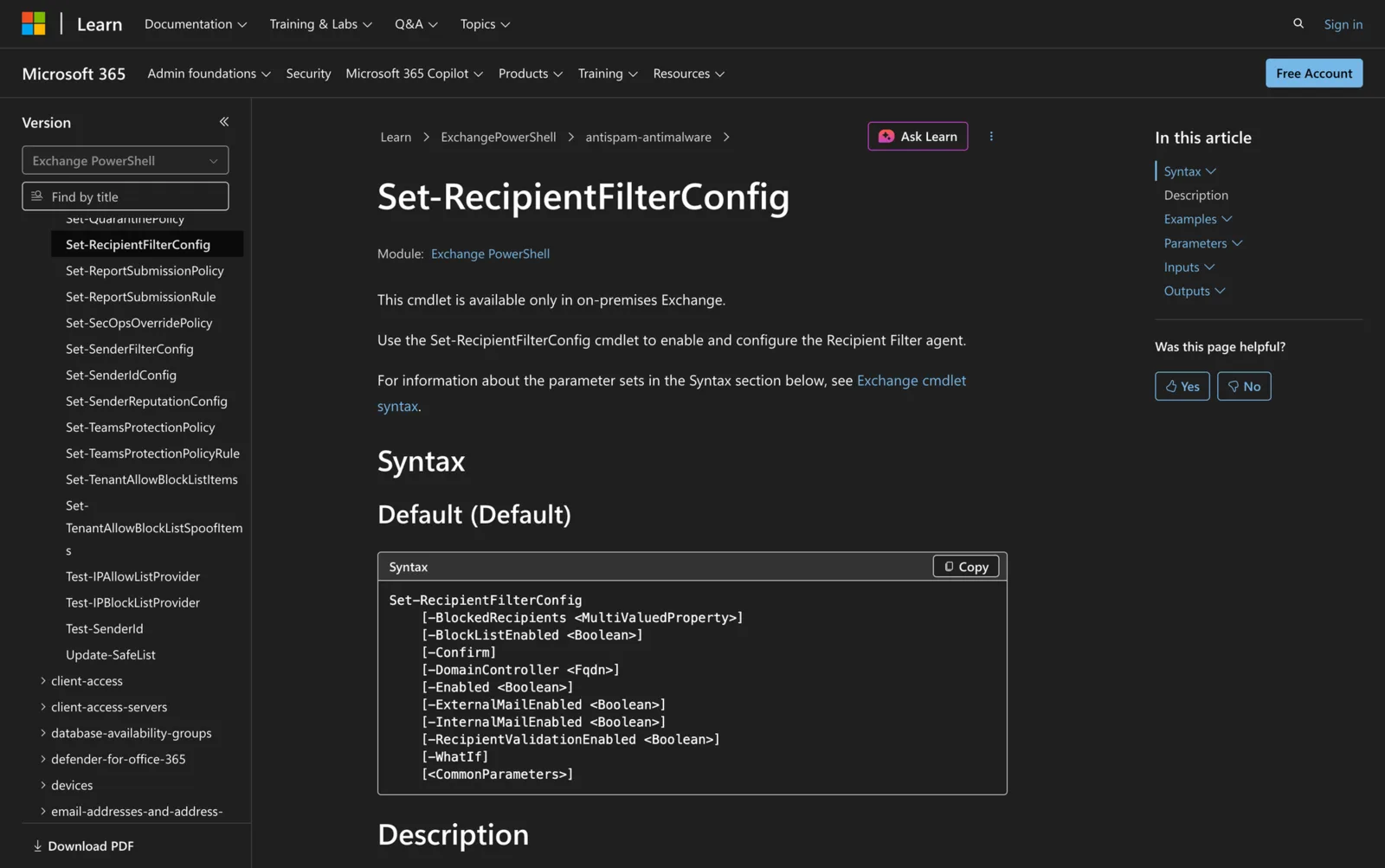
Using Set-RecipientFilterConfig in PowerShell
Discover how to use Set-RecipientFilterConfig in PowerShell to configure the Recipient Filter agent, enhancing your email filtering capabilities.
-
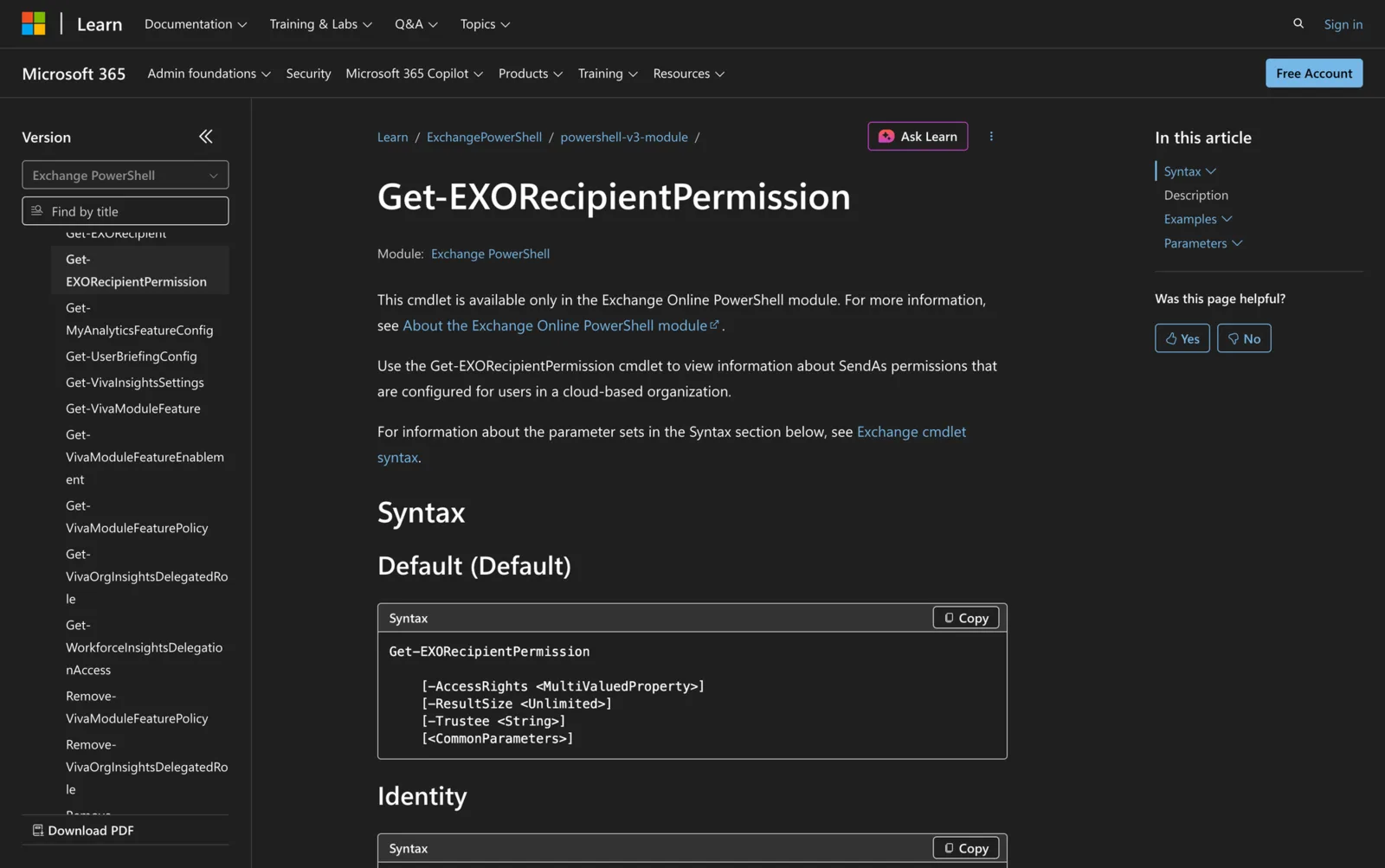
Using Get-EXORecipientPermission in Powershell
Learn how to use the Get-EXORecipientPermission cmdlet in PowerShell to view SendAs permissions for users in Exchange Online.
-
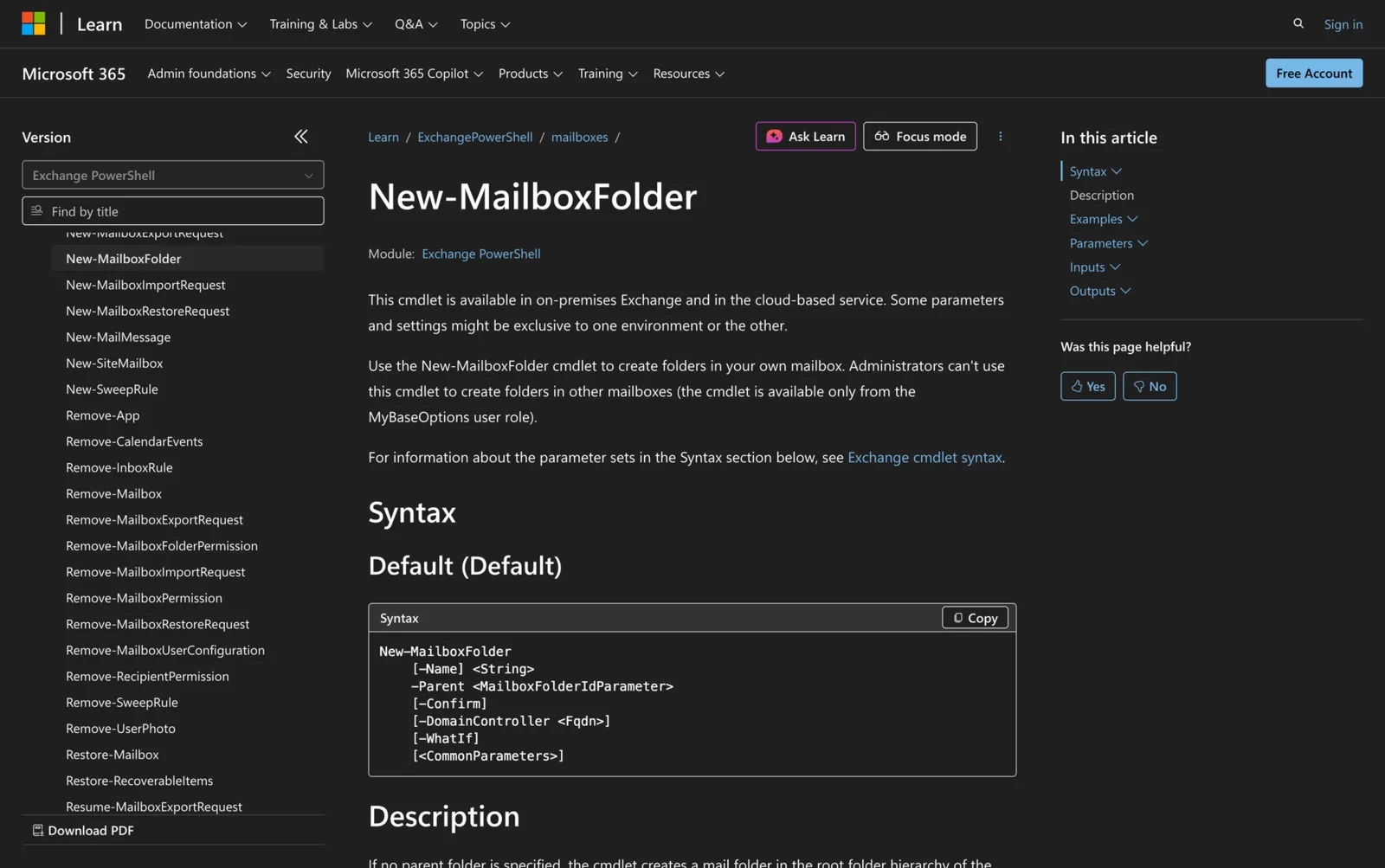
How to Use New-MailboxFolder in Powershell
Learn how to use the New-MailboxFolder cmdlet in PowerShell to efficiently create new folders within your Exchange mailbox.
-
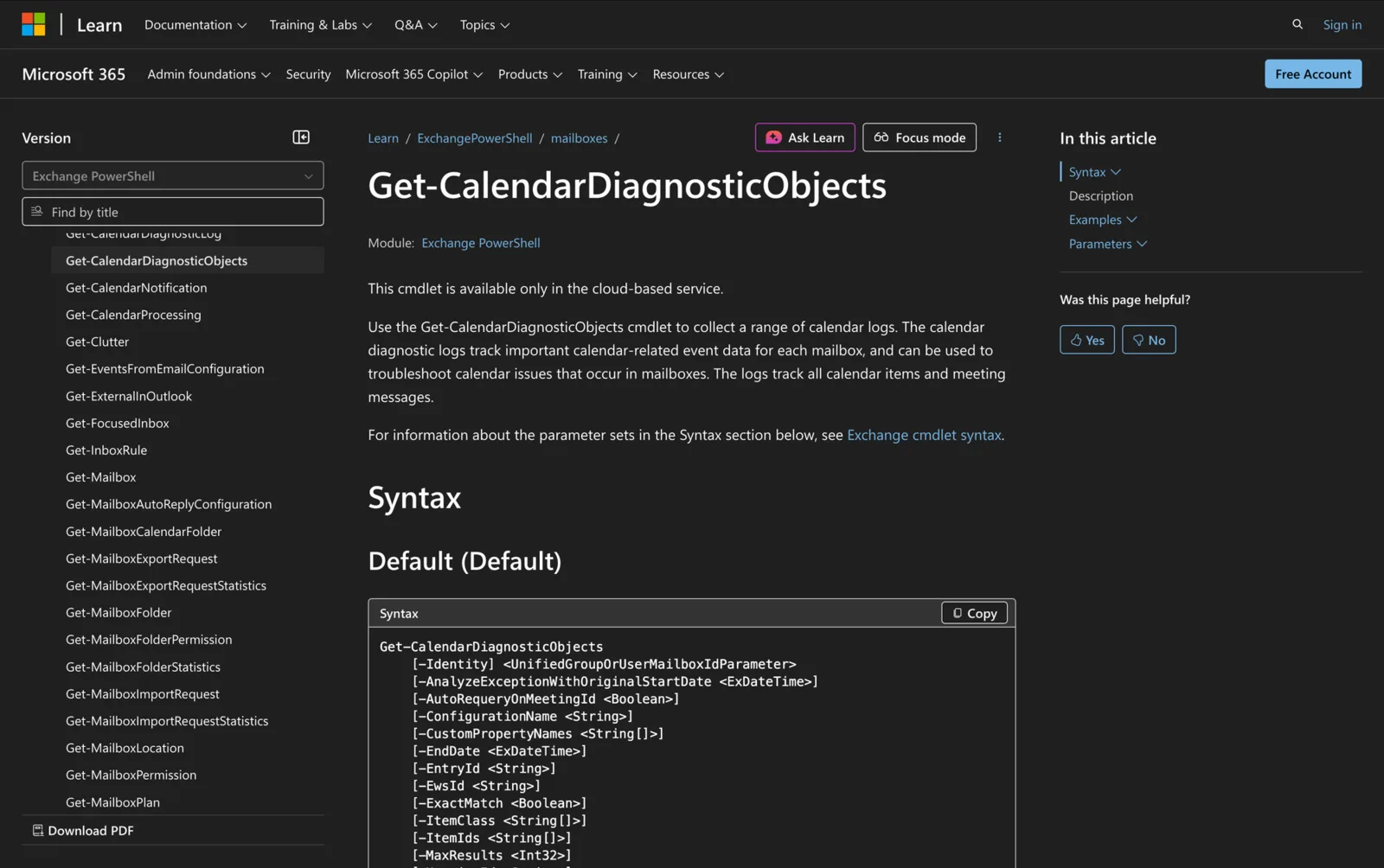
Using Get-CalendarDiagnosticObjects in Powershell
Learn how to use Get-CalendarDiagnosticObjects cmdlet in PowerShell to analyze calendar logs for troubleshooting Exchange Online mailboxes.
-
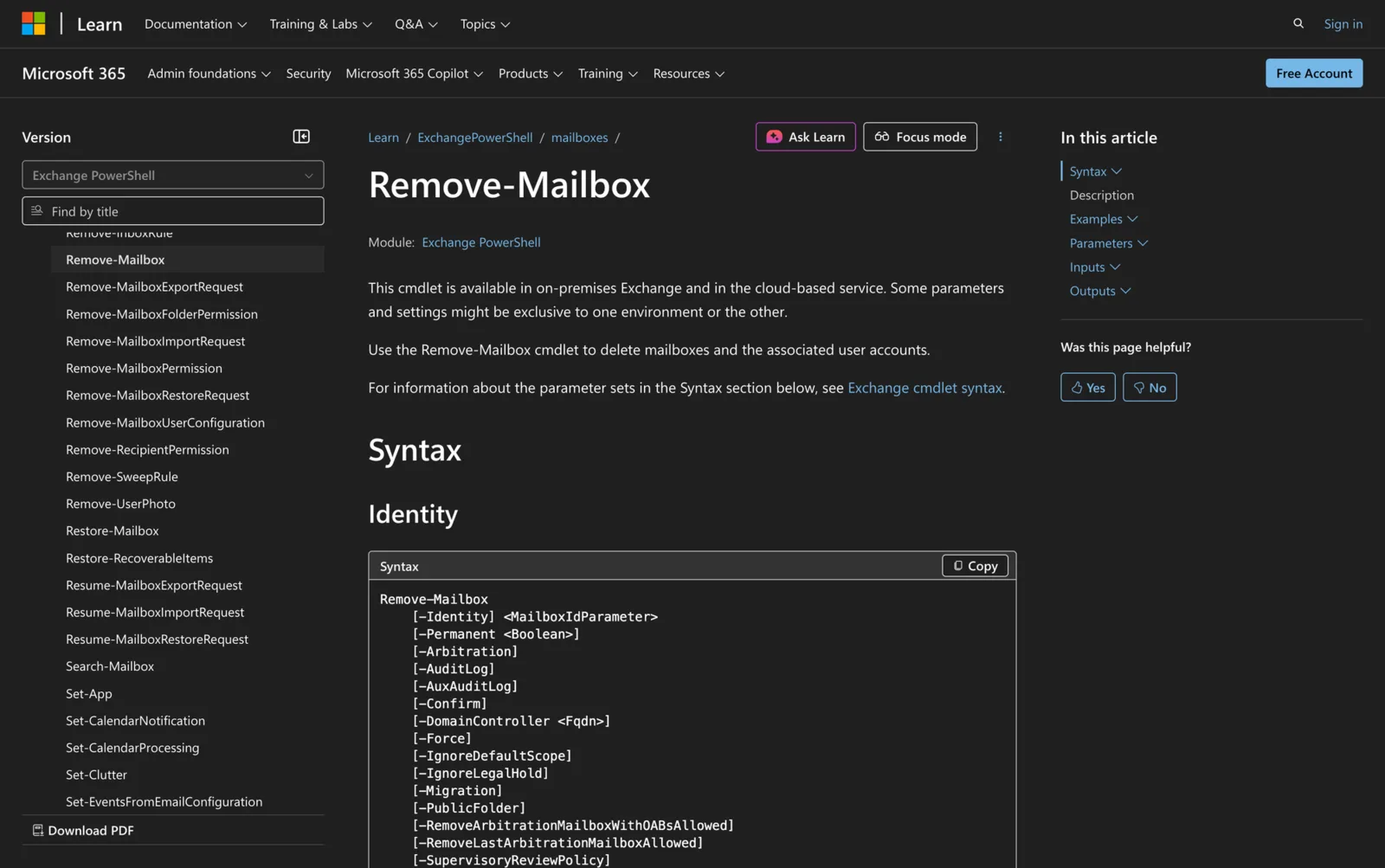
How to Use Remove-Mailbox in Powershell
How to use Remove-Mailbox cmdlet in PowerShell to effectively manage mailbox deletions in both Exchange Server and Exchange Online environments
-
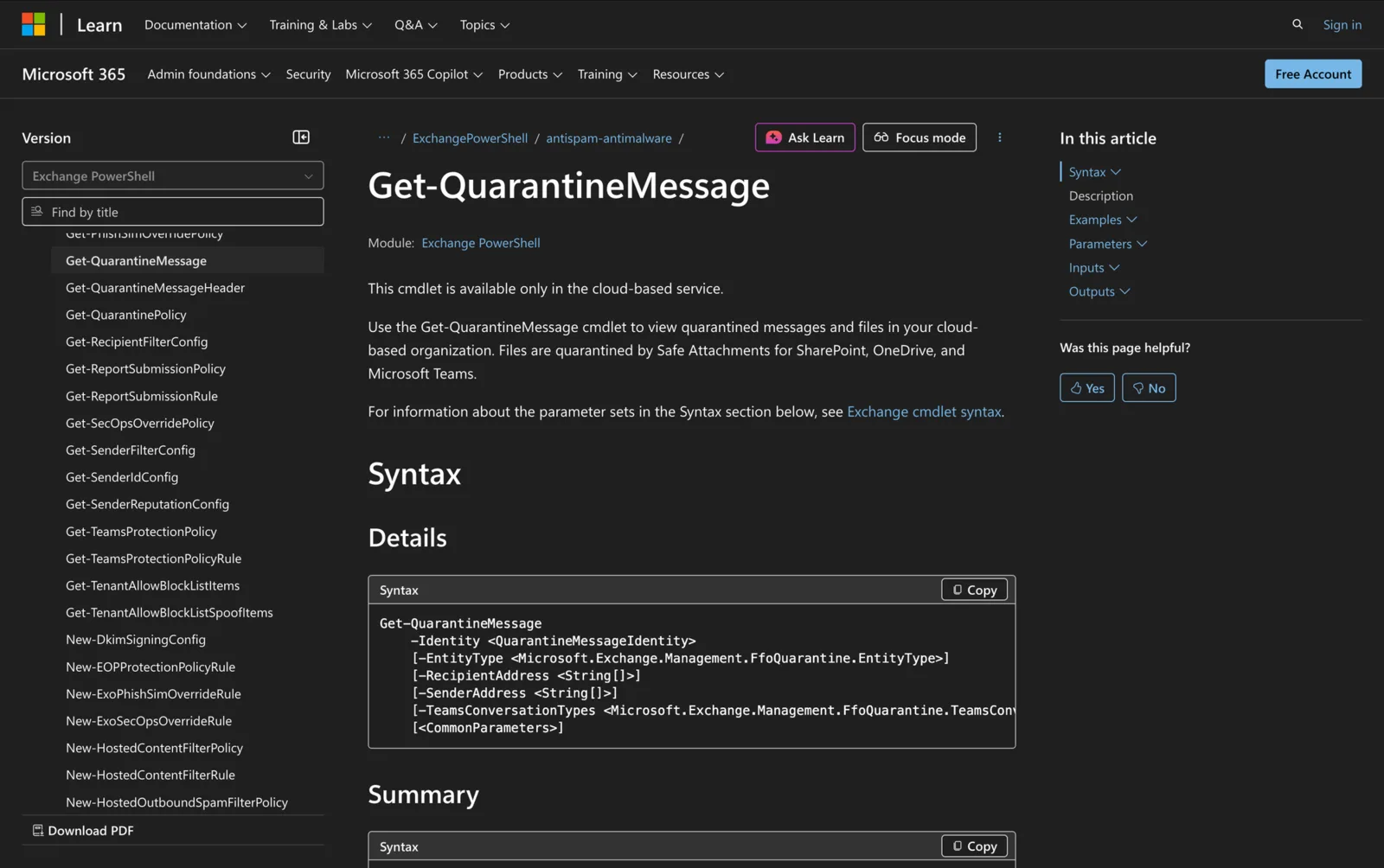
Using Get-QuarantineMessage in Powershell
Learn how to use the Get-QuarantineMessage cmdlet in PowerShell to view quarantined messages and files in Exchange Online.
-
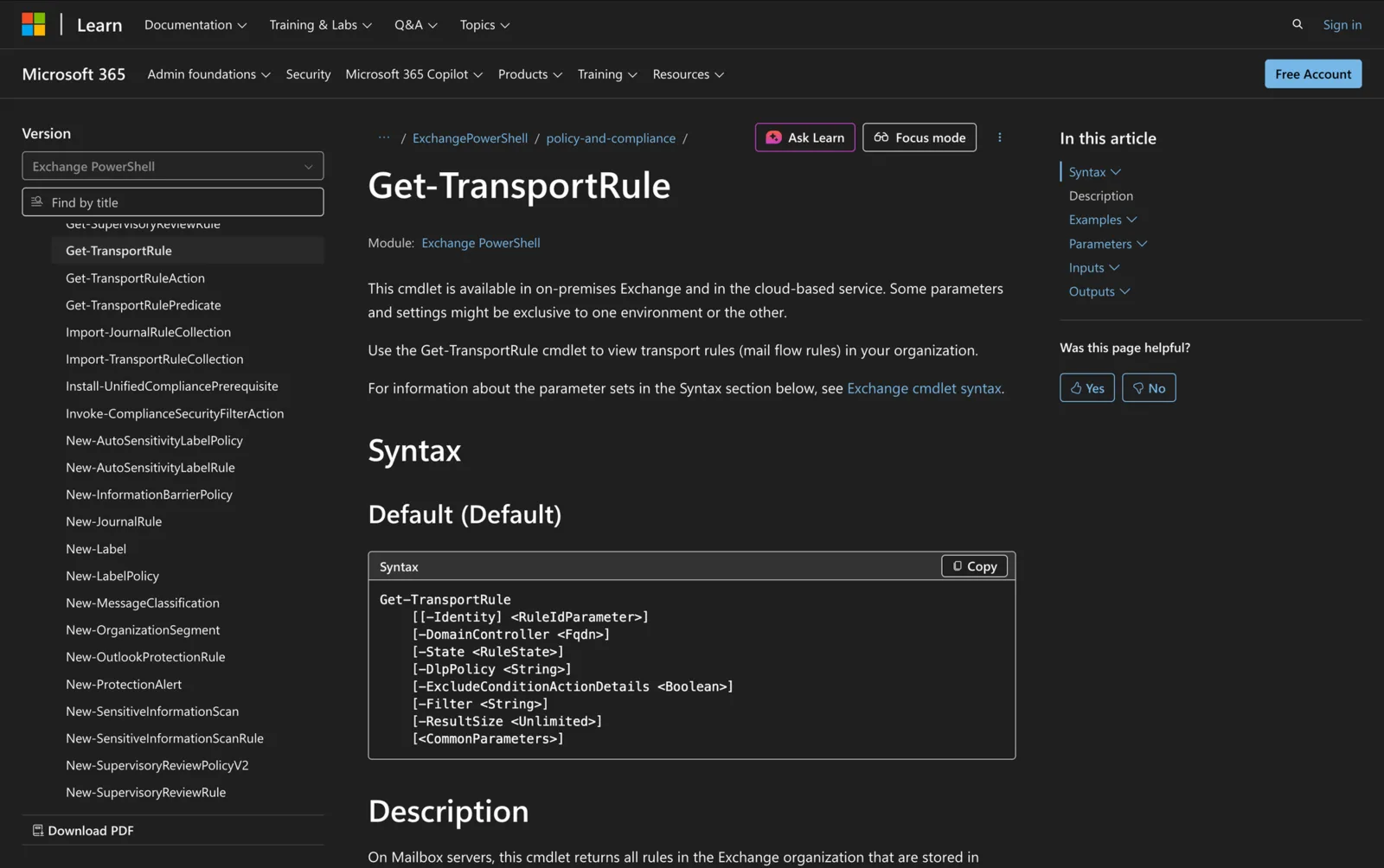
How to Use Get-TransportRule in Powershell
Discover how to use Get-TransportRule cmdlet in PowerShell to view and manage mail flow rules in Exchange Server and Exchange Online environments