For years, booking the right meeting room in Outlook ran on institutional memory. You knew Kilimanjaro had the working projector and Everest didn't, because someone told you once, or because you walked in on a dead HDMI cable at 9:01 with a client already dialing in. The Room Finder built into Outlook gave you a list of room names and a red-or-green availability bar. There were dropdowns for capacity and features. In most tenants they sat empty, because nothing ever populated them. No photos, no floor plan, no way to see what you were walking into.
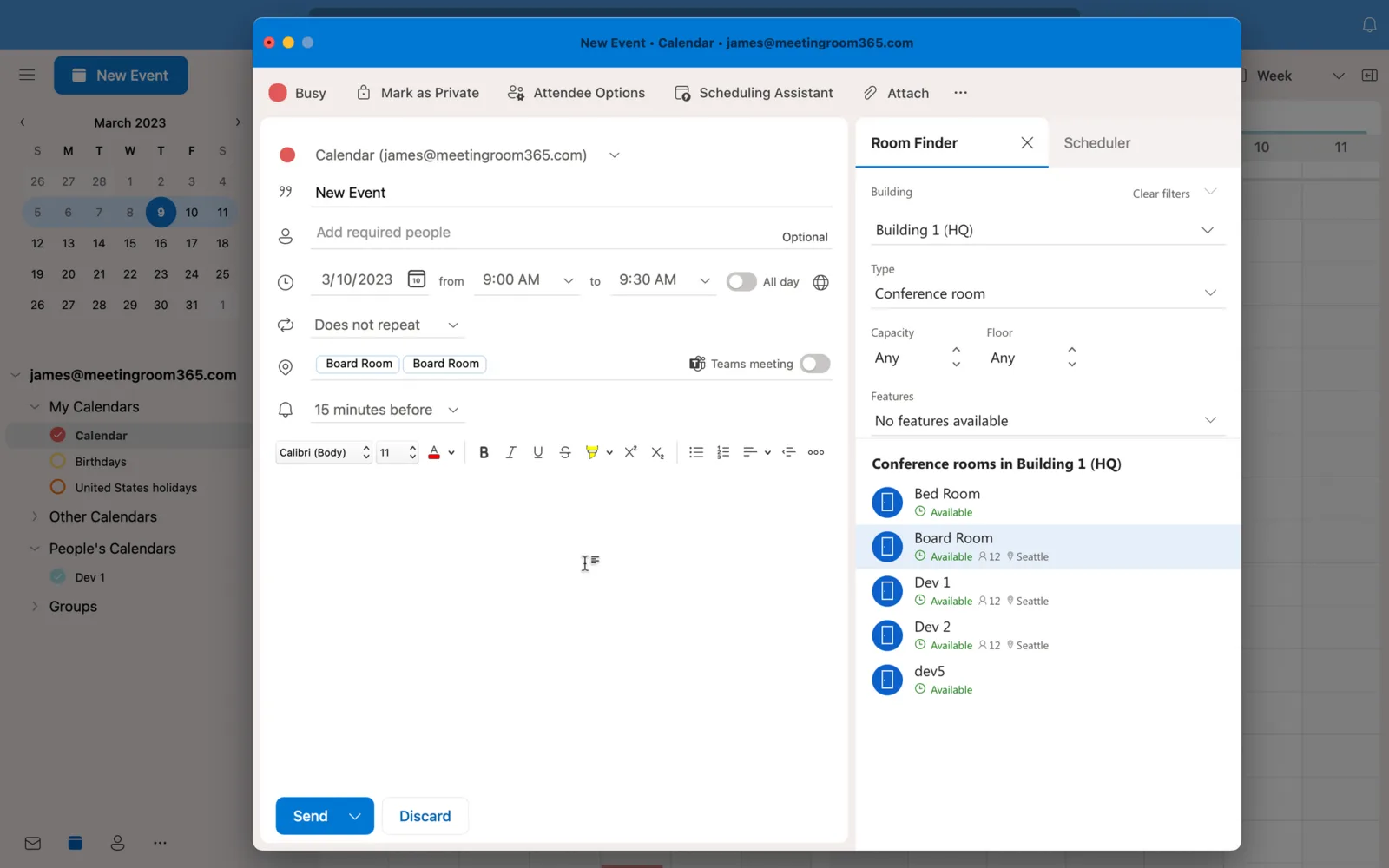 The Room Finder most people still use: names, and whether they're free.
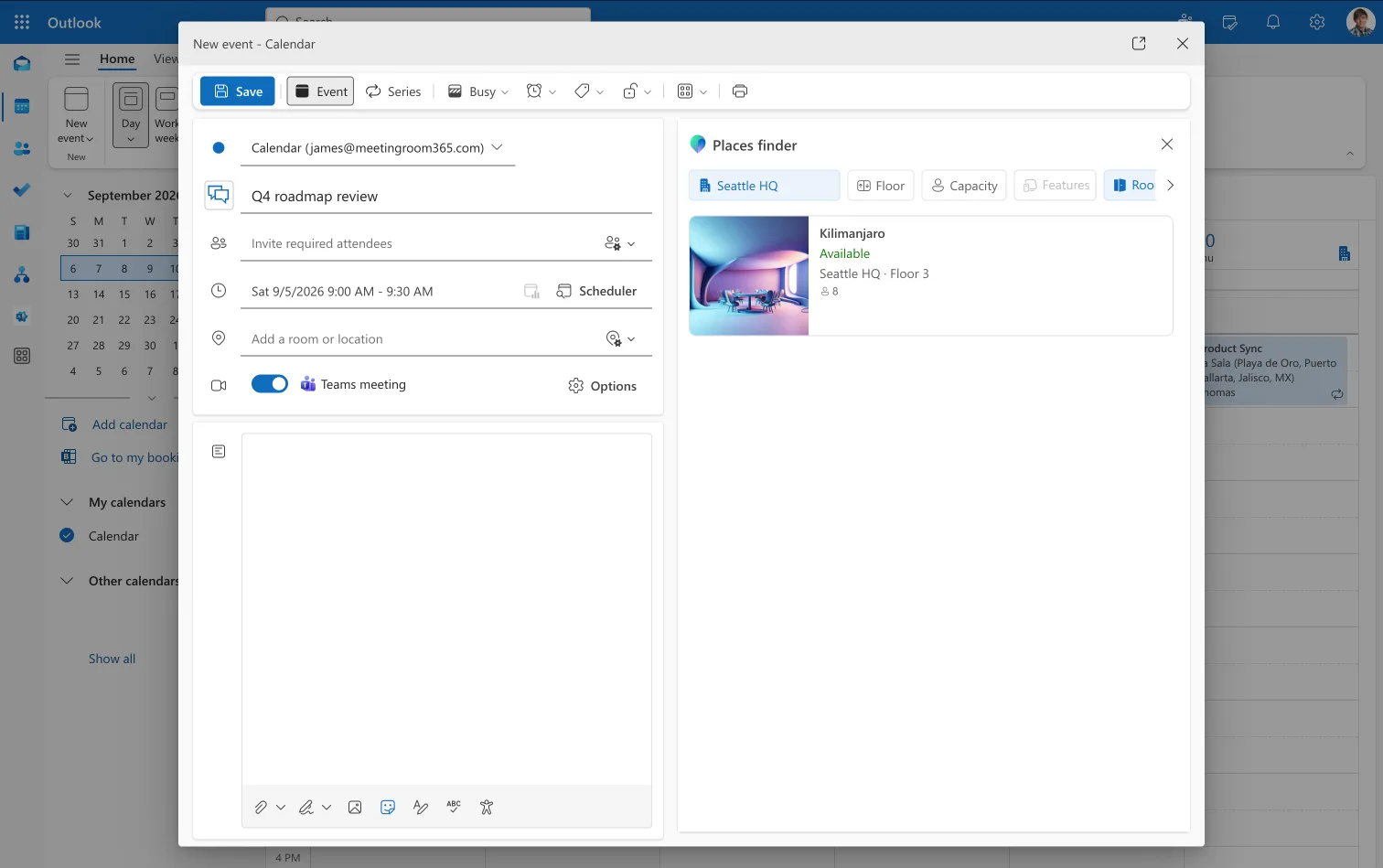
Microsoft eventually built a better version. Places Finder shows rooms with photos, capacity, A/V, accessibility details, and floor plans: the information you actually need to pick a room without walking the building first. Then it shipped that behind Teams Premium at around $10 per user per month. The fix existed. Hardly anyone bought it.
$10 per user per month → $0
Then in April that changed. Places Finder and Places Explorer came out of Teams Premium and into the core product. Finding and booking a room now costs nothing beyond the license you already pay for, and neither does booking a desk pool. What's left behind a license is narrower than people expect, and it moved to a per-space model instead of the old per-seat one.
What's included now, and what still costs
| Capability | Before 1 April 2026 | Now |
|---|---|---|
| Places Finder — photos, floor plans, A/V, accessibility | Teams Premium | Core |
| Places Explorer | Teams Premium | Core |
| Book a room | Core | Core |
| Book a workspace (desk pool) | Core | Core |
| Book a specific individual desk | Teams Premium | Space license |
| Auto-release, rooms and desks | Teams Premium | Space license |
| Occupancy reports in Places analytics | Teams Premium | Space license |
| The rest of Places analytics | Teams Premium | Core |
| Quick Book | Teams Premium | Copilot license |
| Copilot room booking | Copilot license | Copilot license |
| Work plans, presence, in-person events, hybrid RSVP | Core | Core |
Core means any of: Microsoft 365 Business Basic, Standard or Premium; Microsoft 365 or Office 365 E1, E3, E5; Education A1, A3, A5; frontline F1, F3; Teams Enterprise; Teams Essentials; Teams standalone.
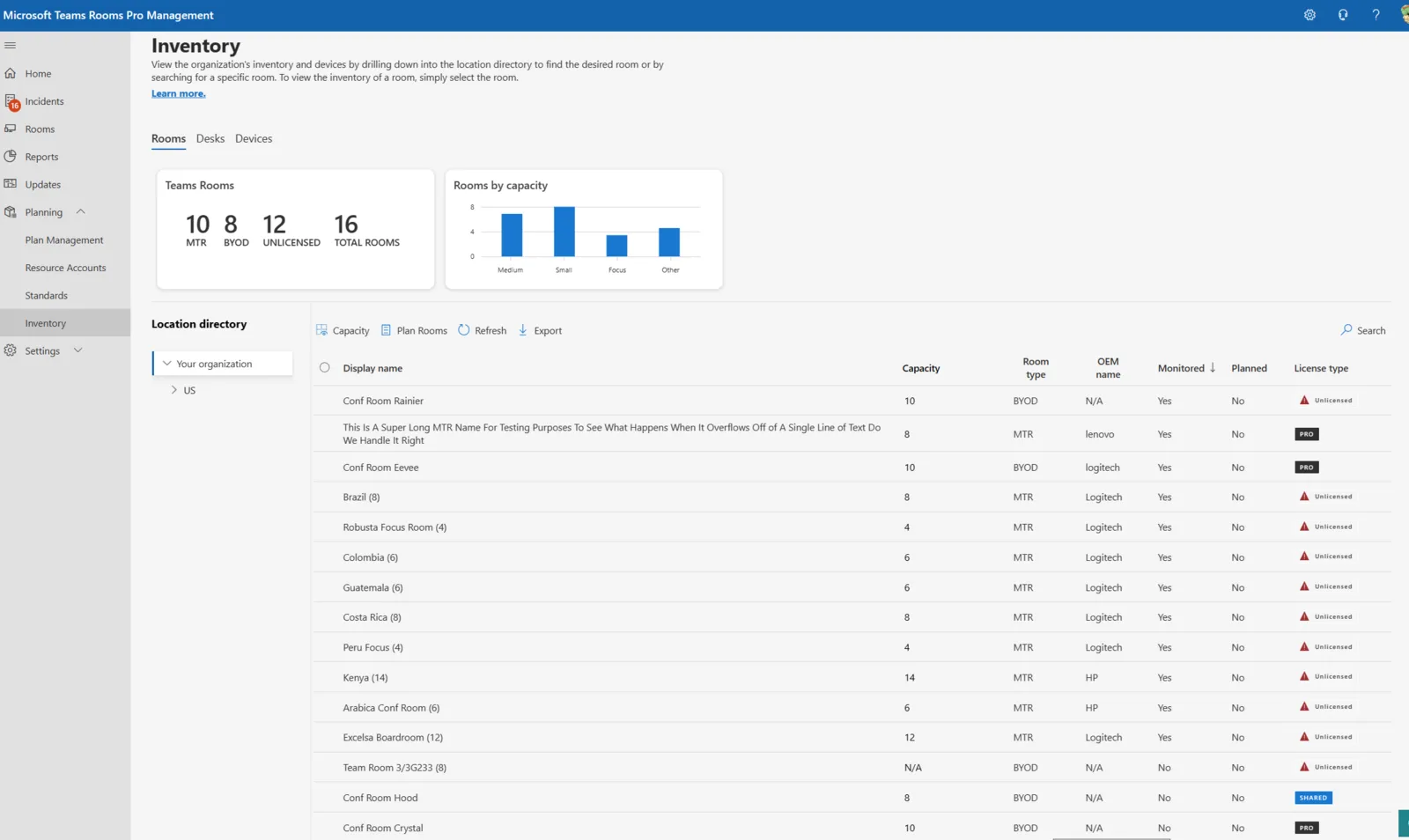
Space license means Microsoft Teams Rooms (MTR), Microsoft Teams Shared Space (MTSS, renamed from Shared Device), or Teams Shared Space – Single Space (MTSS-SS). Rooms accept any of the three. Individual desks accept MTSS or MTSS-SS only, not MTR. Each purchased MTSS comes with three free MTSS-SS licenses, which is where "four desks" comes from: one paid, three free. Spend the MTSS on a common area phone instead and you forfeit the three.
Most of this is exactly right.
Start with what room finding actually is. It's a lookup against a shared resource, a searchable map of rooms your company already owns and already pays rent on. Hybrid work made that lookup matter more, not less. New hires don't know the building. Hot-deskers rotate floors. Someone visiting from another office has no idea which rooms have a camera. The people who most need a good room directory are the ones least likely to have the building memorized. Putting that experience in the core plan means it reaches all of them, not just whoever happened to hold a premium license.
The pricing unit is the other thing worth applauding. Teams Premium charged per user, and rooms are shared: you might have thirty of them and six hundred people. Charging by headcount for a room directory meant the bill scaled with the number of people who might glance at a room, not the number of rooms there were to find. The new model tracks what you're actually managing, roughly $8 a month for a license that covers up to four desks, which is cheaper for most organizations and coherent in a way the old math never was.
Two gotchas before you turn it on
A few gotchas are worth knowing before you turn everything on. Quick Book, which suggests a room and drops it into a meeting that doesn't have one, moved the other way: it now wants a Copilot license rather than Teams Premium. Places Finder shows up in Teams and the new Outlook, including OWA, but not in classic Outlook. And organizations still running mailboxes on Exchange on-premises get none of Places, so they're stuck with the classic Room Finder until they migrate to Exchange Online. None of that changes the direction, and the direction is the part we're glad about.
The one everyday feature that now carries a per-space charge is booking a specific named desk. You can skip it. Booking desk pools stays free, and pools are usually the better experience anyway: someone grabs an open desk in the zone they want instead of hunting one exact chair that may or may not be free. That's the route we steer customers toward, and it sidesteps the desk-licensing line item entirely.
The part licensing doesn't solve
Which points at where the real work is now. Once licensing stops gating the experience, whether Places Finder is any good comes down to configuration: clean room lists, accurate metadata on every space, floor plans and maps that match the building people are standing in. A room that shows up with no photo, the wrong capacity, and no A/V tags is technically enabled and practically useless.
That's the part we build. Point our tool at your tenant, it pulls in the rooms and workspaces you already have, and the metadata gets fixed on one screen: capacity, equipment, accessibility, photos, the fields Places Finder actually renders. Room lists stay in sync from there. Nobody opens PowerShell.
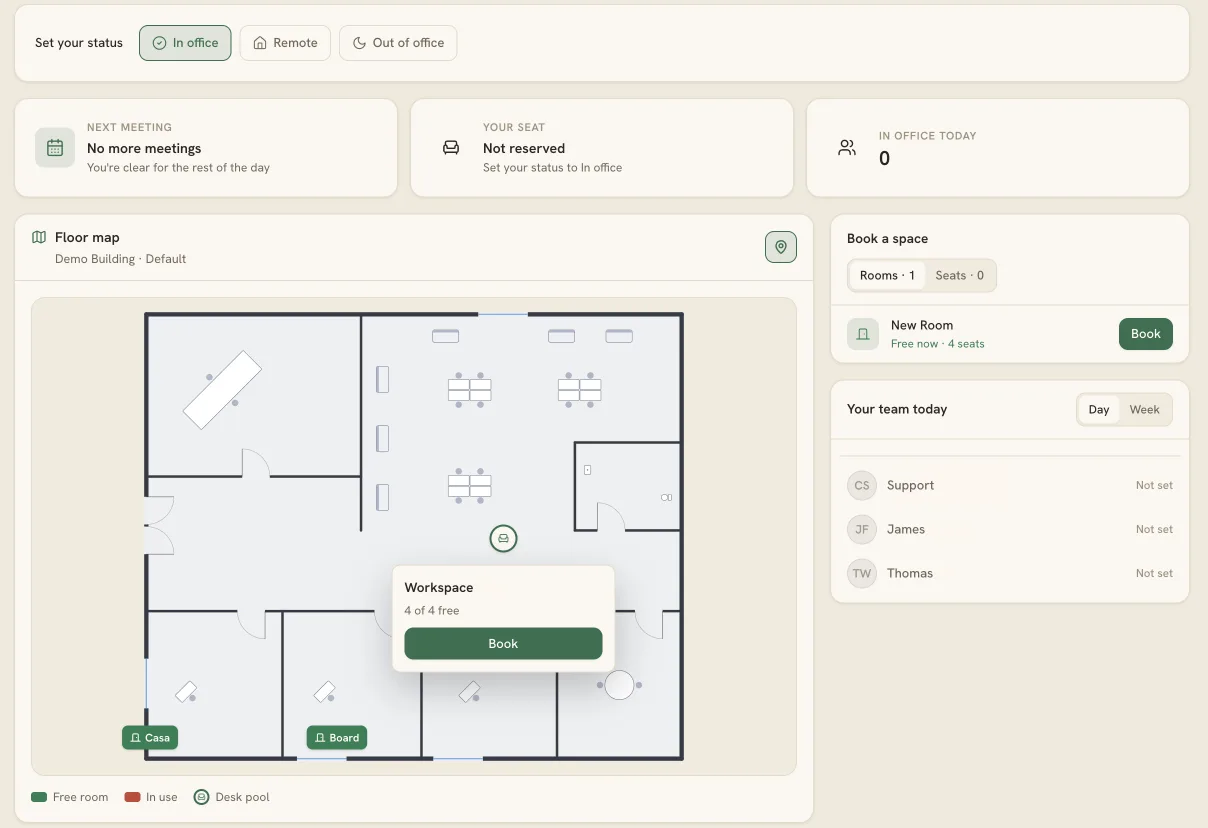
Maps are a bit more involved, because buildings don't come with any data. They come with a PDF from the architect, or a PNG someone exported in 2019 and taped by the elevators. Upload it and the tool walks you through tracing it: outline the rooms, drop the desks, label the zones. Minutes, not a CAD engagement. What comes out is structured map data rather than a picture, so the same floor can drive Places, a display in the lobby, and a desk map in an app without anyone redrawing it three times.
If there's no usable floor plan at all, scan one. Our iOS app uses the LiDAR sensor to capture a space while you walk it and builds the map from the scan. The web admin then handles georeferencing, anchoring the map to where the building actually sits, and publishes it to Places.
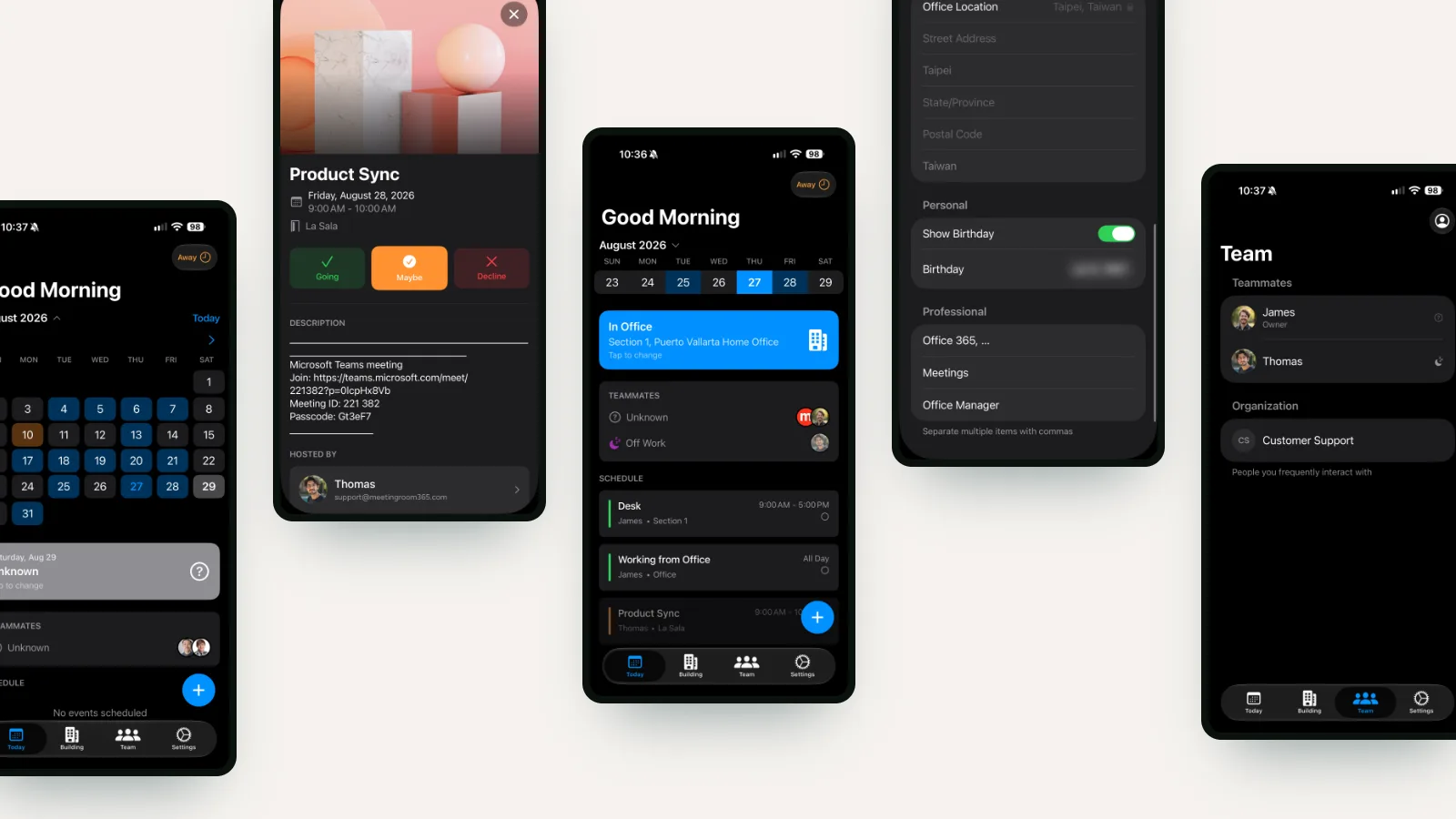
None of that reaches the people who work there. They sign in on the web to book a workspace, or use the iOS and Android apps if desk booking is a daily habit rather than an occasional one. By the time it gets to the person actually booking, the whole chain is invisible: a floor, a free desk near the window, and a single button to book a workspace.