Quick answer: connect to Exchange Online, then run Search-UnifiedAuditLog -StartDate (Get-Date).AddDays(-7) -EndDate (Get-Date) -UserIds "anna@contoso.com" -SessionCommand ReturnLargeSet. Without -SessionCommand, the cmdlet returns only 100 records. Dates are read as UTC unless you convert them.
What does Search-UnifiedAuditLog search?
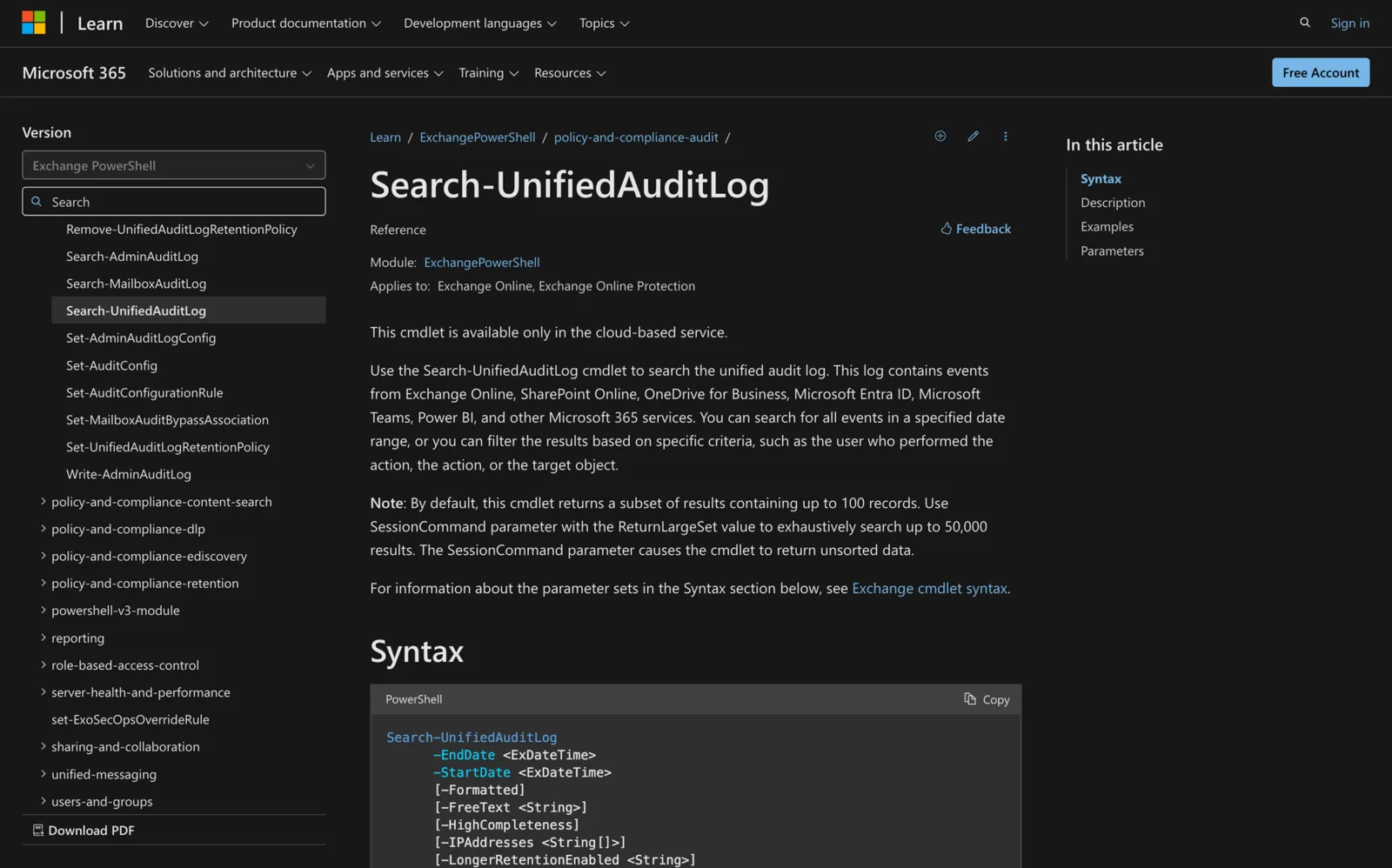
It searches the Microsoft 365 unified audit log. The log holds events from Exchange Online, SharePoint, OneDrive, Microsoft Entra ID, Teams, Power BI and other services. You can filter by date range, user, operation, record type, IP address or target object.
It runs only in Exchange Online PowerShell. It doesn't exist in on-premises Exchange. For on-premises mailbox auditing, see Search-MailboxAuditLog.
What do I need before running it?
| Requirement | How to check |
|---|---|
| Exchange Online PowerShell | Connect-ExchangeOnline -UserPrincipalName admin@contoso.com |
| The Audit Logs or View-Only Audit Logs role in Exchange Online | Exchange admin center, under Roles |
| Auditing turned on | Get-AdminAuditLogConfig | Format-List UnifiedAuditLogIngestionEnabled should return True |
Auditing is on by default for enterprise tenants. It's off by default for Business Basic, Business Standard and Business Premium. Turn it on with:
Set-AdminAuditLogConfig -UnifiedAuditLogIngestionEnabled $true
It can take up to 60 minutes to take effect. Run the check in Exchange Online PowerShell: in Security & Compliance PowerShell the property always shows False.
Which parameters matter?
| Parameter | What it does |
|---|---|
-StartDate, -EndDate |
The date range. Required. Read as UTC. |
-UserIds |
Who did it, by user principal name. Accepts several, comma-separated. |
-Operations |
What they did, such as FileAccessed or New-InboxRule. |
-RecordType |
The kind of event, such as ExchangeAdmin or SharePointFileOperation. |
-ObjectIds |
The target, such as a file URL. A leading * on a site URL searches the whole site. |
-IPAddresses |
Filter by client IP. |
-FreeText |
Filter by a text string. |
-SessionCommand |
ReturnLargeSet (up to 50,000, unsorted) or ReturnNextPreviewPage (up to 5,000, sorted by date). |
-SessionId |
Any string. Rerun with the same value to get the next page. |
-ResultSize |
Records per call. Default 100, maximum 5,000. |
-Formatted |
Shows record types and operations as text instead of numbers. |
How do the dates work?
Audit entries are stored in UTC, and a date with no time zone is read as UTC. To search in local time, convert:
-StartDate (Get-Date "11/12/2026 9:00 AM").ToUniversalTime()
A date with no time means midnight. If StartDate and EndDate are the same day, add times or the search returns nothing:
Search-UnifiedAuditLog -StartDate "6/1/2026 8:00 AM" -EndDate "6/1/2026 6:00 PM" -RecordType ExchangeAdmin
Examples
Everything one user did last week
Search-UnifiedAuditLog -StartDate (Get-Date).AddDays(-7) -EndDate (Get-Date) -UserIds "anna@contoso.com" -SessionCommand ReturnLargeSet
Who opened a SharePoint file
Search-UnifiedAuditLog -StartDate 11/1/2026 -EndDate 11/8/2026 -ObjectIds "https://contoso.sharepoint.com/sites/finance/Shared Documents/Budget.xlsx" -Operations FileAccessed
Every file event on a site
Search-UnifiedAuditLog -StartDate 11/1/2026 -EndDate 11/8/2026 -RecordType SharePointFileOperation -ObjectIds "https://contoso.sharepoint.com/sites/finance/*"
Who created an inbox rule
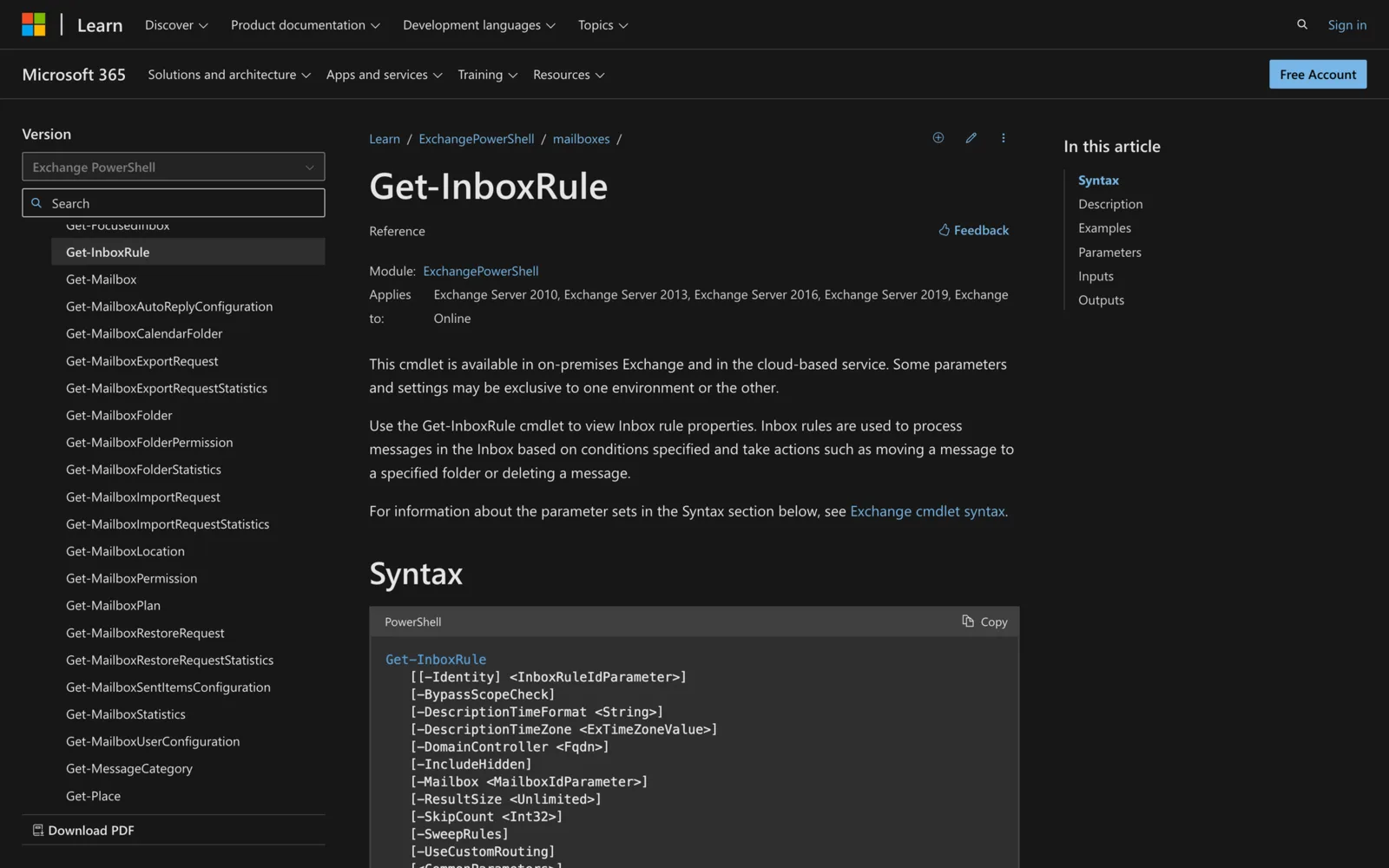
Search-UnifiedAuditLog -StartDate (Get-Date).AddDays(-30) -EndDate (Get-Date) -Operations New-InboxRule,Set-InboxRule
Check the rules themselves with Get-InboxRule.
Who changed mailbox permissions
Search-UnifiedAuditLog -StartDate (Get-Date).AddDays(-30) -EndDate (Get-Date) -Operations Add-MailboxPermission
See Add-MailboxPermission and Get-MailboxPermission.
Who turned auditing off
Search-UnifiedAuditLog -StartDate (Get-Date).AddDays(-90) -EndDate (Get-Date) -Operations Set-AdminAuditLogConfig
How do I get more than 100 results?
Rerun the same command with the same -SessionId and -SessionCommand ReturnLargeSet until it returns nothing. Each call returns the next page:
$id = [guid]::NewGuid().ToString()
$all = @()
do {
    $page = Search-UnifiedAuditLog -StartDate (Get-Date).AddDays(-7) -EndDate (Get-Date) `
        -SessionId $id -SessionCommand ReturnLargeSet -ResultSize 5000
    $all += $page
} while ($page)
$all.Count
| SessionCommand | Maximum results | Order |
|---|---|---|
| None | 100 | Not stated |
ReturnNextPreviewPage |
5,000 | Sorted by date |
ReturnLargeSet |
50,000 | Unsorted |
Don't switch SessionCommand values within one SessionId: the output drops to 10,000 results. For more than 50,000, split the date range into smaller searches.
How do I read and export the results?
The useful detail is in the AuditData property, a JSON string. Expand it, then export:
$all | ForEach-Object {
    $d = $_.AuditData | ConvertFrom-Json
    [pscustomobject]@{
        Time      = $_.CreationDate
        User      = $_.UserIds
        Operation = $_.Operations
        Object    = $d.ObjectId
        ClientIP  = $d.ClientIP
    }
} | Export-Csv "C:\Temp\audit.csv" -NoTypeInformation
How far back can I search?
| License | Retention |
|---|---|
| E5, or the E5 Compliance or eDiscovery and Audit add-on | 1 year for Entra ID, Exchange and SharePoint by default |
| Other Microsoft 365 and Office 365 licenses | 180 days |
Events usually appear 60 to 90 minutes after they happen for Exchange, SharePoint, OneDrive and Teams. Other services can take longer.
Why does Search-UnifiedAuditLog return nothing?
| Symptom | Cause | Fix |
|---|---|---|
| No results at all | Auditing is off | Check UnifiedAuditLogIngestionEnabled; turn it on |
| No results for one day | Same StartDate and EndDate with no time | Add times to both dates |
| Recent events missing | Ingestion delay | Wait 60 to 90 minutes, longer for some services |
| Results stop at 100 | No SessionCommand | Add -SessionCommand ReturnLargeSet and page with a SessionId |
| Results stop at 10,000 | SessionCommand values mixed in one session | Use ReturnLargeSet on every call |
| Times look hours off | Results and inputs are UTC | Convert with .ToUniversalTime() |
| Cmdlet not recognized | Not connected, or missing a role | Connect to Exchange Online; get Audit Logs or View-Only Audit Logs |
| Operation filter finds nothing | Operation name misspelled | Copy names exactly from Microsoft's audited activities list |
For scheduled or large exports, Microsoft recommends the Office 365 Management Activity API instead of a PowerShell script.
Summary
- Run it in Exchange Online PowerShell with the Audit Logs or View-Only Audit Logs role.
- Check auditing is on with
Get-AdminAuditLogConfig. - Dates are UTC. Same-day searches need times.
- Default is 100 results. Use
-SessionIdand-SessionCommand ReturnLargeSetto page up to 50,000. - Expand AuditData with
ConvertFrom-Jsonbefore exporting. - Retention is 180 days, or 1 year with E5.
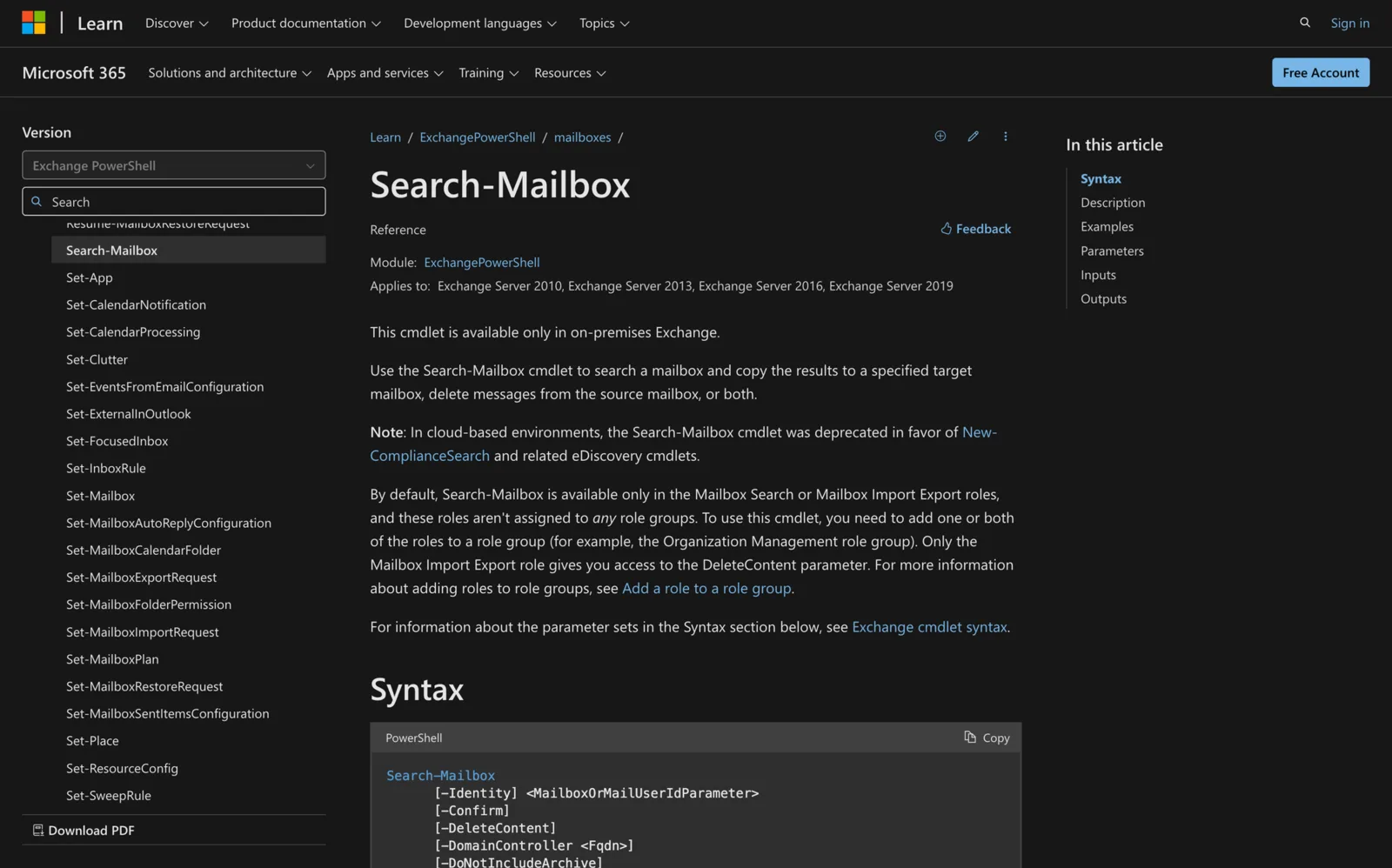
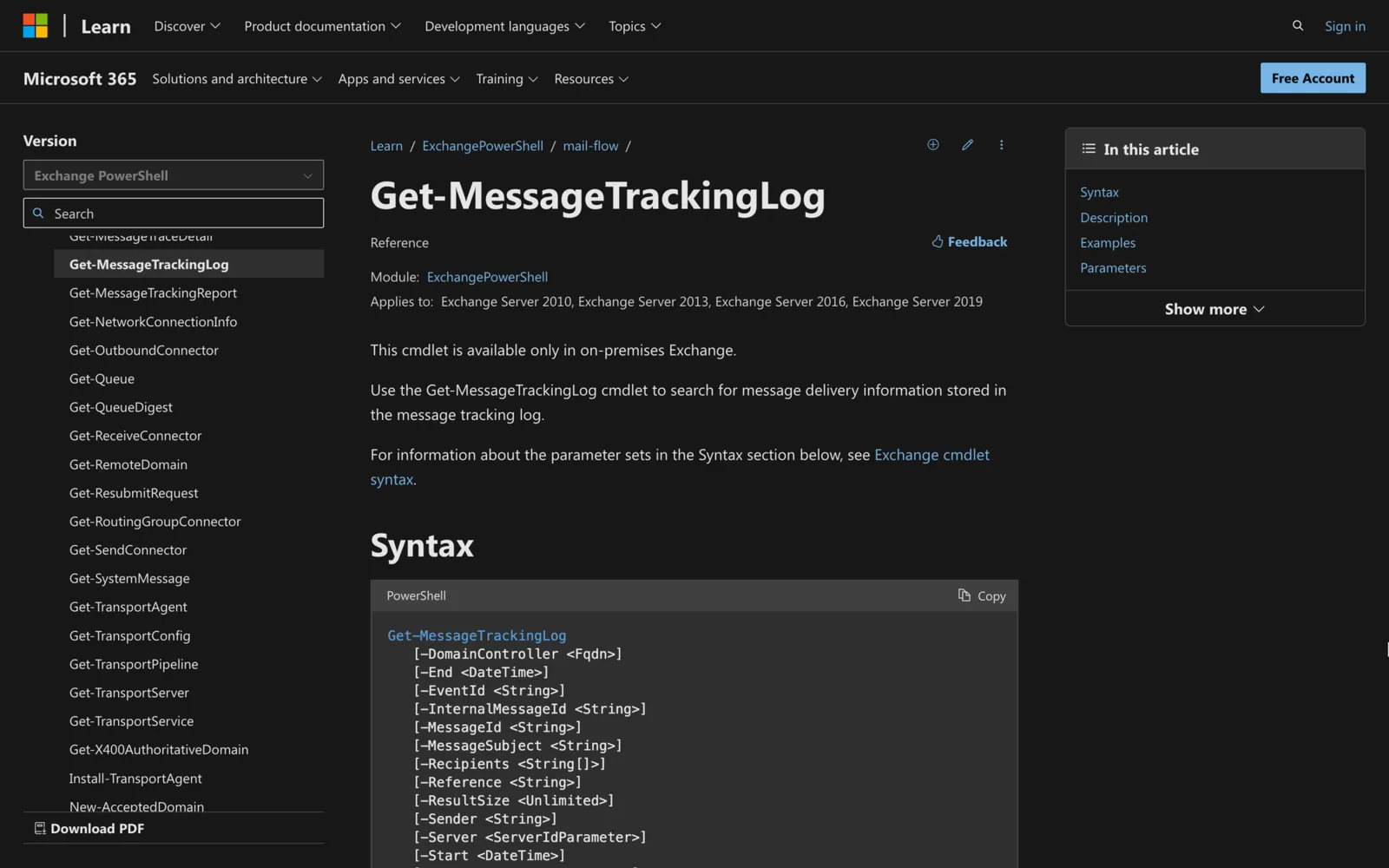
Related: Get-MessageTraceV2, Search-Mailbox and Search-MailboxAuditLog.
Meeting Room 365 turns any iPad or Android tablet into a room display for Exchange and Microsoft 365 calendars. See the features or pricing: $9 a display a month.