Guides for people who run the rooms.
Mailbox permissions, calendar settings and room resources for Microsoft 365, Exchange and Google Workspace admins.
-
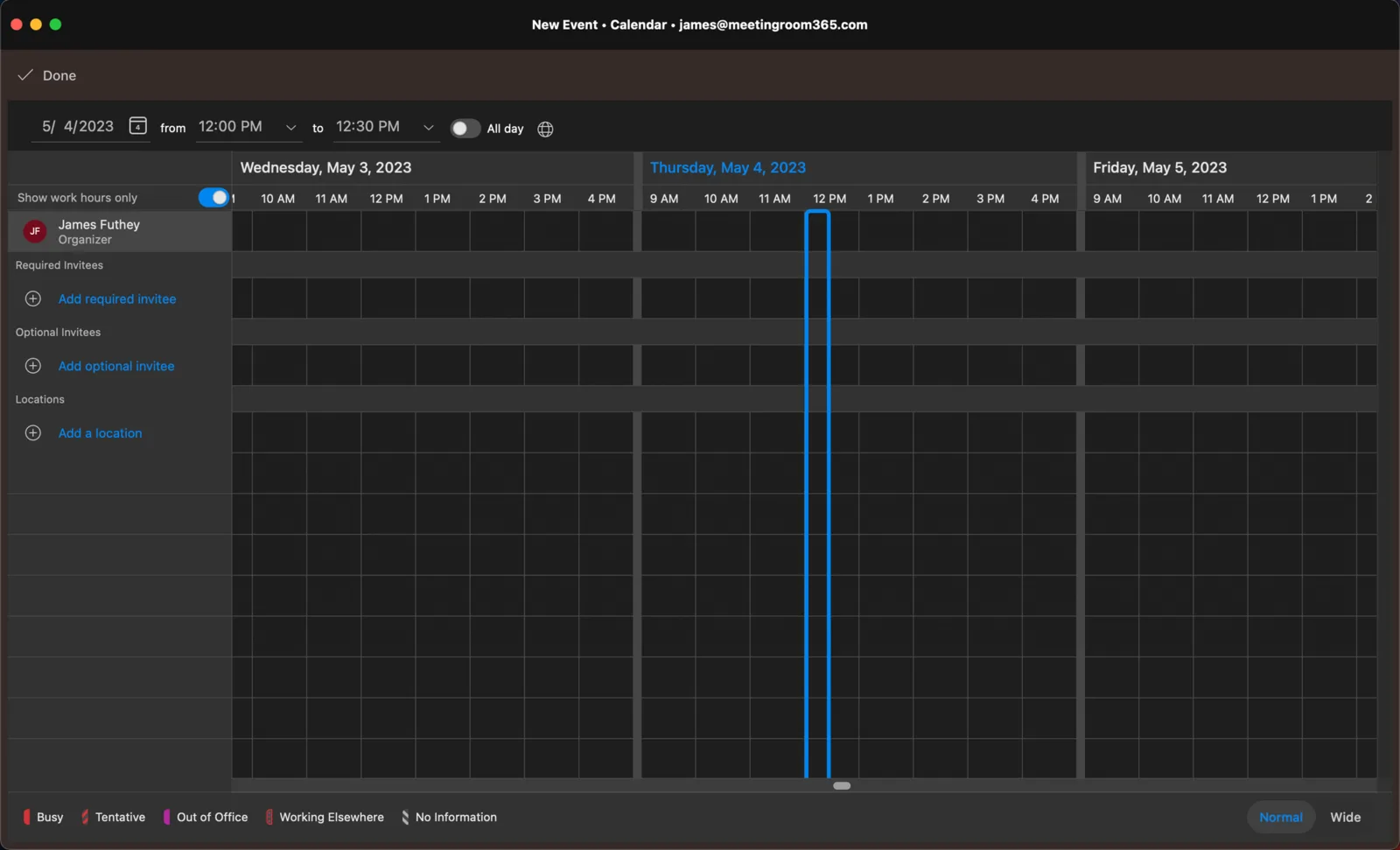
How to Use Scheduling Assistant in Outlook
Do you need to pick the right time for everyone in a meeting? Learn how to use Scheduling Assistant in Outlook by checking this guide.
-

How to Change Organizer in Google Calendar
Do you need to transfer ownership of a Google Calendar event or calendar? Learn how to change organizer in Google Calendar here.
-
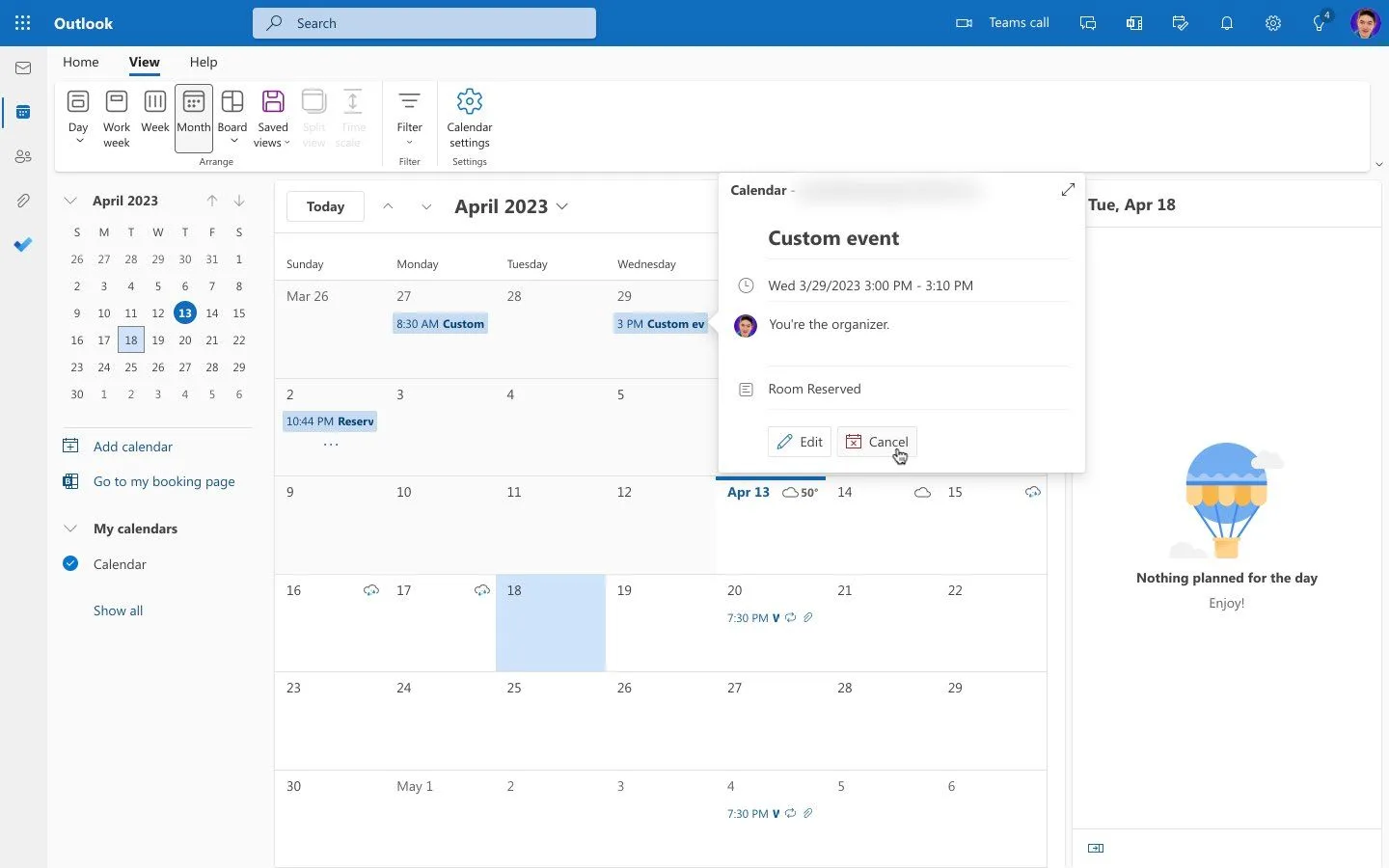
How to Change Meeting Organizer in Outlook
Outlook now lets you change a meeting's organizer in new Outlook and on the web. Here's how, what it can't move yet, and the fix for classic Outlook.
-
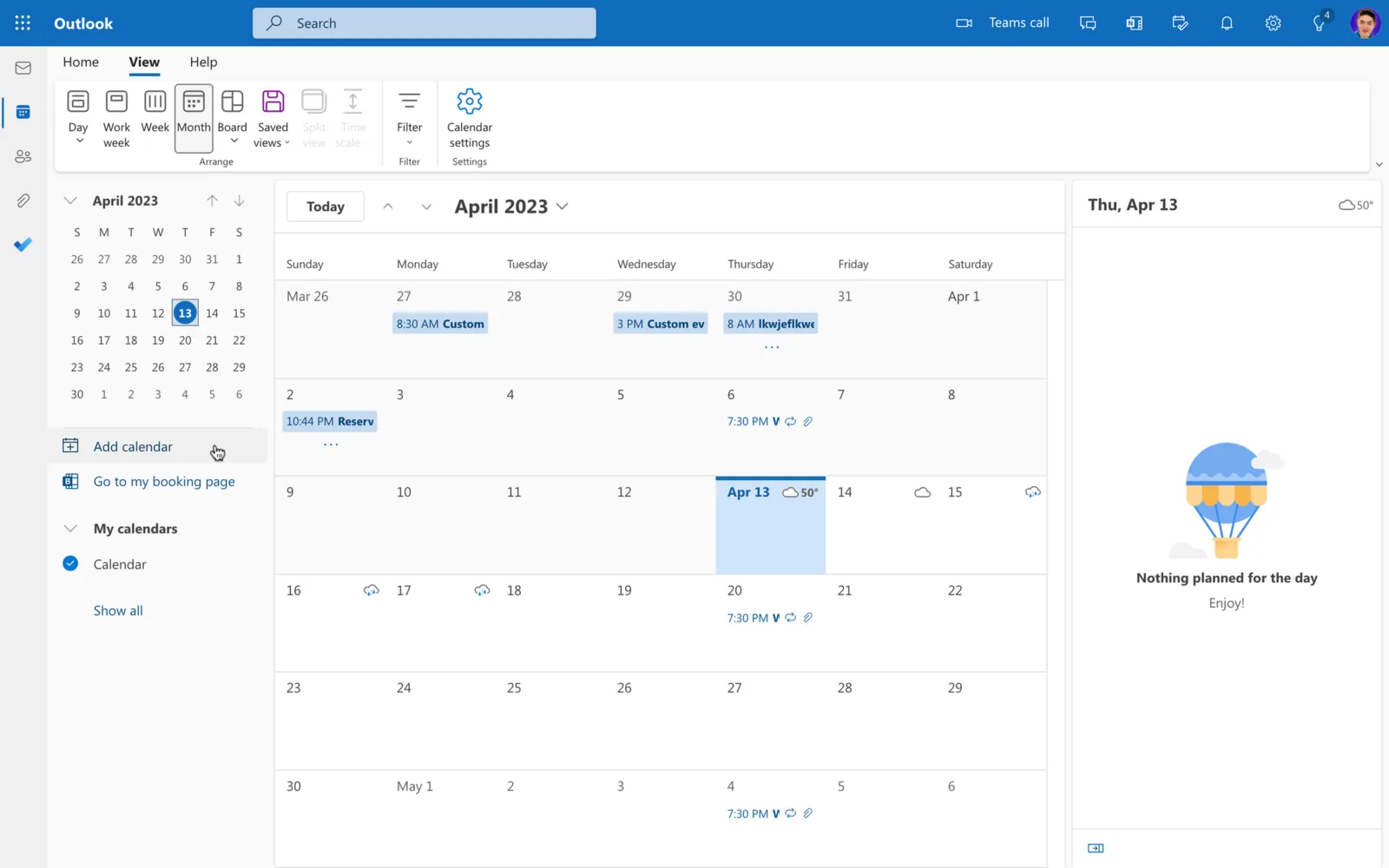
How to View Someone’s Calendar in Outlook
Do you need to check another person’s calendar in Outlook? Learn how to view someone’s calendar in Outlook in 4 easy steps.
-

How to Create a Shared Calendar in Outlook
Create a new calendar in Outlook and share it with people who can view or edit it. Steps for new Outlook, Outlook on the web and classic Outlook.
-
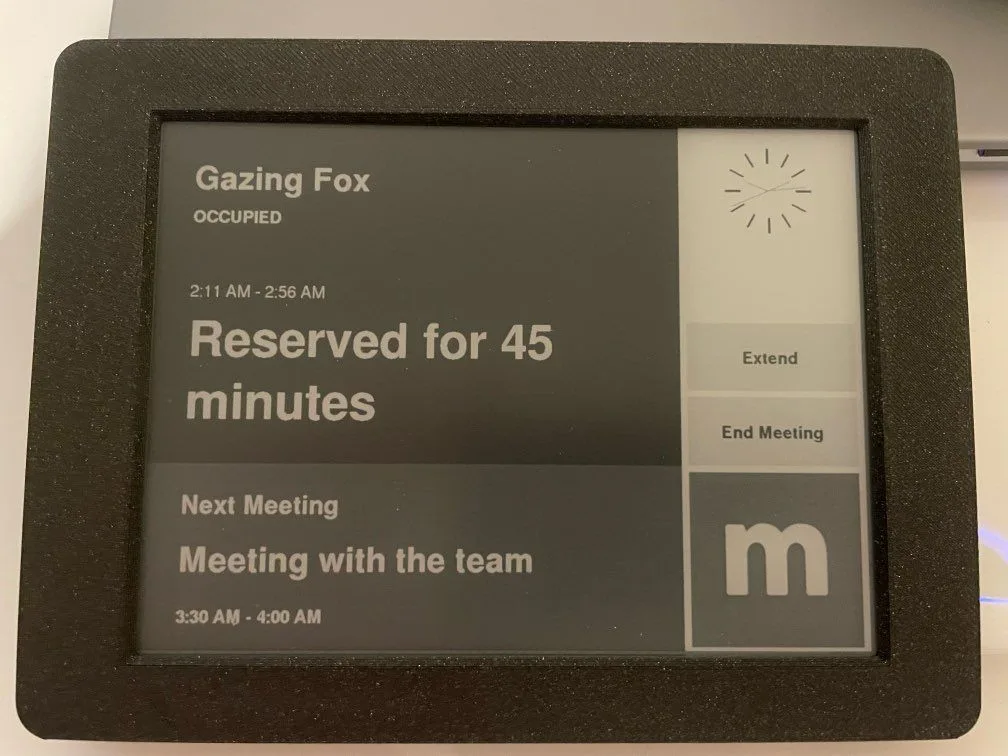
Introducing the E-Ink Meeting Room 365 Display
An open-source E-ink meeting room display built on the Inkplate 6Plus, with instant reservations and months of battery life. Works with Microsoft 365.
-

How to Reschedule a Meeting in Outlook
Do you need to change the date and time of an appointment? Learn how to reschedule a meeting in Outlook easily here.
-
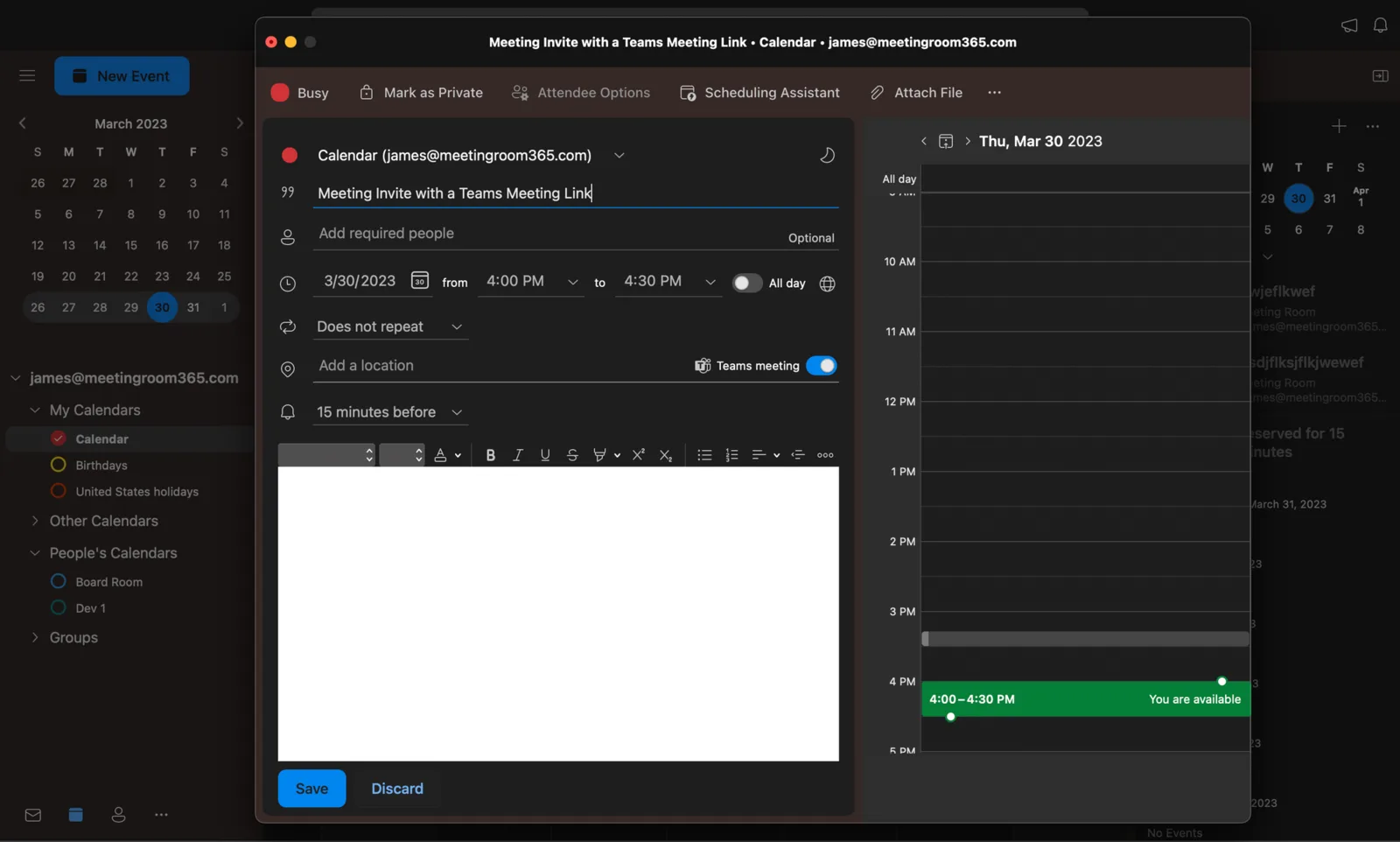
How to Set Up a Teams Meeting in Outlook
Scheduling Teams meetings via Outlook is quite easy. Learn how to set up a Teams Meeting in Outlook by following these quick steps.
-

How to Add Teams to Outlook
Do you want to manage both Teams and Outlook meetings simultaneously? Learn how to add Teams to Outlook here.
-
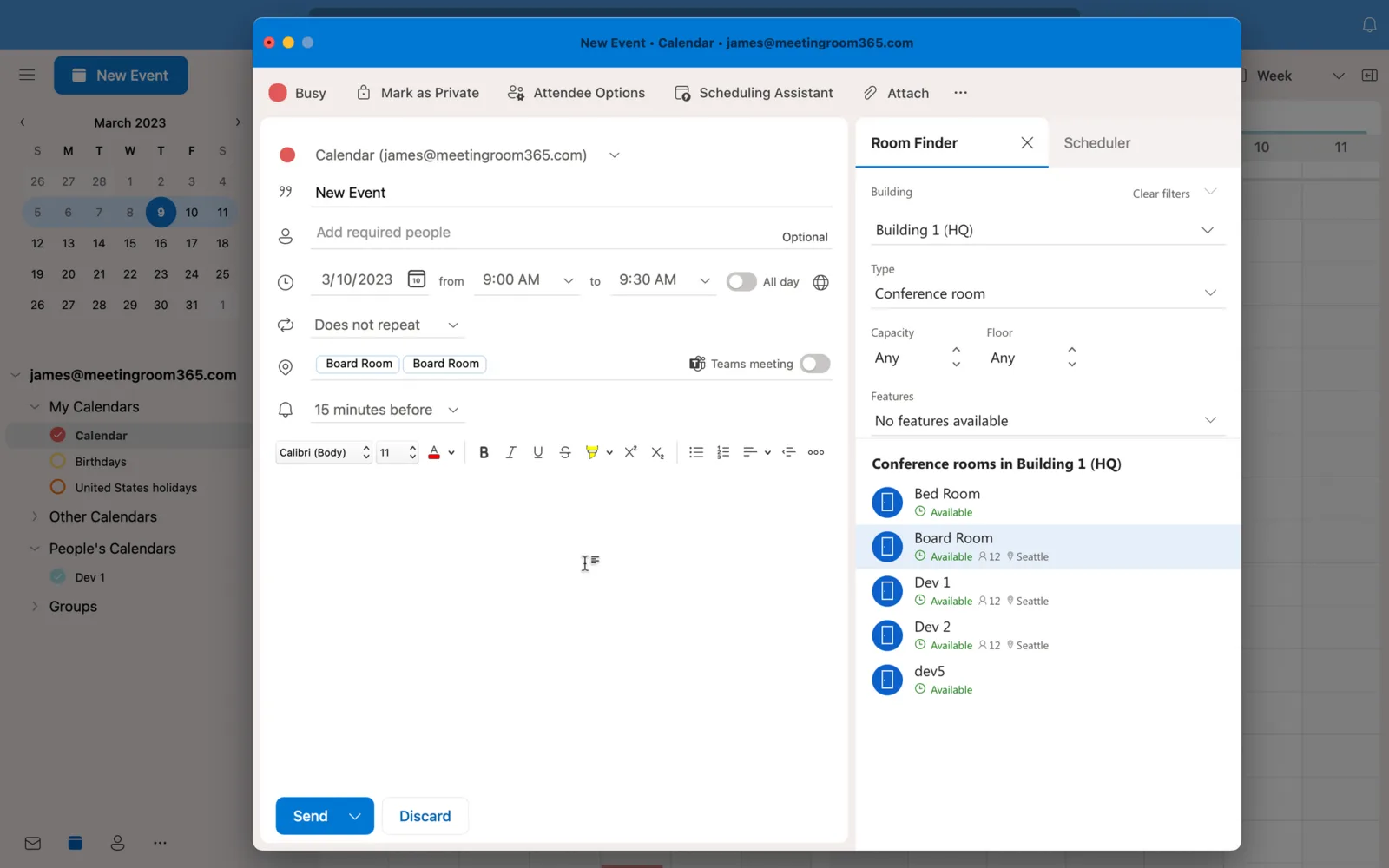
Outlook Room Finder Not Showing Rooms? Here’s the Fix
Are rooms not showing on the Room Finder? Let’s learn how to fix Outlook Room Finder not showing rooms in 4 steps here.
-

How to Remove Teams Meeting from Outlook Invite
Is Outlook automatically sending Teams invites without your permission? Learn how to remove Teams Meeting from Outlook Invite here.
-
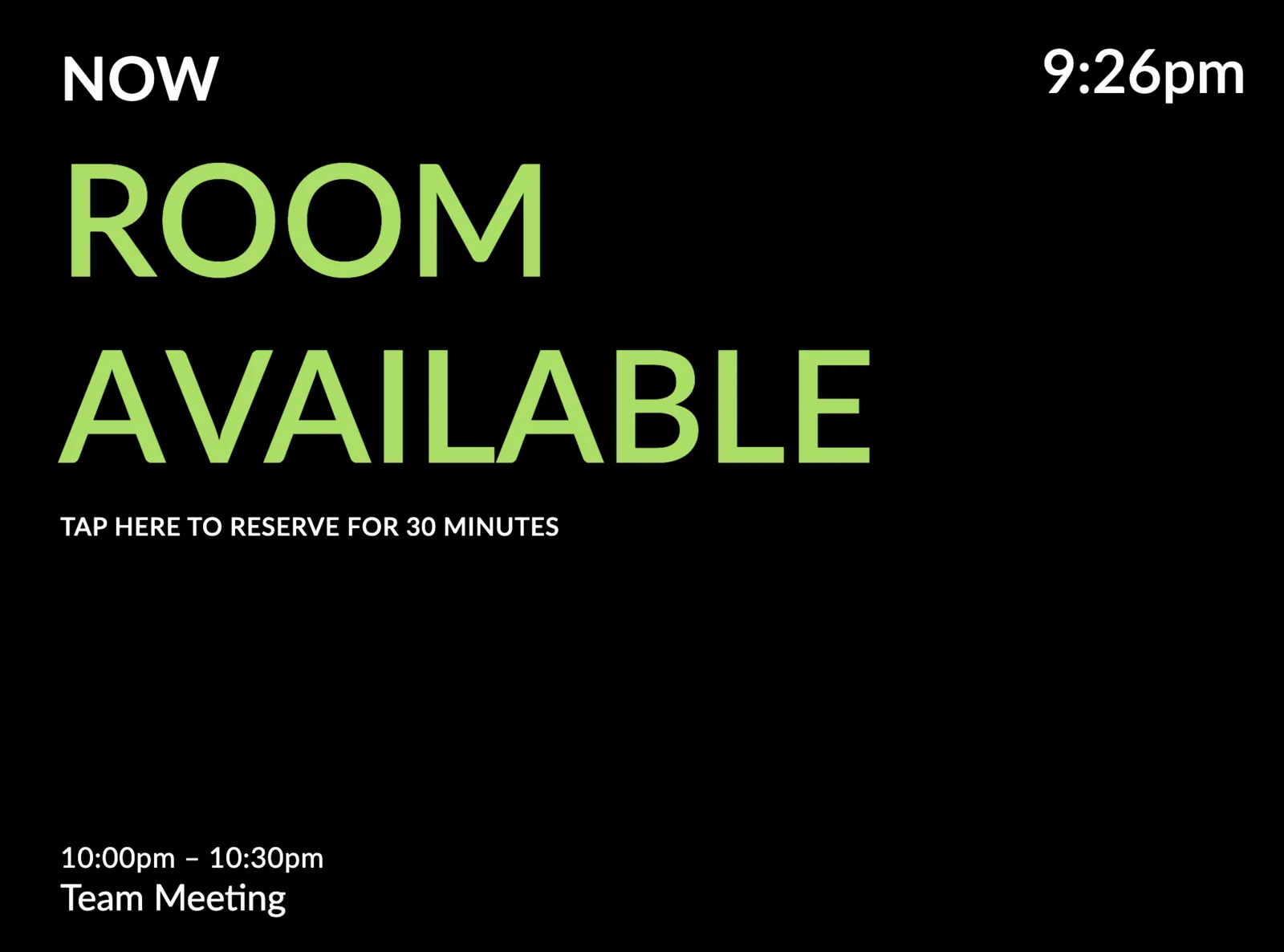
New: A Very Minimal Meeting Room Display Theme
A minimal meeting room display theme built on clean typography and negative space. Pair it with a black or solid color background, in portrait or landscape.
-
How to Check Meeting Room Availability in Outlook
Do you need to book a room in Microsoft Office 365, but want to check its availability first? Learn how to check meeting room availability in Outlook here.
-
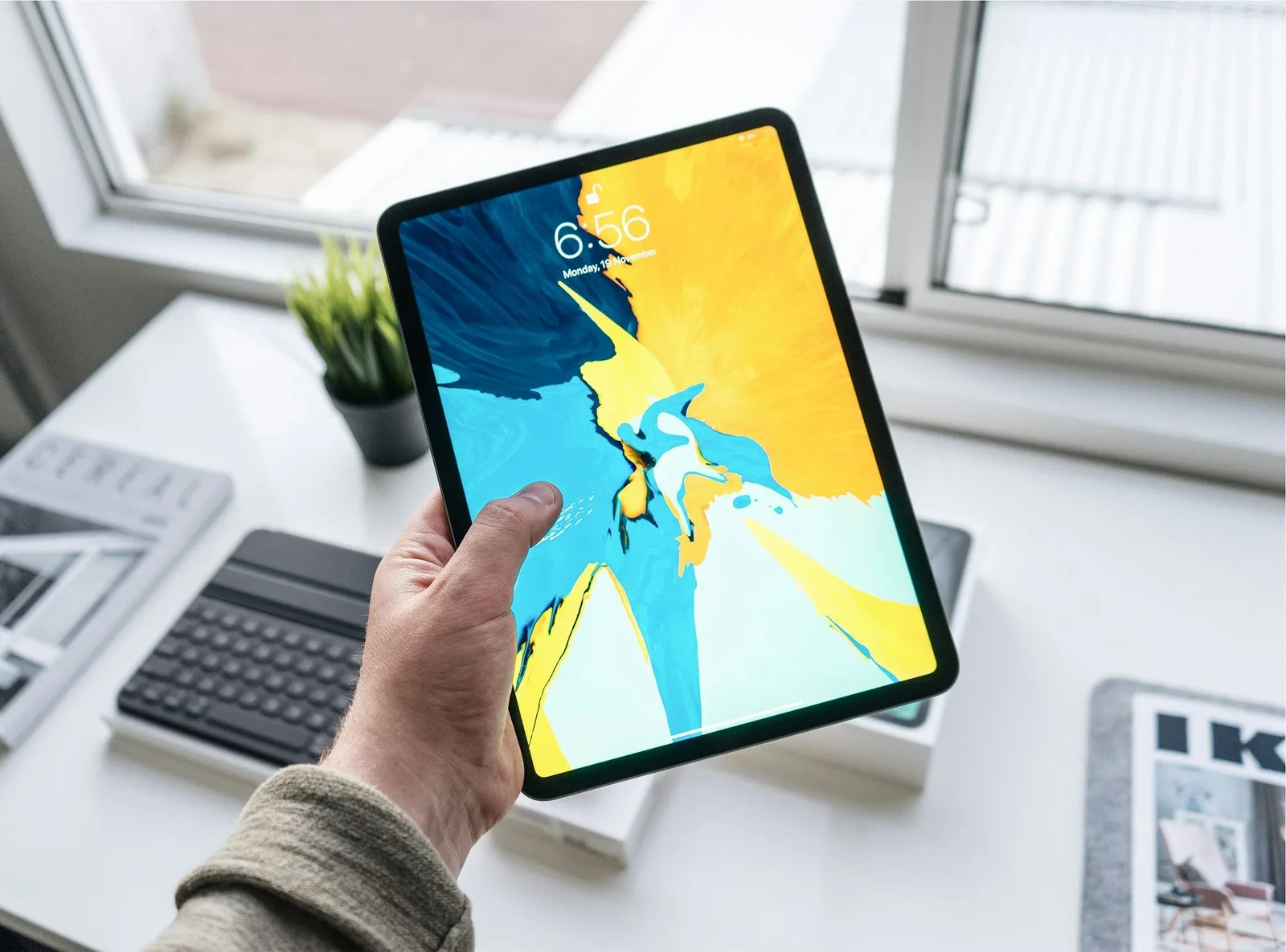
Setting up a Meeting Room Display with SimpleMDM
Set up meeting room displays with SimpleMDM: create an Apple Push certificate, enroll devices, and keep iPads in kiosk mode across multiple locations.
-
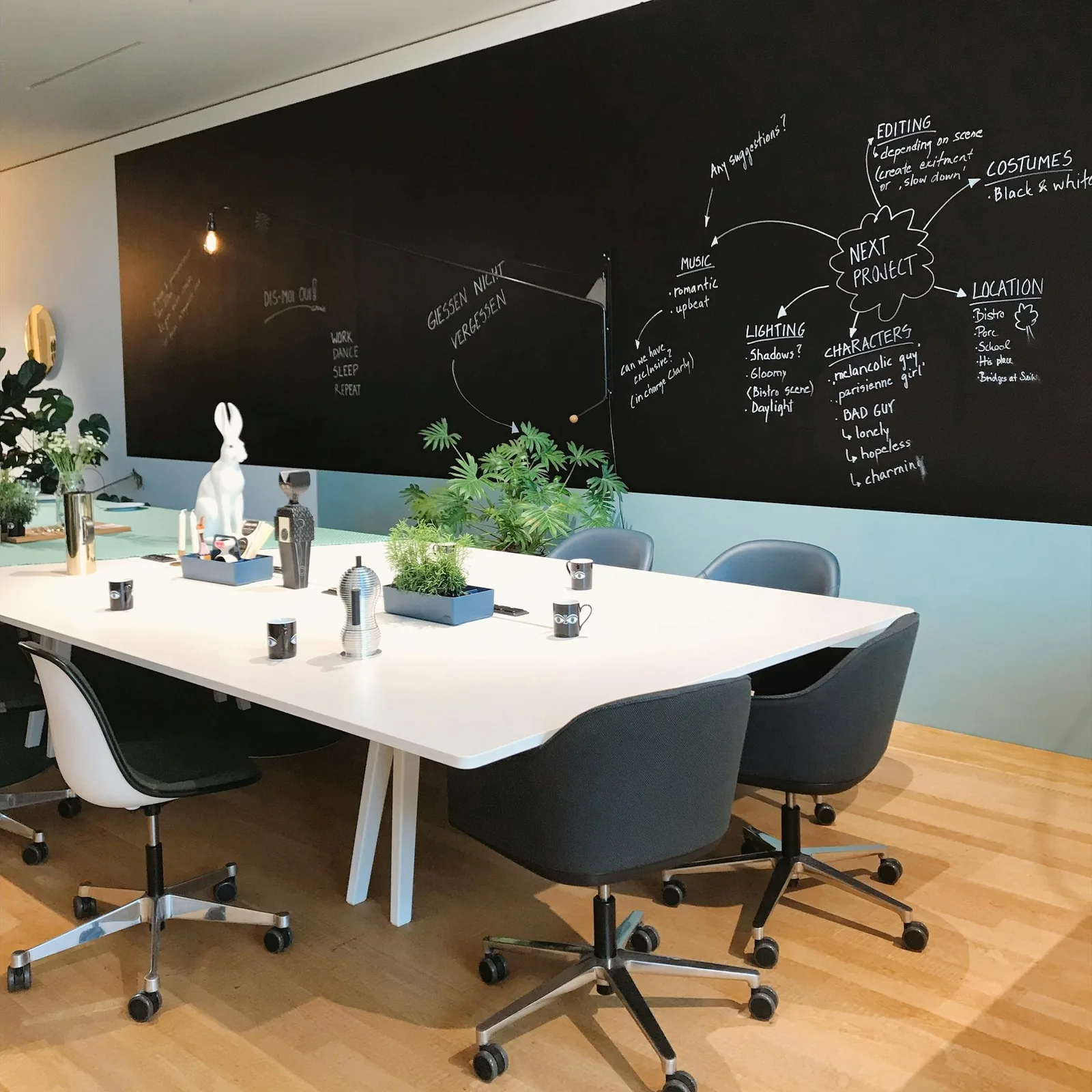
How to Block Meeting Rooms in Outlook
Block meeting rooms in Outlook: hide resource mailboxes from Room Finder, require booking approval, and limit which users can reserve each room.
-

How to Reserve a Room in Outlook
Book a conference room in Outlook: start a meeting, open Room finder from the Location field, filter by building and capacity, and pick a room that's free.
-
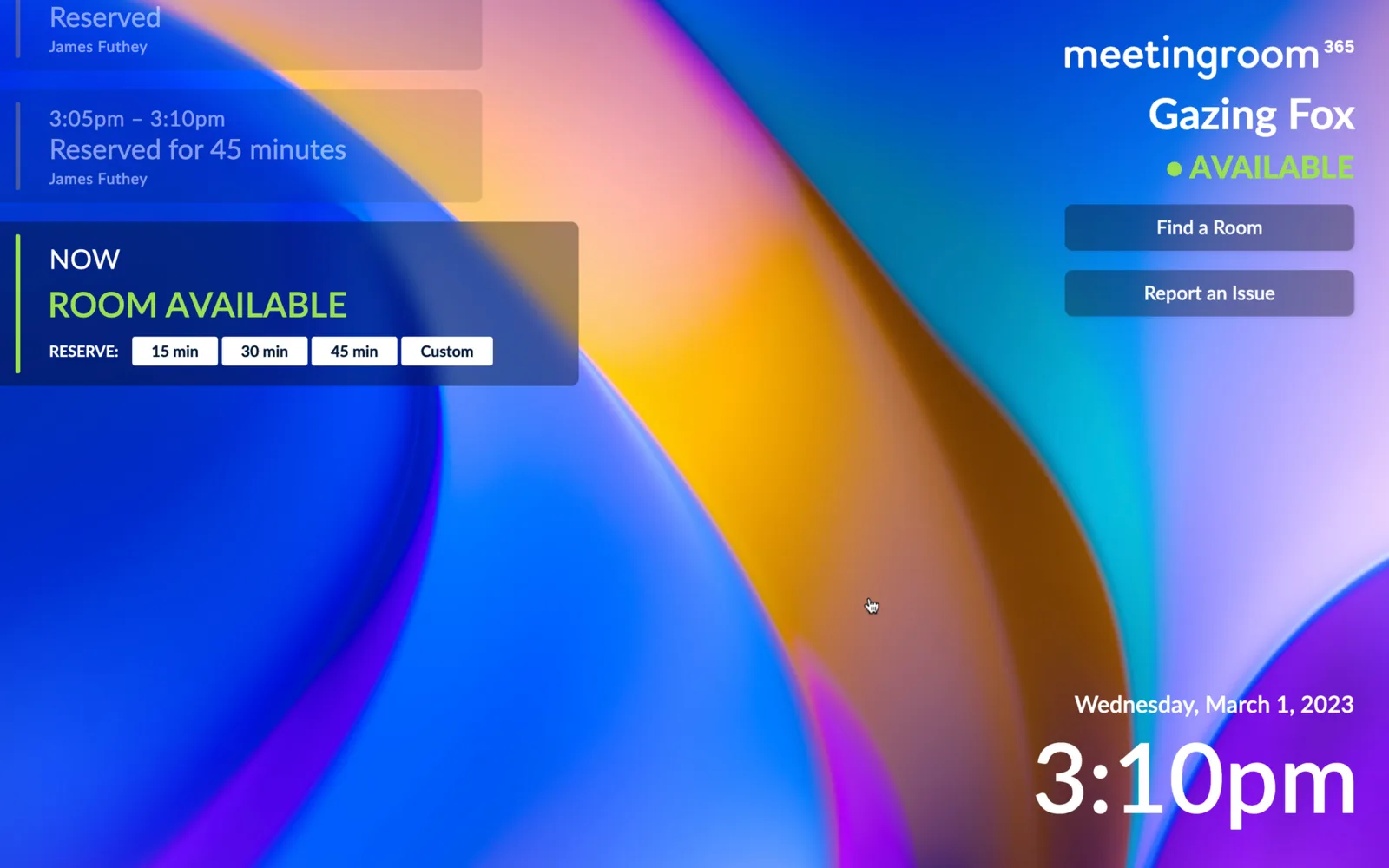
New: Glassmorphism Meeting Room Display Theme!
A frosted-glass meeting room display theme inspired by Windows 11, in left- and right-aligned variants. Available on all Meeting Room 365 displays.
-
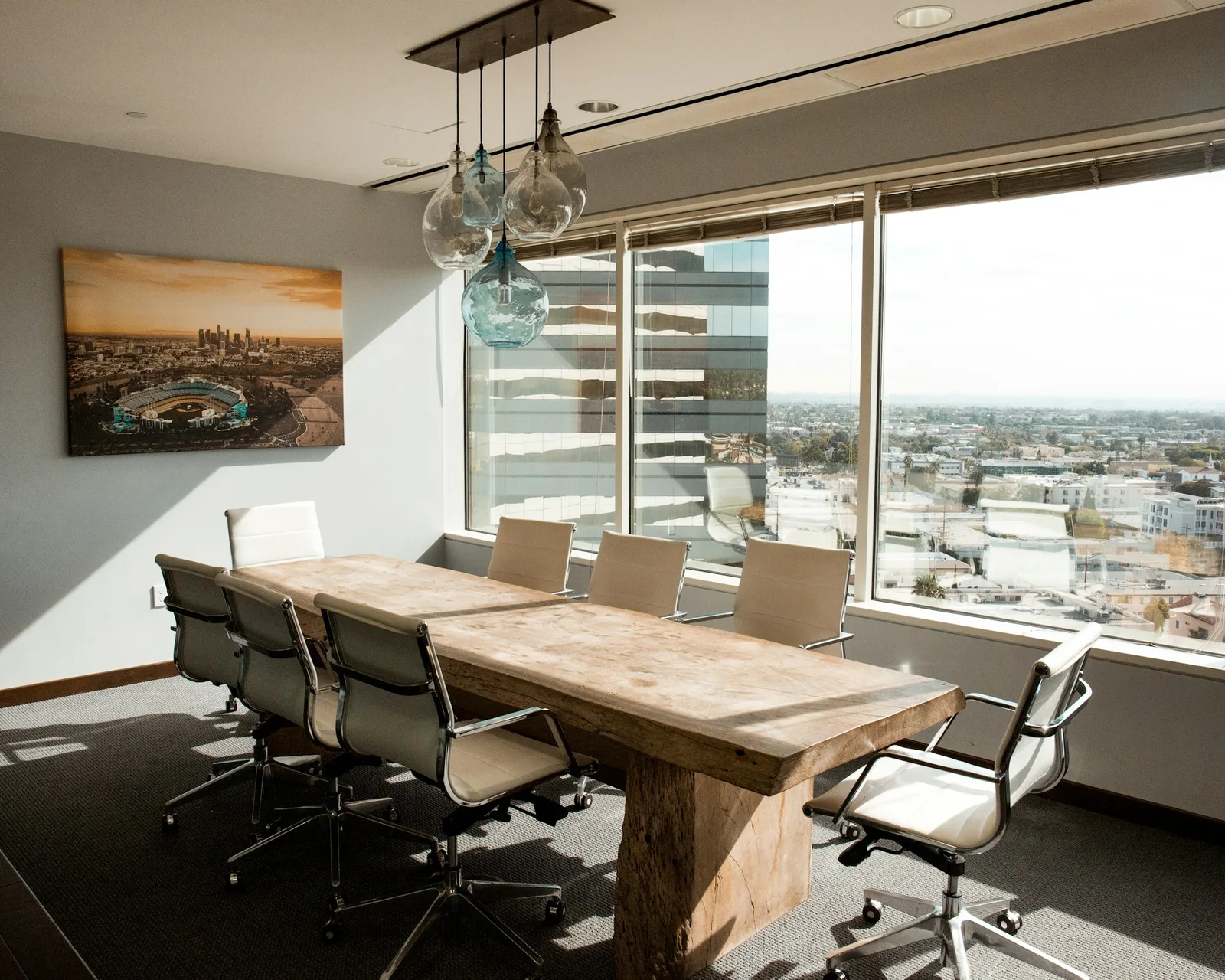
The Complete Guide To Planning and Setting Up your Conference Room Display Solution
Plan a conference room display rollout end to end: display types, choosing tablets, mounting, and setup with Office 365 or Google Workspace.
-

Say Goodbye to Unproductive Meetings: A Guide to Better Planning, Preparation, and Follow-Up
The average worker spends 31 hours a month in meetings. Practical ways to plan, prepare and follow up so yours are shorter and worth attending.
-
Connecting to PowerShell to Manage Exchange (After Basic Authentication is deprecated)
Basic Authentication is deprecated for Exchange PowerShell. Connect with the ExchangeOnlineManagement module and modern auth, and update your old scripts.
-

We’re working on a solution for your Conference Room TVs, too.
Looking for an entry-level replacement for Microsoft Teams Rooms, Google Hangouts Meet hardware, or similar? We’ve got you covered!
-
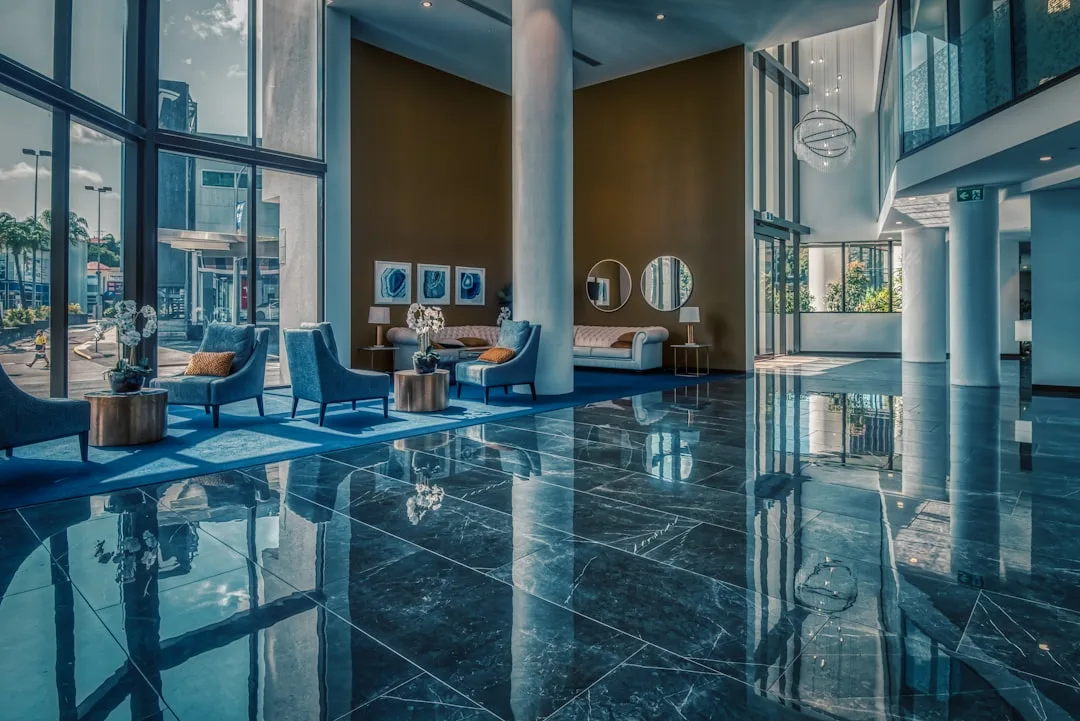
Introducing the Visitor Management App
Everything you Need for a Smooth Visitor Check-in Experience. Streamline and Automate your entire check-in process, all while presenting a professional image to your visitors.
-

How to Limit Third-Party Application Access to Exchange & Office 365 Services via EwsApplicationAccessPolicy, EnforceAllowList, and EnforceBlockList
A Quick set of PowerShell examples to create and manage blacklisting / whitelisting of Third-Party Application Access to Office 365 / Exchange Web Services
-
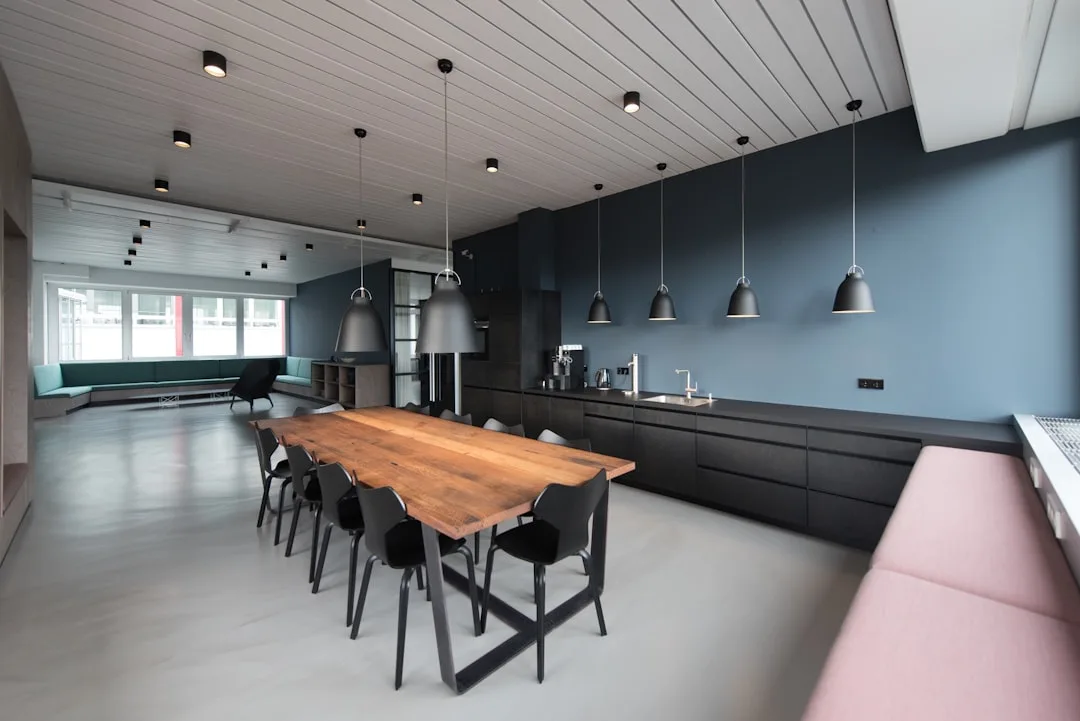
How to set up a Room without a Calendar (Dibs Room)
Introducing the “Dibs Room”–A Meeting Room Display designed for use without a calendar. Perfect for phone rooms, and breakout spaces.