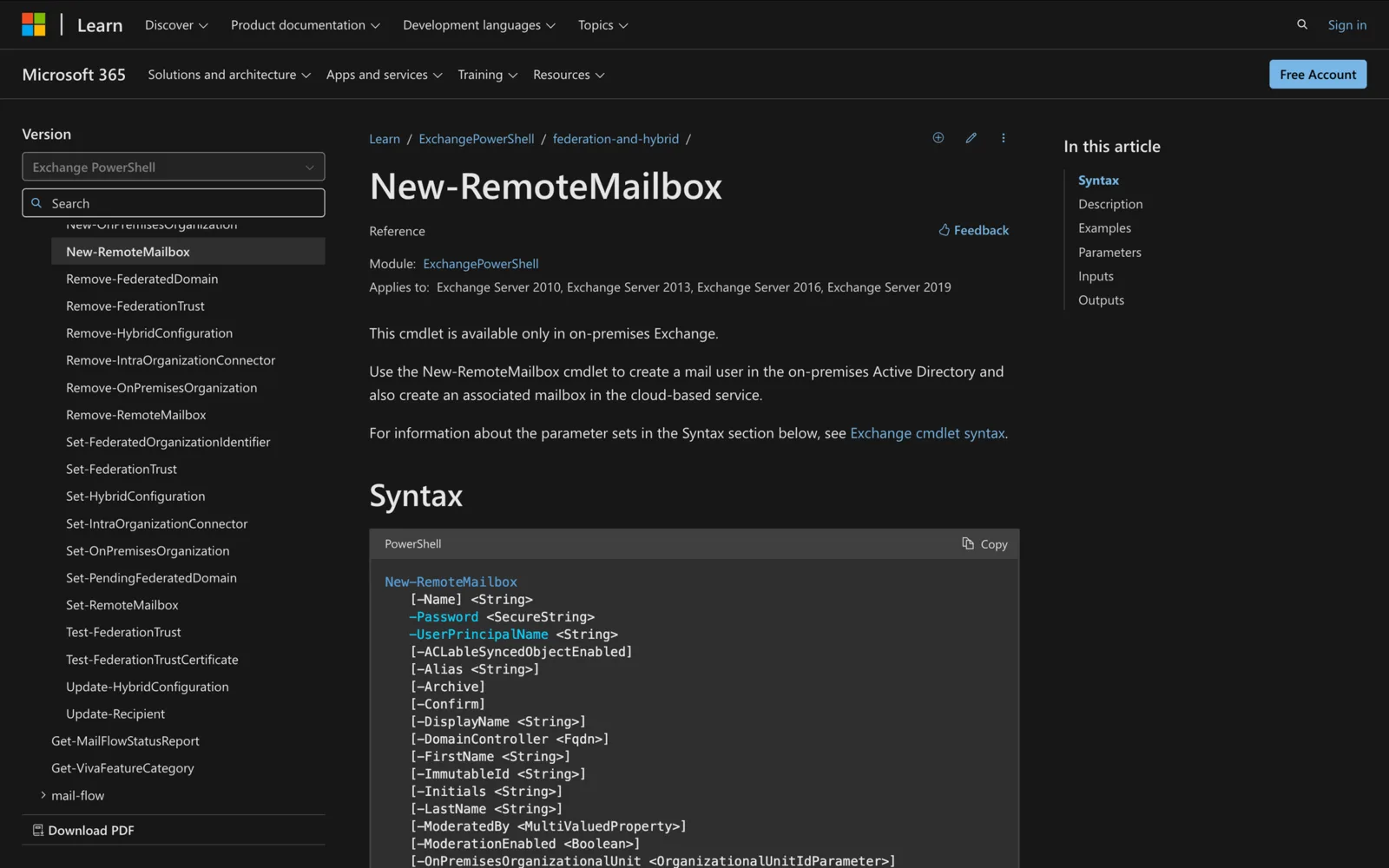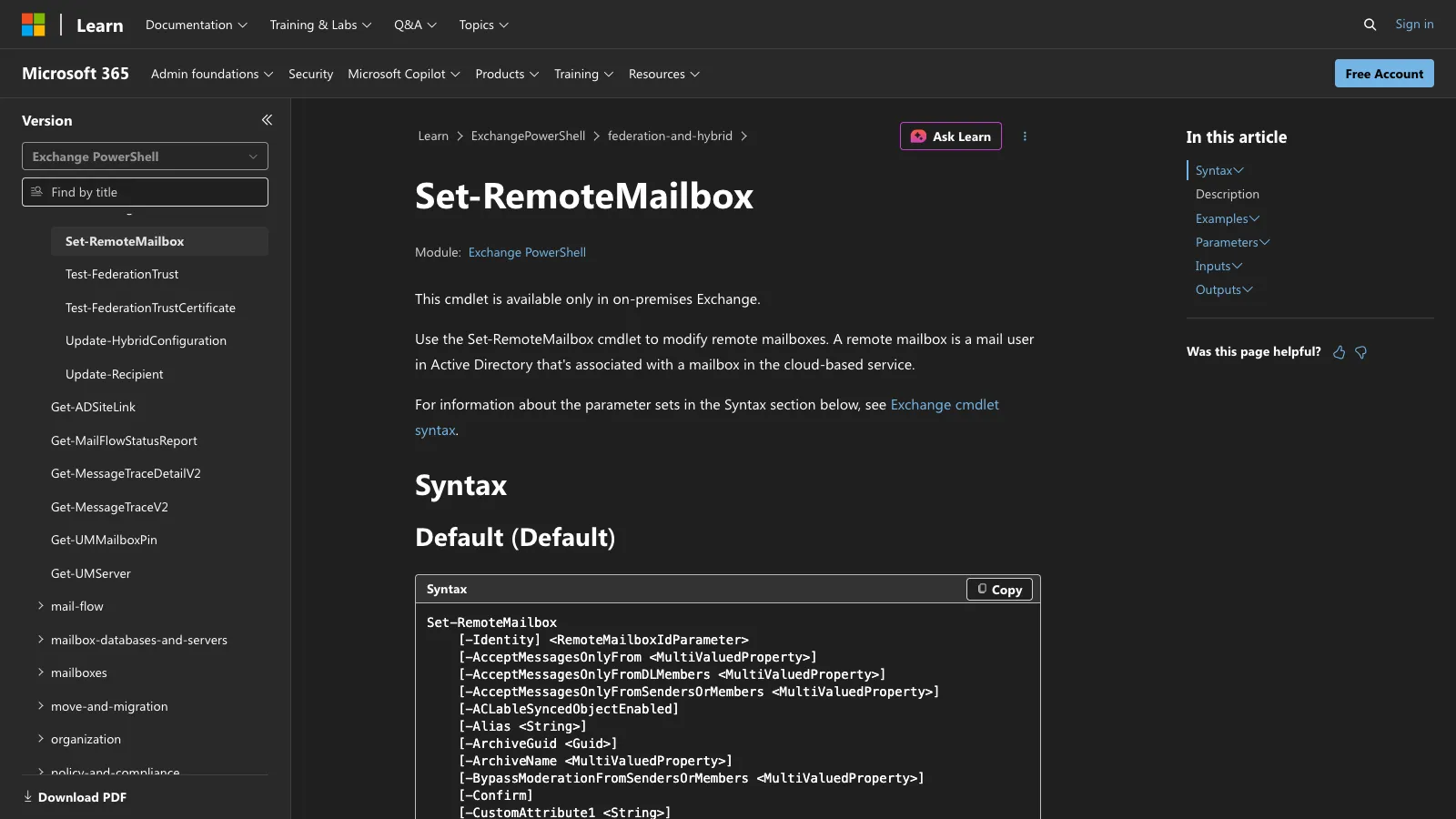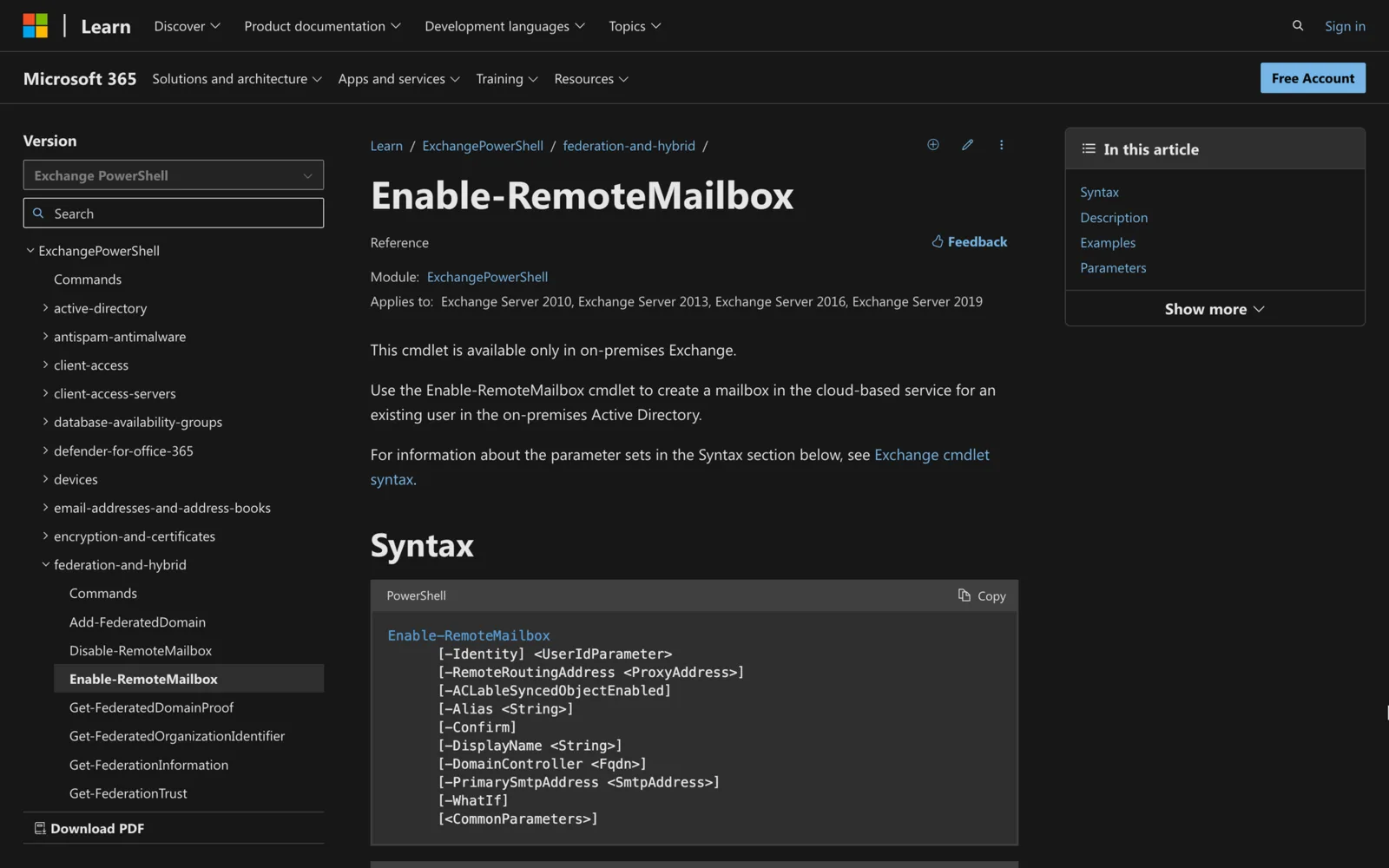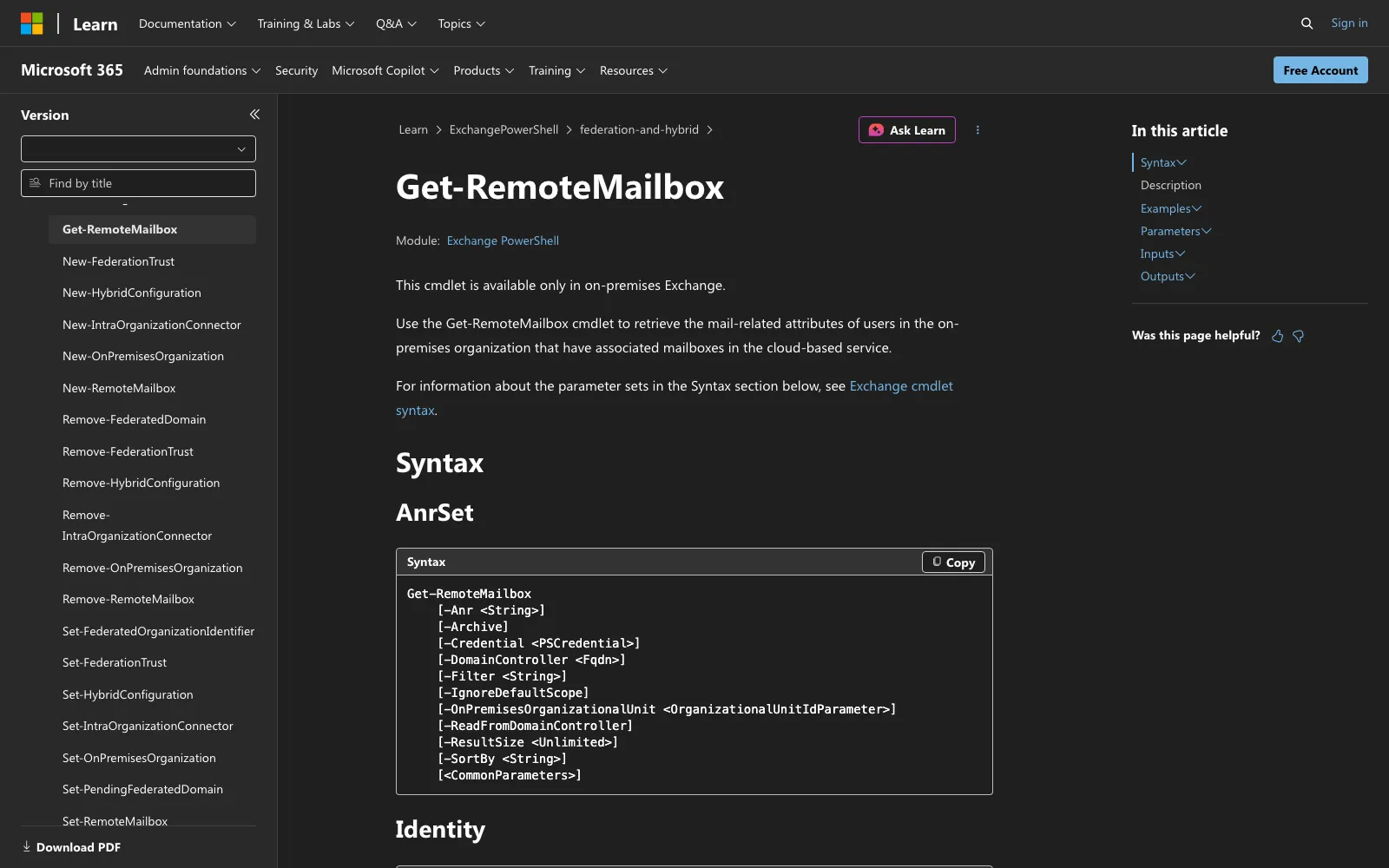
Quick answer: In an Exchange hybrid setup, Get-RemoteMailbox lists the on-premises users whose mailboxes live in Exchange Online. Run it in the on-premises Exchange Management Shell, with no parameters for all of them or with -Identity for one:
Get-RemoteMailbox -Identity laura@contoso.com | Format-List
Source: Get-RemoteMailbox on Microsoft Learn.
Where does it run?
It runs only in on-premises Exchange: Exchange Server 2010, 2013, 2016, 2019 and Subscription Edition. It isn't in Exchange Online PowerShell. Run it in the Exchange Management Shell on an Exchange server.
It reads the on-premises mail user in Active Directory, not the cloud mailbox. Most mail attributes match on both sides, but Microsoft notes that the cloud mailbox has more attributes this cmdlet can't show. For those, use the Exchange admin center in Exchange Online, or connect to Exchange Online and run Get-Mailbox.
You need permissions assigned before you can run it. To find the role, see Microsoft's article Find the permissions required to run any Exchange cmdlet.
Which parameters does it take?
| Parameter | What it does |
|---|---|
-Identity |
The user to show, by name, alias, DN, canonical DN, Domain\Username, email address, GUID, LegacyExchangeDN, SamAccountName or UPN. Leave it out to get every remote mailbox. |
-Anr |
Ambiguous name search on CN, display name, first name, last name and alias. You can't use it with -Identity. |
-Archive |
Required to return the user's archive mailbox in the results. |
-Filter |
An OPATH filter, such as "DisplayName -like 'Sales*'". |
-OnPremisesOrganizationalUnit |
Only users in one OU or domain, as returned by Get-OrganizationalUnit. |
-ResultSize |
Maximum results. The default is 1000. Use Unlimited for all. |
-SortBy |
Sorts ascending by Name, DisplayName or Alias. One property at a time. |
-Credential |
Credentials for reading Active Directory, from Get-Credential. |
-DomainController |
The domain controller to read from, such as dc01.contoso.com. |
-ReadFromDomainController |
Reads from a domain controller in the user's domain instead of a global catalog. |
-IgnoreDefaultScope |
Searches the whole forest instead of the session's default recipient scope. |
Examples
Every remote mailbox:
Get-RemoteMailbox
One user, every property:
Get-RemoteMailbox -Identity laura@contoso.com | Format-List
With other credentials for Active Directory:
$Credentials = Get-Credential
Get-RemoteMailbox -Credential $Credentials
Those three are Microsoft's examples from Learn. We added the next three.
The routing address and type for one user:
Get-RemoteMailbox -Identity laura@contoso.com | Format-List Name,RemoteRoutingAddress,RecipientTypeDetails
Users in one OU:
Get-RemoteMailbox -OnPremisesOrganizationalUnit "contoso.com/Sales" -ResultSize Unlimited
Users whose display name starts with Sales, sorted:
Get-RemoteMailbox -Filter "DisplayName -like 'Sales*'" -SortBy DisplayName
How do I export every remote mailbox to CSV?
Get-RemoteMailbox -ResultSize Unlimited |
    Select-Object DisplayName,PrimarySmtpAddress,RemoteRoutingAddress,RecipientTypeDetails |
    Export-Csv "C:\temp\remote-mailboxes.csv" -NoTypeInformation
Without -ResultSize Unlimited the list stops at 1000. Microsoft notes that limits on your domain controllers can still cap an unlimited query.
What is RemoteRoutingAddress?
It's the SMTP address of the user's mailbox in Exchange Online. You set it when you create the remote mailbox with Enable-RemoteMailbox or New-RemoteMailbox, and change it later with Set-RemoteMailbox. Get-RemoteMailbox is the quickest way to check it.
Get-RemoteMailbox or Get-Mailbox?
| Get-RemoteMailbox | Get-Mailbox in Exchange Online | |
|---|---|---|
| Runs in | On-premises Exchange | Exchange Online |
| Reads | The on-premises mail user in Active Directory | The cloud mailbox |
| Shows every cloud mailbox attribute | No | Yes |
| Connect with | Exchange Management Shell | Connect-ExchangeOnline |
In a hybrid setup, run Get-RemoteMailbox to check the on-premises side, and Get-Mailbox after you connect with the Exchange Online PowerShell module to check the cloud side.
Troubleshooting
| Problem | Fix |
|---|---|
| Cmdlet not found | It's on-premises only. Open the Exchange Management Shell on an Exchange server, not Exchange Online PowerShell. |
| Every user came back when you asked for one | The -Identity value was $null or didn't match. Microsoft warns that this returns all objects. Check the value, especially in a loop. |
| Results stop at 1000 | Add -ResultSize Unlimited. |
| A cloud mailbox setting is missing | Get-RemoteMailbox shows only the on-premises side. Check it with Get-Mailbox in Exchange Online. |
Error with -IgnoreDefaultScope |
With that switch, -Identity must be a DN and you can't use -DomainController. |
Data looks out of date after Set-AdServerSettings -ViewEntireForest $true |
Add -ReadFromDomainController. Otherwise the command might read a global catalog with outdated information. |
Summary
- Get-RemoteMailbox lists on-premises users whose mailboxes are in Exchange Online.
- It runs only in on-premises Exchange and reads the Active Directory mail user, not the cloud mailbox.
- Use
-Identityfor one user,-Filteror-OnPremisesOrganizationalUnitfor a set, and-ResultSize Unlimitedfor more than 1000. - Use Get-Mailbox in Exchange Online for the cloud mailbox's own settings.
Related: Enable-RemoteMailbox, New-RemoteMailbox, Get-Mailbox.
Meeting Room 365 turns any iPad or Android tablet into a room display for Exchange and Microsoft 365 calendars. See the features or pricing: $9 a display a month.