Windows PC
Add Meeting Room 365 to your Windows PC and connect it to your meeting room display.
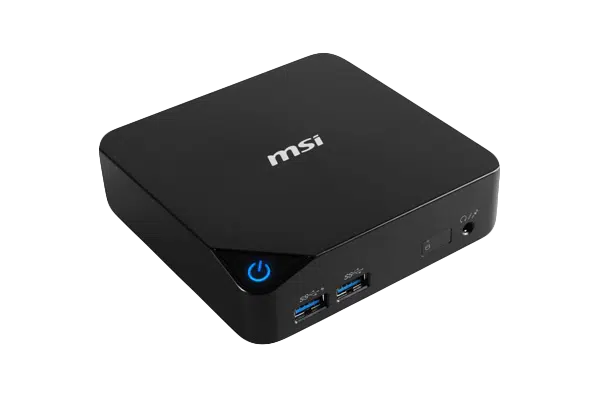
Any Windows PC can be turned into a dedicated meeting room display using browser kiosk mode. Whether you're repurposing an existing desktop, using a mini PC, or deploying a dedicated compute stick, Meeting Room 365 runs in Chrome or Edge kiosk mode to provide a full-screen, locked-down meeting room display. Windows Assigned Access mode provides enterprise-grade kiosk management for IT-managed deployments, and Group Policy can be used to further lock down the device.
At a glance
- Platform
- Windows
- Category
- Media players
- App
- Runs in the browser
- Best for
- Meeting Room TV, Status board, Map display
Where the Windows PC does well, and what to weigh.
Where it shines
- Use IT-standard hardware you stock
Things to watch
- More to manage than a tablet
One device, part of the connected workplace.
The same Windows PC and the same account can run more than one screen, and every screen reads from one calendar.
Meeting Room TV
Drive the screen already in the room, so every meeting starts with one tap.
Status Board
Stand it in a lobby or hallway as an at-a-glance board for every room on the floor.
Map Display
Put the whole floor on one screen by the lift landing, rooms and desks alike.
Live in four steps.
Create Your Account
Sign up for a free trial at admin.meetingroom365.com. Connect your Office 365, Exchange, or Google Workspace calendar.
Add Your Room
Add your meeting room calendar in the Meeting Room 365 admin portal. Configure display settings and themes.
Create a Kiosk Shortcut
Create a desktop shortcut to Chrome or Edge with the --kiosk flag and your display URL. Example: chrome.exe --kiosk --incognito YOUR_DISPLAY_URL
Configure Auto-Start
Move the kiosk shortcut to your Startup folder (Win+R > shell:startup) so it launches automatically on boot. Set up automatic login for unattended operation.
Requirements & best practices.
Requirements
- Windows 10 or later PC
- Google Chrome or Microsoft Edge browser
- TV or monitor connected via HDMI, DisplayPort, or VGA
- Wi-Fi or Ethernet connection
- Meeting Room 365 account
- Office 365, Microsoft Exchange, or Google Workspace calendar
Tips & best practices
- Use Windows Assigned Access for enterprise-grade single-app kiosk mode
- Create a dedicated local user account with limited permissions for the kiosk
- Disable keyboard shortcuts, USB access, and power button actions for security
- Use Edge with the --kiosk --edge-kiosk-type=fullscreen --inprivate flags as an alternative to Chrome
- Set the PC to restart automatically after power failure in BIOS settings
Need detailed instructions?
Deeper guides live in the Support Center.
Other devices that fit the same job.
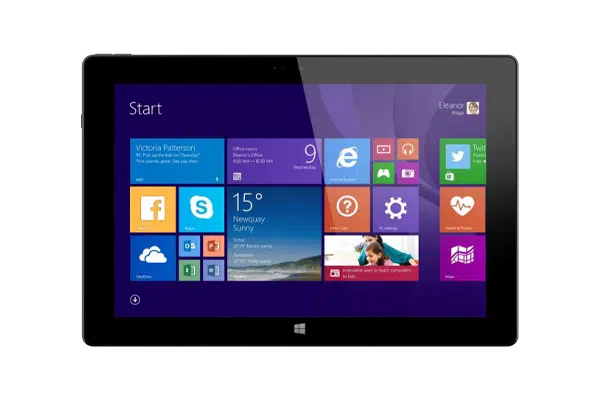 Windows
Windows Tablets
Surface-class tablets for fleets already standardized on Microsoft.
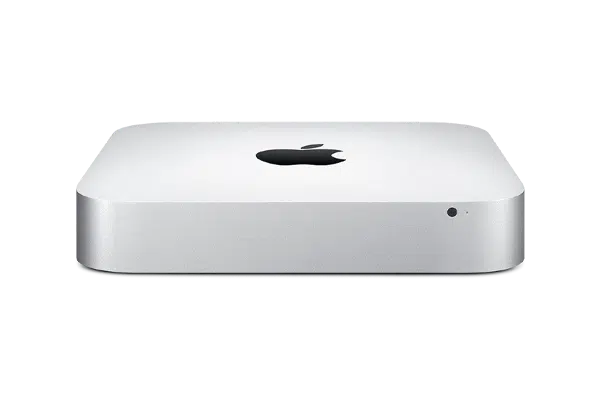 Any browser
Apple Mac Mini
Drives big lobby displays from a small, dependable box.
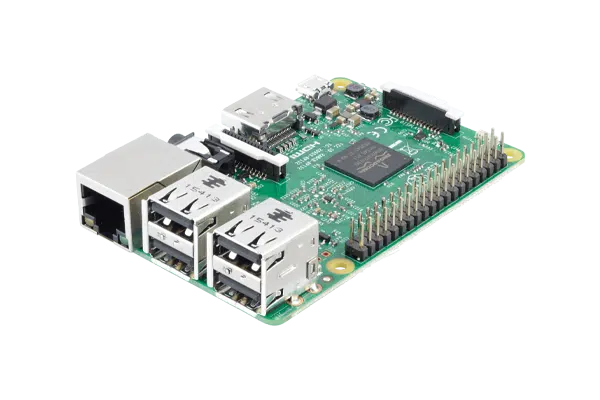 Linux kiosk
Raspberry Pi
A Pi in Chromium kiosk mode for the DIY-minded IT team.
Start with the device on your desk.
Spin up a free trial, install the app on whatever you’ve got, and see your first room go live today. Add purpose-built panels whenever you’re ready.