Chromecast
Add Meeting Room 365 to your Chromecast and connect it to your meeting room display.
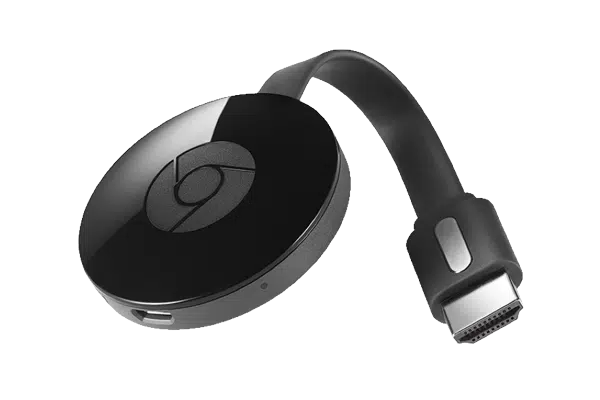
Chromecast provides the simplest way to turn any TV into a meeting room display. No app installation is required on the Chromecast itself — simply use the dedicated Meeting Room 365 Chromecast portal to cast your room display to any TV.
This makes Chromecast ideal for quick deployments and temporary meeting spaces. Meeting Room 365's Chromecast integration provides persistent casting that maintains your display even if the casting device disconnects.
At a glance
- Platform
- Cast
- Category
- Media players
- App
- Runs in the browser
- Best for
- Status board
Where the Chromecast does well, and what to weigh.
Where it shines
- Minimal hardware footprint
Things to watch
- Less reliable for 24/7 kiosk
One device, part of the connected workplace.
The same Chromecast and the same account can run more than one screen, and every screen reads from one calendar.
Status Board
Stand it in a lobby or hallway as an at-a-glance board for every room on the floor.
Live in four steps.
Create Your Account
Sign up for a free trial at admin.meetingroom365.com. Connect your Office 365, Exchange, or Google Workspace calendar.
Add Your Room
Add your meeting room calendar in the Meeting Room 365 admin portal. Configure display settings and themes.
Open the Chromecast Portal
Visit chromecast.meetingroom365.com in Chrome on any computer connected to the same network as your Chromecast.
Cast to Your TV
Enter your display URL, select your Chromecast device, and start casting. Your meeting room display will appear on the TV.
Requirements & best practices.
Requirements
- Google Chromecast (any generation) or Chromecast-built-in TV
- TV or monitor with HDMI input
- Computer with Google Chrome browser on the same network
- Wi-Fi connection
- Meeting Room 365 account
- Office 365, Microsoft Exchange, or Google Workspace calendar
Tips & best practices
- Use a dedicated computer or Chromebox to maintain the casting session
- Chromecast works best on networks where multicast/mDNS is enabled
- For permanent installations, consider a Chromebit or Fire Stick instead for a more reliable always-on experience
- The Chromecast with Google TV can also run the web display directly in its browser
Need detailed instructions?
Deeper guides live in the Support Center.
Other devices that fit the same job.
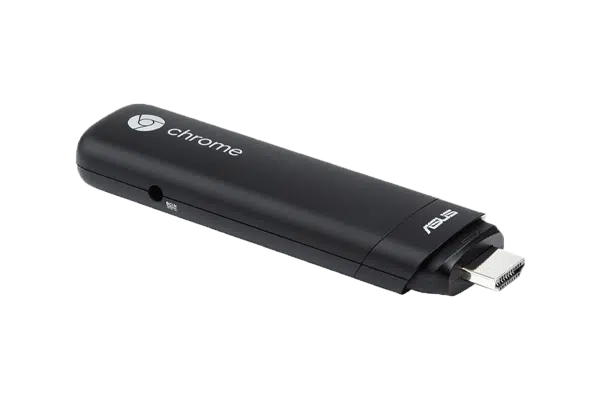 Chrome OS
Google Chromebit
A Chrome OS stick managed centrally in Google Admin.
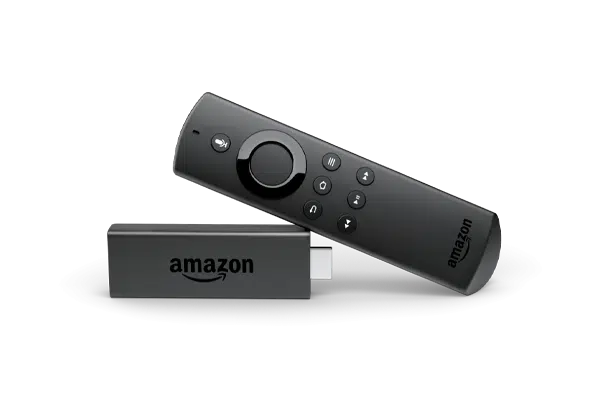 Fire OS
Amazon Fire Stick
A $40 stick that turns any spare TV into a live status board.
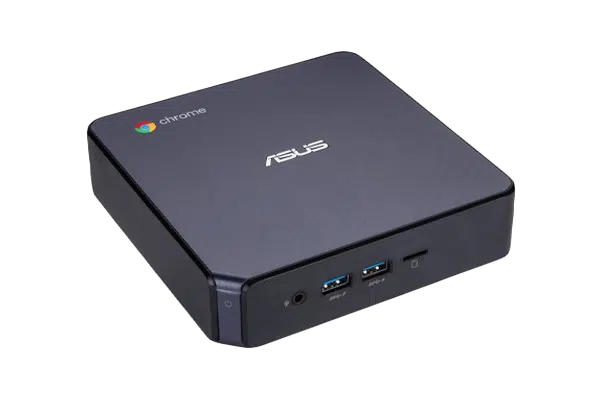 Chrome OS
Chromebox
The reliable signage workhorse, managed in Google Admin.
Start with the device on your desk.
Spin up a free trial, install the app on whatever you’ve got, and see your first room go live today. Add purpose-built panels whenever you’re ready.