Amazon Fire Stick
Add Meeting Room 365 to your Amazon Fire Stick and connect it to your meeting room display.
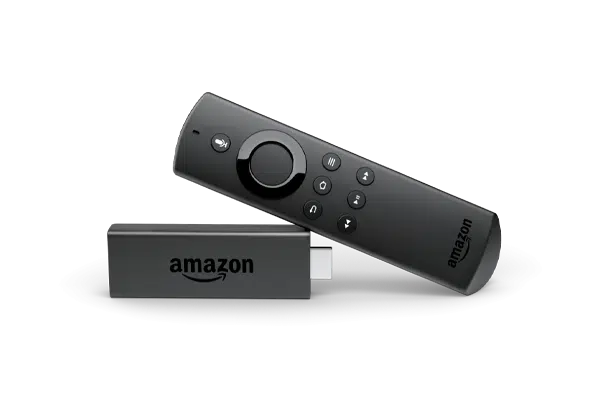
The Amazon Fire Stick is a compact and affordable way to turn any TV into a meeting room display. Simply plug the Fire Stick into your TV's HDMI port and install Meeting Room 365 from the Amazon Appstore.
The Fire Stick's small size makes it easy to hide behind any display, and its low cost makes it perfect for deploying meeting room signage across multiple rooms. Fire Stick supports screen pinning to keep Meeting Room 365 front and center.
At a glance
- Platform
- Fire OS
- Category
- Media players
- App
- Amazon Appstore
- Best for
- Status board, Meeting Room TV
Where the Fire Stick does well, and what to weigh.
Where it shines
- Lowest cost here; any HDMI TV
Things to watch
- No touch; display only
One device, part of the connected workplace.
The same Fire Stick and the same account can run more than one screen, and every screen reads from one calendar.
Status Board
Stand it in a lobby or hallway as an at-a-glance board for every room on the floor.
Meeting Room TV
Drive the screen already in the room, so every meeting starts with one tap.
Create Your Account
Sign up for a free trial at admin.meetingroom365.com. Connect your Office 365, Exchange, or Google Workspace calendar.
Add Your Room
Add your meeting room calendar in the Meeting Room 365 admin portal. Configure display settings and themes.
Install the App
Plug your Fire Stick into your TV's HDMI port. Download Meeting Room 365 from the Amazon Appstore.
Configure & Display
Open the Meeting Room 365 app and enter your display URL. Use screen pinning to keep the app in the foreground.
Requirements & best practices.
Requirements
- Amazon Fire Stick (any generation)
- TV or monitor with HDMI input
- Wi-Fi connection
- Meeting Room 365 account
- Office 365, Microsoft Exchange, or Google Workspace calendar
Tips & best practices
- The Fire Stick is powered via USB, so use the included power adapter for reliable operation
- Disable screensaver in Settings to keep the display always on
- Use a Fire Stick remote or the Fire TV app for initial setup
- Consider the Fire TV Stick 4K for larger displays
Need detailed instructions?
Deeper guides live in the Support Center.
Other devices that fit the same job.
 Fire OS
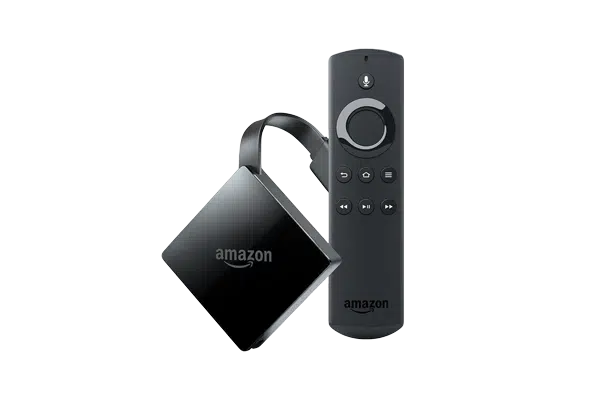
Amazon Fire TV 4K
More headroom for crisp 4K hallway boards and wayfinding maps.
 Fire OS
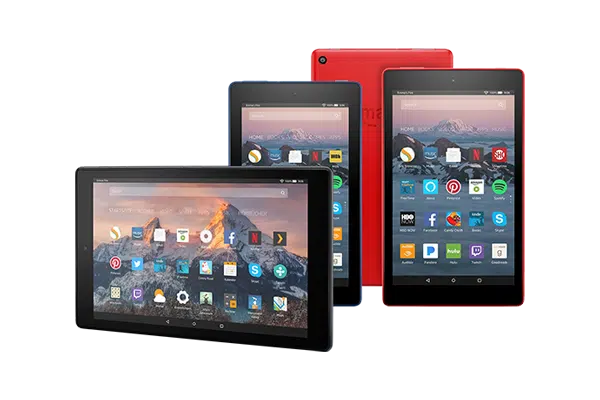
Amazon Fire Tablets
The budget workhorse when you are rolling out dozens of doors at once.
 Cast
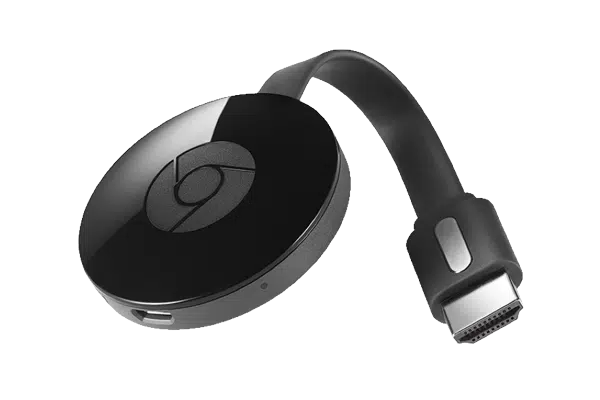
CastChromecast
Cast the board straight to a TV from the admin dashboard.
Start with the device on your desk.
Spin up a free trial, install the app on whatever you’ve got, and see your first room go live today. Add purpose-built panels whenever you’re ready.