BenQ Corporate Meeting Room Display
Add your calendar to Meeting Room 365 and use your BenQ Corporate as your meeting room display.
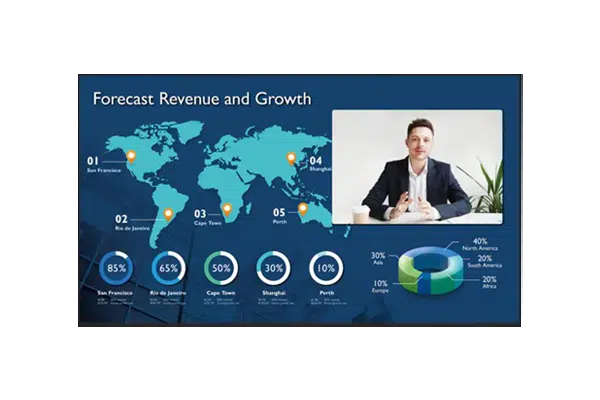
BenQ Corporate Meeting Room Displays are purpose-built for professional environments. Running Android, these displays can run the Meeting Room 365 app natively without requiring any external hardware.
Designed for 24/7 commercial use, BenQ corporate displays offer superior reliability, anti-glare screens, and professional-grade build quality. They integrate seamlessly with existing AV infrastructure and can be managed remotely using BenQ's device management platform.
At a glance
- Platform
- Android
- Category
- BenQ
- App
- Google Play
- Best for
- Status board, Meeting Room TV
Where the BenQ Corporate Meeting Room Display does well, and what to weigh.
Where it shines
- All-in-one, no media player
Things to watch
- Large-format cost
One device, part of the connected workplace.
The same BenQ Corporate Meeting Room Display and the same account can run more than one screen, and every screen reads from one calendar.
Status Board
Stand it in a lobby or hallway as an at-a-glance board for every room on the floor.
Meeting Room TV
Drive the screen already in the room, so every meeting starts with one tap.
Create Your Account
Sign up for a free trial at admin.meetingroom365.com. Connect your Office 365, Exchange, or Google Workspace calendar.
Add Your Room
Add your meeting room calendar in the Meeting Room 365 admin portal. Configure display settings, themes, and branding.
Install the App
Your BenQ display runs Android. Download Meeting Room 365 from the Google Play Store or use the built-in browser to access your display URL.
Configure & Launch
Use BenQ's device management to set Meeting Room 365 as the startup app. The display is designed for 24/7 operation out of the box.
Requirements & best practices.
Requirements
- BenQ Corporate Display (ST, SL, or RE series)
- Wi-Fi or Ethernet connection
- Meeting Room 365 account
- Office 365, Microsoft Exchange, or Google Workspace calendar
Tips & best practices
- BenQ corporate displays are designed for 24/7 commercial use with no burn-in concerns
- Use BenQ's DMS (Device Management Solution) for remote management of multiple displays
- The built-in Android system eliminates the need for external compute devices
- Mount the display outside the meeting room door for maximum visibility
Need detailed instructions?
Deeper guides live in the Support Center.
Other devices that fit the same job.
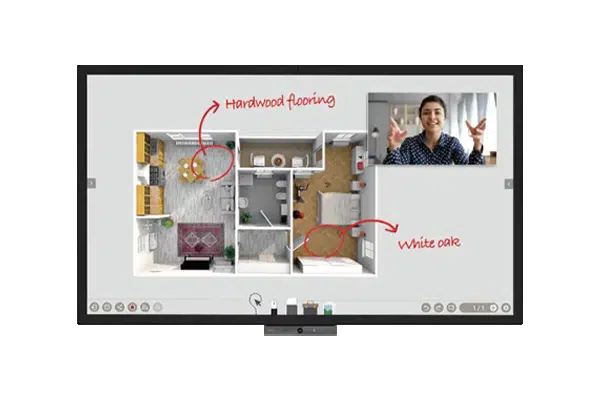 Android
BenQ DuoBoard
Interactive corporate display with the app preloaded and touch built in.
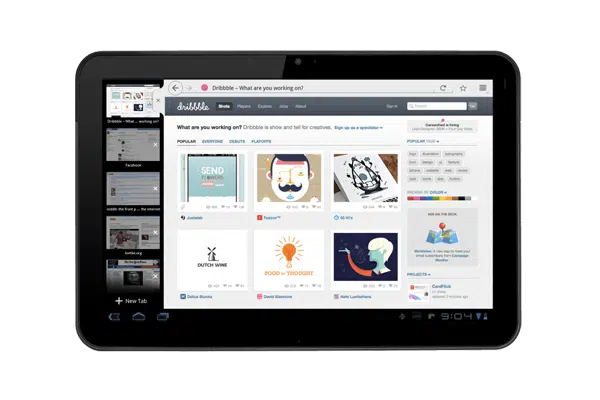 Android
Android Tablets
Affordable and widely available; pick any size to fit the door.
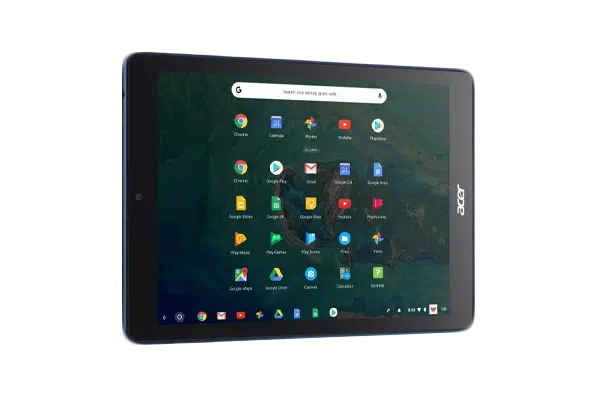 Chrome OS
Chrome OS Devices
Managed through the Google Admin console your team already runs.
Start with the device on your desk.
Spin up a free trial, install the app on whatever you’ve got, and see your first room go live today. Add purpose-built panels whenever you’re ready.