Amazon Fire TV 4K
Add Meeting Room 365 to your Amazon Fire TV and connect it to your meeting room display.
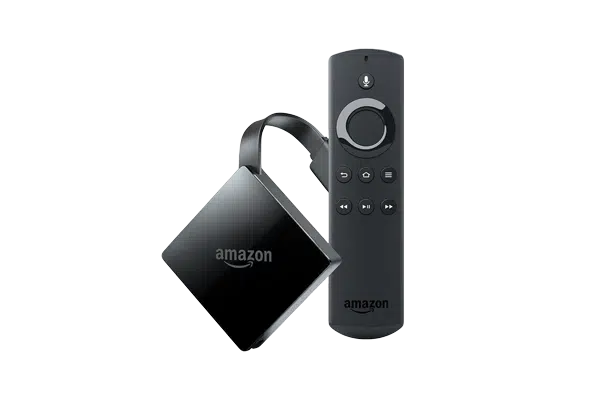
The Amazon Fire TV 4K delivers sharp, high-resolution output for meeting room displays on large-screen TVs and monitors. With 4K Ultra HD support, your meeting room signage will look crisp and professional on any display.
Meeting Room 365 is available on the Amazon Appstore and provides a polished calendar display with real-time updates. The Fire TV 4K is a cost-effective upgrade over the standard Fire Stick for offices using larger conference room displays.
At a glance
- Platform
- Fire OS
- Category
- Media players
- App
- Amazon Appstore
- Best for
- Status board, Map display
Where the Fire TV 4K does well, and what to weigh.
Where it shines
- Smooth 4K output
Things to watch
- Display-only, needs a TV
One device, part of the connected workplace.
The same Fire TV 4K and the same account can run more than one screen, and every screen reads from one calendar.
Status Board
Stand it in a lobby or hallway as an at-a-glance board for every room on the floor.
Map Display
Put the whole floor on one screen by the lift landing, rooms and desks alike.
Create Your Account
Sign up for a free trial at admin.meetingroom365.com. Connect your Office 365, Exchange, or Google Workspace calendar.
Add Your Room
Add your meeting room calendar in the Meeting Room 365 admin portal. Configure display settings and themes.
Install the App
Connect your Fire TV 4K to your TV's HDMI port. Download Meeting Room 365 from the Amazon Appstore.
Configure & Display
Open the Meeting Room 365 app and enter your display URL. Use screen pinning to keep the app in the foreground.
Requirements & best practices.
Requirements
- Amazon Fire TV 4K or Fire TV Stick 4K
- TV or monitor with HDMI input (4K recommended)
- Wi-Fi connection
- Meeting Room 365 account
- Office 365, Microsoft Exchange, or Google Workspace calendar
Tips & best practices
- Use a 4K-capable TV to take full advantage of the Fire TV 4K's resolution
- Connect via Ethernet using an Amazon Ethernet Adapter for more reliable network connectivity
- Disable screensaver and sleep settings for always-on display operation
- The Fire TV 4K is ideal for large conference room TVs and lobby displays
Need detailed instructions?
Deeper guides live in the Support Center.
Other devices that fit the same job.
 Fire OS
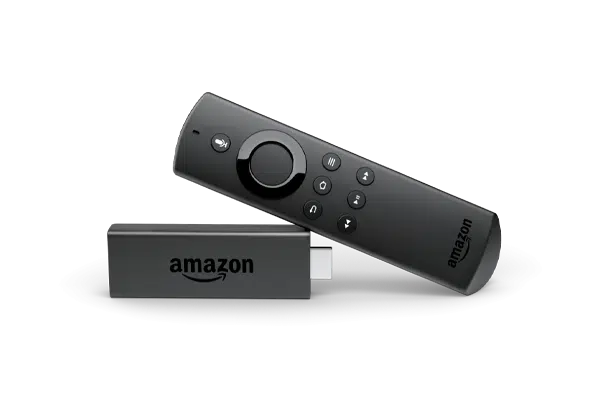
Amazon Fire Stick
A $40 stick that turns any spare TV into a live status board.
 Cast
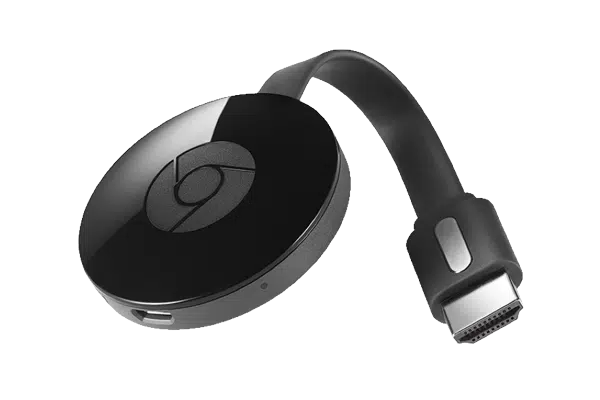
CastChromecast
Cast the board straight to a TV from the admin dashboard.
 Windows
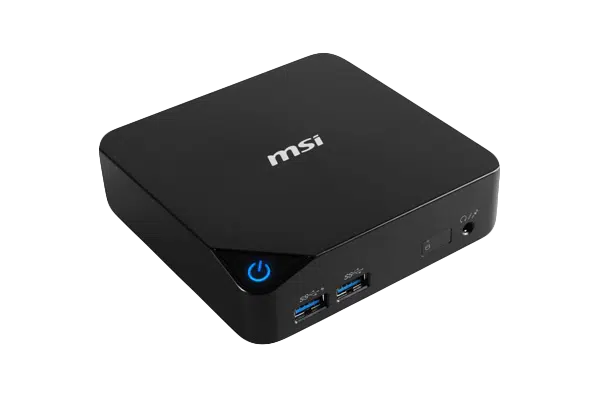
Windows PC
Any Windows mini-PC runs the kiosk in a browser tab.
Start with the device on your desk.
Spin up a free trial, install the app on whatever you’ve got, and see your first room go live today. Add purpose-built panels whenever you’re ready.