Quick answer
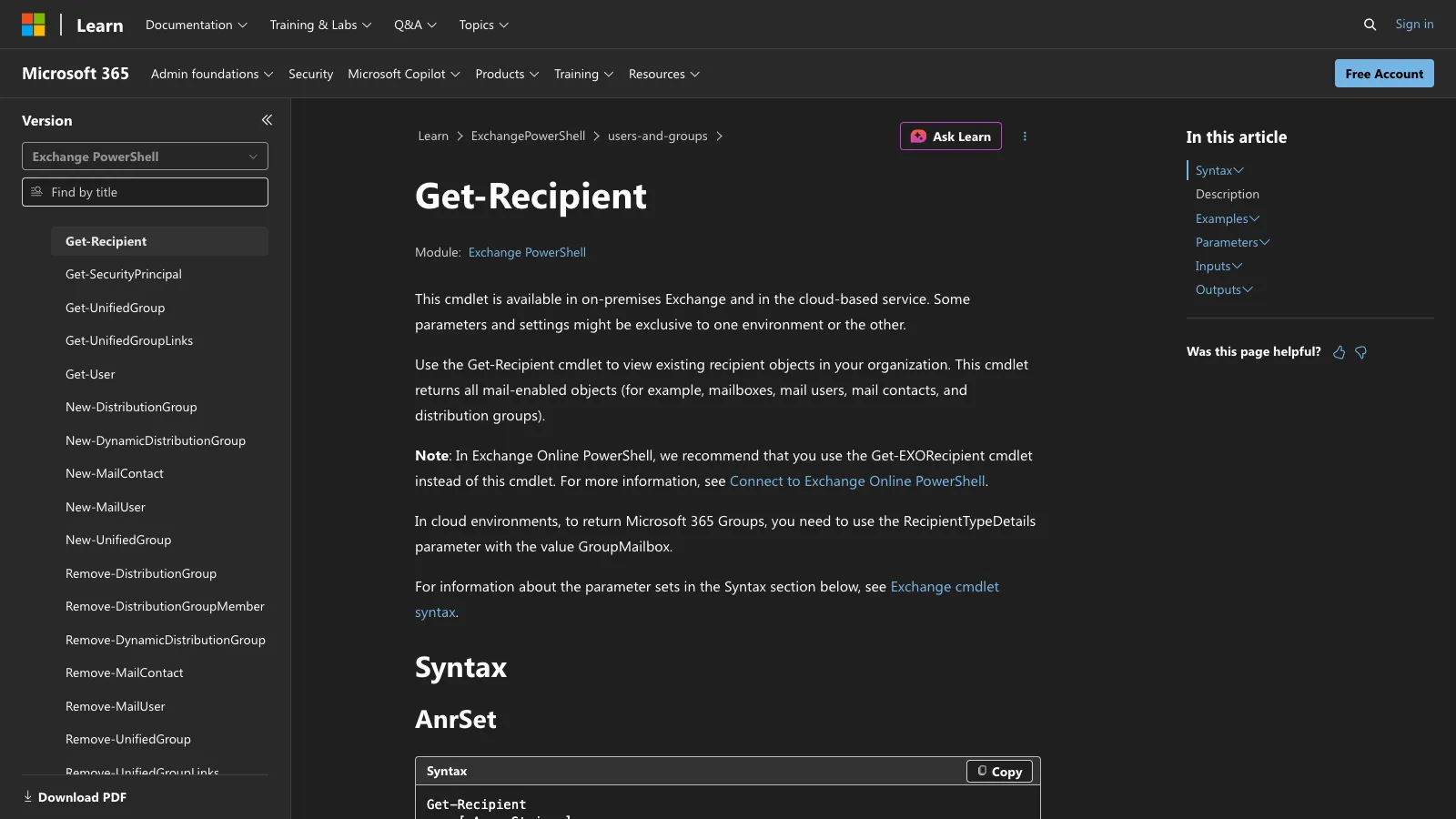
Get-Recipient lists the mail-enabled objects in your Exchange organization: mailboxes, mail users, mail contacts and distribution groups. To list them all:
Get-Recipient -ResultSize Unlimited
For one recipient, give its name, alias, email address, distinguished name or GUID:
Get-Recipient -Identity "Marketing Department" | Format-List
It works in on-premises Exchange and in Exchange Online. In Exchange Online, run Connect-ExchangeOnline first. On-premises, open the Exchange Management Shell. See Connect to Exchange Online PowerShell if you can't connect.
Get-Recipient or Get-EXORecipient?
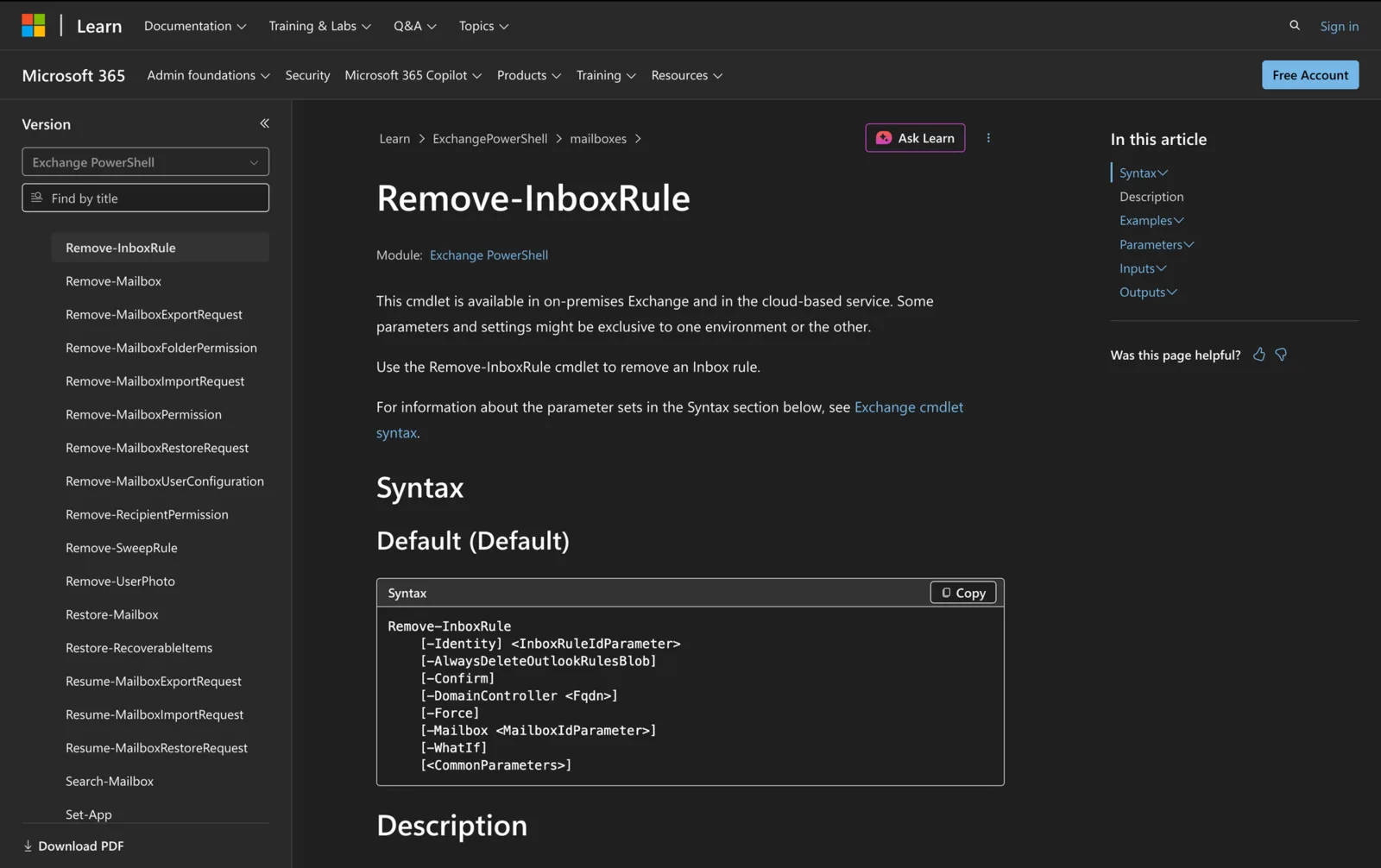
In Exchange Online PowerShell, Microsoft recommends Get-EXORecipient instead. Get-Recipient is the one that works on-premises, and it still runs in Exchange Online.
| You want | Cmdlet |
|---|---|
| Recipients in Exchange Online | Get-EXORecipient (recommended) or Get-Recipient |
| Recipients on-premises | Get-Recipient |
| Who a dynamic distribution group would include | -RecipientPreviewFilter on either cmdlet |
| Every property of a mailbox | Get-Mailbox |
| Every property of a mail contact | Get-MailContact |
Get-Recipient might not return every property that's specific to one object type. For those, use the cmdlet for that type, such as Get-Mailbox, Get-MailUser or Get-DistributionGroup.
Examples
| Goal | Command |
|---|---|
| Every recipient | Get-Recipient -ResultSize Unlimited |
| One recipient, all fields | Get-Recipient -Identity "Marketing Department" | Format-List |
| Search by partial name | Get-Recipient -Anr "amy" |
| Mail contacts sorted by office | Get-Recipient -RecipientType MailContact -SortBy Office | Format-Table -Auto Office,Name |
| Room mailboxes | Get-Recipient -RecipientTypeDetails RoomMailbox -ResultSize Unlimited |
| Shared mailboxes | Get-Recipient -RecipientTypeDetails SharedMailbox -ResultSize Unlimited |
| Microsoft 365 Groups (cloud) | Get-Recipient -RecipientTypeDetails GroupMailbox -ResultSize Unlimited |
| Guests (Exchange 2016 or later, and cloud) | Get-Recipient -RecipientTypeDetails GuestMailUser -ResultSize Unlimited |
| Recipients in one OU | Get-Recipient -OrganizationalUnit "contoso.com/Sales" -ResultSize Unlimited |
| Soft-deleted recipients | Get-Recipient -RecipientTypeDetails UserMailbox -IncludeSoftDeletedRecipients |
Why does it stop at 1000 results?
-ResultSize defaults to 1000. In a large organization, Get-Recipient stops at 1000 and leaves the rest out. Use Unlimited for every list, count and export:
(Get-Recipient -ResultSize Unlimited).Count
How do I filter by recipient type?
-RecipientType picks the broad type. -RecipientTypeDetails picks the subtype. Both take more than one value, separated by commas.
-RecipientType values: UserMailbox, MailUser, MailContact, MailUniversalDistributionGroup, MailUniversalSecurityGroup, MailNonUniversalGroup, DynamicDistributionGroup and PublicFolder.
Common -RecipientTypeDetails values: UserMailbox, SharedMailbox, RoomMailbox, EquipmentMailbox, RoomList, GroupMailbox, GuestMailUser, MailContact, MailUser and DynamicDistributionGroup. Microsoft lists the full set on the cmdlet page.
The two must agree. If you pass -RecipientType MailContact with -RecipientTypeDetails UserMailbox, you get the error "None of the specified RecipientTypeDetails are included in any specified recipient type."
In Exchange Online, Microsoft 365 Groups come back only when you ask for them with -RecipientTypeDetails GroupMailbox.
How do I list rooms and room lists?
Room mailboxes and room lists each have their own subtype:
Get-Recipient -RecipientTypeDetails RoomMailbox -ResultSize Unlimited | Select-Object Name,PrimarySmtpAddress
Get-Recipient -RecipientTypeDetails RoomList -ResultSize Unlimited | Select-Object Name,PrimarySmtpAddress
If a room is missing from Outlook's room finder, see Outlook Room Finder Not Showing Rooms.
How do I use -Filter?
-Filter takes an OPATH filter in the form "Property -ComparisonOperator 'Value'". Wrap the whole filter in double quotes and text values in single quotes. Don't quote numbers or $true, $false and $null. Join conditions with -and and -or.
Get-Recipient -Filter "Department -eq 'Sales'" -ResultSize Unlimited
Get-Recipient -Filter "DisplayName -like 'Conf*' -and RecipientTypeDetails -eq 'RoomMailbox'" -ResultSize Unlimited
If a variable's value can contain a single quote, escape it: use '$($User -Replace "'","''")' instead of '$User'.
How do I search by name?
-Anr runs an ambiguous name resolution search. Give it part of a name, and it matches against the common name, display name, first name, last name and alias:
Get-Recipient -Anr "amy"
How do I see who a dynamic distribution group includes?
-RecipientPreviewFilter tests a recipient filter of the kind used in a dynamic distribution group, address list or email address policy. To list a dynamic group's members, pass it the group's own filter:
$FTE = Get-DynamicDistributionGroup -Identity "Full Time Employees"
Get-Recipient -RecipientPreviewFilter ($FTE.RecipientFilter)
If the group's filter targets a different OU or container from where the group lives, add -OrganizationalUnit ($FTE.RecipientContainer). It's fine to add it anyway.
How do I export recipients to CSV?
Pick the columns, then write the file:
Get-Recipient -ResultSize Unlimited |
  Select-Object Name,PrimarySmtpAddress,RecipientType,RecipientTypeDetails |
  Export-Csv recipients.csv -NoTypeInformation
Which parameters work only on-premises?
| Parameter | What it does |
|---|---|
-Database |
Returns recipients stored on one mailbox database (Exchange 2013 or later) |
-DomainController |
Reads from one domain controller, by FQDN, such as dc01.contoso.com |
-IgnoreDefaultScope |
Searches the whole forest instead of the session's default recipient scope |
-ReadFromDomainController |
Reads from a domain controller in your domain instead of a global catalog |
-Credential |
Runs the command as another account. See Get-Credential |
With -IgnoreDefaultScope, -Identity accepts only a distinguished name, and you can't use -DomainController.
By default the recipient scope is the domain that hosts your Exchange servers. To see the whole forest, widen the scope and read from a domain controller, or the command might use a global catalog with outdated information:
Set-ADServerSettings -ViewEntireForest $true
Get-Recipient -ResultSize Unlimited -ReadFromDomainController
-AuthenticationType (Federated or Managed) works the other way round: it exists only in the cloud.
Why doesn't Get-Recipient work?
| Symptom | Likely cause | Fix |
|---|---|---|
| The term Get-Recipient isn't recognized | You aren't connected to Exchange | Run Connect-ExchangeOnline, or use the Exchange Management Shell |
| The list stops at 1000 | -ResultSize defaults to 1000 |
Add -ResultSize Unlimited |
| It returns every recipient when you asked for one | -Identity got $null or a value that doesn't exist |
Check the variable before you pass it |
| "None of the specified RecipientTypeDetails are included in any specified recipient type" | -RecipientType and -RecipientTypeDetails disagree |
Drop -RecipientType, or pick matching values |
| Microsoft 365 Groups are missing | Exchange Online leaves them out by default | Add -RecipientTypeDetails GroupMailbox |
| A property is empty or missing | It's specific to one object type | Use Get-Mailbox, Get-MailUser or Get-DistributionGroup |
| A parameter isn't found | Your role doesn't include it, or it's on-premises only | Ask an admin for the right Exchange role, or check the table above |
How do I check the result?
Count the recipients by subtype, then compare with what you expect:
Get-Recipient -ResultSize Unlimited | Group-Object RecipientTypeDetails | Sort-Object Count -Descending | Format-Table Count,Name
Sources
- Get-Recipient on Microsoft Learn
- View members of a dynamic distribution group on Microsoft Learn
Meeting Room 365 turns any iPad or Android tablet into a room display for Exchange and Microsoft 365 calendars. See the features or pricing: $9 a room a month.