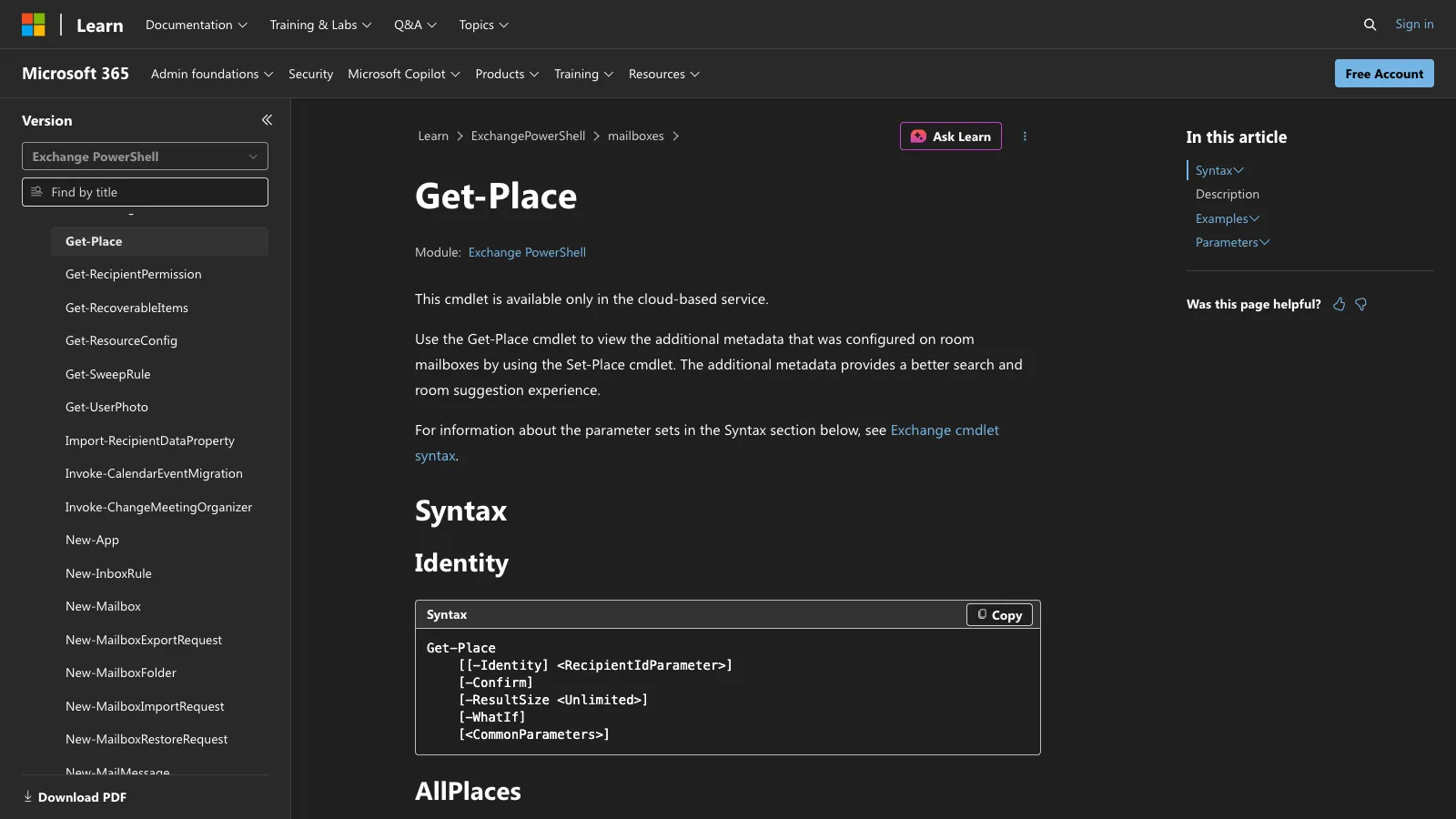
Quick answer: Get-Place shows the metadata on room mailboxes in Exchange Online: capacity, building, floor, devices and the other values set with Set-Place. Name one room, or use -Type Room for all of them.
Get-Place -Identity "boardroom@contoso.com" | Format-List
Source: Get-Place on Microsoft Learn.
Where does Get-Place run?
It runs only in Exchange Online. It isn't in on-premises Exchange Server. Connect first with the Exchange Online PowerShell module:
Connect-ExchangeOnline -UserPrincipalName admin@contoso.com
You need the right permissions assigned before you can run it. To find the role, see Microsoft's article Find the permissions required to run any Exchange cmdlet.
Which parameters does it take?
| Parameter | What it does |
|---|---|
-Identity |
The room to show, by name, alias, email address, DN, canonical DN or GUID. Accepts pipeline input. |
-Type |
Returns every place of one type: Room, RoomList or Space. |
You can't use -Identity and -Type together. Microsoft marks -ResultSize, -Confirm and -WhatIf as reserved for internal Microsoft use, so leave them out of scripts.
Examples
One room, summary view:
Get-Place -Identity "Conference Room 01"
One room, every property:
Get-Place -Identity "Conference Room 01" | Format-List
All room mailboxes:
Get-Place -Type Room
All room lists:
Get-Place -Type RoomList
Rooms with the values people search on, as a table:
Get-Place -Type Room | Select-Object DisplayName,Identity,Building,Floor,Capacity | Format-Table -AutoSize
Rooms in one building with space for 10 or more:
Get-Place -Type Room | Where-Object { $_.Building -eq "HQ" -and $_.Capacity -ge 10 } | Select-Object DisplayName,Floor,Capacity
How do I export rooms to CSV?
Select the columns you want and export them:
Get-Place -Type Room | Select-Object Identity,Building,Floor,FloorLabel,Capacity | Export-Csv "C:\temp\rooms.csv" -NoTypeInformation
Fill in the gaps in the file, then load it back with Set-Place. The Set-Place guide has the import script.
How do I find rooms with missing metadata?
Filter for blank values. This lists rooms with no capacity or no building:
Get-Place -Type Room | Where-Object { -not $_.Capacity -or -not $_.Building } | Select-Object DisplayName,Identity,Building,Capacity
Microsoft says this metadata improves room search and room suggestions, so fix the rooms with blanks first.
Get-Place or Get-PlaceV3?
Get-PlaceV3 comes from the separate Microsoft Places PowerShell module. It reads the Places directory, where buildings, floors, sections and desks are objects of their own.
| Get-Place | Get-PlaceV3 | |
|---|---|---|
| Module | ExchangeOnlineManagement | MicrosoftPlaces |
| Connect with | Connect-ExchangeOnline |
Connect-MicrosoftPlaces |
-Type values |
Room, RoomList, Space | Room, RoomList, Space, Building, Floor, Section, Desk |
| Walk a hierarchy | No | -AncestorId returns everything below a place |
Microsoft's examples for Get-PlaceV3:
Install-Module -Name MicrosoftPlaces -Force
Connect-MicrosoftPlaces
Get-PlaceV3 -Type Building
Get-PlaceV3 -Type Building | Where-Object -Property DisplayName -eq 'Pine Valley' | Format-List PlaceId
Get-PlaceV3 -AncestorId 86897e93-bcef-4c05-af9d-45116dda791f
Pass a building's PlaceId to -AncestorId and you get its floors, sections, rooms, workspaces and desks. To run it, Microsoft says you need the Places Administrator role, the Exchange Administrator role, or a custom role with TenantPlacesManagement permissions. Source: Get-PlaceV3 on Microsoft Learn.
If you only use Outlook Room Finder and never set up Places buildings and floors, Get-Place is enough. For more on Places, see desk booking with Microsoft Places.
Troubleshooting
| Problem | Fix |
|---|---|
| Every room came back when you asked for one | The -Identity value was $null or didn't match. Microsoft warns that this returns all objects. Check the value, especially in a loop. |
Error when you combine -Identity and -Type |
They're in different parameter sets. Use one. |
| Cmdlet not found | It's Exchange Online only. Run Connect-ExchangeOnline first. |
| Building, Floor or Capacity is blank | Nobody has set it. Add it with Set-Place. |
| You need buildings or floors as objects | Use Get-PlaceV3 from the MicrosoftPlaces module. |
Summary
- Get-Place reads room metadata in Exchange Online.
- Use
-Identityfor one room or-Type Room,RoomListorSpacefor all of one kind, never both. - Pipe to
Format-Listfor every property, orExport-Csvto fix values in bulk with Set-Place. - For the Places hierarchy of buildings, floors and desks, use Get-PlaceV3.
Related: Set-Place, Get-CalendarProcessing, desk booking with Microsoft Places.
Meeting Room 365 turns any iPad or Android tablet into a room display for Exchange and Microsoft 365 calendars. See the features or pricing: $9 a display a month.