Guides for people who run the rooms.
Mailbox permissions, calendar settings and room resources for Microsoft 365, Exchange and Google Workspace admins.
-
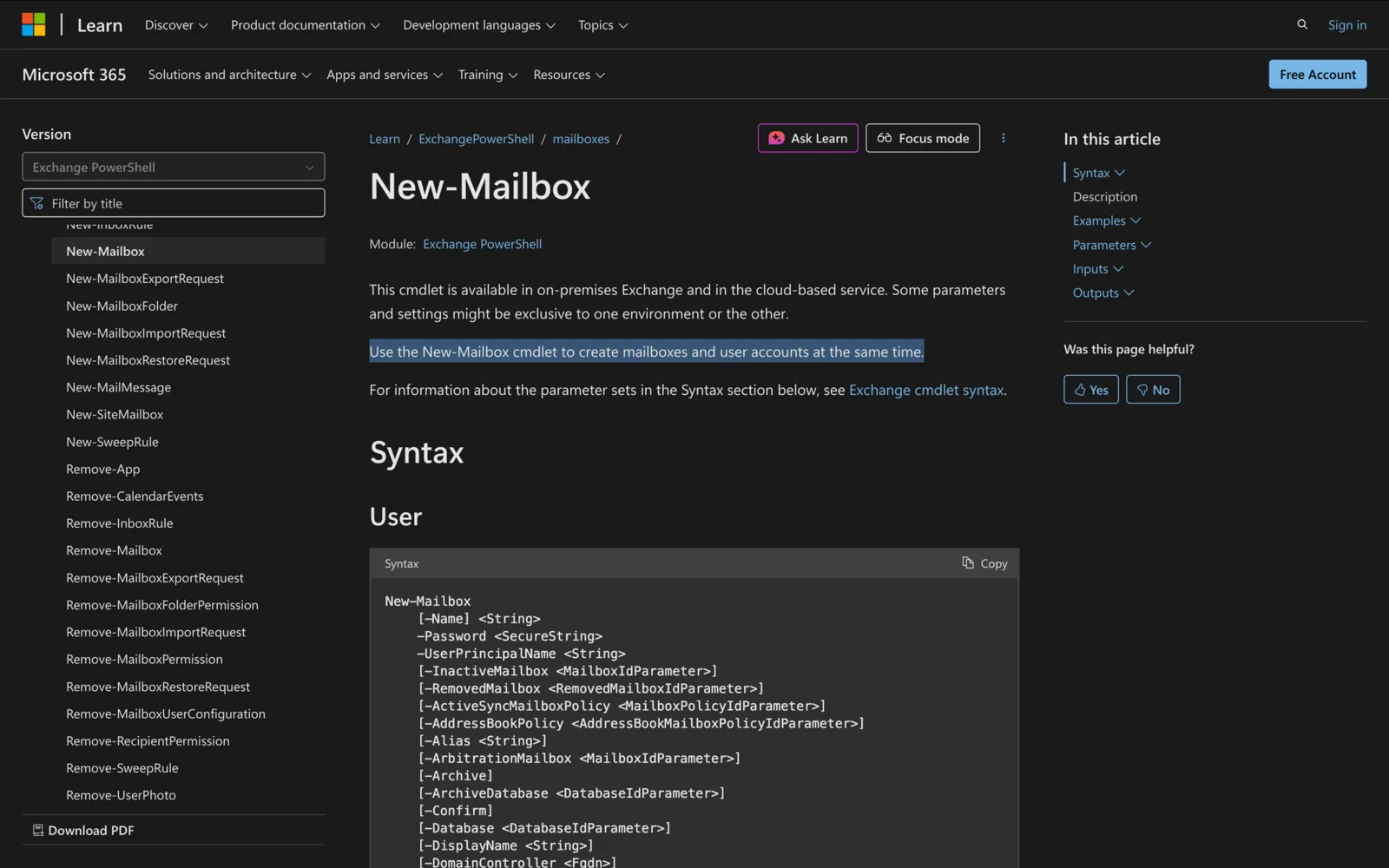
How to Use New-Mailbox in Powershell
How to use New-Mailbox PowerShell cmdlet to create user mailboxes, shared mailboxes, & resource mailboxes in Exchange Online and Exchange Server
-
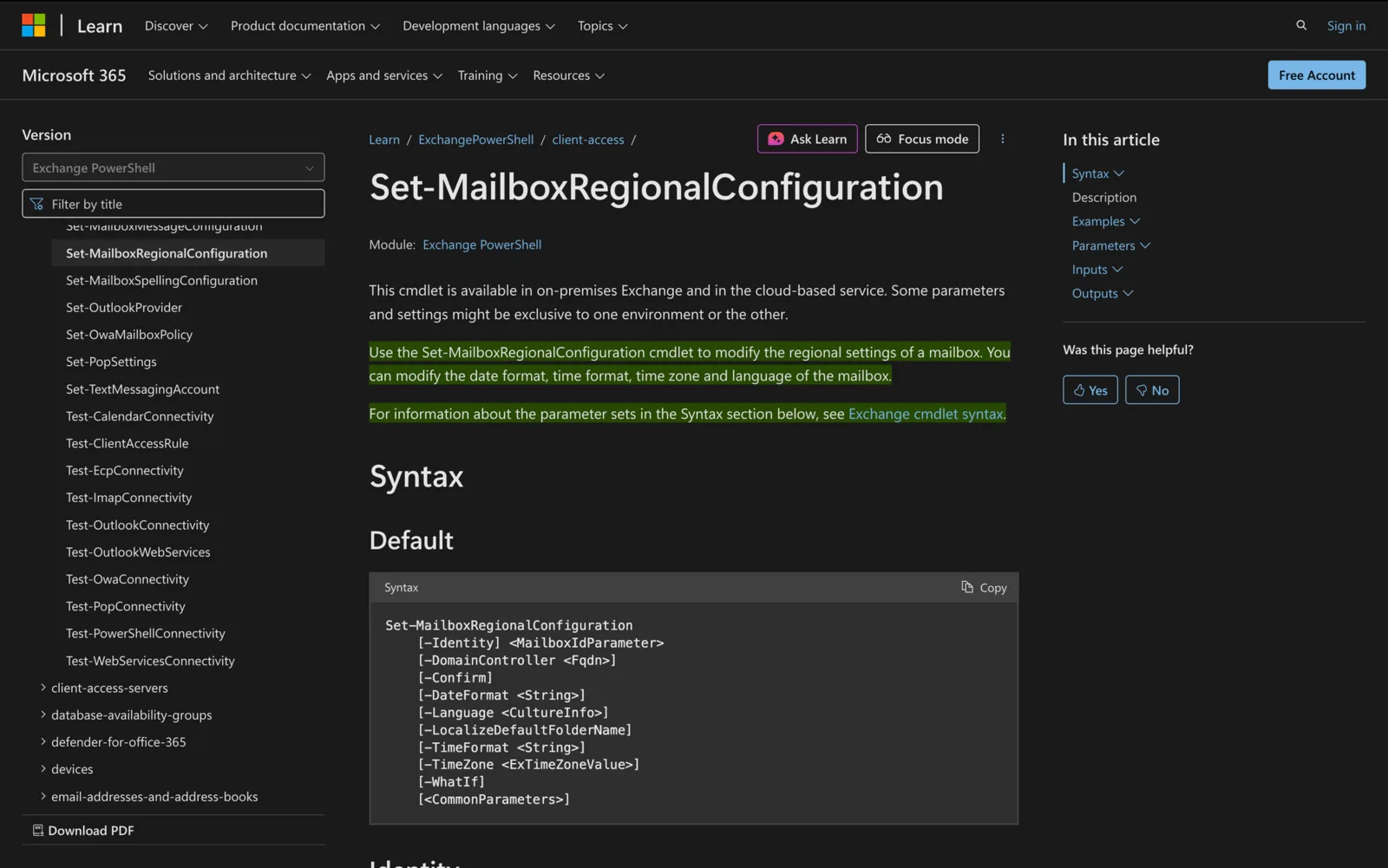
Set-MailboxRegionalConfiguration: Mailbox Language and Time Zone
Set a mailbox's language, time zone and date or time format with Set-MailboxRegionalConfiguration. Examples, bulk updates, room mailboxes and fixes.
-
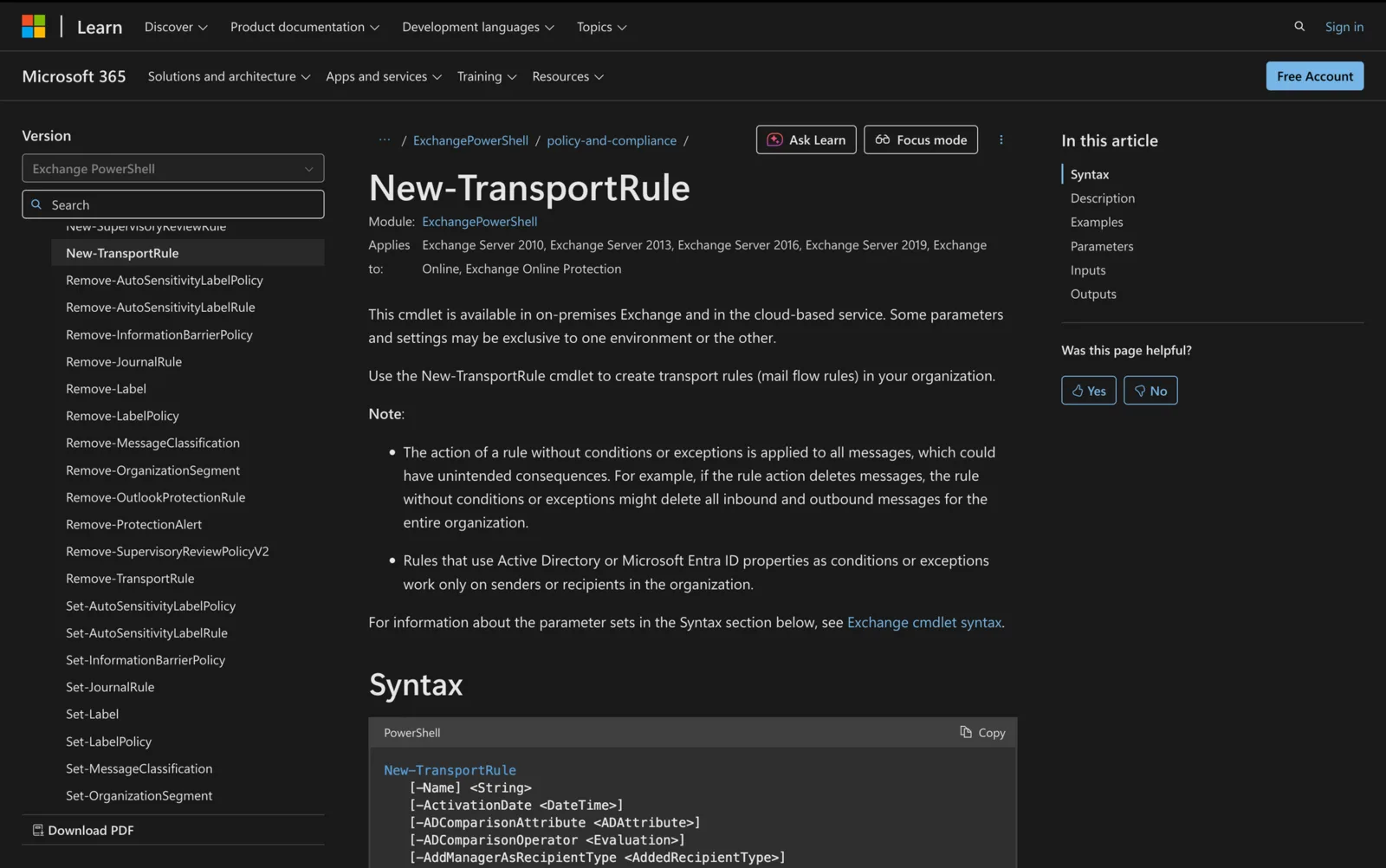
New-TransportRule: 12 Mail Flow Rule Examples in PowerShell
Create Exchange mail flow rules with New-TransportRule: syntax, conditions, actions and 12 copy-paste examples, from blocking senders to adding headers.
-

Get-Mailbox: PowerShell Examples, Filters and Parameters
Get-Mailbox lists Exchange mailboxes and their properties. Examples, -Filter syntax, RecipientTypeDetails values, -ResultSize Unlimited and switches.
-
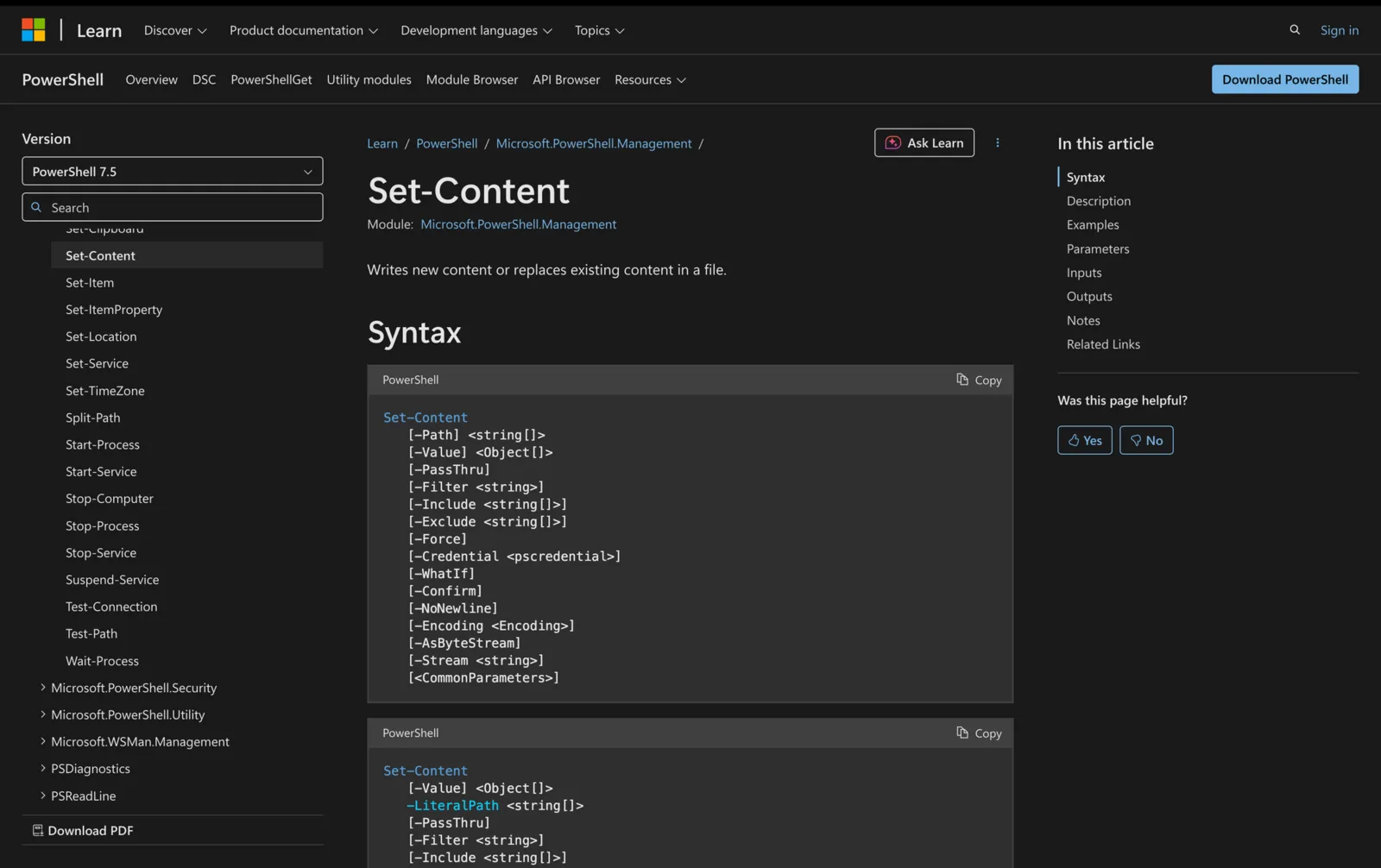
How to Use Set-Content in Powershell
Learn how to use the Set-Content cmdlet in PowerShell to write or replace content in files, with full syntax, parameters and real-world use cases
-
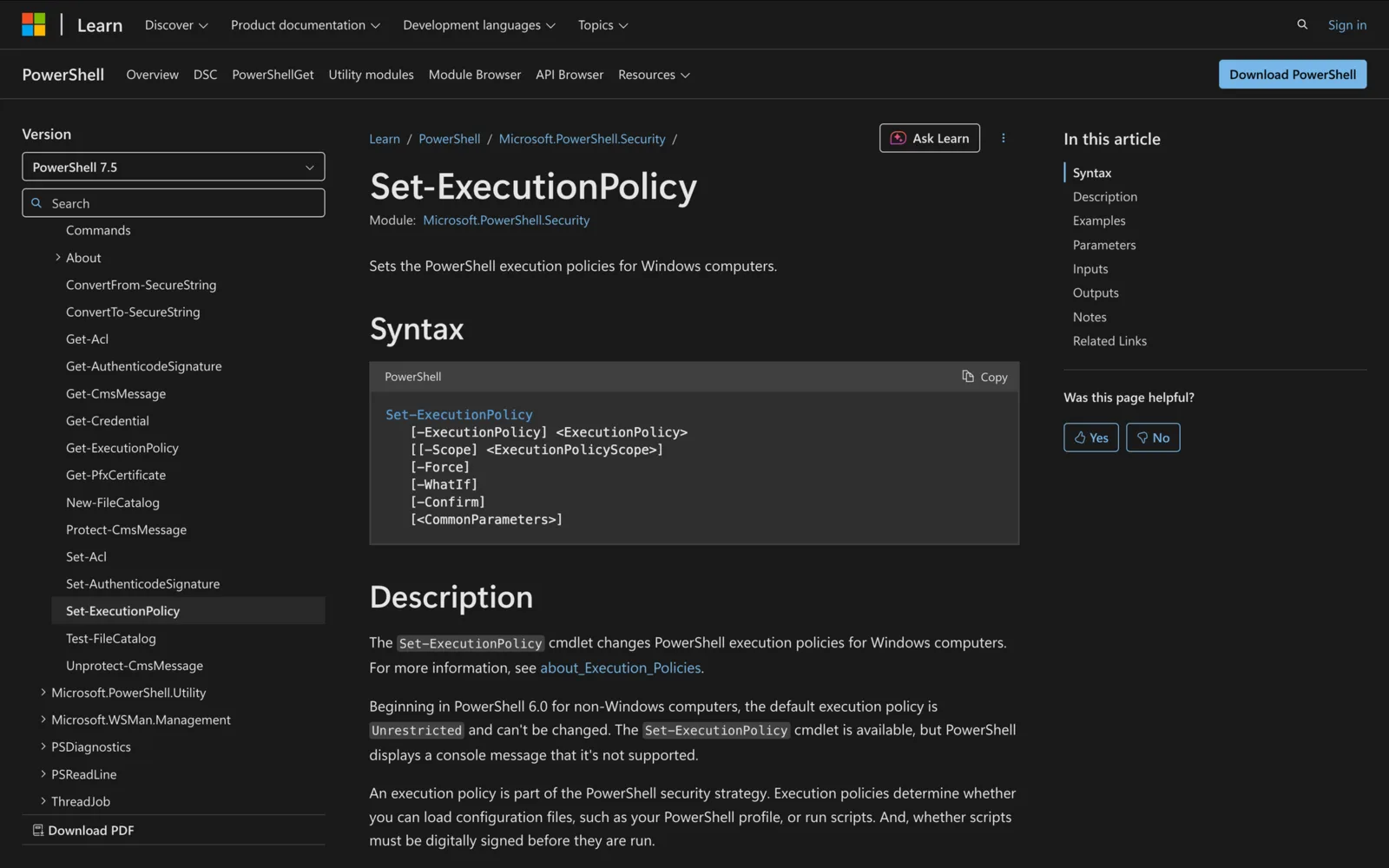
Set-ExecutionPolicy in PowerShell: Scopes, Bypass and Examples
Run Set-ExecutionPolicy RemoteSigned -Scope CurrentUser to allow your scripts. Policies, scopes, precedence, Bypass for one session and Group Policy fixes.
-
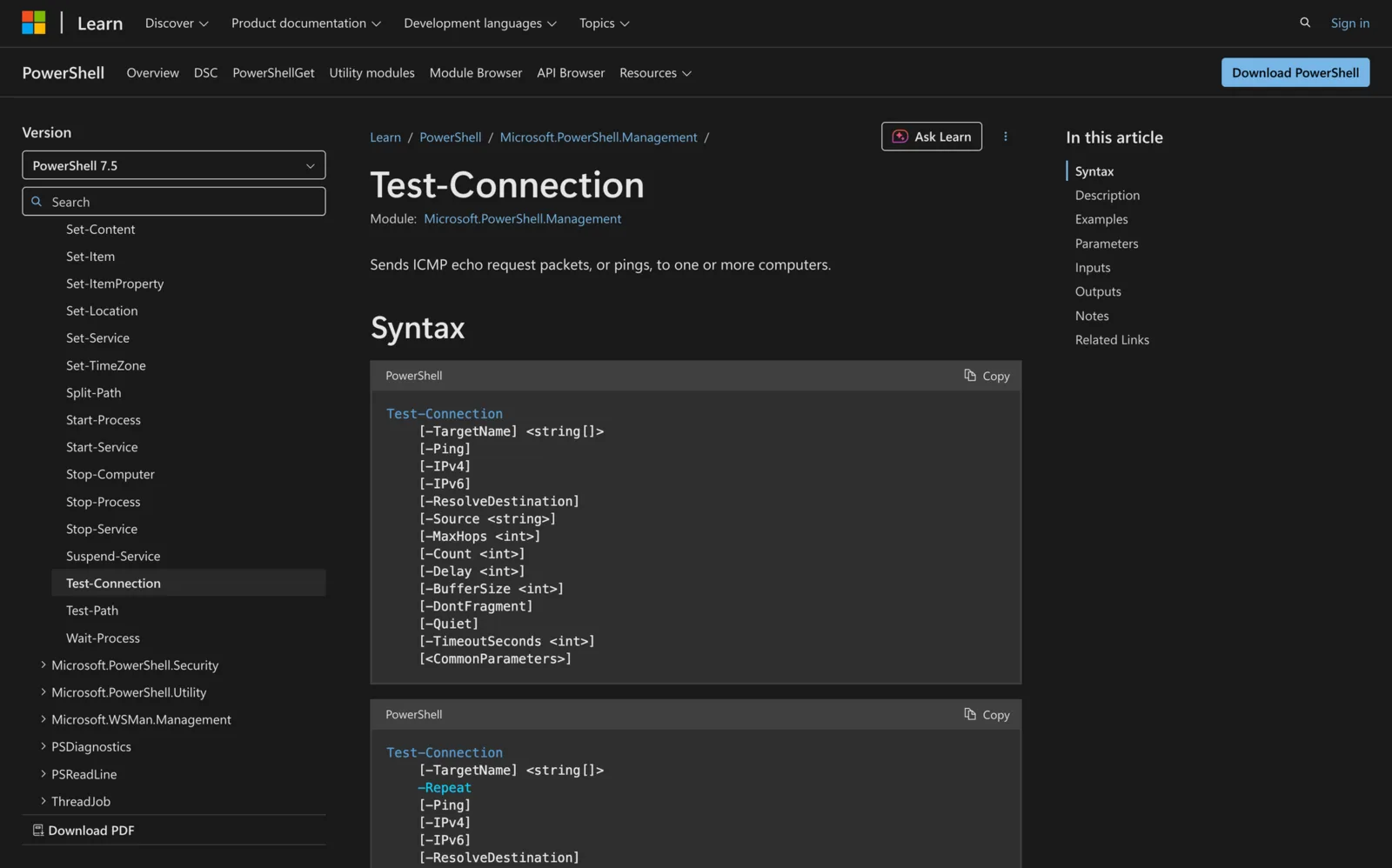
Test-Connection in PowerShell: Ping, Check If a Host Is Up, Test a Port
Run Test-Connection server01 -Quiet to get $true if it answers a ping. Examples for checking lists of computers, TCP ports, traceroute, and 5.1 vs 7 differences.
-
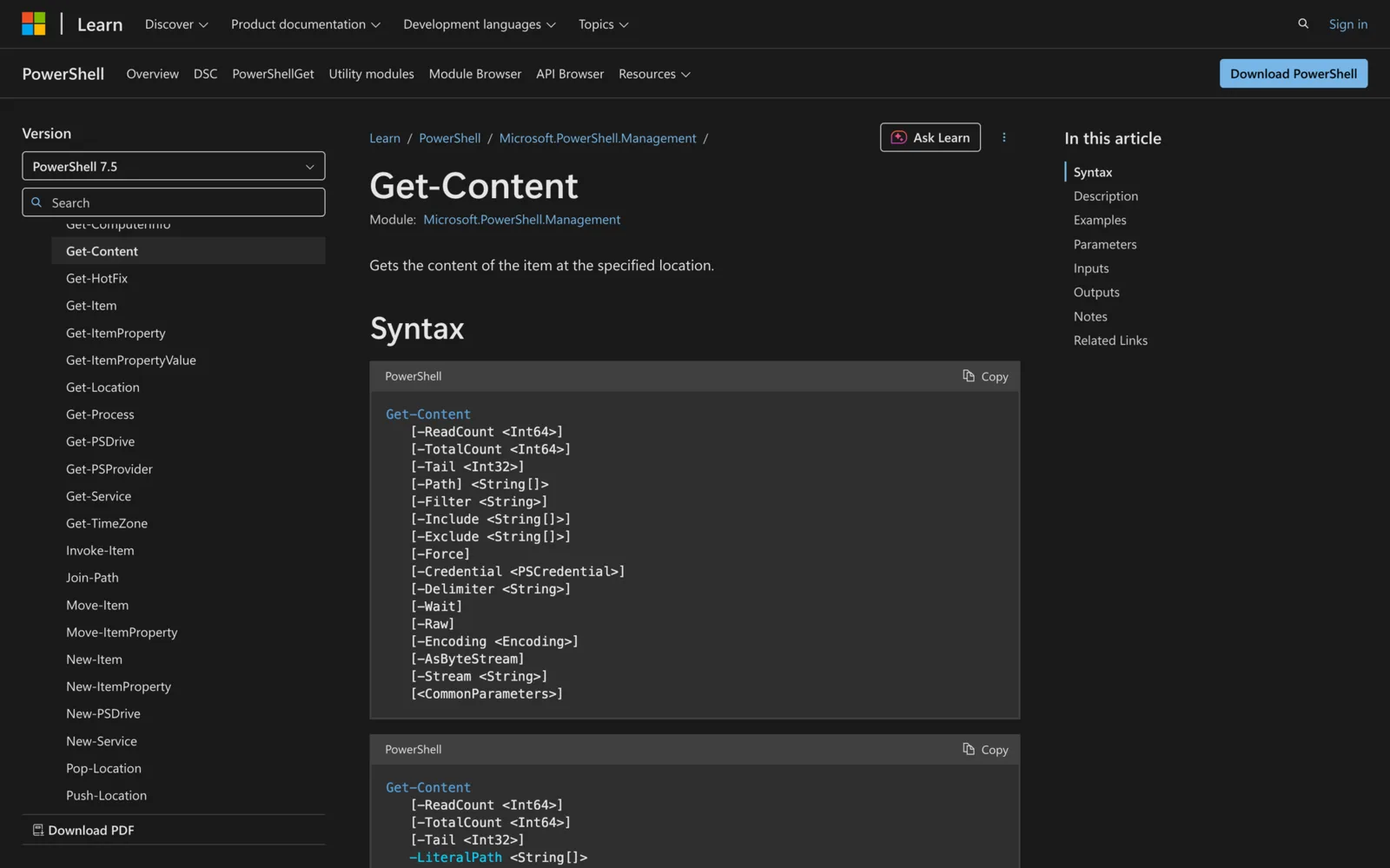
How to Use Get-Content in Powershell
Learn how to use the Get-Content cmdlet in PowerShell to read file contents, manage encoding, and work with large or dynamic files effectively.
-

22 Useful Powershell Commands for System Admins
22 Useful PowerShell Commands for System Admins to streamline daily tasks, manage remote machines, and reduce errors with powerful cmdlets.
-
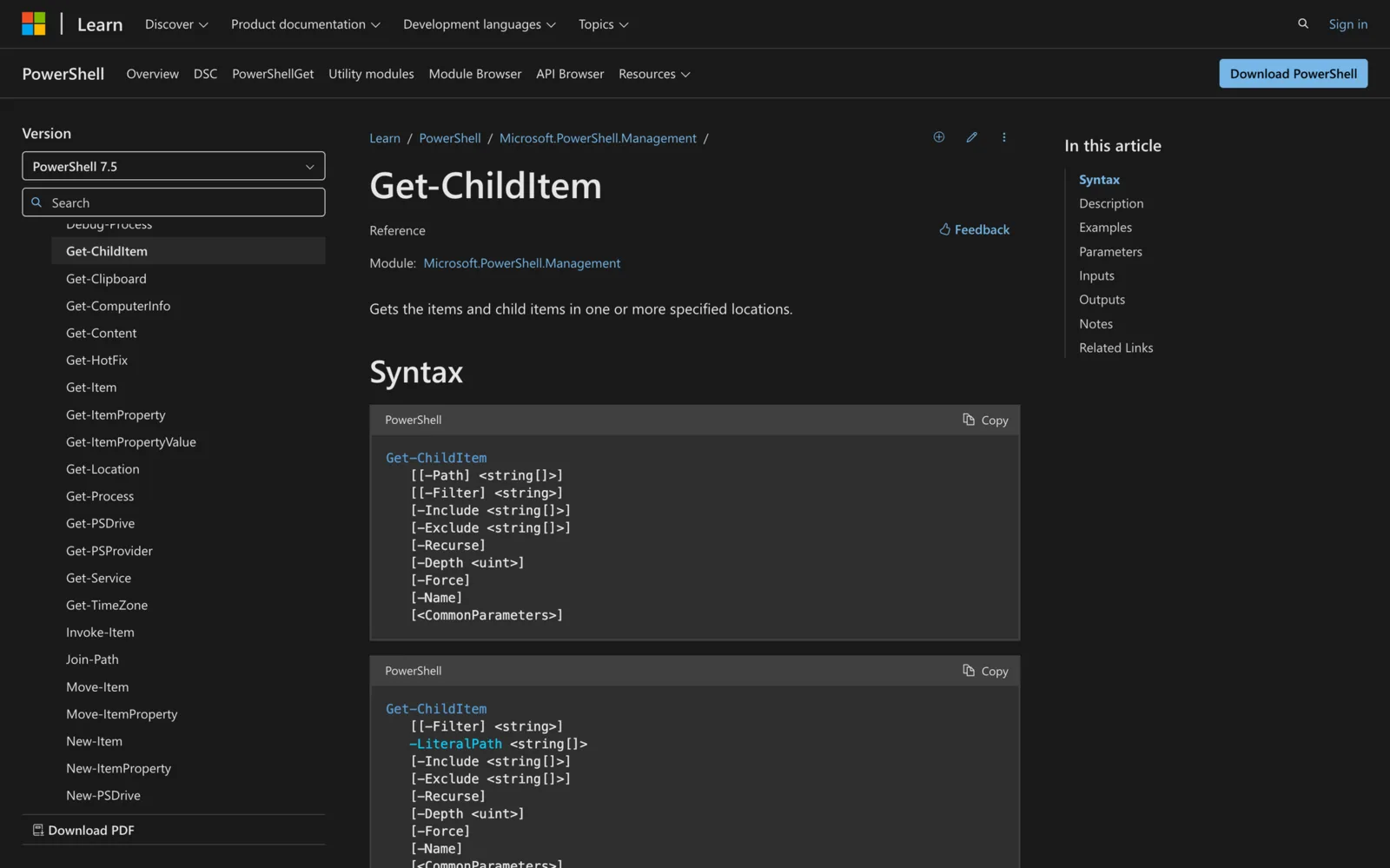
Get-ChildItem in PowerShell: Examples, Filter, Recurse and Depth
Get-ChildItem lists files, folders and registry keys in PowerShell. Examples for files or folders only, -Filter vs -Include, -Recurse, -Depth and full paths.
-
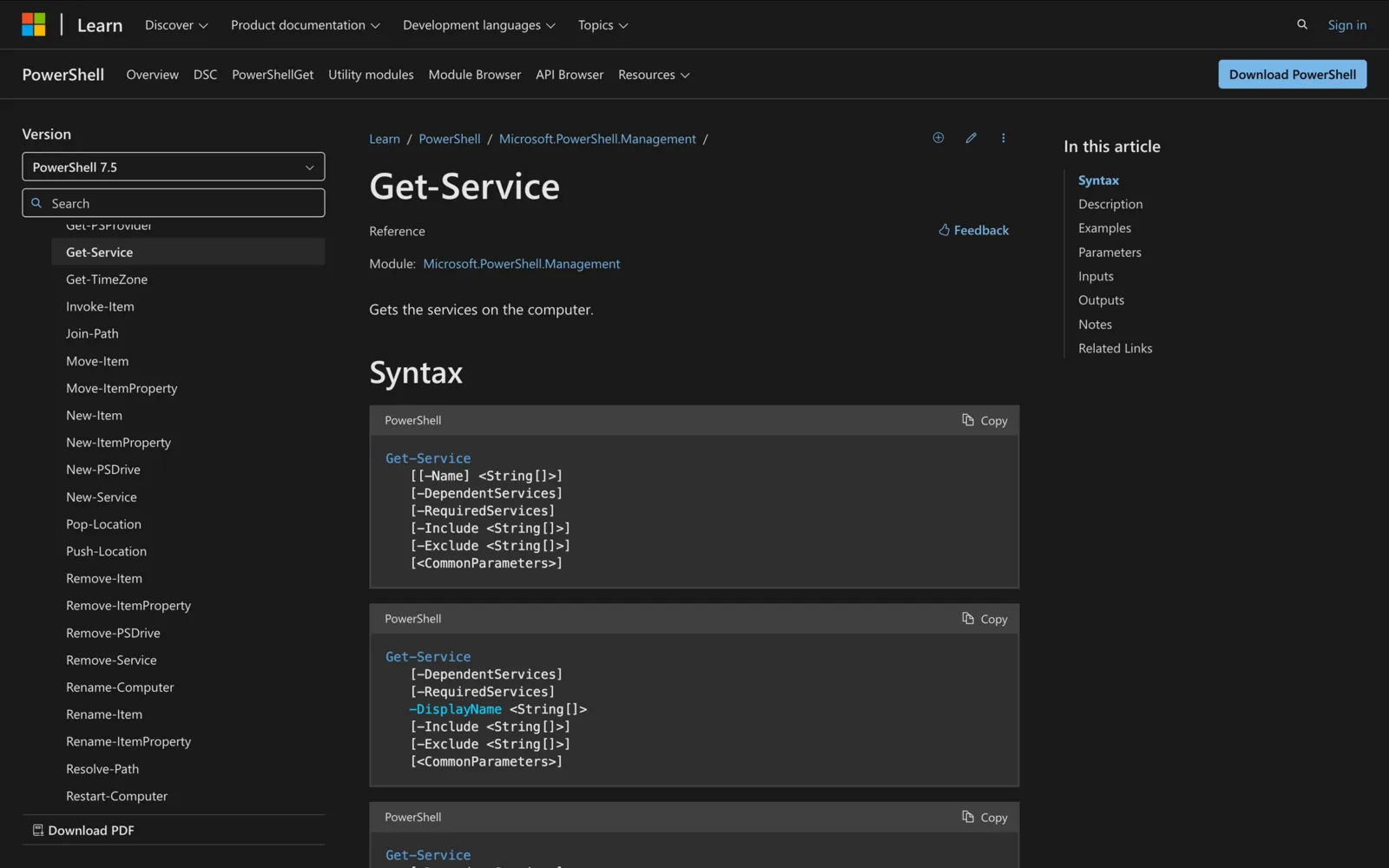
How to Use Get-Service in Powershell
Use Get-Service in PowerShell to list, filter and manage Windows services, with key parameters and practical troubleshooting examples.
-
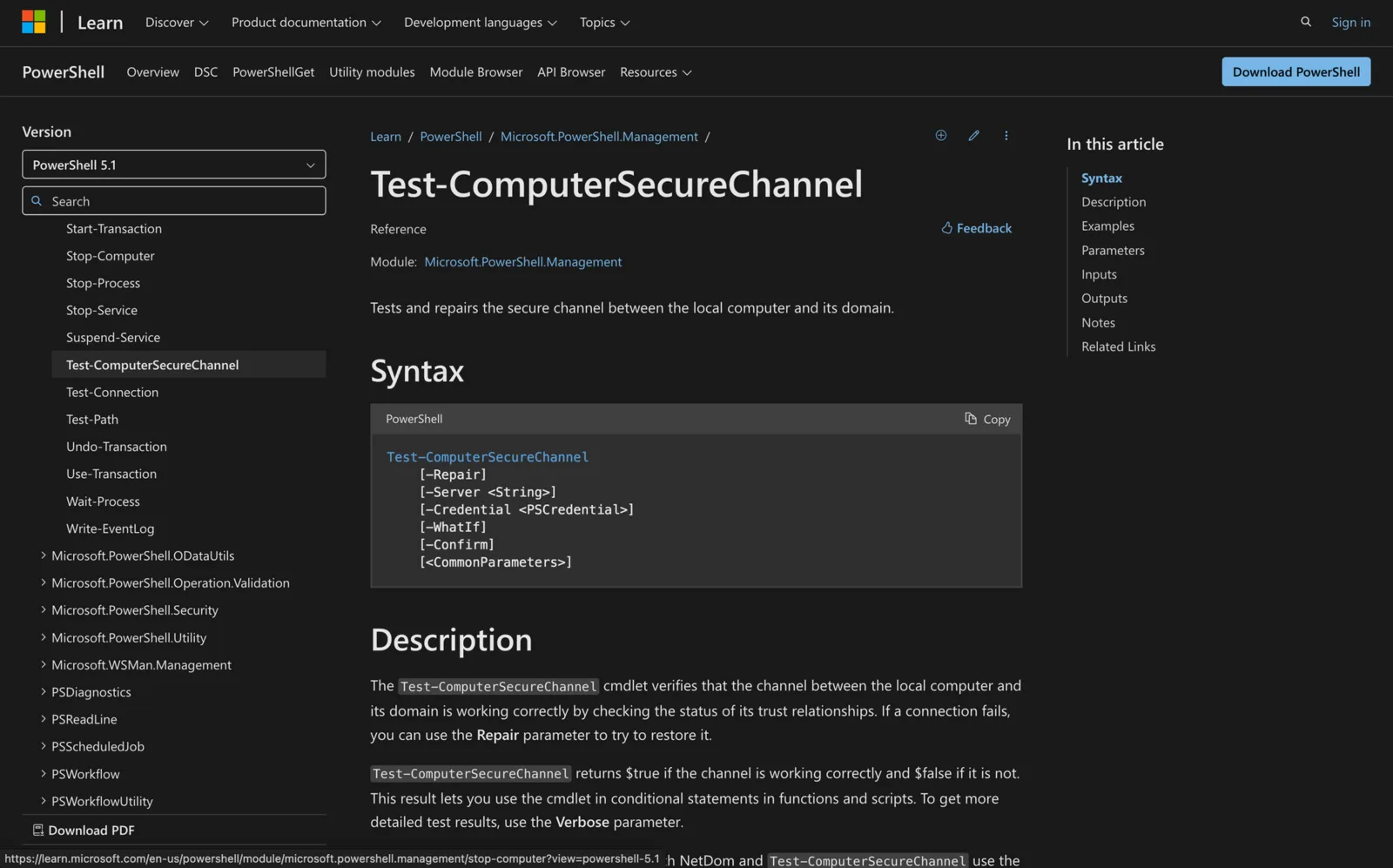
Test-ComputerSecureChannel: Check and Repair Domain Trust in PowerShell
Run Test-ComputerSecureChannel in an elevated PowerShell: True means the domain trust works, False means it is broken. Fix it with -Repair -Credential.
-
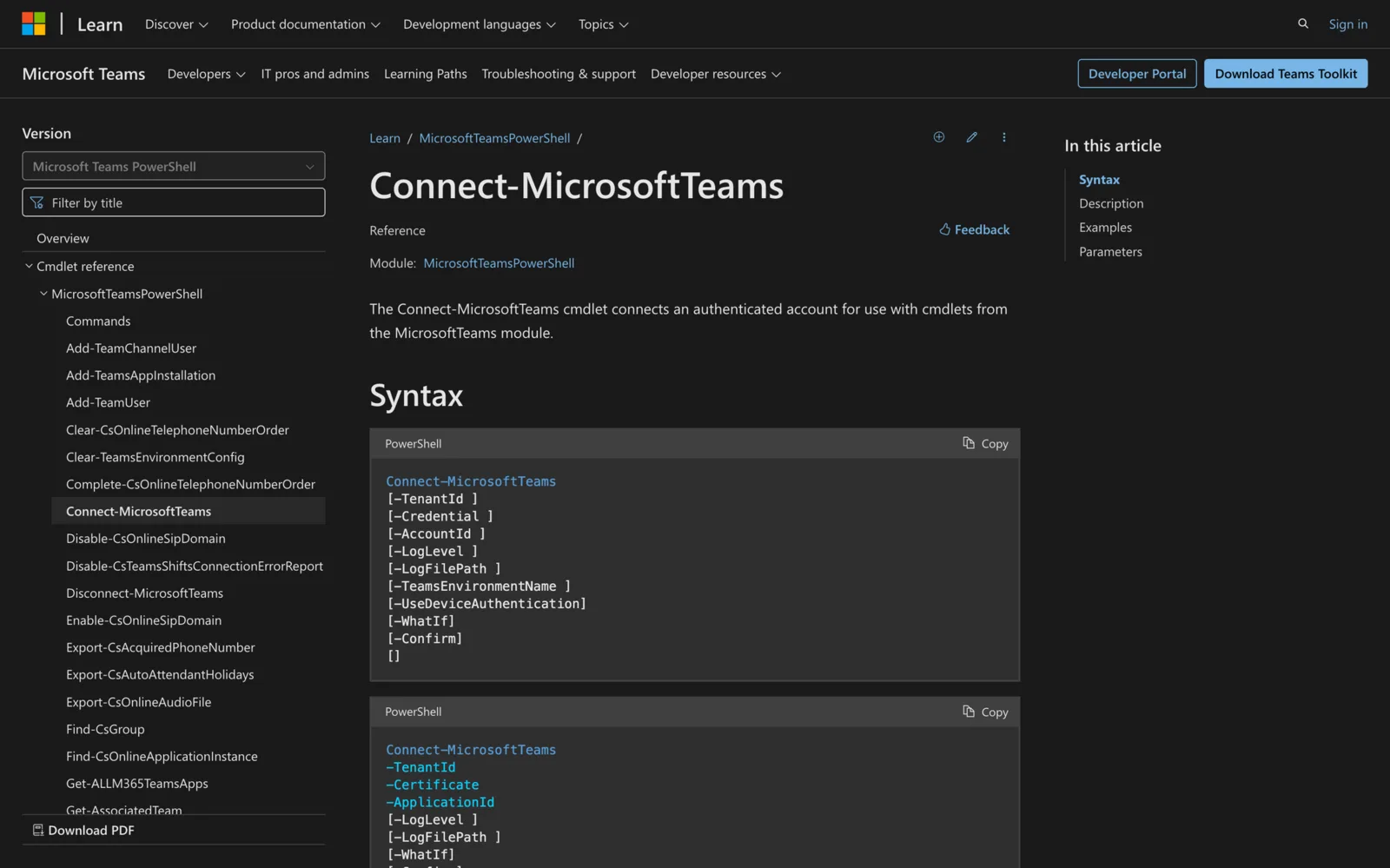
How to Connect to Microsoft Teams in PowerShell (Connect-MicrosoftTeams)
Run Install-Module -Name MicrosoftTeams, then Connect-MicrosoftTeams and sign in. MFA works with the sign-in window or -UseDeviceAuthentication. Scripts can sign in with a certificate or managed identity.
-
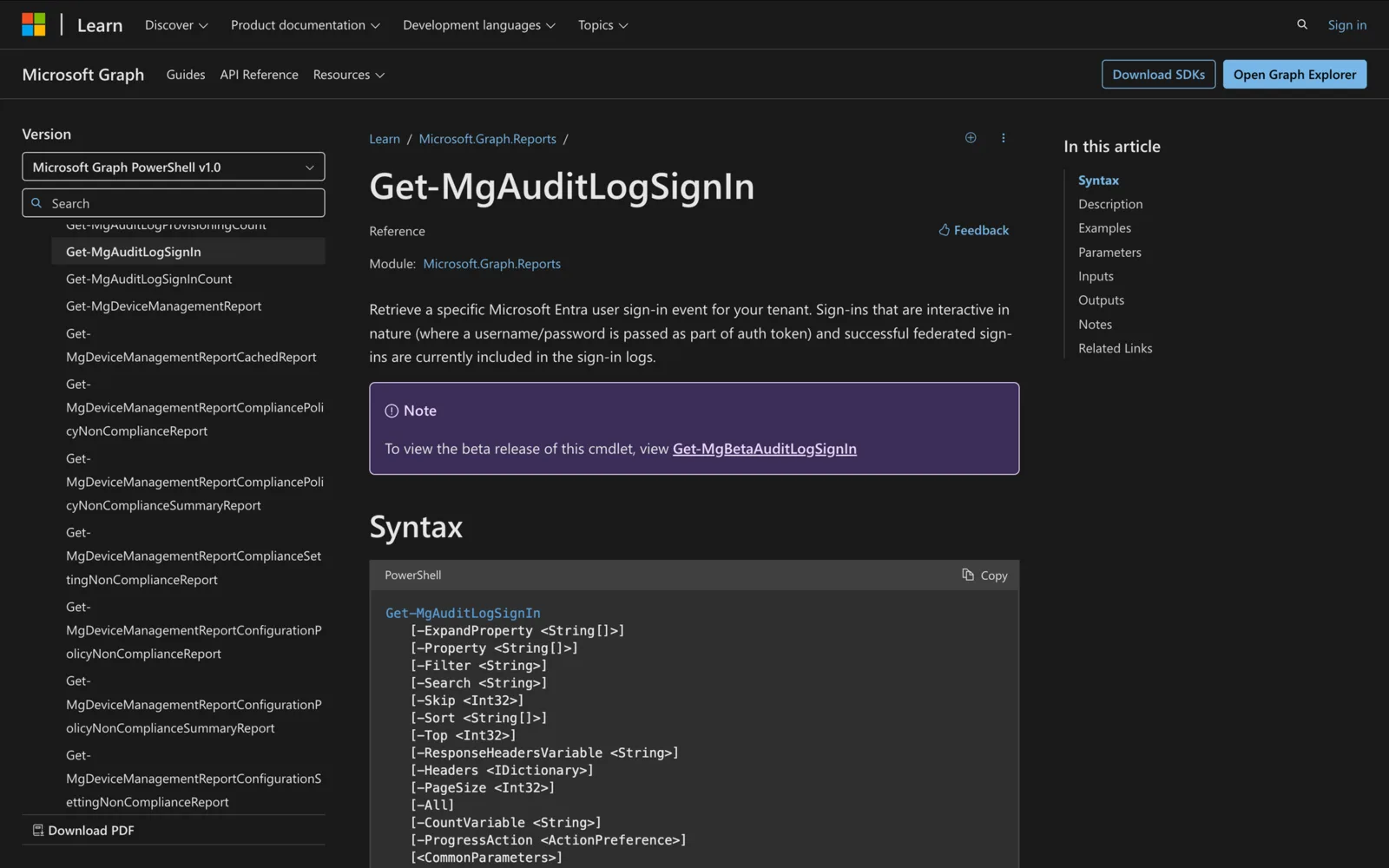
How to use Get-MgAuditLogSignIn in Powershell
Learn how to use Get-MgAuditLogSignIn in PowerShell to track and analyze Microsoft Entra sign-in events, troubleshoot issues, and optimize sign-in monitoring.
-
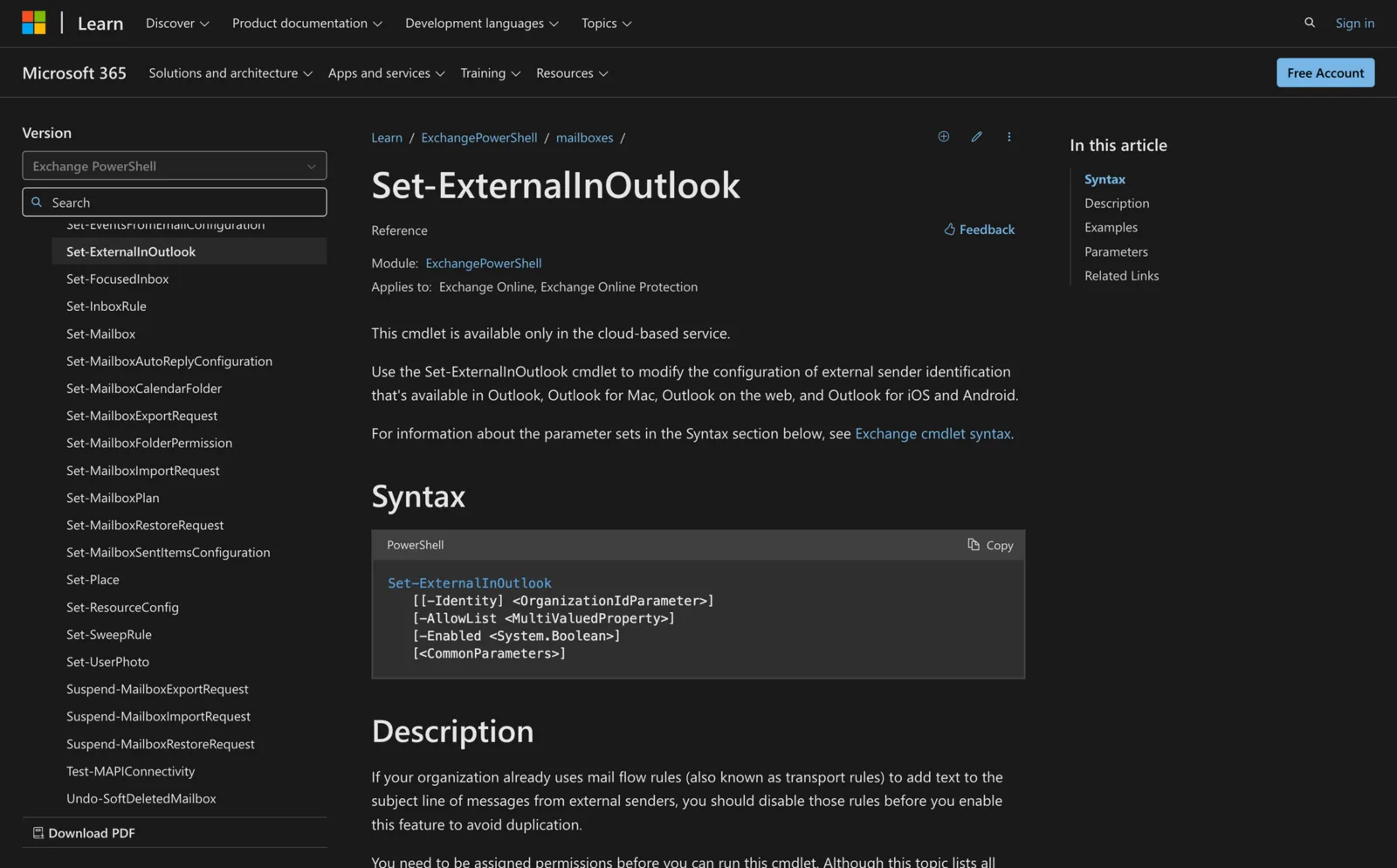
How to use Set-ExternalInOutlook in Powershell
Learn how to use Set-ExternalInOutlook in PowerShell to enable external email tagging in Outlook, exclude trusted senders, and verify your settings.
-
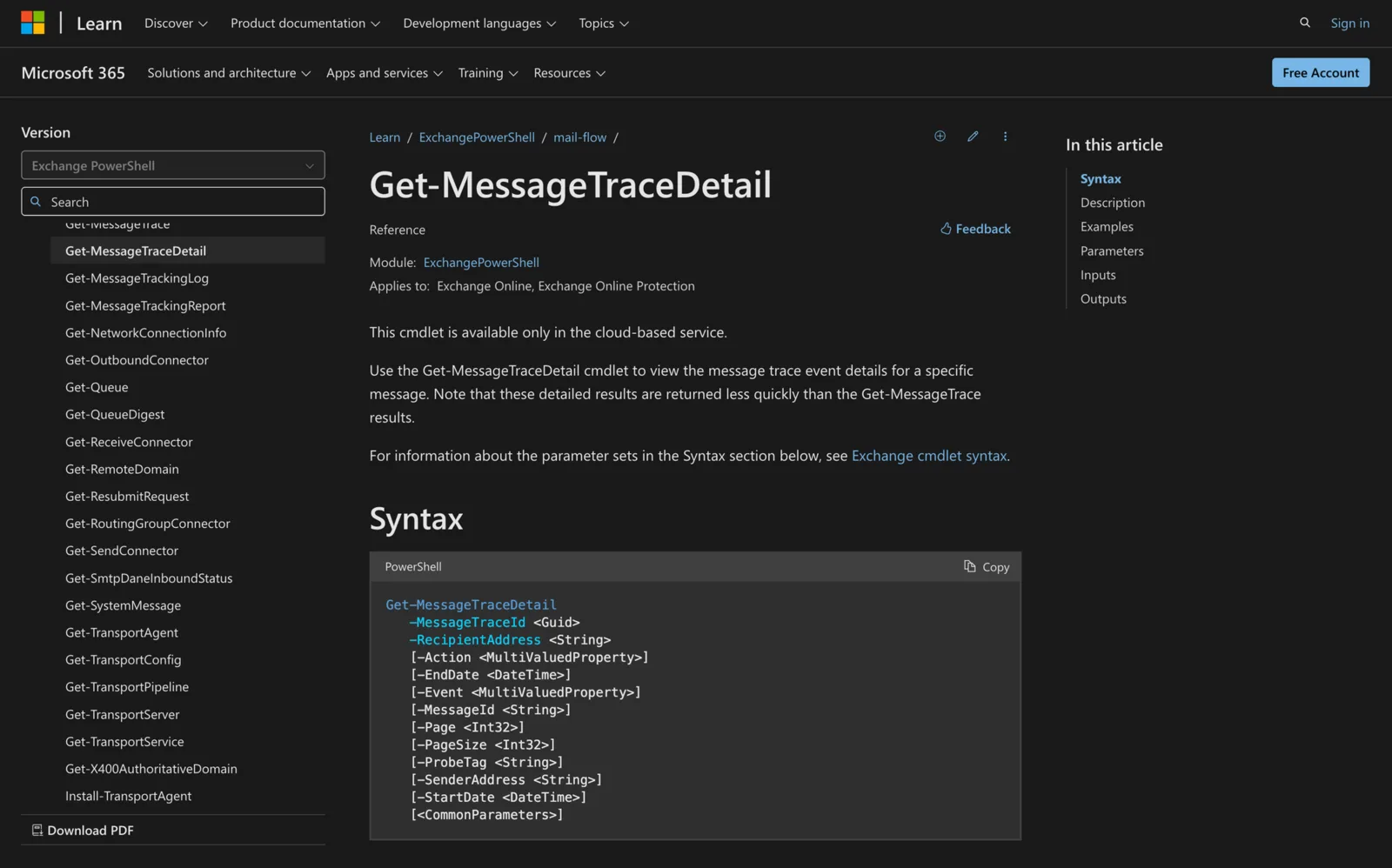
Using Get-MessageTraceDetail in Powershell
Learn how to use the Get-MessageTraceDetail cmdlet in PowerShell to troubleshoot email delivery and track detailed message events in Exchange Online.
-
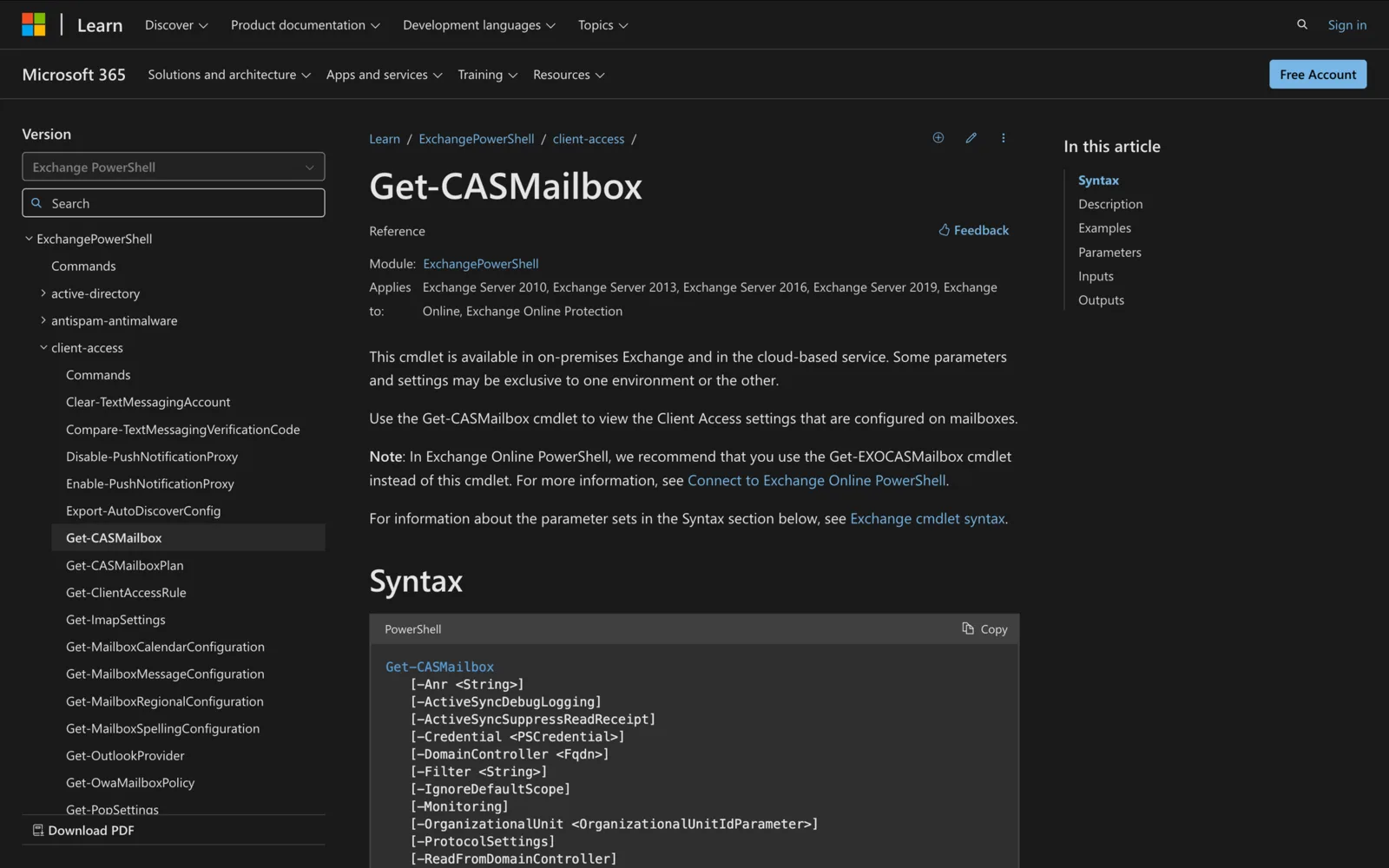
Get-CASMailbox in PowerShell: Examples, Filters and Fixes
Check POP, IMAP, OWA, ActiveSync and MAPI settings with Get-CASMailbox: examples, filters, the inverted OWAEnabled filter and Get-EXOCASMailbox.
-
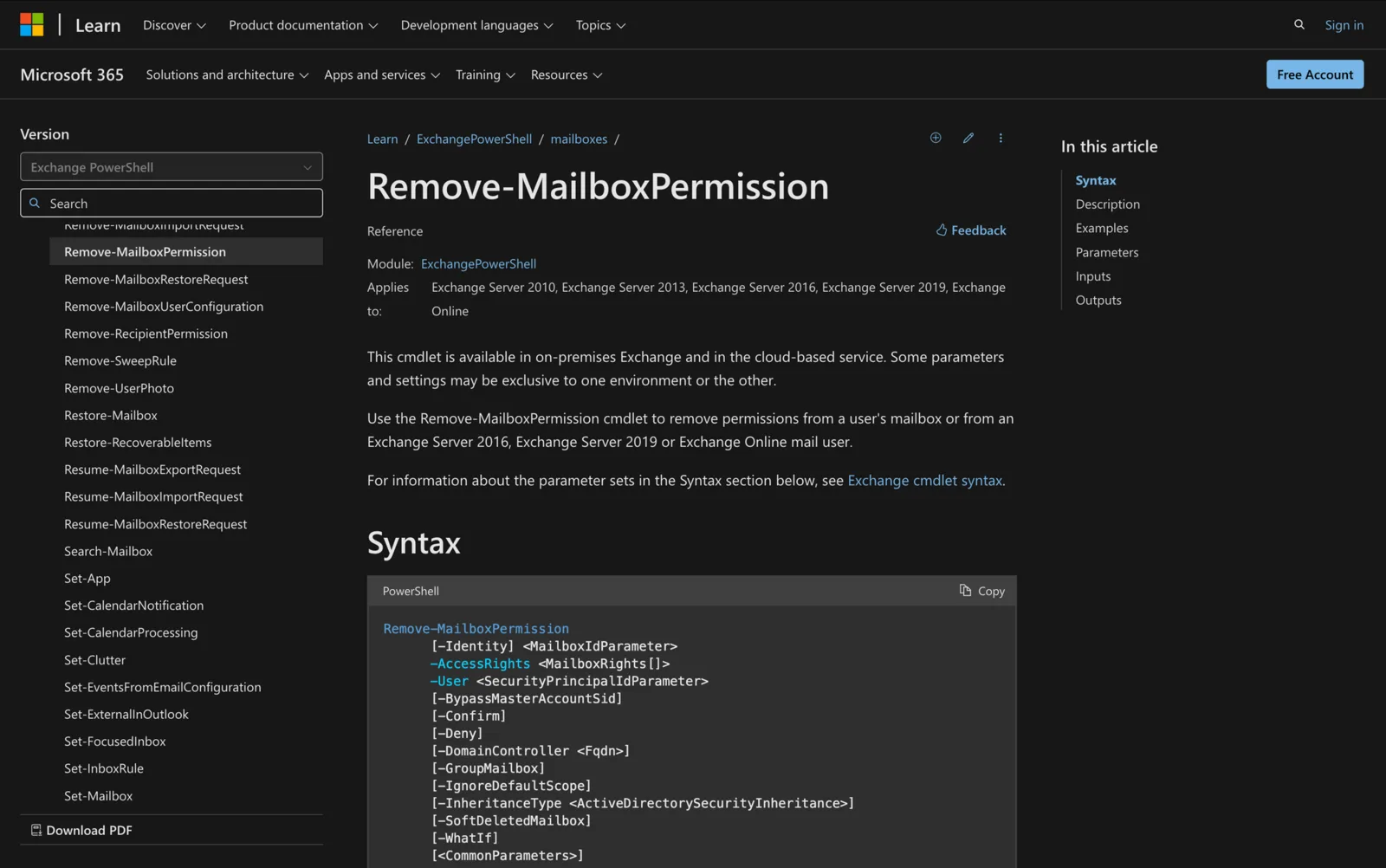
How to Use Remove-MailboxPermission in Powershell
Learn how to use Remove-MailboxPermission in PowerShell to revoke mailbox access in Exchange, ensuring security and proper permission management.
-
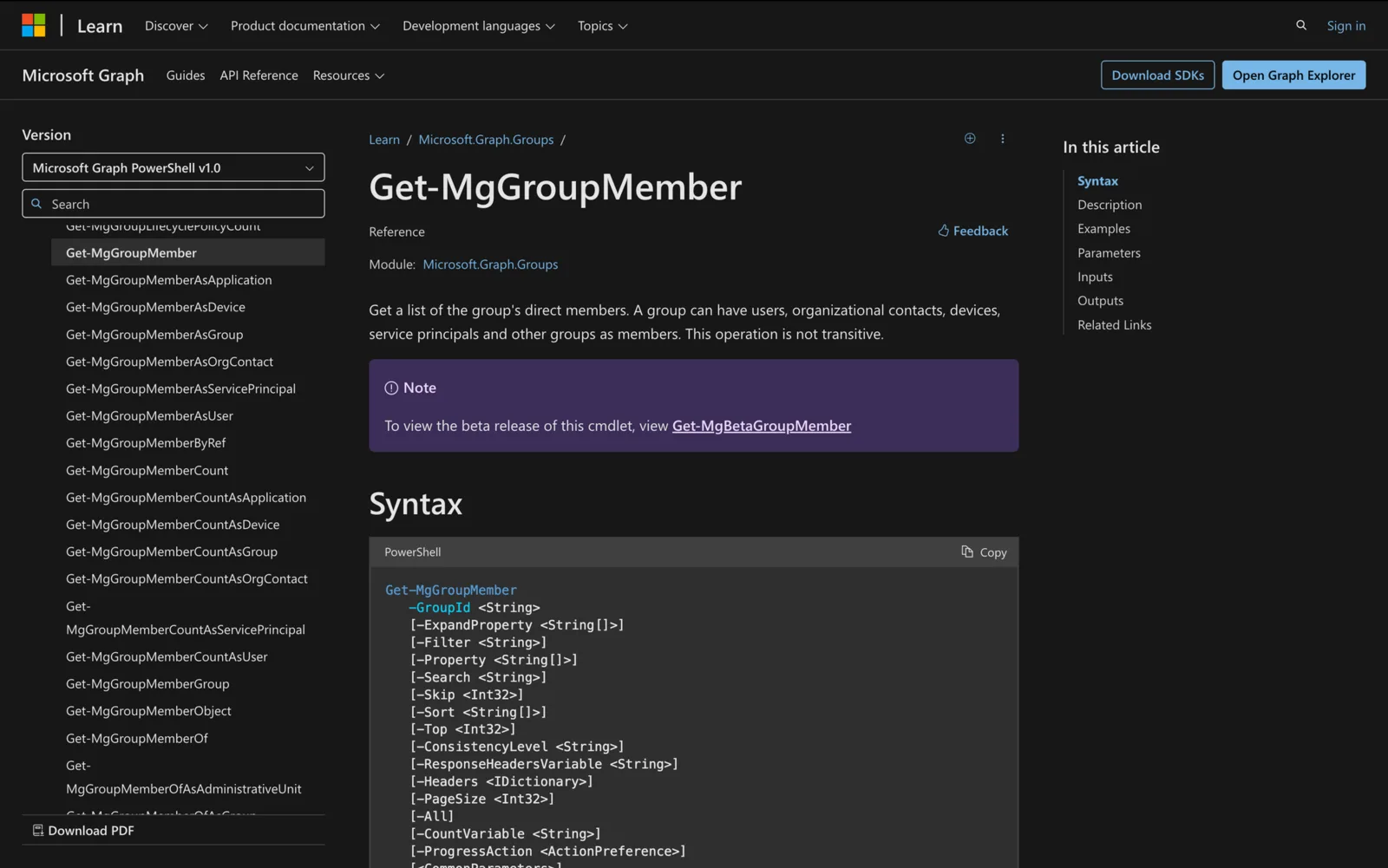
Get-MgGroupMember: List Group Members with Names in PowerShell
Get-MgGroupMember -GroupId <id> -All lists direct group members. Show names with Get-MgGroupMemberAsUser, then filter, count and export to CSV.
-
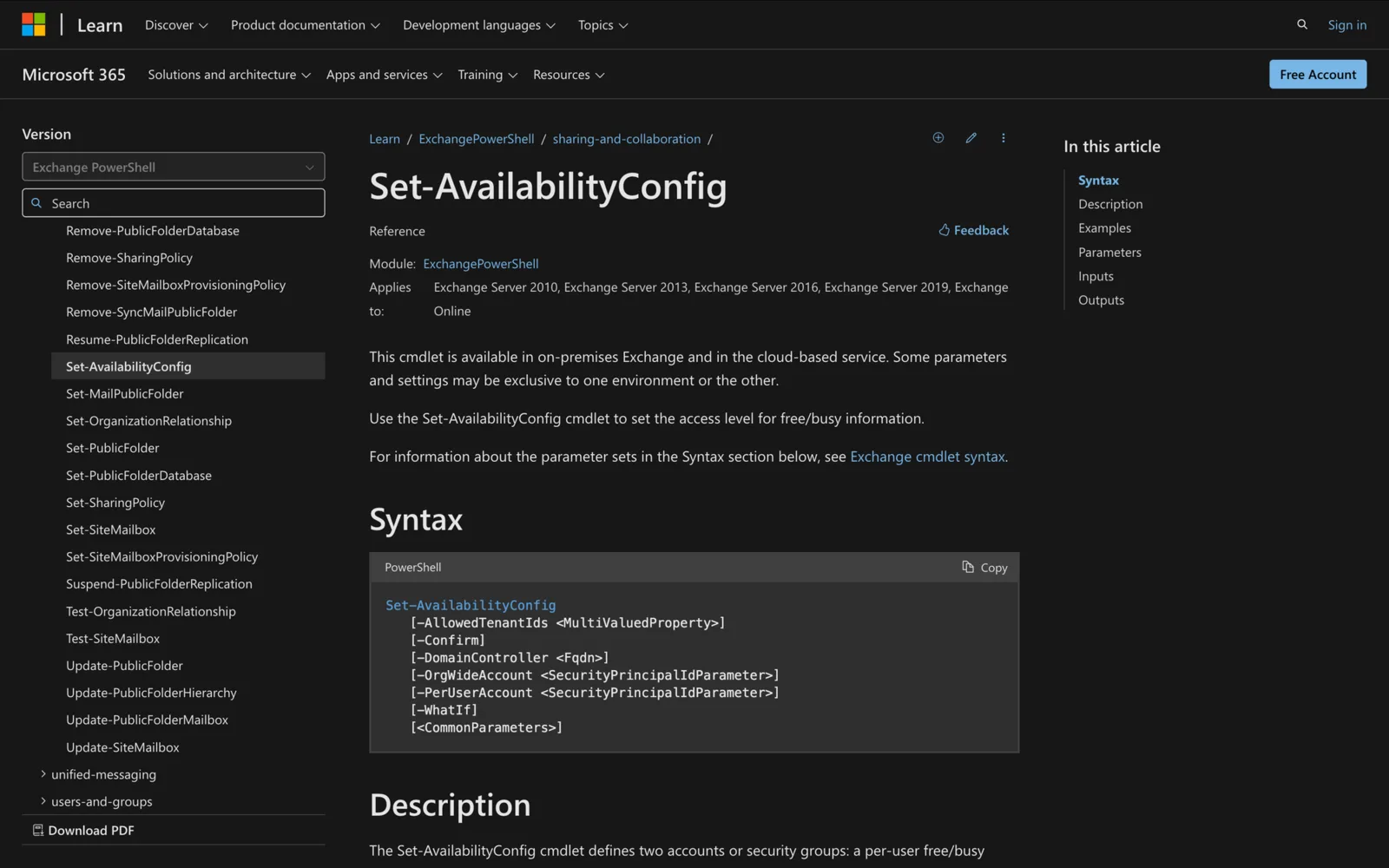
Set-AvailabilityConfig in Powershell: All You Need To Know
Learn how to use the Set-AvailabilityConfig cmdlet in PowerShell to manage free/busy data sharing in Exchange environments.
-
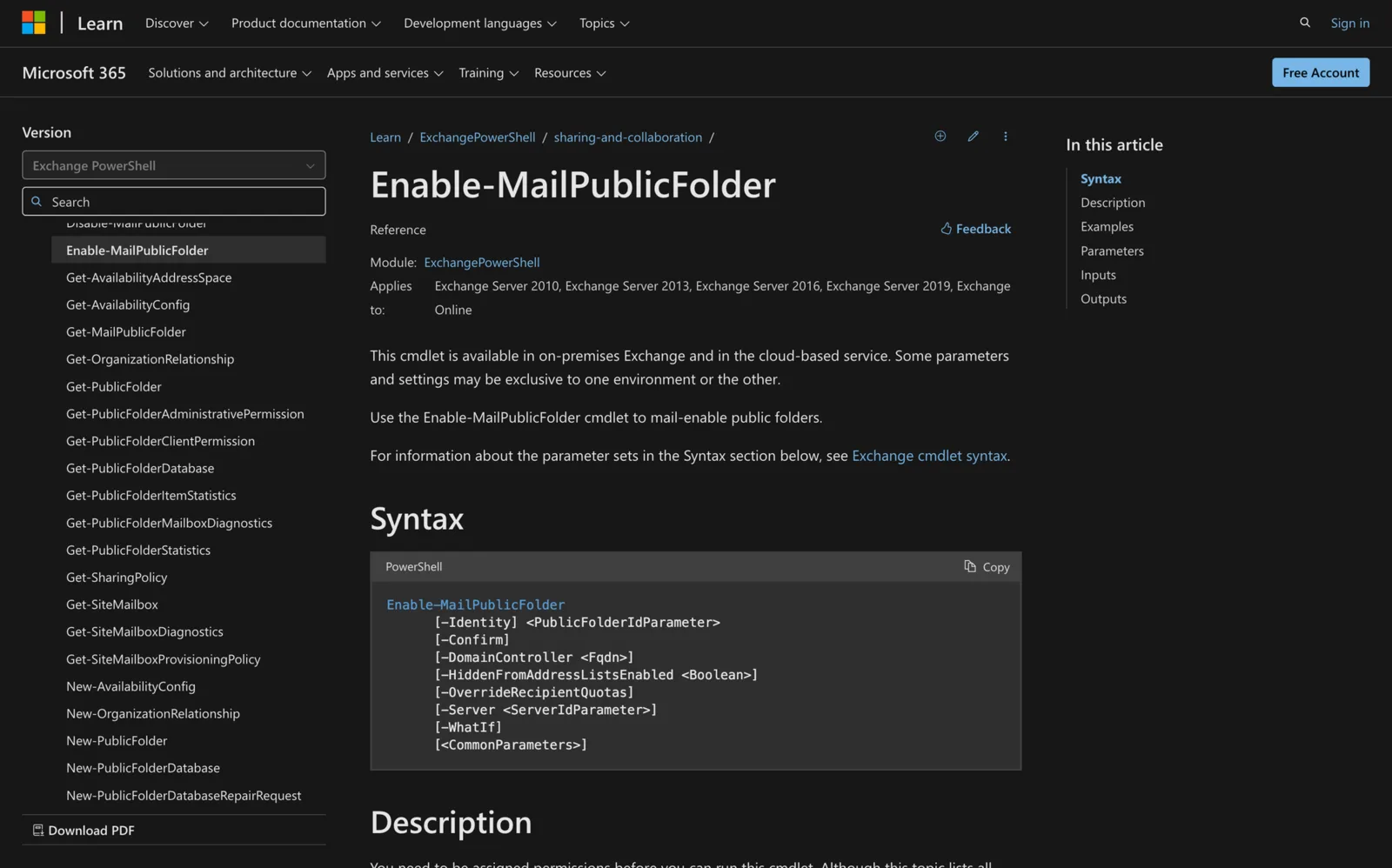
How to Use Enable-MailPublicFolder in Powershell
Learn how to use the Enable-MailPublicFolder cmdlet in Exchange PowerShell to mail-enable public folders and streamline communication for your team.
-
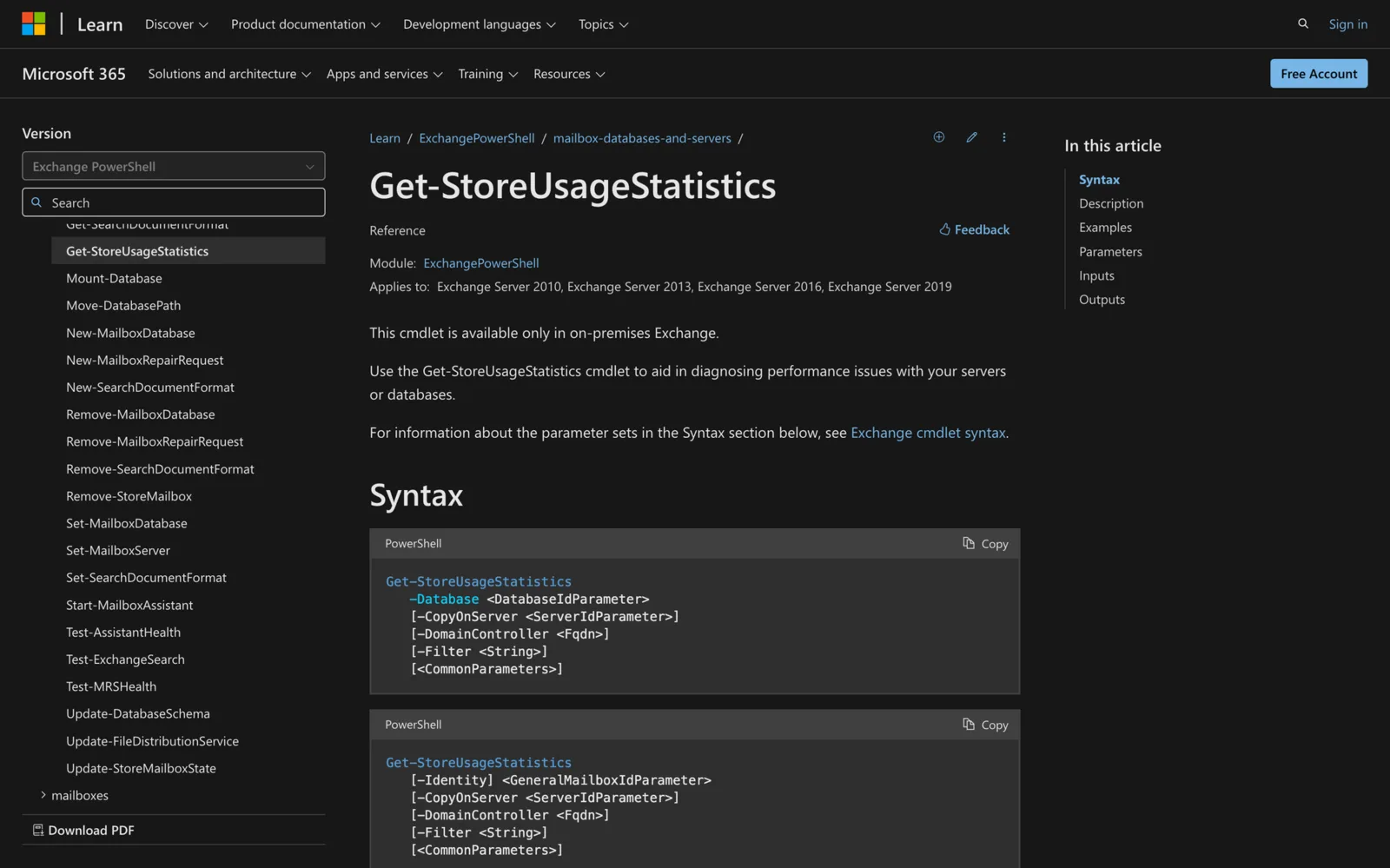
How to use Get-StoreUsageStatistics in Powershell
Learn how to use the Get-StoreUsageStatistics cmdlet in ExchangePowerShell to monitor mailbox and server performance for improved efficiency.
-
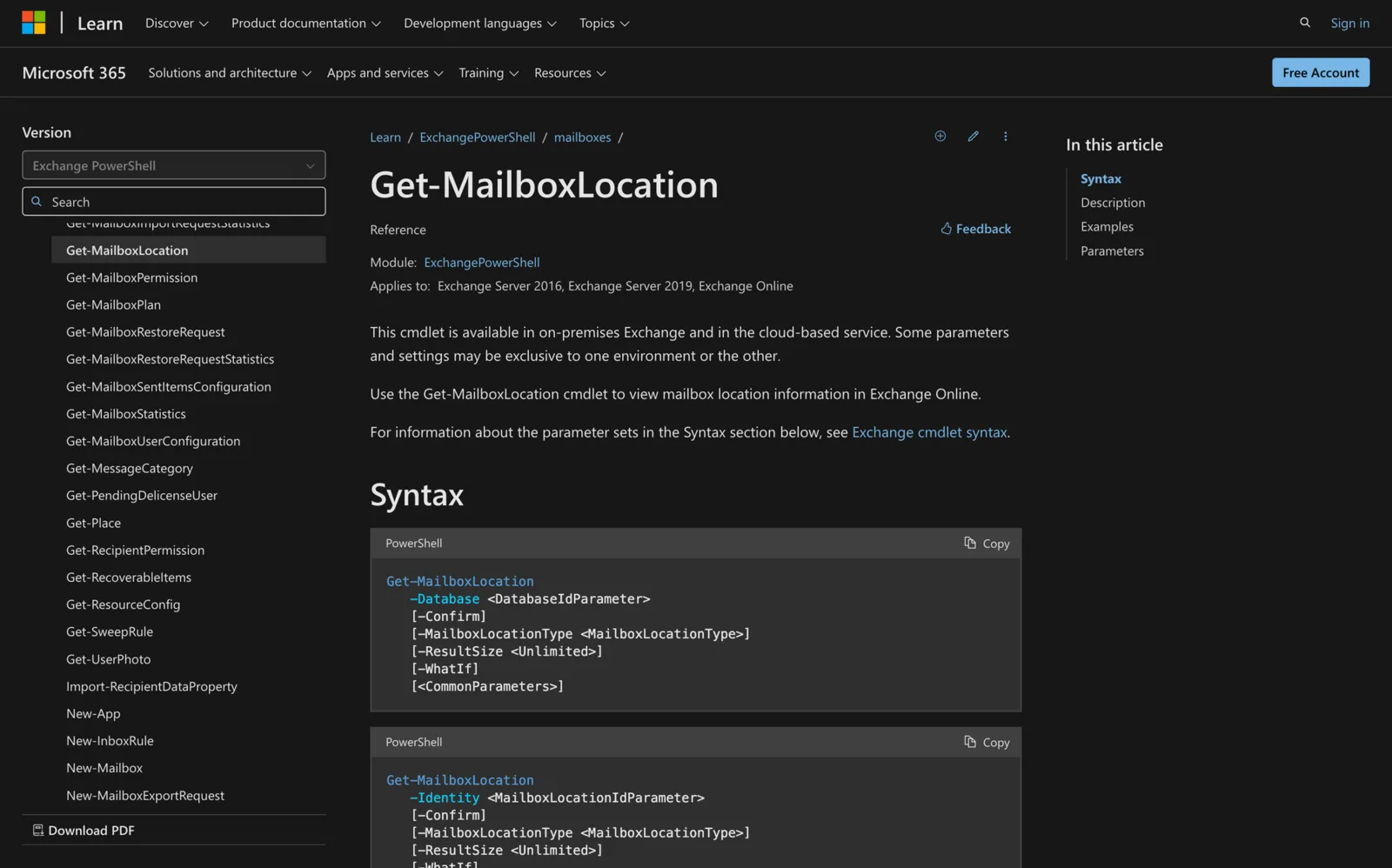
Get-MailboxLocation: Find User and Archive Mailbox Locations
Get-MailboxLocation -User lists a user's primary and archive mailboxes in Exchange Online. On-premises, use -Database or -Identity. Examples and fixes.
-

How to use Set-MailboxPlan in Powershell
Learn how to use Set-MailboxPlan in PowerShell to manage mailbox settings efficiently in Exchange Online.