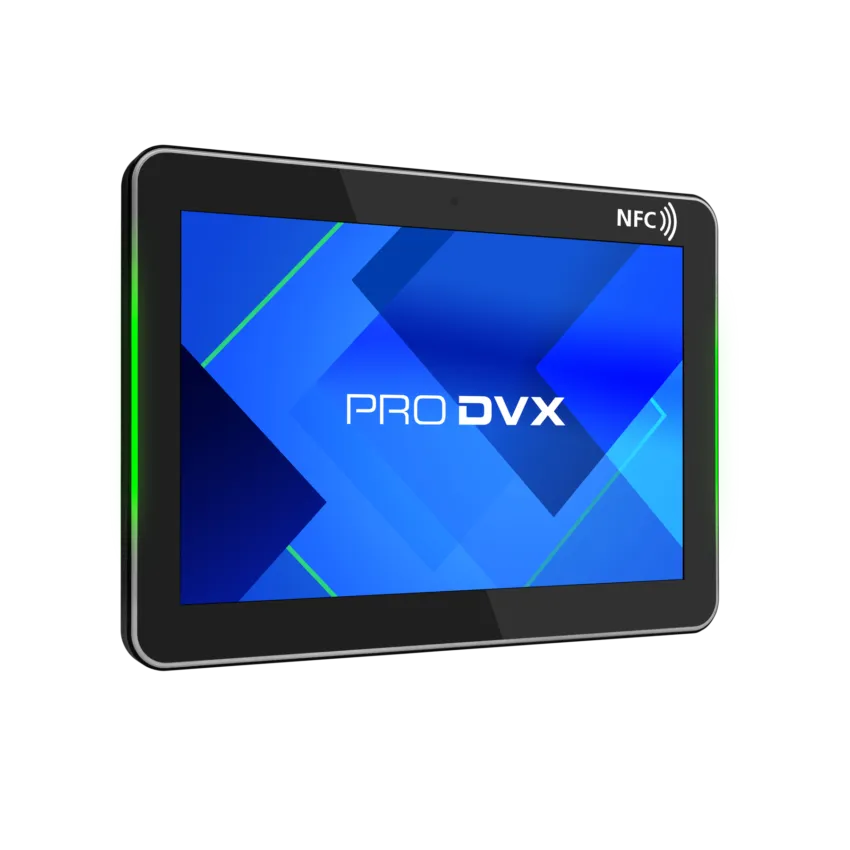
ProDVX devices have been tested from the APPC-10X Series -- and LED control API support may extend to other ProDVX models which utilize similar APIs. Contact support and search your exact device documentation for more details on your specific ProDVX Device.
From your tablet configuration, you will enable the Universal API Bridge. This will provide you with a token used to secure hardware controls from your device.
You can use the following test page from your device: mr365.co/prodvx
You can use this to configure the following custom script for ProDVX devices:
window._led_token='';window.afterCorrectPositions=function(){var e=$('.meeting.current.empty').length?'255,0,255,0':'255,255,0,0';parent.postMessage({action:'localHttp',content:{url:'http://localhost:3535/v1/setAllLeds?lrgb='+e+'&token='+window._led_token}},'*')};